Search icon CANCEL
Subscription
0
Cart icon
Your Cart (0 item)
Close icon
You have no products in your basket yet
Save more on your purchases! discount-offer-chevron-icon
Savings automatically calculated. No voucher code required.
Arrow left icon
Explore Products
Best Sellers
New Releases
Books
Videos
Audiobooks
Learning Hub
Newsletter Hub
Free Learning
Arrow right icon
timer SALE ENDS IN
0 Days
:
00 Hours
:
00 Minutes
:
00 Seconds
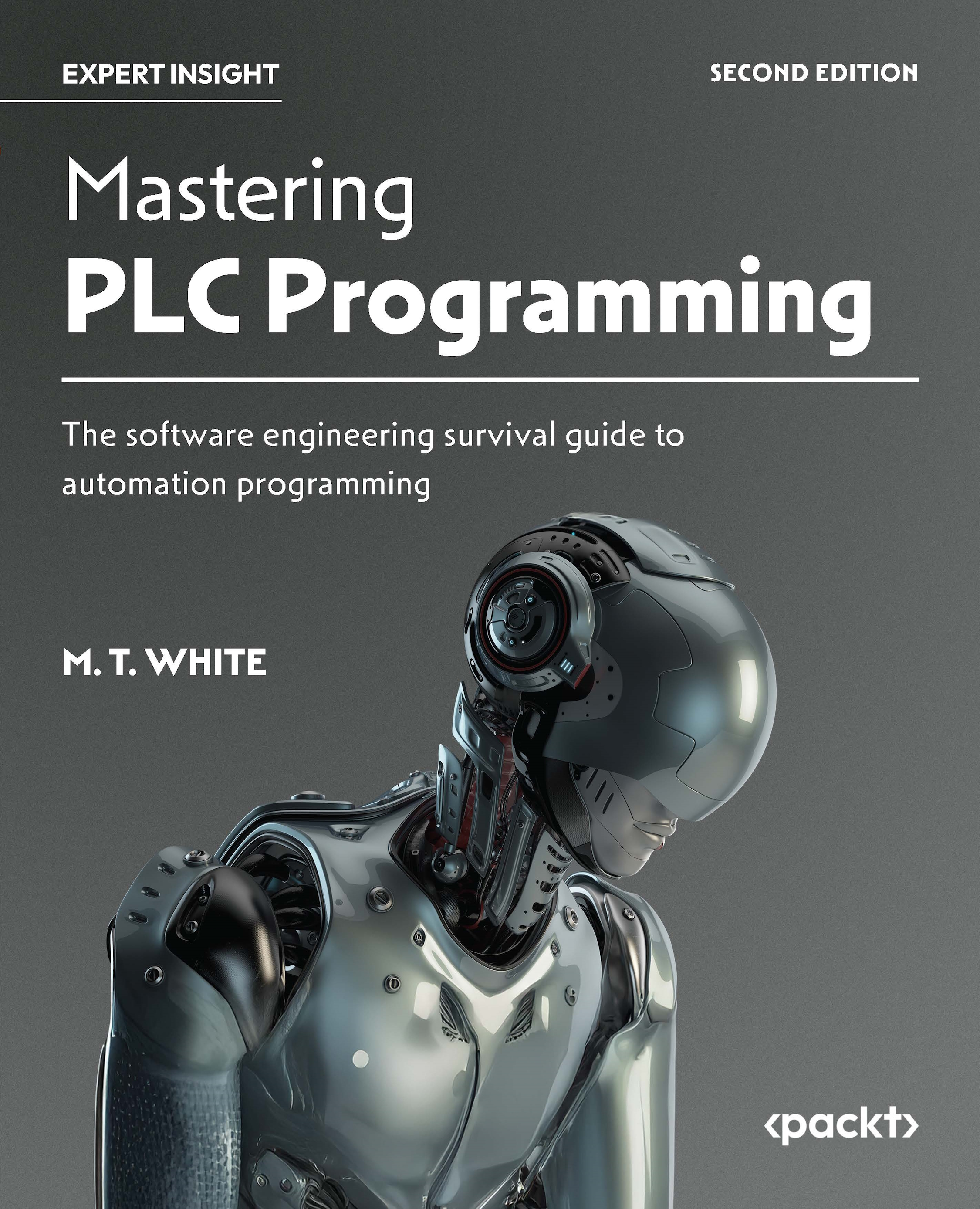
Mastering PLC Programming

Mastering PLC Programming: The software engineering survival guide to automation programming , Second Edition

Arrow left icon
Profile Icon M. T. White
Arrow right icon
$35.99 $39.99
eBook Jan 2026 528 pages 2nd Edition
eBook
$35.99 $39.99
Paperback
$39.99 $49.99
Subscription
Free Trial
Renews at $19.99p/m
Arrow left icon
Profile Icon M. T. White
Arrow right icon
$35.99 $39.99
eBook Jan 2026 528 pages 2nd Edition
eBook
$35.99 $39.99
Paperback
$39.99 $49.99
Subscription
Free Trial
Renews at $19.99p/m
eBook
$35.99 $39.99
Paperback
$39.99 $49.99
Subscription
Free Trial
Renews at $19.99p/m

What do you get with eBook?

Product feature icon Instant access to your Digital eBook purchase
Product feature icon Download this book in EPUB and PDF formats
Product feature icon Access this title in our online reader with advanced features
Product feature icon DRM FREE - Read whenever, wherever and however you want
Modal Close icon
Payment Processing...
tick Completed

Billing Address

Table of content icon View table of contents Preview book icon Preview Book

Mastering PLC Programming

Advanced Structured Text: Programming a PLC in Easy-to-Read English

Software engineering is a pivotal, yet often overlooked, aspect of programmable logic controller (PLC) programming. PLC software development often takes a backseat to hardware development. Unfortunately, many in the modern automation landscape see PLC software as a disposable component. Contrary to this belief, the software that controls the PLC is the true heart and soul of the system. The cold reality is that, without properly written software, fancy hardware is little more than very expensive paperweights.

Object-oriented programming (OOP) has dominated the IT landscape for decades. Most general-purpose programming languages, such as Java, C++, C#, Python, and so on, support the paradigm. Even some functional-first programming languages, such as Microsoft’s F#, support OOP to some extent. Though often overlooked in the automation world, certain PLCs that follow the IEC 61131-3 standard can utilize the...

Free Benefits with Your Book

Your purchase includes a free PDF copy of this book along with other exclusive benefits. Check the Free Benefits with Your Book section in the Preface to unlock them instantly and maximize your learning experience.

Technical requirements

To get the most out of this chapter, a Windows computer and a working copy of an IEC 61131-3-compliant programming environment that supports OOP will be needed. For this book, the recommended programming system is CODESYS: https://us.store.codesys.com/.

This chapter will have multiple code examples. The code examples can be downloaded from GitHub by following the link: https://github.com/PacktPublishing/Mastering-PLC-Programming-Second-Edition.

The projects will utilize CODESYS and the book will assume you’re using that system. If you opt to use a different programming system, you will need to copy and paste the examples into the system of your choice. For the most part, an IEC 61131-3-compliant system should require minimal to no modifications to the source code; however, this will depend on which feature the system has adopted and how the vendor chose to implement the features. Regardless, the principles and techniques explored in this book...

Exploring the IEC 61131-3 standard

Most advanced PLCs are IEC 61131-3-compliant to some degree, especially if they are PC-based, such as Beckhoff PLCs. IEC 61131-3 is a standard that essentially governs the programming environments that the PLC supports and the general functionality for the programming system. This means aspects such as syntax, semantics, typing, memory management, error handling, modularity, code organization, and so on should be mostly consistent between PLCs. The standard also governs the following programming languages:

  • ST
  • LL
  • Sequential Function Chart (SFC), often called Sequential Flow Charts in slang
  • Function Block Diagram (FBD)

The IEC 61131-3 standard is just that, a standard. IEC 61131-3 is not a programming language, PLC brand, or anything of the sort. The standard promotes uniformity across programming systems and ultimately promotes vendor neutrality.

Though the standard is vendor-neutral, you typically cannot...

Needed software and learning approach

The biggest hurdle to being a programming instructor is getting students to understand that the key to being a good engineer is not memorizing patterns or programming commands. To be successful as a developer, whether it be a developer for traditional apps or PLCs, lies in the ability to take established programming principles and apply them to any system. The key to mastering the material presented in this book is to approach it from a software engineering perspective. As you go through this book you will be tempted to think the material presented is only for CODESYS or even PLCs in general. However, this is a misnomer as the techniques explored in this book can be used with any OOP based language or system.

Programming software

To follow along with this book, an IEC 61131-3 programming environment that supports OOP will be required. The CODESYS environment will support most, if not all, of the IEC 61131-3 features and is free to download...

Error handling

Errors can kill the execution of a program, which, in turn, can lead to injury or death in extreme cases. Exceptions occur when the PLC encounters a problem that it cannot handle at runtime. When one such error occurs, the PLC program will lock up or crash, and the PLC will typically need to be rebooted. On top of all that, if the condition that caused the error occurs again, the program will again crash and cause another lock up. In essence, the only safe way to handle the condition is to modify the code to ensure that the erroneous condition is handled gracefully.

Exception errors will not show up during the compilation process. Instead, exceptions occur when the program is running. Due to their nature, it is often difficult or impossible to fully predict when an exception will occur. To make matters worse, some exceptions can take very specific conditions to trigger, and, as a result, there might be long intervals between occurrences. To compound the issue, certain...

Understanding pointers

To understand a pointer, it is first necessary to understand the basics of how variables are stored in memory. For many PLC programmers, creating a variable or a tag is simply inputting a name and assigning it a data type; however, some mechanics take place under the hood. For starters, a variable is much more than just a name and a data type that holds a value. A variable is a dedicated memory block that the computer (in this case, the PLC) uses to hold a value of a specific type. The memory block is generally not human-readable; as such, the variable name is just a human-readable façade that makes accessing and manipulating the data in the memory block easy while adding context to the value.

Representing PLC memory

Figure 1.7 is a graphical representation of a PLC’s memory. It is a simplified way of conceptualizing how the PLC sees its memory addresses and the values that reside in those blocks:

Figure 1.7: A graphical representation of computer memory

Figure 1.7: A graphical representation...

State machines

State machines sound like a complex and scary concept. Depending on the context of the state machine, they can be complex; however, fundamentally, they aren’t. Fundamentally, a state machine can be defined as a structure where some type of input and a current state dictate some type of output state.

There are many types of state machines. In terms of automation, the most common is what’s known as a finite state machine (FSM). Essentially, an FSM is a state machine with a finite number of states. In a very basic sense, there are a few key components to an FSM:

  • Finite number of states: A state can be thought of as a mode. In terms of automation, a mode can be something like a machine being in an on, off, or standby mode.
  • Transitions: A transition can be thought of as the change from one state to another. For example, a machine going from on to off can be thought of as a transition.
  • Input: An input can be some type of action or...

Expert systems

In the early days of artificial intelligence (AI), when computer and data science weren’t nearly as fleshed out, there was an AI technique called expert systems or expert machines. Essentially, these systems were a series of IF-THEN statements that, when executed correctly, could provide a level of expertise in a given system. Nowadays, these systems aren’t used as much in the traditional programming landscape due to the advances of actual AI systems, such as deep learning and the like. Nonetheless, expert systems can still have a great effect in the automation industry.

An expert system is a program or functionality of a program that is used to simulate human-like judgment and decision-making. Essentially, you can think of these systems as simulated experts for a domain. For example, suppose you have a cutting machine; you can use an expert system to automatically adjust the saw blade in relation to the consistency of the material.

Though traditional...

Final project: Making a simple state machine

For our final project, we’re going to make a simple FSM that will control the state of a machine that is used to produce a certain number of parts. The machine will have multiple states, such as an on, off, and error state. To begin, let’s design our state machine!

State machine design

To begin, let’s jot out some pseudocode to get a basic feel for the general skeleton of the system:

Case state
1:
    Machine off
2:
    Production run (on)
    If error detected
        state = 3
3:
    Error state
    state = 1

As we can see, all we have are three states: on, off, and error. If an error is detected during a production run, the machine will transition to an error state. With the general logic in place, let’s implement the code.

Variables for the state machine

These are the variables that will be used for the state machine:

PROGRAM PLC_PRG
VAR
    machineState     : INT := 1;
    motorSpeedCutOff...

Chapter challenge

As a chapter challenge, integrate an expert system into the state machine. Add an extra state that will house a simple knowledge base that can determine whether the user inputted an invalid value when an error occurred. Be sure to add variables as needed to support the expert system!

Summary

This chapter has been an introduction to some of the more complex topics that you may encounter as a PLC programmer. We explored some advanced features of ST, such as pointers and error handling, as well as some complex topics such as state machines and expert systems. So far, we have only touched on the basics of what ST in the IEC 61131-3 standard can do. In the next chapter, we’re going to explore how to get the most out of variables!

Questions

  1. What are three keywords that can be used with a TRY-CATCH block?
  2. What is an expert system?
  3. What is the difference between a fact and a rule?
  4. What is a state machine transition?
  5. What is an FSM?
  6. What is the main purpose of a TRY-CATCH block?
  7. What are some applications for an expert system?

Further reading

Have a look at the following resources to further your knowledge:

Get This Book’s PDF Version and Exclusive Extras

Scan the QR code (or go to packtpub.com/unlock). Search for this book by name, confirm the edition, and then follow the steps on the page.

Note: Keep your invoice handy. Purchases made directly from Packt don’t require an invoice.

Left arrow icon Right arrow icon
Download code icon Download Code

Key benefits

  • Deep dive into object-oriented PLC programming through hands-on, cutting-edge topics
  • Explore software engineering concepts like SDLC, debugging, version control, and SOLID programming
  • Get a thorough grasp on HMI development to build various HMI projects
  • Purchase of the print or Kindle book includes a free PDF eBook

Description

Object-oriented programming (OOP) is a game-changing addition to PLC programming that’s revolutionizing the automation industry. This book equips you with the necessary skills to succeed in the modern automation programming environment. This second edition is designed to systematically guide you through advanced topics such as OOP design, SOLID programming, the software development life cycle (SDLC), library design, version control, HMI development, general software engineering practices, and more. To hone your programming skills, each chapter has a simulated real-world project that'll enable you to apply the skills you've learned. In all, this book not only covers complex PLC programming topics but also removes the financial barrier that comes with most books, as all examples utilize free software. This means that to follow along, you do not need to purchase any PLC hardware or software. By the end of this PLC book, you’ll have what it takes to create long-lasting codebases for any modern automation project. *Email sign-up and proof of purchase required

Who is this book for?

This book is for automaton programmers with a background in software engineering topics such as object-oriented programming and general software engineering knowledge. Automation engineers, software engineers, electrical engineers, PLC technicians, hobbyists, and upper-level university students with an interest in automation will also find this book useful and interesting. Anyone with a basic knowledge of PLCs can benefit from reading this book.

What you will learn

  • Find out how to write PLC programs using advanced programming techniques
  • Explore OOP and UML concepts for PLC programming
  • Delve into software engineering topics such as libraries and SOLID programming
  • Explore HMIs, HMI controls, HMI layouts, and alarms
  • Grasp Industry 4.0 concepts to create smart, interconnected, and automated industrial systems
  • Gain hands-on experience by building simulated PLC and HMI projects
  • Get hands-on with using version control

Product Details

Country selected
Publication date, Length, Edition, Language, ISBN-13
Publication date : Jan 30, 2026
Length: 528 pages
Edition : 2nd
Language : English
ISBN-13 : 9781836642541
Category :
Tools :

What do you get with eBook?

Product feature icon Instant access to your Digital eBook purchase
Product feature icon Download this book in EPUB and PDF formats
Product feature icon Access this title in our online reader with advanced features
Product feature icon DRM FREE - Read whenever, wherever and however you want
Modal Close icon
Payment Processing...
tick Completed

Billing Address

Product Details

Publication date : Jan 30, 2026
Length: 528 pages
Edition : 2nd
Language : English
ISBN-13 : 9781836642541
Category :
Tools :

Packt Subscriptions

See our plans and pricing
Modal Close icon
$19.99 billed monthly
Feature tick icon Unlimited access to Packt's library of 7,000+ practical books and videos
Feature tick icon Constantly refreshed with 50+ new titles a month
Feature tick icon Exclusive Early access to books as they're written
Feature tick icon Solve problems while you work with advanced search and reference features
Feature tick icon Offline reading on the mobile app
Feature tick icon Simple pricing, no contract
$199.99 billed annually
Feature tick icon Unlimited access to Packt's library of 7,000+ practical books and videos
Feature tick icon Constantly refreshed with 50+ new titles a month
Feature tick icon Exclusive Early access to books as they're written
Feature tick icon Solve problems while you work with advanced search and reference features
Feature tick icon Offline reading on the mobile app
Feature tick icon Choose a DRM-free eBook or Video every month to keep
Feature tick icon PLUS own as many other DRM-free eBooks or Videos as you like for just $5 each
Feature tick icon Exclusive print discounts
$279.99 billed in 18 months
Feature tick icon Unlimited access to Packt's library of 7,000+ practical books and videos
Feature tick icon Constantly refreshed with 50+ new titles a month
Feature tick icon Exclusive Early access to books as they're written
Feature tick icon Solve problems while you work with advanced search and reference features
Feature tick icon Offline reading on the mobile app
Feature tick icon Choose a DRM-free eBook or Video every month to keep
Feature tick icon PLUS own as many other DRM-free eBooks or Videos as you like for just $5 each
Feature tick icon Exclusive print discounts

Table of Contents

25 Chapters
Part I: Advanced Structured Text Chevron down icon Chevron up icon
Advanced Structured Text: Programming a PLC in Easy-to-Read English Chevron down icon Chevron up icon
Complex Variable Declaration: Using Variables to Their Fullest Chevron down icon Chevron up icon
Functions: Making Code Modular and Maintainable Chevron down icon Chevron up icon
Object-Oriented Programming: Reducing, Reusing, and Recycling Code Chevron down icon Chevron up icon
OOP: The Power of Objects Chevron down icon Chevron up icon
Best Practices for Writing Incredible Code Chevron down icon Chevron up icon
Libraries: Write Once, Use Anywhere Chevron down icon Chevron up icon
Part II: Software Engineering for Automation Chevron down icon Chevron up icon
Getting Started with Git Chevron down icon Chevron up icon
SDLC: Navigating the SDLC to Create Great Code Chevron down icon Chevron up icon
Architecting Code with UML Chevron down icon Chevron up icon
Testing and Troubleshooting Chevron down icon Chevron up icon
Advanced Coding: Using SOLID to Make Solid Code Chevron down icon Chevron up icon
Part III: HMI Design Chevron down icon Chevron up icon
Industrial Controls: User Inputs and Outputs Chevron down icon Chevron up icon
Layouts: Making HMIs User-Friendly Chevron down icon Chevron up icon
Alarms: Avoiding Catastrophic Issues with Alarms Chevron down icon Chevron up icon
Part IV: Putting Knowledge Into Action Chevron down icon Chevron up icon
DCSs, PLCs, and the Future Chevron down icon Chevron up icon
Putting It All Together: The Final Project Chevron down icon Chevron up icon
Unlock Your Exclusive Benefits Chevron down icon Chevron up icon
Answer Sheet Chevron down icon Chevron up icon
Other Books You May Enjoy Chevron down icon Chevron up icon
Index Chevron down icon Chevron up icon
Get free access to Packt library with over 7500+ books and video courses for 7 days!
Start Free Trial

FAQs

How do I buy and download an eBook? Chevron down icon Chevron up icon

Where there is an eBook version of a title available, you can buy it from the book details for that title. Add either the standalone eBook or the eBook and print book bundle to your shopping cart. Your eBook will show in your cart as a product on its own. After completing checkout and payment in the normal way, you will receive your receipt on the screen containing a link to a personalised PDF download file. This link will remain active for 30 days. You can download backup copies of the file by logging in to your account at any time.

If you already have Adobe reader installed, then clicking on the link will download and open the PDF file directly. If you don't, then save the PDF file on your machine and download the Reader to view it.

Please Note: Packt eBooks are non-returnable and non-refundable.

Packt eBook and Licensing When you buy an eBook from Packt Publishing, completing your purchase means you accept the terms of our licence agreement. Please read the full text of the agreement. In it we have tried to balance the need for the ebook to be usable for you the reader with our needs to protect the rights of us as Publishers and of our authors. In summary, the agreement says:

  • You may make copies of your eBook for your own use onto any machine
  • You may not pass copies of the eBook on to anyone else
How can I make a purchase on your website? Chevron down icon Chevron up icon

If you want to purchase a video course, eBook or Bundle (Print+eBook) please follow below steps:

  1. Register on our website using your email address and the password.
  2. Search for the title by name or ISBN using the search option.
  3. Select the title you want to purchase.
  4. Choose the format you wish to purchase the title in; if you order the Print Book, you get a free eBook copy of the same title. 
  5. Proceed with the checkout process (payment to be made using Credit Card, Debit Cart, or PayPal)
Where can I access support around an eBook? Chevron down icon Chevron up icon
  • If you experience a problem with using or installing Adobe Reader, the contact Adobe directly.
  • To view the errata for the book, see www.packtpub.com/support and view the pages for the title you have.
  • To view your account details or to download a new copy of the book go to www.packtpub.com/account
  • To contact us directly if a problem is not resolved, use www.packtpub.com/contact-us
What eBook formats do Packt support? Chevron down icon Chevron up icon

Our eBooks are currently available in a variety of formats such as PDF and ePubs. In the future, this may well change with trends and development in technology, but please note that our PDFs are not Adobe eBook Reader format, which has greater restrictions on security.

You will need to use Adobe Reader v9 or later in order to read Packt's PDF eBooks.

What are the benefits of eBooks? Chevron down icon Chevron up icon
  • You can get the information you need immediately
  • You can easily take them with you on a laptop
  • You can download them an unlimited number of times
  • You can print them out
  • They are copy-paste enabled
  • They are searchable
  • There is no password protection
  • They are lower price than print
  • They save resources and space
What is an eBook? Chevron down icon Chevron up icon

Packt eBooks are a complete electronic version of the print edition, available in PDF and ePub formats. Every piece of content down to the page numbering is the same. Because we save the costs of printing and shipping the book to you, we are able to offer eBooks at a lower cost than print editions.

When you have purchased an eBook, simply login to your account and click on the link in Your Download Area. We recommend you saving the file to your hard drive before opening it.

For optimal viewing of our eBooks, we recommend you download and install the free Adobe Reader version 9.

Modal Close icon
Modal Close icon