Search icon CANCEL
Subscription
0
Cart icon
Your Cart (0 item)
Close icon
You have no products in your basket yet
Save more on your purchases! discount-offer-chevron-icon
Savings automatically calculated. No voucher code required.
Arrow left icon
Explore Products
Best Sellers
New Releases
Books
Videos
Audiobooks
Learning Hub
Newsletter Hub
Free Learning
Arrow right icon
timer SALE ENDS IN
0 Days
:
00 Hours
:
00 Minutes
:
00 Seconds
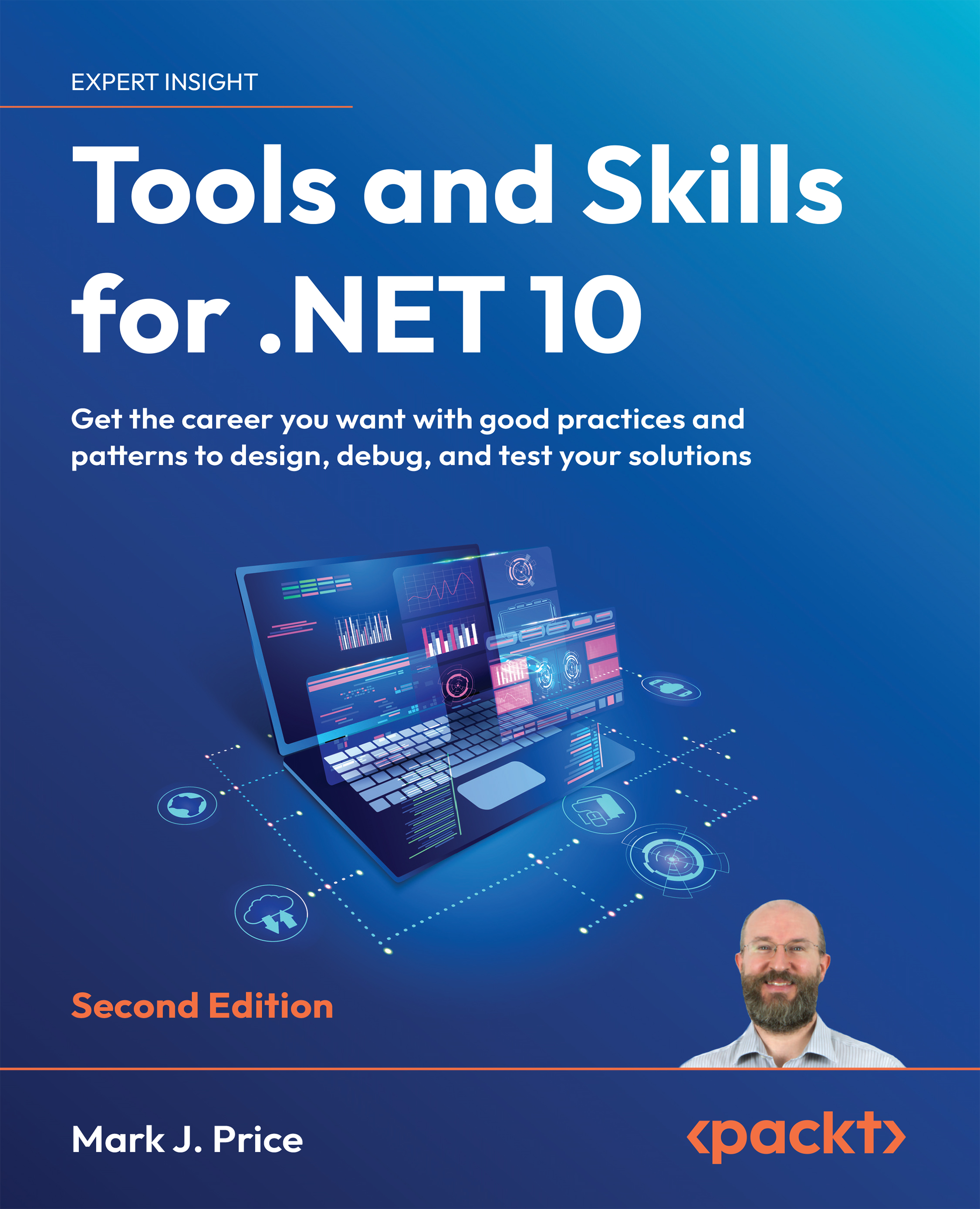
Tools and Skills for .NET 10

Tools and Skills for .NET 10: Get the career you want with good practices and patterns to design, debug, and test your solutions , Second Edition

Arrow left icon
Profile Icon Mark J. Price
Arrow right icon
Early Access Early Access Publishing in Jan 2026
$9.99 $43.99
eBook Jan 2026 806 pages 2nd Edition
eBook
$9.99 $43.99
Paperback
$54.99
Subscription
Free Trial
Renews at €18.99p/m
Arrow left icon
Profile Icon Mark J. Price
Arrow right icon
Early Access Early Access Publishing in Jan 2026
$9.99 $43.99
eBook Jan 2026 806 pages 2nd Edition
eBook
$9.99 $43.99
Paperback
$54.99
Subscription
Free Trial
Renews at €18.99p/m
eBook
$9.99 $43.99
Paperback
$54.99
Subscription
Free Trial
Renews at €18.99p/m

What do you get with eBook?

Product feature icon Instant access to your Digital eBook purchase
Product feature icon Download this book in EPUB and PDF formats
Product feature icon Access this title in our online reader with advanced features
Product feature icon DRM FREE - Read whenever, wherever and however you want
Modal Close icon
Payment Processing...
tick Completed

Billing Address

Table of content icon View table of contents Preview book icon Preview Book

Tools and Skills for .NET 10

Join our book’s Discord space

Read this book alongside other users, and the author himself.Ask questions, provide solutions for other readers, chat with the author via Ask Me Anything sessions, and much more.https://packt.link/TS1e

Introducing common tools and features

Common tools and features in all code editors and IDEs include the following:

  • Refactoring features
  • Code snippets
  • Editor configuration
  • AI companions

Let’s describe each of these tools and features in more detail so that you understand the concepts, and then, in later sections, you can see how specific code editors implement those features.

Refactoring features

Refactoring is the process of modifying the internal structure of existing project code without changing its external behavior. Most code editors and IDEs expose their refactoring features via their Edit menu and context (right-click) menus. But why would you want to spend effort rewriting code if there is no external effect?

The expected benefits are improved code readability and reduced complexity. In other words, you are investing in the future. Whoever must maintain the code should be able to do so with reduced effort and the likelihood...

Tools in Visual Studio

Visual Studio contains many useful built-in tools, including ones to implement the concepts just covered in this chapter.

By default, all links in this book for Visual Studio will go to the current version, i.e. to the 2026 version. To force a link to go to the older version, append ?view=vs-2022 to the end of the link.

Refactoring features

Visual Studio has dozens of refactoring features, aka refactorings, to modify code to make it easier to maintain, understand, and extend, but without changing its behavior. The most common refactorings are available by navigating to Edit | Refactor, and then selecting from the following menu items:

  • Rename (F2): Safely rename a variable, type, or member in its definition and everywhere it is used
  • Encapsulate Field (Ctrl + R, E): Convert a field into a property, and update all usages of that field to use the newly created property
  • Extract Interface (Ctrl + R, I): Create an interface using...

Tools in VS Code

First, you should become familiar with VS Code’s keyboard shortcuts. There are convenient single-page PDF files that you could print out on these keyboard shortcuts, one for each of the common operating systems, Windows, macOS, and Linux, and they are found at the following link: https://code.visualstudio.com/docs/getstarted/keybindings#_keyboard-shortcuts-reference.

Here are a couple of useful shortcuts you should definitely know. When you have multiple files (tabs) open simultaneously, you can use Alt + Left Arrow and Alt + Right Arrow to navigate between them. You can also use Ctrl + Tab and Ctrl + Shift + Tab (reverse order).

Refactoring features

Many of VS Code’s refactoring features are activated by pressing Ctrl + Shift + R.

VS Code has a subset of refactoring commands, some of which are shown in the following list:

  • Rename symbol (F2): Renaming is a common operation related to refactoring source code, and all instances...

Decompiling .NET assemblies

One of the best ways to learn how to code for .NET is to see how professionals do it. Most code editors have an extension for decompiling .NET assemblies. Visual Studio and VS Code can use the ILSpy extension. Rider has a built-in IL Viewer tool.

Good practice: You could decompile someone else’s assemblies for non-learning purposes, like copying their code for use in your own production library or application, but remember that you are viewing their intellectual property, so please respect that.

Creating a console app to decompile

Let’s create a console app that we can then decompile:

  1. Use your preferred code editor to add a new Console App / console project named DotNetEverywhere to the Chapter02 solution.
  2. Modify the project file to statically import the System.Console class in all C# files.
  3. In Program.cs, delete the existing statements, and then add a statement to output a message saying the...

Custom project and item templates

The .NET SDK comes with many project and item templates that can create a new project or item for you by calling the dotnet new command, for example, console, classlib, web, mvc, and blazor.

You can learn about the built-in project and item templates at the following link: https://learn.microsoft.com/en-us/dotnet/core/tools/dotnet-new-sdk-templates.

One of the most efficient ways to improve your code editor experience is to create custom .NET project templates. These are recognized by all the code editors. You can create templates for entire projects or individual project items. They are distributed as NuGet packages (.nupkg files) and installed through the dotnet new install SDK command.

All project and item templates use the same principles and have similar contents. Both project and item templates contain the following items:

  • All the folders and files needed when the template is used, including source code files...

Practicing and exploring

Test your knowledge and understanding by answering some questions, getting some hands-on practice, and exploring the topics covered in this chapter with deeper research.

Exercise 2.1 – Online-only material

The print book mostly covers Visual Studio and VS Code. For similar coverage of tools in Rider, you can read an online-only section at the following link: https://github.com/markjprice/tools-skills-net10/blob/main/docs/rider/ch02-tools.md.

To read a summary of recent improvements to Visual Studio, you can read the following article: https://devblogs.microsoft.com/visualstudio/visual-studios-full-year-in-review-2023/.

To read a summary of recent improvements to GitHub Copilot, you can read the following article: https://devblogs.microsoft.com/visualstudio/github-copilot-in-visual-studio-a-recap-of-2023/.

Developers are quickly embracing AI tools in their developer workflows, as you can see from the Stack Overflow Survey 2023 and...

Summary

In this chapter, you learned:

  • About tools and features common to all code editors
  • How to use tools in Visual Studio
  • How to use tools in VS Code
  • How to decompile .NET assemblies for learning purposes
  • How to create a custom project template and use it to create a new project

In the next chapter, you will learn about Git, a popular source code control and management system.

Get This Book’s PDF Version and Exclusive Extras

Scan the QR code (or go to packtpub.com/unlock). Search for this book by name, confirm the edition, and then follow the steps on the page.

Note: Keep your invoice handy. Purchases made directly from Packt don’t require one.

Left arrow icon Right arrow icon
Download code icon Download Code

Key benefits

  • Coverage of key .NET tools and skills, including refactoring, source code management, debugging, and more
  • Practical guidance on using code editors effectively and implementing good practices
  • Explore cutting-edge techniques like cloud native development with .NET Aspire and containerization
  • Free with your book: DRM-free PDF version + access to Packt's next-gen reader

Description

.NET is more powerful—and more complex—than ever. As the ecosystem evolves, so do the expectations from developers. Mastering the tools and patterns of professional .NET development can be the difference between simply shipping code and delivering resilient, scalable software. Tools and Skills for .NET 10 is a practical guide to leveling up in today’s .NET world, offering both hard technical skills and career strategies to help you thrive. Inside, you’ll learn how to manage codebases with Git and implement debugging and memory analysis techniques that save hours of guesswork. The book also covers best practices for writing and maintaining documentation for your code, services, and APIs, which is crucial for team collaboration. You’ll explore cryptography for securing data and concurrency for building responsive apps. Further chapters explore dependency injection, testing for performance and reliability, and packaging your apps in Docker containers. By the end of this book, you’ll be equipped not only with technical skills but also with the confidence to apply them in real environments. Whether you're aiming for a promotion, switching jobs, or preparing for technical interviews, you'll have the skills and the language to present yourself as a capable, well-rounded .NET developer ready for anything the industry throws at you.

Who is this book for?

This book is for .NET professionals seeking to enhance their expertise, as well as aspiring developers aiming to advance their careers in the field. This book caters to individuals eager to master essential .NET tools, refine their development practices, explore advanced techniques and cutting-edge tools, and prepare themselves for job opportunities and interviews in the competitive landscape of .NET development.

What you will learn

  • Make the most of code editor tools for efficient development
  • Explore advanced debugging techniques and troubleshooting strategies
  • Understand how to protect data and applications using cryptography
  • Build responsive, high-performance projects using multitasking and concurrency
  • Discover how to master dependency injection
  • Optimize performance through benchmarking and testing
  • Delve into cloud-native development using Aspire
  • Advance your career with advice on job readiness and interviews

Product Details

Country selected
Publication date, Length, Edition, Language, ISBN-13
Publication date : Jan 07, 2026
Length: 806 pages
Edition : 2nd
Language : English
ISBN-13 : 9781835882511
Languages :
Tools :

What do you get with eBook?

Product feature icon Instant access to your Digital eBook purchase
Product feature icon Download this book in EPUB and PDF formats
Product feature icon Access this title in our online reader with advanced features
Product feature icon DRM FREE - Read whenever, wherever and however you want
Modal Close icon
Payment Processing...
tick Completed

Billing Address

Product Details

Publication date : Jan 07, 2026
Length: 806 pages
Edition : 2nd
Language : English
ISBN-13 : 9781835882511
Languages :
Tools :

Packt Subscriptions

See our plans and pricing
Modal Close icon
€18.99 billed monthly
Feature tick icon Unlimited access to Packt's library of 7,000+ practical books and videos
Feature tick icon Constantly refreshed with 50+ new titles a month
Feature tick icon Exclusive Early access to books as they're written
Feature tick icon Solve problems while you work with advanced search and reference features
Feature tick icon Offline reading on the mobile app
Feature tick icon Simple pricing, no contract
€189.99 billed annually
Feature tick icon Unlimited access to Packt's library of 7,000+ practical books and videos
Feature tick icon Constantly refreshed with 50+ new titles a month
Feature tick icon Exclusive Early access to books as they're written
Feature tick icon Solve problems while you work with advanced search and reference features
Feature tick icon Offline reading on the mobile app
Feature tick icon Choose a DRM-free eBook or Video every month to keep
Feature tick icon PLUS own as many other DRM-free eBooks or Videos as you like for just €5 each
Feature tick icon Exclusive print discounts
€264.99 billed in 18 months
Feature tick icon Unlimited access to Packt's library of 7,000+ practical books and videos
Feature tick icon Constantly refreshed with 50+ new titles a month
Feature tick icon Exclusive Early access to books as they're written
Feature tick icon Solve problems while you work with advanced search and reference features
Feature tick icon Offline reading on the mobile app
Feature tick icon Choose a DRM-free eBook or Video every month to keep
Feature tick icon PLUS own as many other DRM-free eBooks or Videos as you like for just €5 each
Feature tick icon Exclusive print discounts

Table of Contents

22 Chapters
Introducing Tools and Skills for .NET Chevron down icon Chevron up icon
Making the Most of the Tools in Your Code Editor Chevron down icon Chevron up icon
Source Code Management Using Git Chevron down icon Chevron up icon
Debugging and Memory Troubleshooting Chevron down icon Chevron up icon
Logging, Tracing, and Metrics for Observability Chevron down icon Chevron up icon
Documenting Your Code, APIs, and Services Chevron down icon Chevron up icon
Observing and Modifying Code Execution Dynamically Chevron down icon Chevron up icon
Protecting Data and Apps Using Cryptography Chevron down icon Chevron up icon
Multitasking and Concurrency Chevron down icon Chevron up icon
Dependency Injection, Containers, and Service Lifetime Chevron down icon Chevron up icon
Unit Testing and Mocking Chevron down icon Chevron up icon
Integration and Security Testing Chevron down icon Chevron up icon
Benchmarking Performance, Load, and Stress Testing Chevron down icon Chevron up icon
Functional and End-to-End Testing of Websites and Services Chevron down icon Chevron up icon
Containerization Using Docker Chevron down icon Chevron up icon
Cloud-Native Development Using Aspire Chevron down icon Chevron up icon
Design Patterns and Principles Chevron down icon Chevron up icon
Software and Solution Architecture Foundations Chevron down icon Chevron up icon
Your Career, Teamwork, and Interviews Chevron down icon Chevron up icon
Epilogue Chevron down icon Chevron up icon
Unlock Your Exclusive Benefits Chevron down icon Chevron up icon
Index Chevron down icon Chevron up icon
Get free access to Packt library with over 7500+ books and video courses for 7 days!
Start Free Trial

FAQs

How do I buy and download an eBook? Chevron down icon Chevron up icon

Where there is an eBook version of a title available, you can buy it from the book details for that title. Add either the standalone eBook or the eBook and print book bundle to your shopping cart. Your eBook will show in your cart as a product on its own. After completing checkout and payment in the normal way, you will receive your receipt on the screen containing a link to a personalised PDF download file. This link will remain active for 30 days. You can download backup copies of the file by logging in to your account at any time.

If you already have Adobe reader installed, then clicking on the link will download and open the PDF file directly. If you don't, then save the PDF file on your machine and download the Reader to view it.

Please Note: Packt eBooks are non-returnable and non-refundable.

Packt eBook and Licensing When you buy an eBook from Packt Publishing, completing your purchase means you accept the terms of our licence agreement. Please read the full text of the agreement. In it we have tried to balance the need for the ebook to be usable for you the reader with our needs to protect the rights of us as Publishers and of our authors. In summary, the agreement says:

  • You may make copies of your eBook for your own use onto any machine
  • You may not pass copies of the eBook on to anyone else
How can I make a purchase on your website? Chevron down icon Chevron up icon

If you want to purchase a video course, eBook or Bundle (Print+eBook) please follow below steps:

  1. Register on our website using your email address and the password.
  2. Search for the title by name or ISBN using the search option.
  3. Select the title you want to purchase.
  4. Choose the format you wish to purchase the title in; if you order the Print Book, you get a free eBook copy of the same title. 
  5. Proceed with the checkout process (payment to be made using Credit Card, Debit Cart, or PayPal)
Where can I access support around an eBook? Chevron down icon Chevron up icon
  • If you experience a problem with using or installing Adobe Reader, the contact Adobe directly.
  • To view the errata for the book, see www.packtpub.com/support and view the pages for the title you have.
  • To view your account details or to download a new copy of the book go to www.packtpub.com/account
  • To contact us directly if a problem is not resolved, use www.packtpub.com/contact-us
What eBook formats do Packt support? Chevron down icon Chevron up icon

Our eBooks are currently available in a variety of formats such as PDF and ePubs. In the future, this may well change with trends and development in technology, but please note that our PDFs are not Adobe eBook Reader format, which has greater restrictions on security.

You will need to use Adobe Reader v9 or later in order to read Packt's PDF eBooks.

What are the benefits of eBooks? Chevron down icon Chevron up icon
  • You can get the information you need immediately
  • You can easily take them with you on a laptop
  • You can download them an unlimited number of times
  • You can print them out
  • They are copy-paste enabled
  • They are searchable
  • There is no password protection
  • They are lower price than print
  • They save resources and space
What is an eBook? Chevron down icon Chevron up icon

Packt eBooks are a complete electronic version of the print edition, available in PDF and ePub formats. Every piece of content down to the page numbering is the same. Because we save the costs of printing and shipping the book to you, we are able to offer eBooks at a lower cost than print editions.

When you have purchased an eBook, simply login to your account and click on the link in Your Download Area. We recommend you saving the file to your hard drive before opening it.

For optimal viewing of our eBooks, we recommend you download and install the free Adobe Reader version 9.

Modal Close icon
Modal Close icon