




















































Search icon CANCEL
Subscription
0
Cart icon
Your Cart (0 item)
Close icon
You have no products in your basket yet
Save more on your purchases! discount-offer-chevron-icon
Savings automatically calculated. No voucher code required.
Arrow left icon
Explore Products
Best Sellers
New Releases
Books
Videos
Audiobooks
Learning Hub
Newsletter Hub
Free Learning
Arrow right icon
timer SALE ENDS IN
0 Days
:
00 Hours
:
00 Minutes
:
00 Seconds
Arrow up icon
GO TO TOP
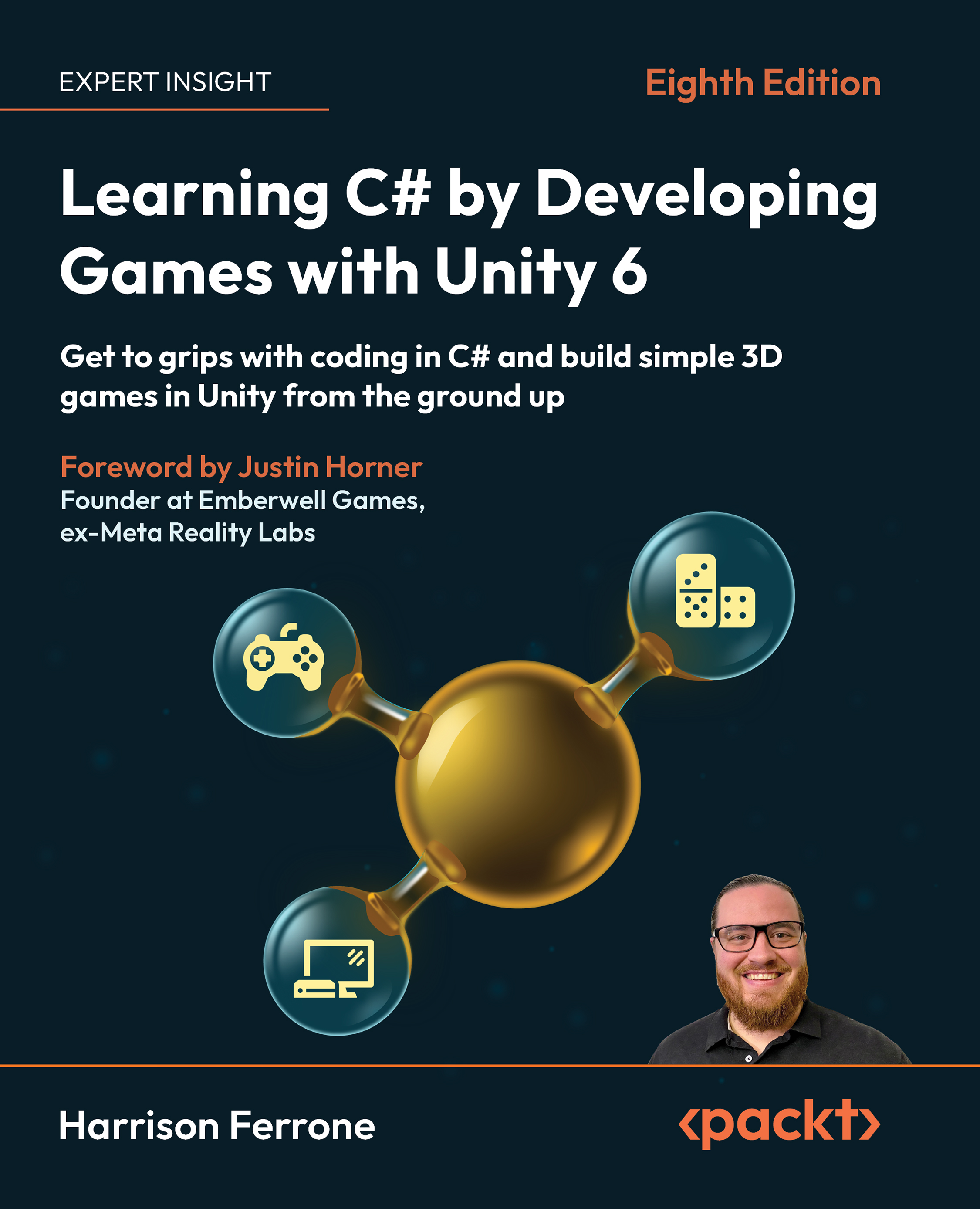
Learning C# by Developing Games with Unity 6

You're reading from   Learning C# by Developing Games with Unity 6 Get to grips with coding in C# and build simple 3D games in Unity from the ground up

Arrow left icon
Product type Paperback
Published in Oct 2025
Publisher Packt
ISBN-13 9781805808718
Length 504 pages
Edition 8th Edition
Languages
Tools
Arrow right icon
Author (1):
Arrow left icon
Harrison Ferrone Harrison Ferrone
Author Profile Icon Harrison Ferrone
Harrison Ferrone
Arrow right icon
View More author details
Toc

Table of Contents (20) Chapters Close

Preface
1. Getting to Know Your Environment FREE CHAPTER 2. The Building Blocks of Programming 3. Diving into Variables, Types, and Methods 4. Control Flow and Collection Types 5. Working with Classes, Structs, and OOP 6. Getting Your Hands Dirty with Unity 7. Movement, Camera Controls, and Collisions 8. Scripting Game Mechanics 9. Basic AI and Enemy Behavior 10. Revisiting Types, Methods, and Classes 11. Specialized Collection Types and LINQ 12. Saving, Loading, and Serializing Data 13. Connecting to the World Wide Web 14. Exploring Generics, Delegates, and Beyond 15. The Journey Continues 16. Unlock Your Book’s Exclusive Benefits
17. Pop Quiz Answers
18. Other Books You May Enjoy
19. Index

Managing player movement

When you’re deciding on how best to move your player character around your virtual world, consider what’s going to look the most realistic and not run your game into the ground with expensive computations. This is somewhat of a trade-off in most cases, and Unity is no different.

The three most common ways of moving a GameObject and their results are as follows:

  • Option A: Use a GameObject’s Transform component for movement and rotation. This is the easiest solution and the one we’ll be working with first.
  • Option B: Use real-world physics by attaching a Rigidbody component to a GameObject and applying force in code. Rigidbody components add simulated real-world physics to any GameObject they are attached to. This solution relies on Unity’s physics system to do the heavy lifting, delivering a far more realistic effect. We’ll update our code to use this approach later on in this chapter to get a feel...
lock icon The rest of the chapter is locked
CONTINUE READING
83
Tech Concepts
36
Programming languages
73
Tech Tools
Icon Unlimited access to the largest independent learning library in tech of over 8,000 expert-authored tech books and videos.
Icon Innovative learning tools, including AI book assistants, code context explainers, and text-to-speech.
Icon 50+ new titles added per month and exclusive early access to books as they are being written.
Learning C# by Developing Games with Unity 6
Register for a free Packt account to unlock a world of extra content!
A free Packt account unlocks extra newsletters, articles, discounted offers, and much more. Start advancing your knowledge today.
Unlock this book and the full library FREE for 7 days
Get unlimited access to 7000+ expert-authored eBooks and videos courses covering every tech area you can think of
Renews at $19.99/month. Cancel anytime
Modal Close icon
Modal Close icon



