Have you ever found yourself drowning in rows and columns of market data, wondering how to make sense of it all?
You’re not alone.
The good news is that pandas is here to help!
Originally created by Wes McKinney at AQR Capital Management, pandas has grown into the go-to Python library for financial data analysis. Since its open-source release in 2009, it has empowered analysts to manipulate, transform, and analyze data with ease.
If you work with financial data, whether for trading, risk management, or portfolio analysis, you need pandas in your toolkit. With its rich support for time series, data transformation, and handling missing values, pandas is the perfect solution for making sense of complex datasets. In this guide, we’ll walk through the essentials of pandas for financial market analysis. By the end, you’ll have the confidence to apply these tools in real-world scenarios.
Getting Started with pandas Data Structures
Building Series and DataFrames
Think of aSeriesas a column in Excel, but smarter. It’s a one-dimensional labeled array that can hold any data type. Let’s create a simple Series:
import pandas as pd
import numpy as np
# Create a simple Series
series = pd.Series([10, 20, 30, 40, 50], index=['A', 'B', 'C', 'D', 'E'])
print(series)
On the other hand, aDataFrameis a full table, imagine a spreadsheet where every column is a Series.
# Creating a DataFrame
data = {'Stock': ['AAPL', 'MSFT', 'GOOG'], 'Price': [150, 300, 2800], 'Volume': [10000, 15000, 12000]}
df = pd.DataFrame(data)
print(df)
DataFrames make it easy to manipulate and analyze structured data, which is essential in financial market analysis.
Handling Indexes in Financial Data
Understanding pandas Indexing
Indexes help you efficiently retrieve and align data. Different types include:
Int64Index: Standard integer-based indexing.
DatetimeIndex: Perfect for time series data.
MultiIndex: Allows hierarchical indexing, great for financial datasets.
Creating a DatetimeIndex for Financial Data
dates = pd.date_range("2023–01–01", periods=10, freq='D')
print(dates)
MultiIndex for Market Data
tuples = [('2023–07–10', 'AAPL'), ('2023–07–10', 'MSFT'), ('2023–07–10', 'GOOG')]
multi_index = pd.MultiIndex.from_tuples(tuples, names=["date", "symbol"])
print(multi_index)
Manipulating and Transforming Financial Data
Selecting and Filtering Data
Ever needed to find just the right slice of market data? pandas makes it easy with .loc and .iloc:
# Selecting by label
print(df.loc[df['Stock'] == 'AAPL'])
# Selecting by position
print(df.iloc[0])
Handling Missing Data
Missing data is inevitable. pandas offers .fillna() and .dropna() to deal with it:
Unlock access to the largest independent learning library in Tech for FREE!
Get unlimited access to 7500+ expert-authored eBooks and video courses covering every tech area you can think of.
Renews at €18.99/month. Cancel anytime
df_missing = pd.DataFrame({'Stock': ['AAPL', 'MSFT', 'GOOG'], 'Price': [150, np.nan, 2800]})
print(df_missing.fillna(df_missing.mean()))
Financial Market Analysis with pandas
Calculating Asset Returns
Understanding stock returns is crucial. You can compute daily returns using .pct_change():
prices = pd.Series([100, 105, 103, 110, 120])
returns = prices.pct_change()
print(returns)
Measuring Volatility
Volatility reflects price fluctuations — critical for risk assessment:
volatility = returns.std()
print("Volatility:", volatility)
Generating a Cumulative Return Series
Cumulative returns show total performance over time:
cumulative_returns = (1 + returns).cumprod()
print(cumulative_returns)
Resampling and Aggregating Time Series Data
Financial analysts often need to adjust time frames, say, from daily to weekly data:
date_rng = pd.date_range(start='2023–01–01', periods=30, freq='D')
data = pd.DataFrame({'Date': date_rng, 'Price': np.random.randn(30) * 5 + 100})
data.set_index('Date', inplace=True)
# Resample to weekly frequency
weekly_data = data.resample('W').mean()
print(weekly_data)
Applying Custom Functions to Time Series Data
Want a moving average? pandas makes it simple:
def moving_average(series, window=3):
return series.rolling(window=window).mean()
# Apply a moving average function
data['MA'] = moving_average(data['Price'])
print(data)
Conclusion
pandas is an indispensable tool for financial data analysis. From handling missing data to calculating returns and volatility, it provides everything you need to extract meaningful insights from market data. Now that you’ve got the fundamentals down, you can confidently explore more advanced financial analytics, perhaps even integrating machine learning models for deeper insights.
Elevate Your Algorithmic Trading Game
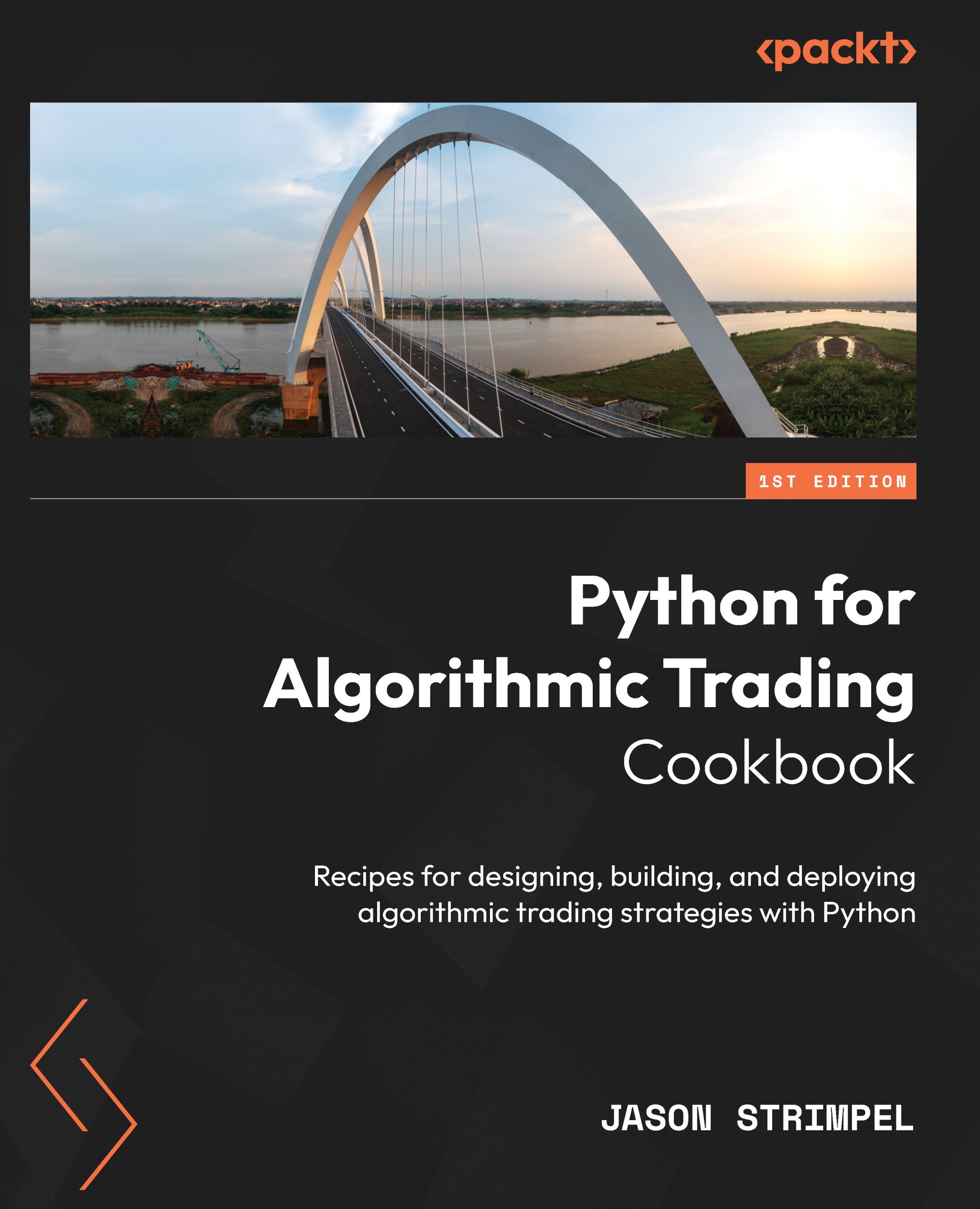
This article is based onPython for Algorithmic Trading CookbookbyJason Strimpel, a detailed guide to designing, building, and deploying algorithmic trading strategies using Python. Whether you’re a trader, investor, or Python developer, this book equips you with hands-on recipes to acquire, visualize, and analyze market data, design and backtest trading strategies, and deploy them in a live environment.
If you’re ready to take your algorithmic trading skills to the next level, this book is your roadmap. Get your hands on a copy and start building smarter, more efficient trading strategies today!
Get your copy here 👉Python for Algorithmic Trading Cookbook


 United States

 Great Britain
 India
India
 Germany
 France
 Canada
 Russia
 Spain
Spain
 Brazil
 Australia
 Singapore
 Canary Islands
 Hungary
 Ukraine
 Luxembourg
 Estonia
 Lithuania
 South Korea
 Turkey
 Switzerland
 Colombia
 Taiwan
 Chile
Chile
 Norway
 Ecuador
 Indonesia
 New Zealand
 Cyprus
 Denmark
 Finland
 Poland
 Malta
Malta
 Czechia
 Austria
 Sweden
 Italy
Italy
 Egypt
Egypt
 Belgium
 Portugal
 Slovenia
 Ireland
 Romania
 Greece
 Argentina
 Netherlands
 Bulgaria
 Latvia
 South Africa
 Malaysia
 Japan
Japan
 Slovakia
 Philippines
 Mexico
 Thailand