Search icon CANCEL
Subscription
0
Cart icon
Your Cart (0 item)
Close icon
You have no products in your basket yet
Save more on your purchases! discount-offer-chevron-icon
Savings automatically calculated. No voucher code required.
Arrow left icon
Explore Products
Best Sellers
New Releases
Books
Videos
Audiobooks
Learning Hub
Newsletter Hub
Free Learning
Arrow right icon
timer SALE ENDS IN
0 Days
:
00 Hours
:
00 Minutes
:
00 Seconds
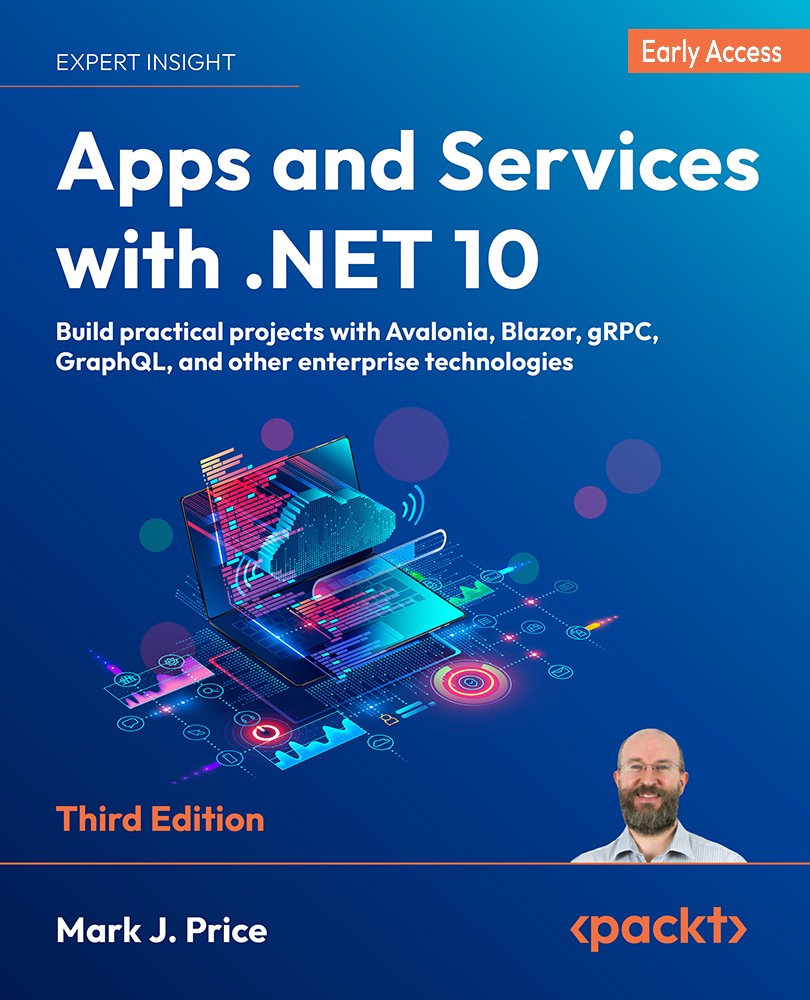
Apps and Services with .NET 10

Apps and Services with .NET 10: Build practical projects with Avalonia, Blazor, gRPC, GraphQL, and other enterprise technologies , Third Edition

Arrow left icon
Profile Icon Mark J. Price
Arrow right icon
Early Access Early Access Publishing in Feb 2026
$9.99 $43.99
eBook Feb 2026 3rd Edition
eBook
$9.99 $43.99
Paperback
$54.99
Subscription
Free Trial
Renews at €18.99p/m
Arrow left icon
Profile Icon Mark J. Price
Arrow right icon
Early Access Early Access Publishing in Feb 2026
$9.99 $43.99
eBook Feb 2026 3rd Edition
eBook
$9.99 $43.99
Paperback
$54.99
Subscription
Free Trial
Renews at €18.99p/m
eBook
$9.99 $43.99
Paperback
$54.99
Subscription
Free Trial
Renews at €18.99p/m

What do you get with eBook?

Product feature icon Instant access to your Digital eBook purchase
Product feature icon Download this book in EPUB and PDF formats
Product feature icon Access this title in our online reader with advanced features
Product feature icon DRM FREE - Read whenever, wherever and however you want
Modal Close icon
Payment Processing...
tick Completed

Billing Address

Table of content icon View table of contents Preview book icon Preview Book

Apps and Services with .NET 10

1 Introducing Apps and Services with .NET

https://packt.link/EarlyAccess

In this first chapter, the goals are setting up your development environment to use Visual Studio, VS Code, or Rider, and understanding your choices for building apps and services. We will also review good places to look for help.The GitHub repository for this book has solutions using full application projects for all code tasks:https://github.com/markjprice/apps-services-net10/After going to the GitHub repository, simply press the . (dot) key on your keyboard or change .com to .dev to change the repository into a live code editor based on VS Code using GitHub Codespaces. VS Code in a web browser is great to view the solution code (read-only) alongside your chosen code editor as you work through the book’s coding tasks. You can compare your code to the solution code and easily copy and paste parts to save time entering the code manually.Throughout this book, I use the term modern .NET to refer to .NET 10 and...

Introducing this book and its contents

This book caters to two audiences:

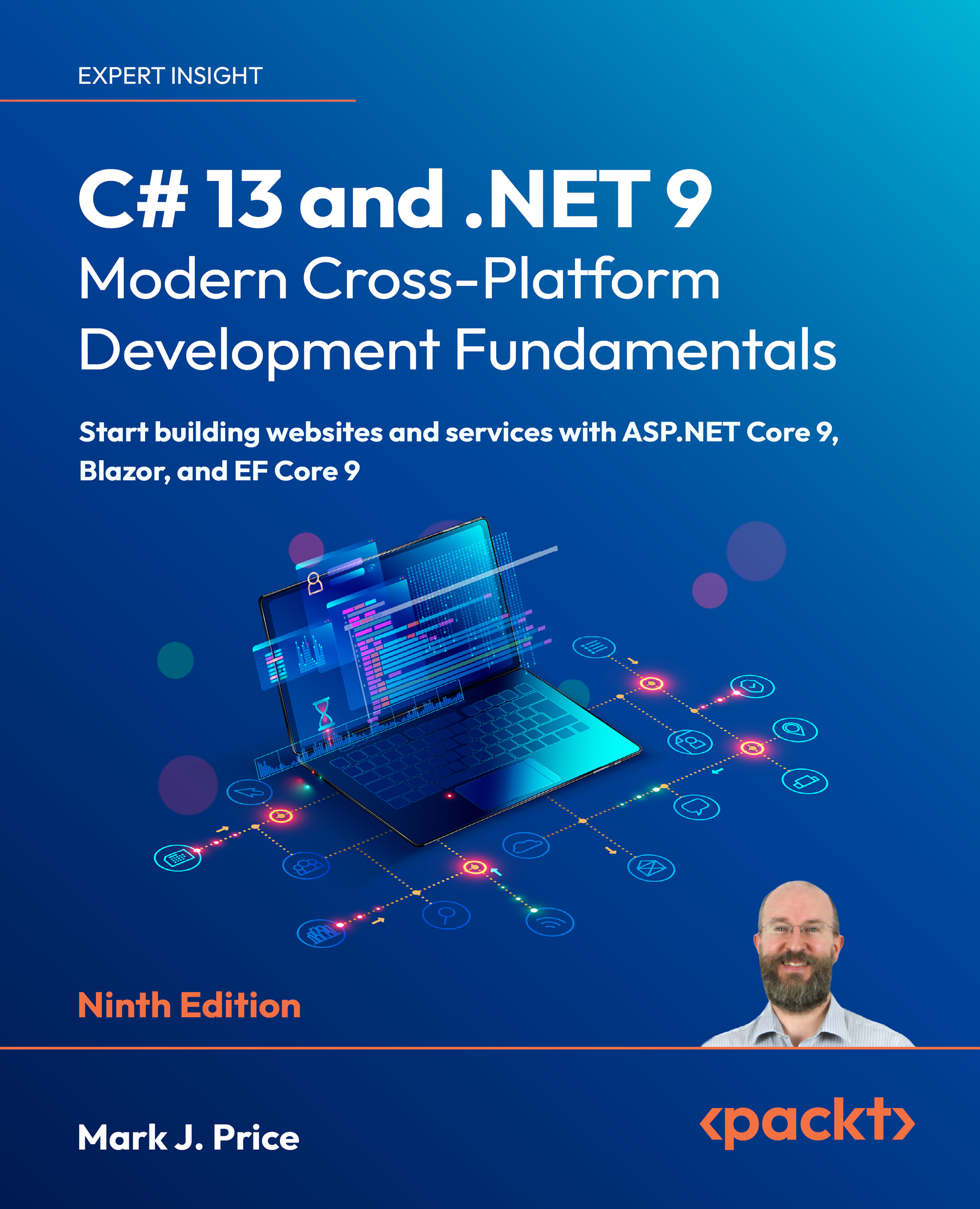
  • Readers who have completed my book for beginners, C# 14 and .NET 10 – Modern Cross-Platform Development Fundamentals, or an earlier edition, and now want to take their learning further.
  • Readers who already have basic skills and knowledge about C# and .NET and want to learn practical skills and knowledge to build modern apps and services using popular libraries and databases.

Companion books to complete your learning journey

This is one of four books in a quartet that provides a learning journey through .NET 10:

  1. The first book covers the fundamentals of the C# language, the .NET libraries, and modern ASP.NET Core technologies for web development. It is designed to be read linearly because skills and knowledge from earlier chapters build up and are needed to understand later chapters.
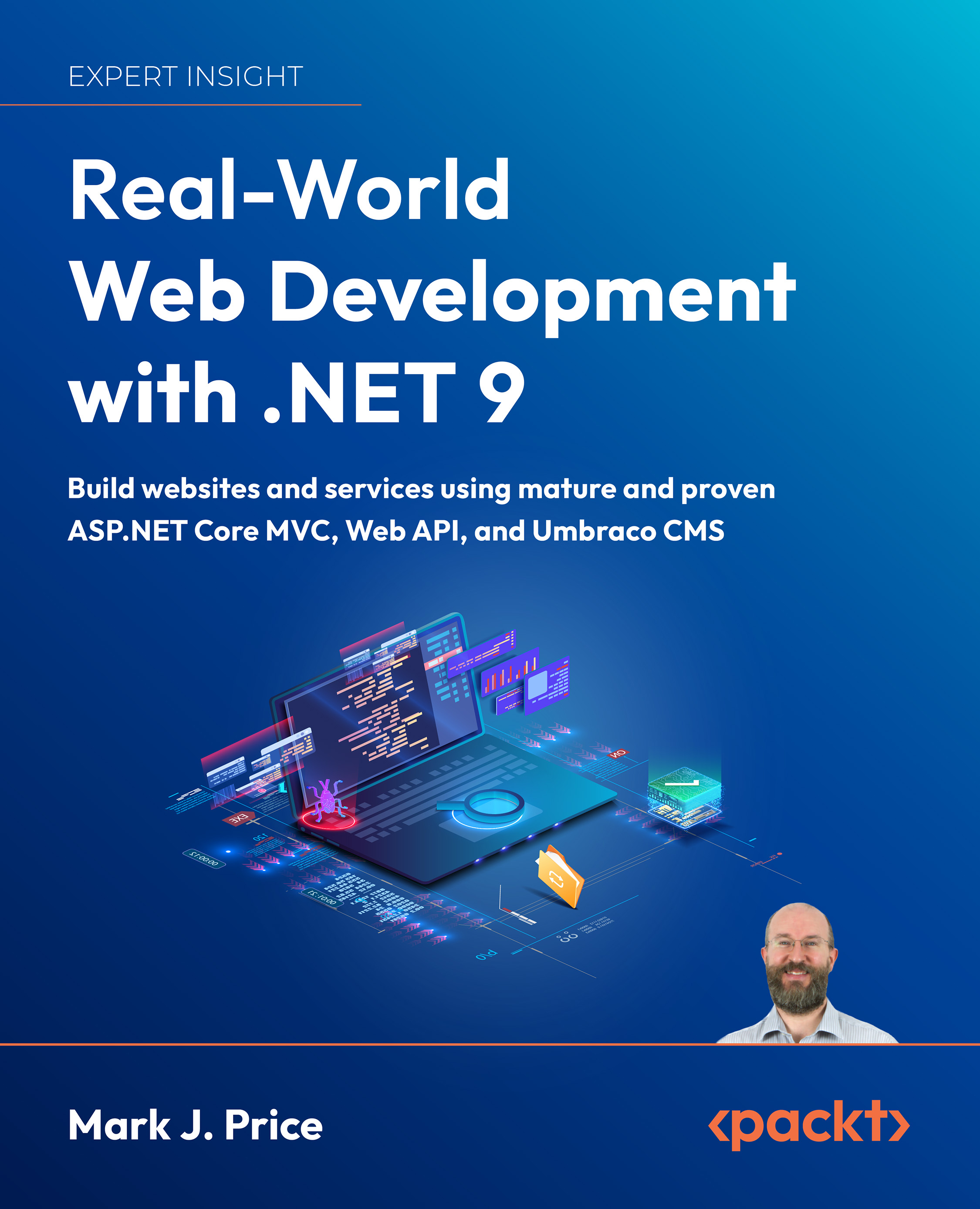
  2. The second book covers mature and proven web development technologies like ASP.NET Core MVC and controller-based Web API...

App and service technologies

Microsoft calls platforms for building applications and services app models or workloads.

Understanding .NET

.NET, .NET Core, .NET Framework, and Xamarin are related and overlapping platforms for developers used to build apps and services. If you are not familiar with the history of .NET, then I will point you to each of these .NET concepts at the following link, which is from the C# 14 and .NET 10 – Modern Cross-Platform Development Fundamentals book:

https://github.com/markjprice/cs14net10/blob/main/docs/ch01-dotnet-history.md

Building Windows-only desktop apps

Technologies for building Windows-only desktop apps include:

  1. Windows Forms, 2002
  2. Windows Presentation Foundation (WPF), 2006
  3. Windows Store, 2012
  4. Universal Windows Platform (UWP), 2015
  5. Windows App SDK (formerly WinUI 3 and Project Reunion), 2021

Understanding legacy Windows application platforms

With the Microsoft Windows 1.0 release in 1985, the only way to create Windows applications...

Setting up your development environment

Before you start programming, you’ll need a code editor for C#. Microsoft has a family of code editors and Integrated Development Environments (IDEs), which include:

  1. Visual Studio (for Windows-only)
  2. VS Code (for Windows, Mac, or Linux)
  3. GitHub Codespaces (for cloud-based coding)

Third parties have created their own C# code editors, for example, JetBrains Rider, which is available for Windows, Mac, or Linux. Since October 2024 it has a free version that you can read about at the following link: https://blog.jetbrains.com/dotnet/2024/10/16/rider-reveal-livestream-big-news-for-dotnet-and-game-devs/. Rider is popular with more experienced .NET developers.

Warning! Although JetBrains is a fantastic company with great products, both Rider and the ReSharper extension for Visual Studio are software, and all software has bugs and quirky behavior. For example, they might show errors like “Cannot resolve symbol” in your Razor Pages, Razor...

Exploring top-level programs, functions, and namespaces

Since .NET 6, the default project template for console apps uses the top-level program feature introduced with .NET 5. It is important to understand how it works with the automatically generated Program class and its <Main>$ method.Let’s explore how the top-level program feature works when you define functions:

  1. Use your preferred coding tool to create a new project, as defined in the following list:
  2. Project template: Console App / console
  3. Project file and folder: TopLevelFunctions
  4. Solution file and folder: Chapter01
  5. Do not use top-level statements: Cleared
  6. Enable native AOT publishing: Cleared
  7. In the TopLevelFunctions.csproj project file, treat warnings as errors, and then globally and statically import the System.Console class, as shown highlighted in the following markup:
<Project Sdk="Microsoft.NET.Sdk">
    <PropertyGroup>
        <OutputType>Exe</OutputType>
        <TargetFramework...

Making good use of the GitHub repository for this book

Git is a commonly used source code management system. GitHub is a company, website, and desktop application that makes it easier to manage Git. Microsoft purchased GitHub in 2018, so it will continue to be closely integrated with Microsoft tools.I created a GitHub repository for this book, and I use it for the following:

  1. To store the solution code for the book, which will be maintained after the print publication date.
  2. To provide extra materials that extend the book, like errata fixes, small improvements, lists of useful links, and longer articles that cannot fit in the printed book.
  3. To provide a place for readers to get in touch with me if they have issues with the book.

Raising issues with the book

If you get stuck following any of the instructions in this book, or if you spot a mistake in the text or the code in the solutions, please raise an issue in the GitHub repository:

  1. Use your favorite browser to navigate to the following...

Where to go for help

This section is all about how to find quality information about programming on the web.

Reading documentation on Microsoft Learn

The definitive resource for getting help with Microsoft developer tools and platforms is in the technical documentation on Microsoft Learn, and you can find it at the following link: microsoft.com/en-us/docs.

Getting help for the dotnet tool

At the command prompt, you can ask the dotnet tool for help with its commands. The syntax is:

dotnet help <command>This will cause your web browser to open a page in the documentation about the specified command. Common dotnet commands include new, build, and run.

Warning! The dotnet help new command worked with .NET Core 3.1 to .NET 6, but it returns an error with .NET 7 or later: Specified command 'new' is not a valid SDK command. Specify a valid SDK command. For more information, run dotnet help. Hopefully, the .NET team will fix that bug soon!Another type of help is command-line...

Practicing and exploring

Test your knowledge and understanding by answering some questions, getting some hands-on practice, and exploring with deeper research the topics in this chapter.

Exercise 1.1 – Online-only material

To preserve space in the print book, there are some optional online-only sections available in the GitHub repository. They are not needed for the rest of the book, but you will find them useful for general knowledge:

  • What’s New in Modern C# and .NET: In this section, the goal is to review what is new since C# 6 and .NET Core 1.0, which were released in 2016. Instead of just listing the new features introduced with each version of .NET, this section takes a themed approach to make it easier to understand how small individual improvements introduced over multiple versions are designed to work together. This section will be updated to cover .NET 11 in November 2026: https://github.com/markjprice/apps-services-net10/blob/main/docs/ch01-whats-new.md.
  • Benchmarking...

Summary

In this chapter, you:

  • Were introduced to the app and service technologies that you will learn about in this book.
  • Set up your development environment.
  • Learned where to look for help.

In the next chapter, you will learn how to use .NET MAUI to build cross-platform mobile apps.

Learn more on Discord

To join the Discord community for this book – where you can share feedback, ask questions to the author, and learn about new releases – follow the QR code below:

https://packt.link/apps_and_services_dotnet10

Left arrow icon Right arrow icon

Key benefits

  • Use specialized libraries to improve all aspects of your apps, including security and localization
  • Unlock scalability, performance, and resilience in your services
  • Unleash the capabilities of Avalonia, Blazor, and MAUI to develop stunning, truly cross-platform apps for desktop, web, and mobile

Description

Building modern apps and services with C# and .NET isn’t just about knowing the syntax—it’s about knowing the right tools for the job. Whether you’re building for web, desktop, or mobile, the .NET ecosystem offers a vast range of technologies. But with so many choices, it’s easy to get stuck in a narrow skillset. Apps and Services with .NET 10 is designed to help you build real-world experience across the breadth of what .NET 10 has to offer. This edition covers practical implementations across a diverse set of technologies: build APIs with Minimal API, gRPC, GraphQL, and SignalR; create user-facing applications using Blazor for the web, Avalonia for desktop, and .NET MAUI for mobile. You’ll explore native AOT (Ahead-of-Time) compilation for high-performance web services and master caching, messaging, and long-running background tasks. Each chapter is project-focused, giving you hands-on practice and real context for when and why to use each tool. By the end, you’ll have a full-stack command of modern .NET. You’ll know how to select the right UI tech for your target platform, build APIs that scale, architect reliable backend services, and confidently adopt newer patterns. You won’t just understand the tools—you’ll know how to put them together to deliver robust, user-friendly, cross-platform apps in production environments.

Who is this book for?

This book is for .NET developers interested in exploring more specialized libraries and implementation fundamentals behind building services and apps. You’ll need to know your way around .NET and C# quite well before you can dive in, so if you want to work your way up to this book, you can pick up Mark’s other .NET book, C# 14 and .NET 10 – Modern Cross-Platform Development Fundamentals, first.

What you will learn

  • Familiarize yourself with a variety of technologies to implement services, such as gRPC and GraphQL
  • Store and manage data locally and cloud-natively with SQL Server
  • Implement web services with native AOT publish support
  • Leverage Dapper for improved performance over EF Core
  • Implement popular third-party libraries such as Serilog, Humanizer, and Noda Time
  • Build web apps using Blazor, mobile apps using MAUI, and desktop apps using Avalonia

Product Details

Country selected
Publication date, Length, Edition, Language, ISBN-13
Publication date : Feb 18, 2026
Edition : 3rd
Language : English
ISBN-13 : 9781835469026
Languages :
Tools :

What do you get with eBook?

Product feature icon Instant access to your Digital eBook purchase
Product feature icon Download this book in EPUB and PDF formats
Product feature icon Access this title in our online reader with advanced features
Product feature icon DRM FREE - Read whenever, wherever and however you want
Modal Close icon
Payment Processing...
tick Completed

Billing Address

Product Details

Publication date : Feb 18, 2026
Edition : 3rd
Language : English
ISBN-13 : 9781835469026
Languages :
Tools :

Packt Subscriptions

See our plans and pricing
Modal Close icon
€18.99 billed monthly
Feature tick icon Unlimited access to Packt's library of 7,000+ practical books and videos
Feature tick icon Constantly refreshed with 50+ new titles a month
Feature tick icon Exclusive Early access to books as they're written
Feature tick icon Solve problems while you work with advanced search and reference features
Feature tick icon Offline reading on the mobile app
Feature tick icon Simple pricing, no contract
€189.99 billed annually
Feature tick icon Unlimited access to Packt's library of 7,000+ practical books and videos
Feature tick icon Constantly refreshed with 50+ new titles a month
Feature tick icon Exclusive Early access to books as they're written
Feature tick icon Solve problems while you work with advanced search and reference features
Feature tick icon Offline reading on the mobile app
Feature tick icon Choose a DRM-free eBook or Video every month to keep
Feature tick icon PLUS own as many other DRM-free eBooks or Videos as you like for just €5 each
Feature tick icon Exclusive print discounts
€264.99 billed in 18 months
Feature tick icon Unlimited access to Packt's library of 7,000+ practical books and videos
Feature tick icon Constantly refreshed with 50+ new titles a month
Feature tick icon Exclusive Early access to books as they're written
Feature tick icon Solve problems while you work with advanced search and reference features
Feature tick icon Offline reading on the mobile app
Feature tick icon Choose a DRM-free eBook or Video every month to keep
Feature tick icon PLUS own as many other DRM-free eBooks or Videos as you like for just €5 each
Feature tick icon Exclusive print discounts

Table of Contents

4 Chapters
Apps and Services with .NET 10, Third Edition: Build practical projects with Avalonia, Blazor, gRPC, GraphQL, and other enterprise technologies Chevron down icon Chevron up icon
1 Introducing Apps and Services with .NET Chevron down icon Chevron up icon
2 Building Mobile Apps Using .NET MAUI Chevron down icon Chevron up icon
3Building Desktop Apps Using Avalonia Chevron down icon Chevron up icon
Get free access to Packt library with over 7500+ books and video courses for 7 days!
Start Free Trial

FAQs

How do I buy and download an eBook? Chevron down icon Chevron up icon

Where there is an eBook version of a title available, you can buy it from the book details for that title. Add either the standalone eBook or the eBook and print book bundle to your shopping cart. Your eBook will show in your cart as a product on its own. After completing checkout and payment in the normal way, you will receive your receipt on the screen containing a link to a personalised PDF download file. This link will remain active for 30 days. You can download backup copies of the file by logging in to your account at any time.

If you already have Adobe reader installed, then clicking on the link will download and open the PDF file directly. If you don't, then save the PDF file on your machine and download the Reader to view it.

Please Note: Packt eBooks are non-returnable and non-refundable.

Packt eBook and Licensing When you buy an eBook from Packt Publishing, completing your purchase means you accept the terms of our licence agreement. Please read the full text of the agreement. In it we have tried to balance the need for the ebook to be usable for you the reader with our needs to protect the rights of us as Publishers and of our authors. In summary, the agreement says:

  • You may make copies of your eBook for your own use onto any machine
  • You may not pass copies of the eBook on to anyone else
How can I make a purchase on your website? Chevron down icon Chevron up icon

If you want to purchase a video course, eBook or Bundle (Print+eBook) please follow below steps:

  1. Register on our website using your email address and the password.
  2. Search for the title by name or ISBN using the search option.
  3. Select the title you want to purchase.
  4. Choose the format you wish to purchase the title in; if you order the Print Book, you get a free eBook copy of the same title. 
  5. Proceed with the checkout process (payment to be made using Credit Card, Debit Cart, or PayPal)
Where can I access support around an eBook? Chevron down icon Chevron up icon
  • If you experience a problem with using or installing Adobe Reader, the contact Adobe directly.
  • To view the errata for the book, see www.packtpub.com/support and view the pages for the title you have.
  • To view your account details or to download a new copy of the book go to www.packtpub.com/account
  • To contact us directly if a problem is not resolved, use www.packtpub.com/contact-us
What eBook formats do Packt support? Chevron down icon Chevron up icon

Our eBooks are currently available in a variety of formats such as PDF and ePubs. In the future, this may well change with trends and development in technology, but please note that our PDFs are not Adobe eBook Reader format, which has greater restrictions on security.

You will need to use Adobe Reader v9 or later in order to read Packt's PDF eBooks.

What are the benefits of eBooks? Chevron down icon Chevron up icon
  • You can get the information you need immediately
  • You can easily take them with you on a laptop
  • You can download them an unlimited number of times
  • You can print them out
  • They are copy-paste enabled
  • They are searchable
  • There is no password protection
  • They are lower price than print
  • They save resources and space
What is an eBook? Chevron down icon Chevron up icon

Packt eBooks are a complete electronic version of the print edition, available in PDF and ePub formats. Every piece of content down to the page numbering is the same. Because we save the costs of printing and shipping the book to you, we are able to offer eBooks at a lower cost than print editions.

When you have purchased an eBook, simply login to your account and click on the link in Your Download Area. We recommend you saving the file to your hard drive before opening it.

For optimal viewing of our eBooks, we recommend you download and install the free Adobe Reader version 9.

Modal Close icon
Modal Close icon