





























































HEAT MAPS IN Matplotlib
Listing 5.22 displays the contents of heatmap1.py that illustrates how to render a heat map in Matplotlib.
LISTING 5.22: heatmap1.py
import numpy as np

data = np.random.random((16, 16))
plt.imshow(data, cmap='tab20_r', interpolation='nearest')
plt.show()
Listing 5.22 contains an import statement, followed by the variable data that is initialized as a 16x16 matrix of random values. The next code snippet renders the heat map, and the final code snippet displays the heat map. Now launch the code in Listing 5.22 and you will see the image that is shown in Figure 5.19.
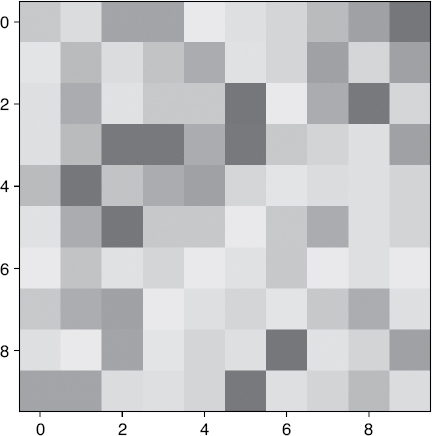
FIGURE 5.19 A heat map.











