-
Broad Copilot coverage from completions and chat modes to customization and agent capabilities
-
A guided calculator build connecting planning, design, validation, testing, and documentation
-
Workspace-aware methods using context, ignored files, custom instructions, and prompt files
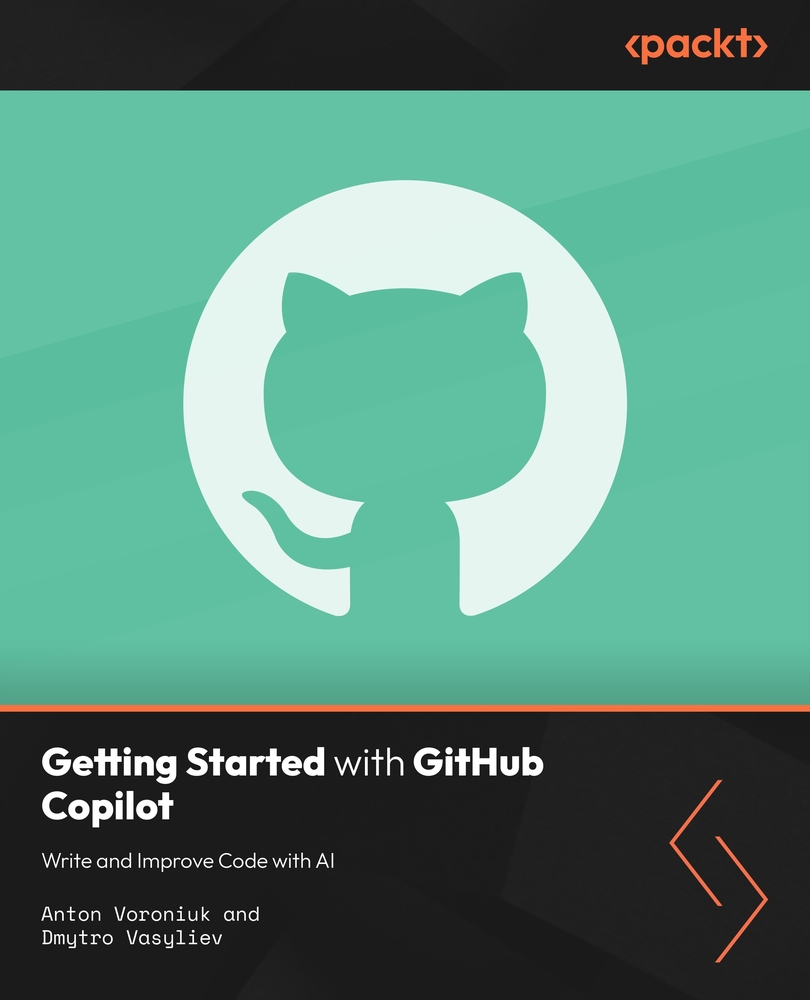
AI coding assistance is most effective when developers know which interaction mode to use and how to supply useful project context. The course introduces GitHub Copilot in Visual Studio Code, including configuration, code completions, inline chat, intelligent actions, subscriptions, common developer applications, restrictions, and data privacy.
You next compare Ask, Edit, and Agent modes and learn how chat context shapes responses. A guided calculator project provides a practical progression from planning and initial creation to visual design, input restrictions, number formatting, library-based logic, unit tests, and project documentation. The final sections explain workspace indexing, ignored files, custom instructions, reusable prompt files, community patterns, and agent skills.
Working through one application shows how Copilot can support multiple stages of development without replacing developer judgment. You will practice selecting the right interaction mode, improving context, reviewing generated changes, organizing repeatable instructions, and creating an initial skill for recurring tasks. By the end of this course, you will be able to configure Copilot, build and refine a working application, test and document the result, and customize AI assistance for a more consistent coding workflow.
Developers, programmers, students, and technical learners who want practical experience with GitHub Copilot in Visual Studio Code are the primary audience. Basic programming knowledge and familiarity with files, editors, and simple application logic will help. No advanced Copilot experience is implied by the source outline.
-
Configure GitHub Copilot for use in Visual Studio Code
-
Apply code completions, inline chat, and intelligent actions
-
Choose Ask, Edit, or Agent mode for a development task
-
Control responses with workspace context and instructions
-
Build, style, test, and document a calculator application
-
Create prompt files and an initial Copilot agent skill


 United States

 Great Britain
 India
India
 Germany
 France
 Canada
 Russia
 Spain
Spain
 Brazil
 Australia
 Singapore
 Canary Islands
 Hungary
 Ukraine
 Luxembourg
 Estonia
 Lithuania
 South Korea
 Turkey
 Switzerland
 Colombia
 Taiwan
 Chile
Chile
 Norway
 Ecuador
 Indonesia
 New Zealand
 Cyprus
 Denmark
 Finland
 Poland
 Malta
Malta
 Czechia
 Austria
 Sweden
 Italy
Italy
 Egypt
Egypt
 Belgium
 Portugal
 Slovenia
 Ireland
 Romania
 Greece
 Argentina
 Netherlands
 Bulgaria
 Latvia
 South Africa
 Malaysia
 Japan
Japan
 Slovakia
 Philippines
 Mexico
 Thailand