Search icon CANCEL
Subscription
0
Cart icon
Your Cart (0 item)
Close icon
You have no products in your basket yet
Arrow left icon
Explore Products
Best Sellers
New Releases
Books
Events
Videos
Audiobooks
Packt Hub
Free Learning
Arrow right icon
timer SALE ENDS IN
0 Days
:
00 Hours
:
00 Minutes
:
00 Seconds
Arrow up icon
GO TO TOP
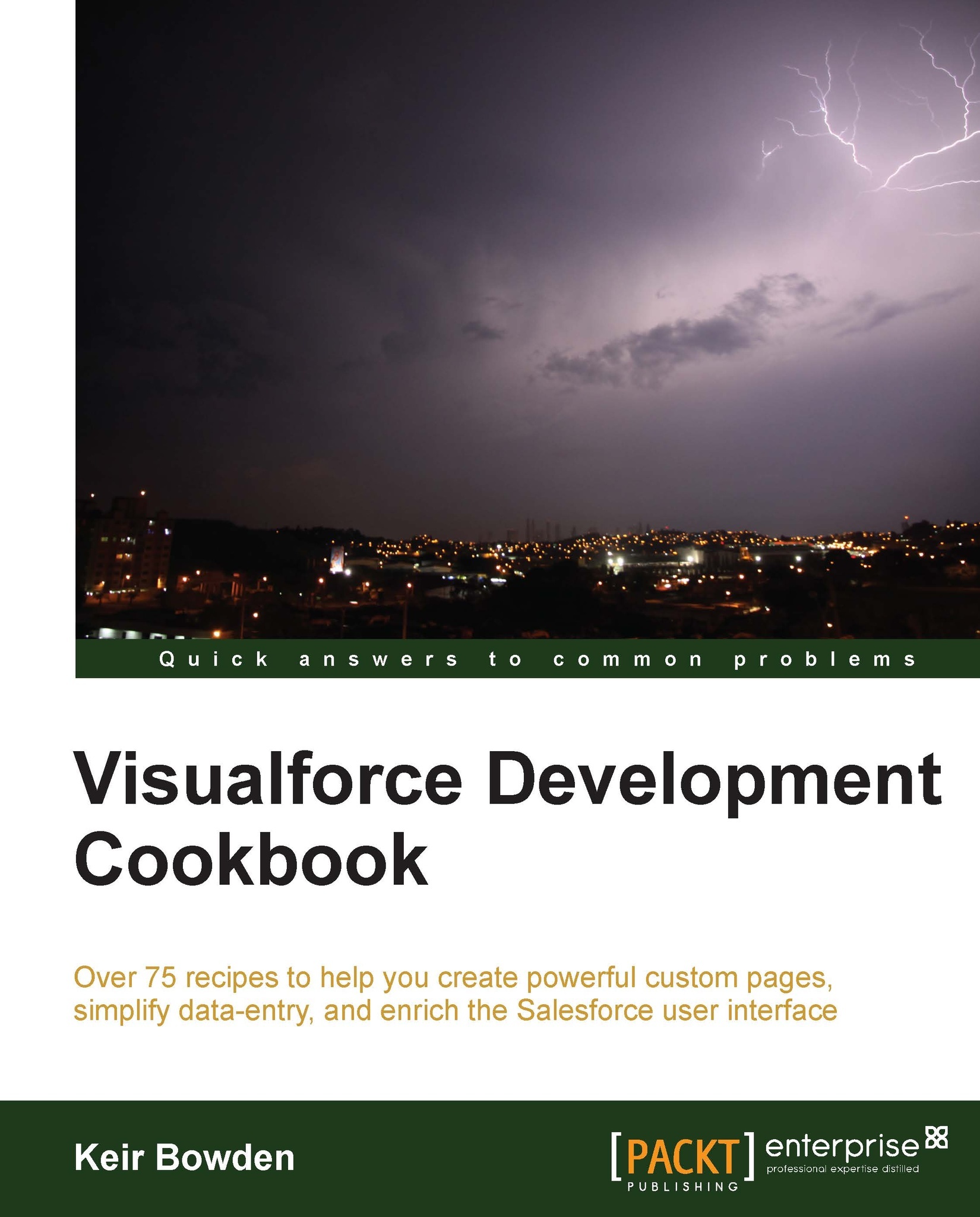
Visualforce Development Cookbook

You're reading from   Visualforce Development Cookbook For developers who already know the basics of Visualforce, this book enables you to advance to the next level. With over 75 real-world examples accompanied by stacks of illustrations, it clarifies even the most complex concepts.

Arrow left icon
Product type Paperback
Published in Sep 2013
Publisher Packt
ISBN-13 9781782170808
Length 334 pages
Edition 1st Edition
Languages
Arrow right icon
Author (1):
Arrow left icon
Keir Bowden Keir Bowden
Author Profile Icon Keir Bowden
Keir Bowden
Arrow right icon
View More author details
Toc

Table of Contents (16) Chapters Close

Visualforce Development Cookbook
Credits
About the Author
About the Reviewers
www.PacktPub.com
Preface
1. General Utilities FREE CHAPTER 2. Custom Components 3. Capturing Data Using Forms 4. Managing Records 5. Managing Multiple Records 6. Visualforce Charts 7. JavaScript 8. Force.com Sites 9. jQuery Mobile Index

Collapsible list elements


When a number of records and related information are rendered as a list, a user is often presented with a large amount of data that they must scroll through in order to access the items that they are interested in. One way to improve this is to allow items to be collapsed, showing enough headline information to allow the item to be identified, but taking up the minimum amount of screen real estate.

In this recipe, we will create a Visualforce page that displays a list of account records and their associated contact records. Each account record is collapsed when the page is initially rendered, and the user may click a record to expand it and see the associated contact information.

Note

Visualforce provides collapsible behavior for the standard <apex:pageBlockSection /> component. However, this forces the content to be expanded or collapsed to be nested inside this component, which styles the content in a similar fashion to a standard Salesforce section. The solution...

lock icon The rest of the chapter is locked
CONTINUE READING
83
Tech Concepts
36
Programming languages
73
Tech Tools
Icon Unlimited access to the largest independent learning library in tech of over 8,000 expert-authored tech books and videos.
Icon Innovative learning tools, including AI book assistants, code context explainers, and text-to-speech.
Icon 50+ new titles added per month and exclusive early access to books as they are being written.
Visualforce Development Cookbook
Register for a free Packt account to unlock a world of extra content!
A free Packt account unlocks extra newsletters, articles, discounted offers, and much more. Start advancing your knowledge today.
Unlock this book and the full library FREE for 7 days
Get unlimited access to 7000+ expert-authored eBooks and videos courses covering every tech area you can think of
Renews at $19.99/month. Cancel anytime
Modal Close icon
Modal Close icon