Search icon CANCEL
Subscription
0
Cart icon
Your Cart (0 item)
Close icon
You have no products in your basket yet
Save more on your purchases! discount-offer-chevron-icon
Savings automatically calculated. No voucher code required.
Arrow left icon
Explore Products
Best Sellers
New Releases
Books
Events
Videos
Audiobooks
Packt Hub
Free Learning
Arrow right icon
timer SALE ENDS IN
0 Days
:
00 Hours
:
00 Minutes
:
00 Seconds
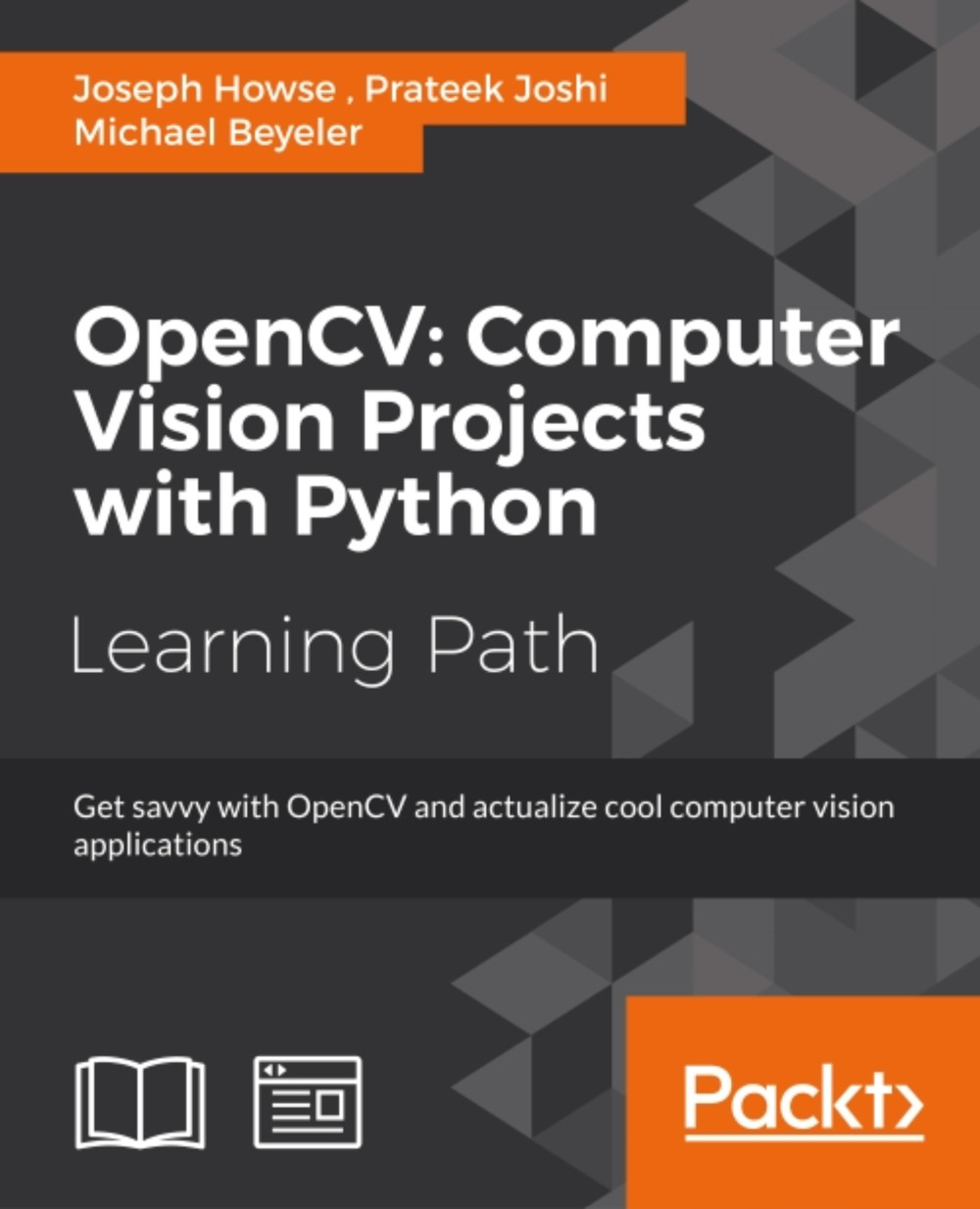
OpenCV: Computer Vision Projects with Python

OpenCV: Computer Vision Projects with Python: Develop computer vision applications with OpenCV

Arrow left icon
Profile Icon Prateek Joshi Profile Icon Michael Beyeler Profile Icon Joseph Howse
Arrow right icon
NZ$84.59 NZ$93.99
eBook Oct 2016 558 pages 1st Edition
eBook
NZ$84.59 NZ$93.99
Subscription
Free Trial
Arrow left icon
Profile Icon Prateek Joshi Profile Icon Michael Beyeler Profile Icon Joseph Howse
Arrow right icon
NZ$84.59 NZ$93.99
eBook Oct 2016 558 pages 1st Edition
eBook
NZ$84.59 NZ$93.99
Subscription
Free Trial
eBook
NZ$84.59 NZ$93.99
Subscription
Free Trial

What do you get with eBook?

Product feature icon Instant access to your Digital eBook purchase
Product feature icon Download this book in EPUB format
Product feature icon Access this title in our online reader with advanced features
Product feature icon DRM FREE - Read whenever, wherever and however you want
Modal Close icon
Payment Processing...
tick Completed

Billing Address

Key benefits

  • Use OpenCV's Python bindings to capture video, manipulate images, and track objects
  • Learn about the different functions of OpenCV and their actual implementations.
  • Develop a series of intermediate to advanced projects using OpenCV and Python

Description

OpenCV is a state-of-art computer vision library that allows a great variety of image and video processing operations. OpenCV for Python enables us to run computer vision algorithms in real time.This learning path proposes to teach the following topics. First, we will learn how to get started with OpenCV and OpenCV3’s Python API, and develop a computer vision application that tracks body parts. Then, we will build amazing intermediate-level computer vision applications such as making an object disappear from an image, identifying different shapes, reconstructing a 3D map from images , and building an augmented reality application, Finally, we’ll move to more advanced projects such as hand gesture recognition, tracking visually salient objects, as well as recognizing traffic signs and emotions on faces using support vector machines and multi-layer perceptrons respectively. This Learning Path combines some of the best that Packt has to offer in one complete, curated package. It includes content from the following Packt products: • OpenCV Computer Vision with Python by Joseph Howse • OpenCV with Python By Example by Prateek Joshi • OpenCV with Python Blueprints by Michael Beyeler

Who is this book for?

This learning path is for someone who has a working knowledge of Python and wants to try out OpenCV. This Learning Path will take you from a beginner to an expert in computer vision applications using OpenCV.OpenCV’s application are humongous and this Learning Path is the best resource to get yourself acquainted thoroughly with OpenCV.

What you will learn

  • * Install OpenCV and related software such as Python, NumPy, SciPy, OpenNI, and SensorKinect - all on Windows, Mac or Ubuntu* Apply “curves” and other color transformations to simulate the look of old photos, movies, or video games* Apply geometric transformations to images, perform image filtering, and convert an image into a cartoon-like image * Recognize hand gestures in real time and perform hand-shape analysis based on the output of a Microsoft Kinect sensor* Reconstruct a 3D real-world scene from 2D camera motion and common camera reprojection techniques* Detect and recognize street signs using a cascade classifier and support vector machines (SVMs)* Identify emotional expressions in human faces using convolutional neural networks (CNNs) and SVMs* Strengthen your OpenCV2 skills and learn how to use new OpenCV3 features

Product Details

Country selected
Publication date, Length, Edition, Language, ISBN-13
Publication date : Oct 24, 2016
Length: 558 pages
Edition : 1st
Language : English
ISBN-13 : 9781787123847
Category :
Languages :
Tools :

What do you get with eBook?

Product feature icon Instant access to your Digital eBook purchase
Product feature icon Download this book in EPUB format
Product feature icon Access this title in our online reader with advanced features
Product feature icon DRM FREE - Read whenever, wherever and however you want
Modal Close icon
Payment Processing...
tick Completed

Billing Address

Product Details

Publication date : Oct 24, 2016
Length: 558 pages
Edition : 1st
Language : English
ISBN-13 : 9781787123847
Category :
Languages :
Tools :

Packt Subscriptions

See our plans and pricing
Modal Close icon
$19.99 billed monthly
Feature tick icon Unlimited access to Packt's library of 7,000+ practical books and videos
Feature tick icon Constantly refreshed with 50+ new titles a month
Feature tick icon Exclusive Early access to books as they're written
Feature tick icon Solve problems while you work with advanced search and reference features
Feature tick icon Offline reading on the mobile app
Feature tick icon Simple pricing, no contract
$199.99 billed annually
Feature tick icon Unlimited access to Packt's library of 7,000+ practical books and videos
Feature tick icon Constantly refreshed with 50+ new titles a month
Feature tick icon Exclusive Early access to books as they're written
Feature tick icon Solve problems while you work with advanced search and reference features
Feature tick icon Offline reading on the mobile app
Feature tick icon Choose a DRM-free eBook or Video every month to keep
Feature tick icon PLUS own as many other DRM-free eBooks or Videos as you like for just NZ$7 each
Feature tick icon Exclusive print discounts
$279.99 billed in 18 months
Feature tick icon Unlimited access to Packt's library of 7,000+ practical books and videos
Feature tick icon Constantly refreshed with 50+ new titles a month
Feature tick icon Exclusive Early access to books as they're written
Feature tick icon Solve problems while you work with advanced search and reference features
Feature tick icon Offline reading on the mobile app
Feature tick icon Choose a DRM-free eBook or Video every month to keep
Feature tick icon PLUS own as many other DRM-free eBooks or Videos as you like for just NZ$7 each
Feature tick icon Exclusive print discounts
Get free access to Packt library with over 7500+ books and video courses for 7 days!
Start Free Trial

FAQs

How do I buy and download an eBook? Chevron down icon Chevron up icon

Where there is an eBook version of a title available, you can buy it from the book details for that title. Add either the standalone eBook or the eBook and print book bundle to your shopping cart. Your eBook will show in your cart as a product on its own. After completing checkout and payment in the normal way, you will receive your receipt on the screen containing a link to a personalised PDF download file. This link will remain active for 30 days. You can download backup copies of the file by logging in to your account at any time.

If you already have Adobe reader installed, then clicking on the link will download and open the PDF file directly. If you don't, then save the PDF file on your machine and download the Reader to view it.

Please Note: Packt eBooks are non-returnable and non-refundable.

Packt eBook and Licensing When you buy an eBook from Packt Publishing, completing your purchase means you accept the terms of our licence agreement. Please read the full text of the agreement. In it we have tried to balance the need for the ebook to be usable for you the reader with our needs to protect the rights of us as Publishers and of our authors. In summary, the agreement says:

  • You may make copies of your eBook for your own use onto any machine
  • You may not pass copies of the eBook on to anyone else
How can I make a purchase on your website? Chevron down icon Chevron up icon

If you want to purchase a video course, eBook or Bundle (Print+eBook) please follow below steps:

  1. Register on our website using your email address and the password.
  2. Search for the title by name or ISBN using the search option.
  3. Select the title you want to purchase.
  4. Choose the format you wish to purchase the title in; if you order the Print Book, you get a free eBook copy of the same title. 
  5. Proceed with the checkout process (payment to be made using Credit Card, Debit Cart, or PayPal)
Where can I access support around an eBook? Chevron down icon Chevron up icon
  • If you experience a problem with using or installing Adobe Reader, the contact Adobe directly.
  • To view the errata for the book, see www.packtpub.com/support and view the pages for the title you have.
  • To view your account details or to download a new copy of the book go to www.packtpub.com/account
  • To contact us directly if a problem is not resolved, use www.packtpub.com/contact-us
What eBook formats do Packt support? Chevron down icon Chevron up icon

Our eBooks are currently available in a variety of formats such as PDF and ePubs. In the future, this may well change with trends and development in technology, but please note that our PDFs are not Adobe eBook Reader format, which has greater restrictions on security.

You will need to use Adobe Reader v9 or later in order to read Packt's PDF eBooks.

What are the benefits of eBooks? Chevron down icon Chevron up icon
  • You can get the information you need immediately
  • You can easily take them with you on a laptop
  • You can download them an unlimited number of times
  • You can print them out
  • They are copy-paste enabled
  • They are searchable
  • There is no password protection
  • They are lower price than print
  • They save resources and space
What is an eBook? Chevron down icon Chevron up icon

Packt eBooks are a complete electronic version of the print edition, available in PDF and ePub formats. Every piece of content down to the page numbering is the same. Because we save the costs of printing and shipping the book to you, we are able to offer eBooks at a lower cost than print editions.

When you have purchased an eBook, simply login to your account and click on the link in Your Download Area. We recommend you saving the file to your hard drive before opening it.

For optimal viewing of our eBooks, we recommend you download and install the free Adobe Reader version 9.

Modal Close icon
Modal Close icon