Search icon CANCEL
Subscription
0
Cart icon
Your Cart (0 item)
Close icon
You have no products in your basket yet
Arrow left icon
Explore Products
Best Sellers
New Releases
Books
Events
Videos
Audiobooks
Packt Hub
Free Learning
Arrow right icon
timer SALE ENDS IN
0 Days
:
00 Hours
:
00 Minutes
:
00 Seconds
Arrow up icon
GO TO TOP
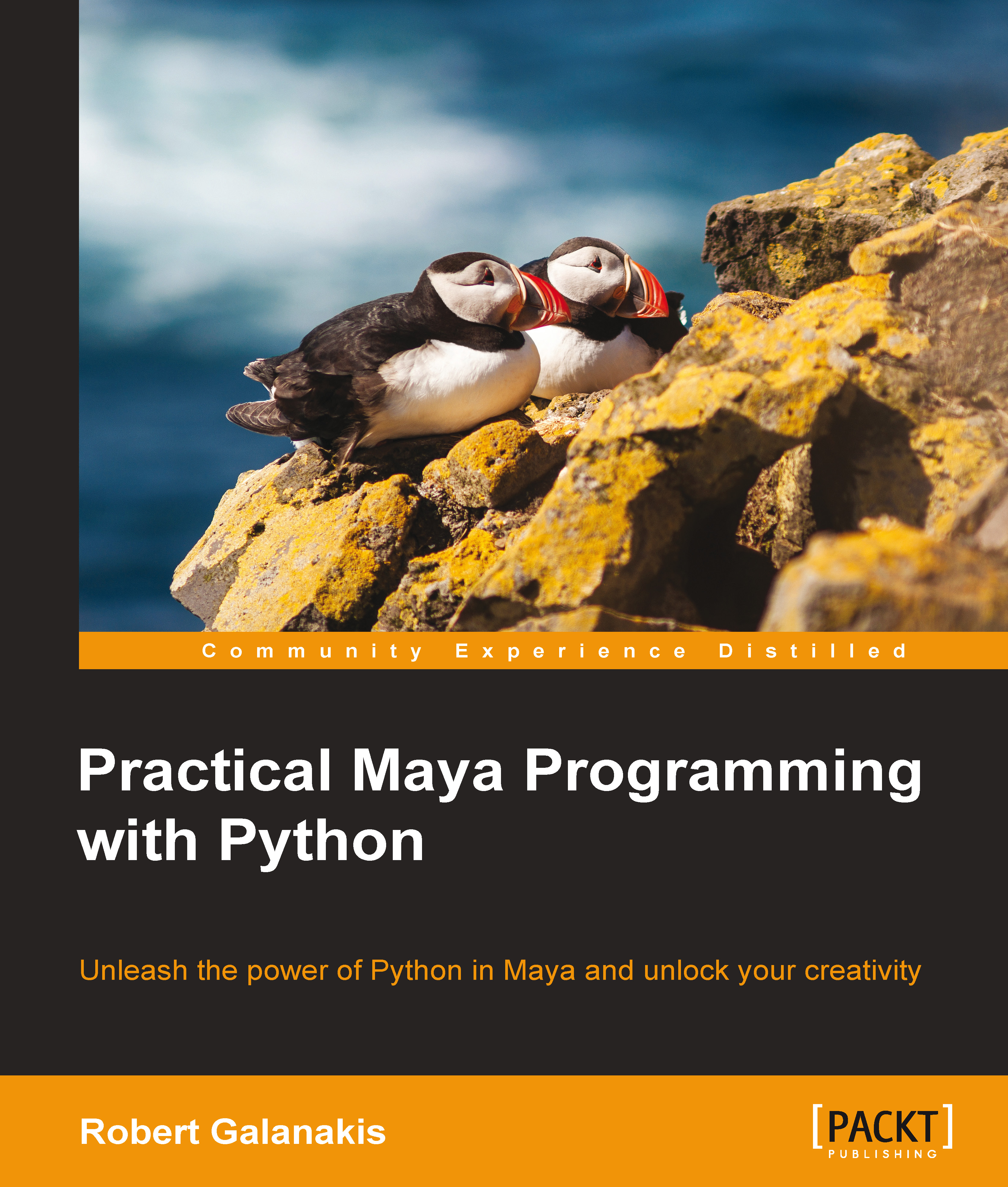
Practical Maya Programming with Python

You're reading from   Practical Maya Programming with Python Unleash the power of Python in Maya and unlock your creativity

Arrow left icon
Product type Paperback
Published in Jul 2014
Publisher Packt
ISBN-13 9781849694728
Length 352 pages
Edition 1st Edition
Languages
Tools
Arrow right icon
Author (1):
Arrow left icon
Robert Galanakis Robert Galanakis
Author Profile Icon Robert Galanakis
Robert Galanakis
Arrow right icon
View More author details
Toc

Table of Contents (12) Chapters Close

Preface 1. Introspecting Maya, Python, and PyMEL FREE CHAPTER 2. Writing Composable Code 3. Dealing with Errors 4. Leveraging Context Managers and Decorators in Maya 5. Building Graphical User Interfaces for Maya 6. Automating Maya from the Outside 7. Taming the Maya API 8. Unleashing the Maya API through Python 9. Becoming a Part of the Python Community A. Python Best Practices Index

Conventions

In this book, you will find a number of styles of text that distinguish between different kinds of information. Here are some examples of these styles, and an explanation of their meaning.

Code words in text are shown as follows: "We can include other modules through the use of the import statement."

A block of code is set as follows:

def spam():
    return 'spam!'

When we wish to draw your attention to a particular part of a code block, the relevant lines or items are set in bold:

def more_spam():
    spams = ' '.join([spam()] * 5)
    return spams

Any command line input or output is written as follows:

> mayapy --version
Python 2.6.4

Code meant to be entered by the Python interactive interpreter uses its familiar conventions. Input lines are prefixed with ">>>". Continuations for multiline statements are prefixed with "...". Output from the interpreter has no prefix:

>>> 'This is input'.replace('in', 'out')
'This is output'
>>> if True:
...     print 'Hello!'
Hello

New terms and important words are shown in bold. Words that you see on the screen, in menus or dialog boxes for example, appear in the text like this: "Clicking on the Next button moves you to the next screen".

Note

Warnings or important notes appear in a box like this.

Tip

Tips and tricks appear like this.

lock icon The rest of the chapter is locked
CONTINUE READING
83
Tech Concepts
36
Programming languages
73
Tech Tools
Icon Unlimited access to the largest independent learning library in tech of over 8,000 expert-authored tech books and videos.
Icon Innovative learning tools, including AI book assistants, code context explainers, and text-to-speech.
Icon 50+ new titles added per month and exclusive early access to books as they are being written.
Practical Maya Programming with Python
Register for a free Packt account to unlock a world of extra content!
A free Packt account unlocks extra newsletters, articles, discounted offers, and much more. Start advancing your knowledge today.
Unlock this book and the full library FREE for 7 days
Get unlimited access to 7000+ expert-authored eBooks and videos courses covering every tech area you can think of
Renews at €18.99/month. Cancel anytime
Modal Close icon
Modal Close icon