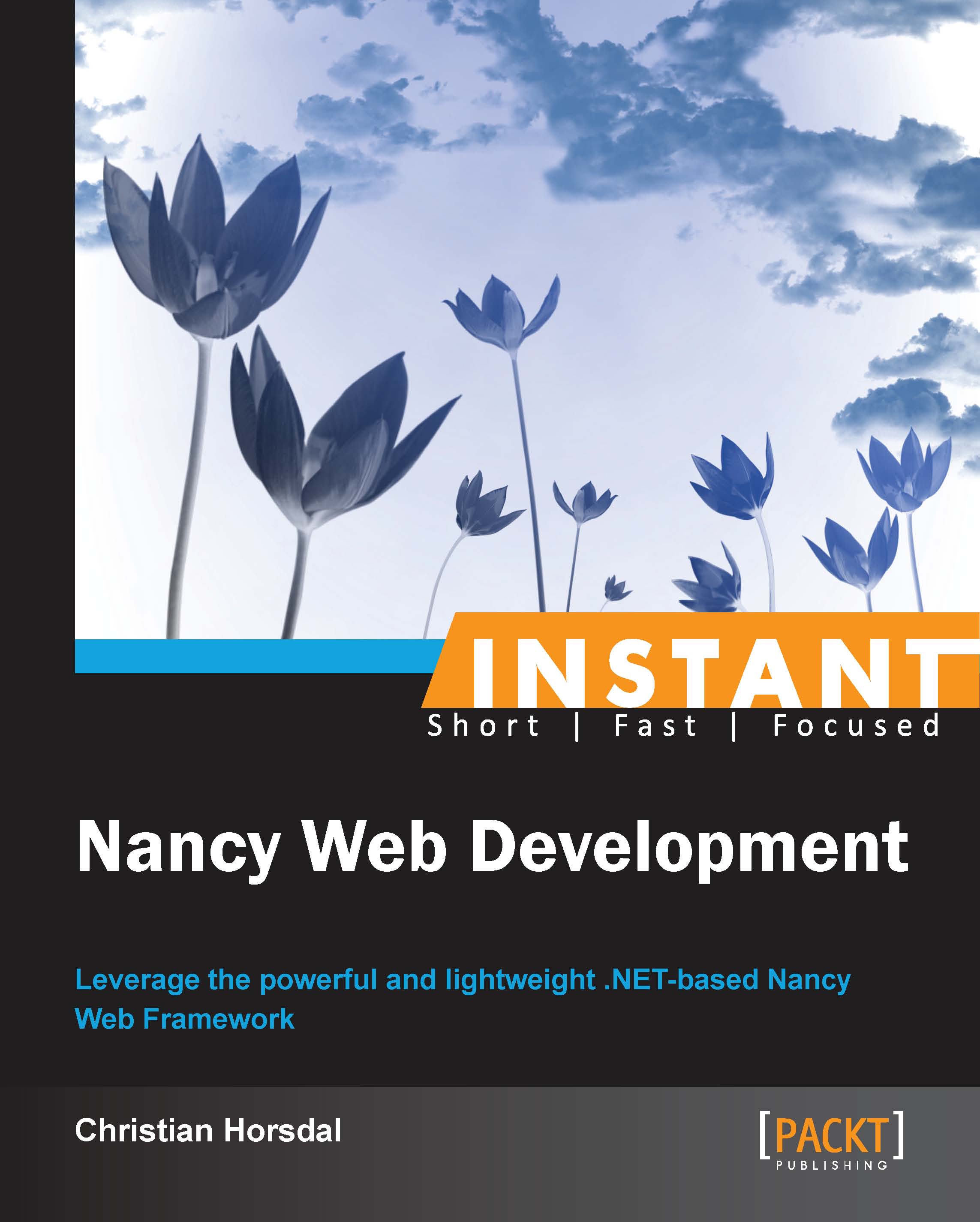
Building and running your first Nancy application (Simple)
In this recipe, you will write your very first Nancy application. It will not do much, but you will see just how easy it is to get started with Nancy.
Before diving in and building your first Nancy application, there are a couple of things you will need. First and foremost, I'll assume that for this recipe and the rest of the book, you have Visual Studio 2012 Express for Web or a higher version installed, and you have the NuGet Package Manager extension installed and up-to-date. If not, go to http://www.microsoft.com/visualstudio/eng/products/visual-studio-express-for-web#product-express-web, download and install Visual Studio, and then go to Tools | Extension and Updates... dialog and make sure NuGet Package Manager is up-to-date.
Let's take a quick look at what happened in the previous section. The interesting parts are steps 3 and 4.
In step 3, you installed the Nancy.Hosting.Aspnet package and the Nancy NuGet packages into the newly created HelloNancy project. This will download the Nancy assembly and the Nancy.Hosting.Aspnet assembly from the NuGet gallery, and add references to both in the HelloNancy project. The Nancy assembly is the Nancy framework, and the Nancy.Hosting.Aspnet assembly is an adapter for running the Nancy application on top of ASP.NET. In Nancy terms, this is called hosting Nancy on ASP.NET. Hosting is the subject of the Separating application and hosting (Advanced) recipe.
In step 4, you created a NancyModule class. Nancy modules are at the heart of Nancy applications. They are used to define which routes the application accepts and how it handles each one. For instance, the NancyModule class in step 4 defines one route and a handler for that route. This is done in the following line:
This tells Nancy that an HTTP GET request to the route "/" should be handled by the lambda expression on the right-hand side of the = sign. In other words, each time Nancy receives an HTTP GET "/", it calls the following line of code:
In the previous line of code, the lambda expression takes one parameter called _. It doesn't use the parameter for anything but simply returns the Hello Nancy World string back to Nancy. Since nothing went wrong, Nancy will create an HTTP 200 OK response with Hello Nancy World in the body and return it as the response to HTTP GET "/".
On a side note, I like to adopt the convention that whenever a parameter in a lambda is not used in the body of the lambda, I call it _. I like this because visually it makes the parameter almost disappear, so I instantly know that it is not used. On the other hand, if it is used, I will always give it a name. I will be using _ throughout this book for unused parameters.
On start-up, Nancy will find all Nancy modules in all loaded assemblies and instantiate each one. In the case of the module from step 4 in the previous section, the constructor containing the route definition discussed previously is run.


 United States

 Great Britain
 India
India
 Germany
 France
 Canada
 Russia
 Spain
Spain
 Brazil
 Australia
 Singapore
 Canary Islands
 Hungary
 Ukraine
 Luxembourg
 Estonia
 Lithuania
 South Korea
 Turkey
 Switzerland
 Colombia
 Taiwan
 Chile
Chile
 Norway
 Ecuador
 Indonesia
 New Zealand
 Cyprus
 Denmark
 Finland
 Poland
 Malta
Malta
 Czechia
 Austria
 Sweden
 Italy
Italy
 Egypt
Egypt
 Belgium
 Portugal
 Slovenia
 Ireland
 Romania
 Greece
 Argentina
 Netherlands
 Bulgaria
 Latvia
 South Africa
 Malaysia
 Japan
Japan
 Slovakia
 Philippines
 Mexico
 Thailand








 Filter