Search icon CANCEL
Subscription
0
Cart icon
Your Cart (0 item)
Close icon
You have no products in your basket yet
Arrow left icon
Explore Products
Best Sellers
New Releases
Books
Events
Videos
Audiobooks
Packt Hub
Free Learning
Arrow right icon
timer SALE ENDS IN
0 Days
:
00 Hours
:
00 Minutes
:
00 Seconds
Arrow up icon
GO TO TOP
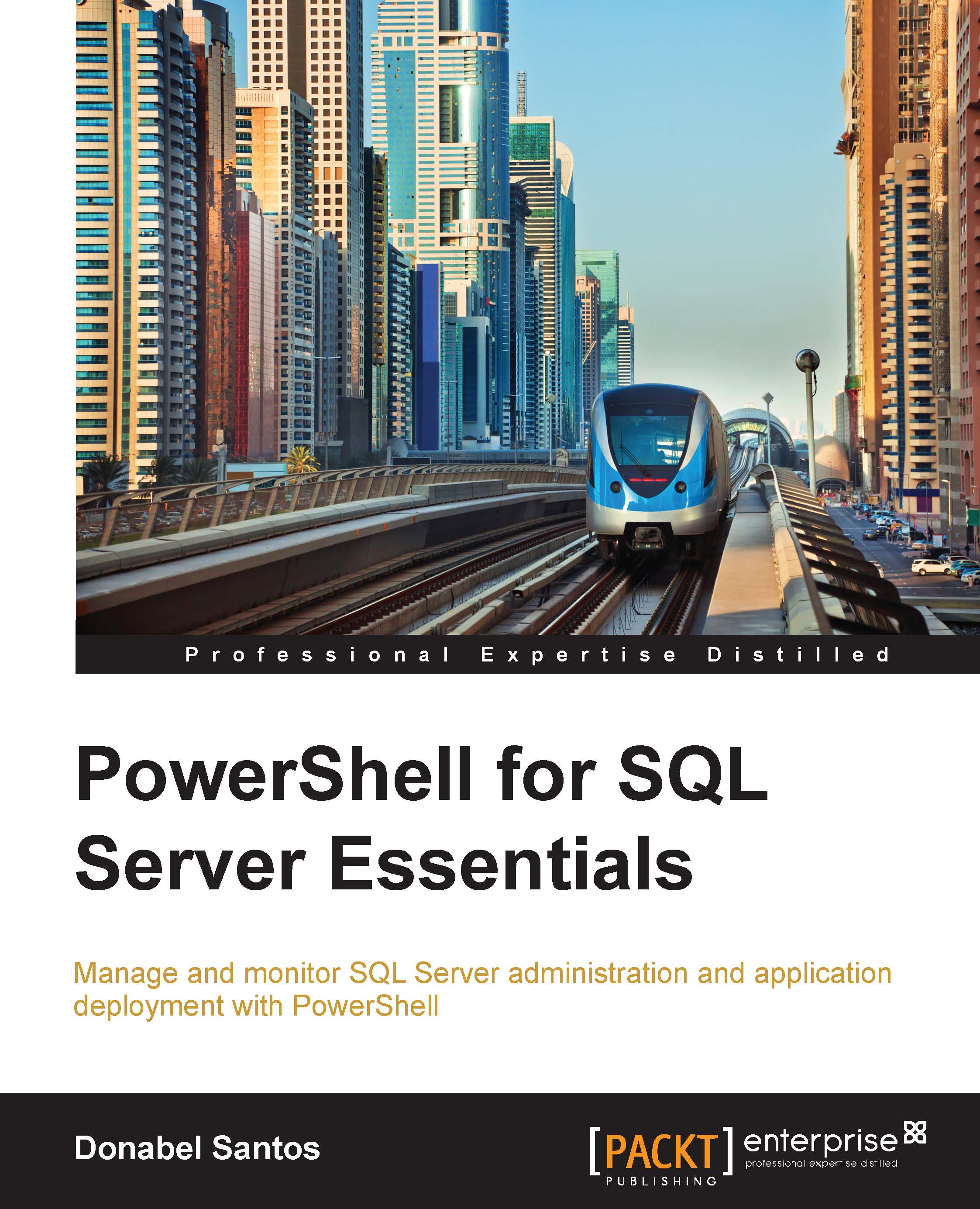
PowerShell for SQL Server Essentials

You're reading from   PowerShell for SQL Server Essentials Manage and monitor SQL Server administration and application deployment with PowerShell

Arrow left icon
Product type Paperback
Published in Feb 2015
Publisher Packt
ISBN-13 9781784391492
Length 186 pages
Edition 1st Edition
Arrow right icon
Author (1):
Arrow left icon
Donabel Santos Donabel Santos
Author Profile Icon Donabel Santos
Donabel Santos
Arrow right icon
View More author details
Toc

Table of Contents (9) Chapters Close

Preface 1. Getting Started with PowerShell FREE CHAPTER 2. Using PowerShell with SQL Server 3. Profiling and Configuring SQL Server 4. Basic SQL Server Administration 5. Querying SQL Server with PowerShell 6. Monitoring and Automating SQL Server A. Implementing Reusability with Functions and Modules Index

Sending queries to SQL Server


Querying is a typical task we do with SQL Server. Normally we would open SQL Server Management Studio (SSMS) and type and execute our queries from there. If we are using PowerShell, that routine needs to be slightly adjusted. The few ways we can send queries to SQL Server using PowerShell are as follows:

  • SQL Server Management Objects (SMO)

  • Invoke-Sqlcmd

  • ADO.NET

  • Invoke-Expression

SQL Server Management Objects

We have been using SQL Server Management Objects (SMO) for a few chapters now. Although it's indirect, when we create SMO objects, use properties, and invoke methods, we are technically sending queries to SQL Server. Let us take the following snippet, for example:

$servername = "ROGUE"   # or localhost
$server = New-Object -TypeName Microsoft.SqlServer.Management.Smo.
Server -ArgumentList $servername

$dbname = "TestDB"
$db = New-Object -TypeName Microsoft.SqlServer.Management.Smo.
Database($server, $dbname)
$db.Create()

What we are really doing here is connecting...

lock icon The rest of the chapter is locked
CONTINUE READING
83
Tech Concepts
36
Programming languages
73
Tech Tools
Icon Unlimited access to the largest independent learning library in tech of over 8,000 expert-authored tech books and videos.
Icon Innovative learning tools, including AI book assistants, code context explainers, and text-to-speech.
Icon 50+ new titles added per month and exclusive early access to books as they are being written.
PowerShell for SQL Server Essentials
Register for a free Packt account to unlock a world of extra content!
A free Packt account unlocks extra newsletters, articles, discounted offers, and much more. Start advancing your knowledge today.
Unlock this book and the full library FREE for 7 days
Get unlimited access to 7000+ expert-authored eBooks and videos courses covering every tech area you can think of
Renews at $19.99/month. Cancel anytime
Modal Close icon
Modal Close icon