Search icon CANCEL
Subscription
0
Cart icon
Your Cart (0 item)
Close icon
You have no products in your basket yet
Arrow left icon
Explore Products
Best Sellers
New Releases
Books
Events
Videos
Audiobooks
Packt Hub
Free Learning
Arrow right icon
timer SALE ENDS IN
0 Days
:
00 Hours
:
00 Minutes
:
00 Seconds
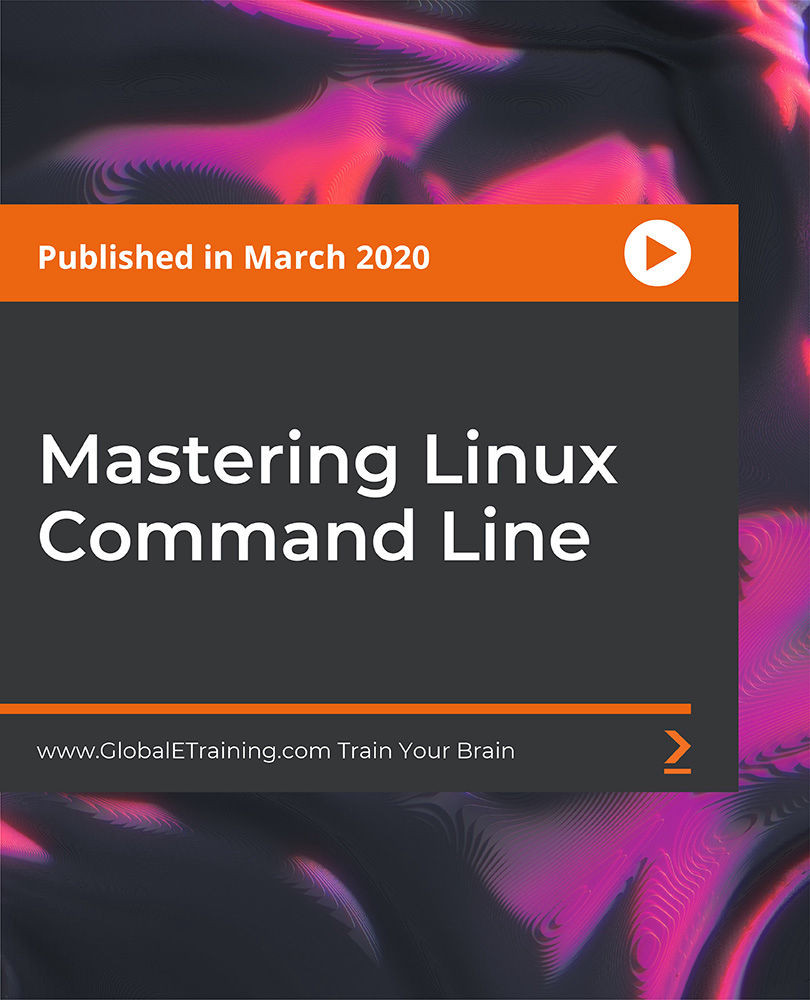
Mastering Linux Command Line

Mastering Linux Command Line: Develop the most in-demand skills for DevOps and cloud professionals

Arrow left icon
Profile Icon Coding Gears | Train Your Brain
Arrow right icon
Can$209.99
Video Mar 2020 13hrs 1st Edition
Video
Can$209.99
Video + Subscription
Free Trial
Arrow left icon
Profile Icon Coding Gears | Train Your Brain
Arrow right icon
Can$209.99
Video Mar 2020 13hrs 1st Edition
Video
Can$209.99
Video + Subscription
Free Trial
Video
Can$209.99
Video + Subscription
Free Trial

What do you get with a video?

Product feature icon Download this video in MP4 format
Product feature icon Access this title in our online reader with advanced features
Product feature icon DRM FREE - Read whenever, wherever and however you want
Modal Close icon
Payment Processing...
tick Completed

Billing Address

Key benefits

  • Learn the Linux command line from scratch
  • Browse the Linux filesystem efficiently
  • Create your own commands to save time

Description

Most businesses are now migrating to Cloud and other cloud-related technologies, making Linux command line expertise a must-have skill for DevOps and cloud engineers. This course will teach you the fundamentals of the Linux command line through an enjoyable learning experience. It includes some interesting videos that will guide you in setting up your own Linux VM and a Linux EC2 instance in the AWS cloud. This hands-on course will help you master the Linux command line with bite-sized videos that guide you at every step. You'll learn to work with files and folders, understand the Linux filesystem layout, and navigate through the filesystem efficiently. You'll get to grips with topics such as Linux permissions, hard and soft links, and text processing commands. As you advance, you'll cover standard I/O and redirection and learn to compress and uncompress files and folders. The course will also take you through sudo, Vi editor, scheduling jobs using cron, customizing a bash environment, and much more! All the codes and supporting files for this course will be available at- https://github.com/PacktPublishing/Mastering-Linux-Command-Line

Who is this book for?

This course is for beginners as well as experts looking for a refresher!

What you will learn

  • Understand the Linux command line from the bottom up
  • Explore the Linux filesystem and navigation
  • Work with file attributes and permissions
  • Learn Vi Editor and its practical uses
  • Use cron to schedule tasks
  • Work efficiently with different text processing commands
  • Create your own AWS Linux EC2 instance for practice

Product Details

Country selected
Publication date, Length, Edition, Language, ISBN-13
Last updated date : Jul 03, 2026
Publication date : Mar 31, 2020
Length: 13hrs
Edition : 1st
Language : English
ISBN-13 : 9781800204027
Concepts :
Tools :

What do you get with a video?

Product feature icon Download this video in MP4 format
Product feature icon Access this title in our online reader with advanced features
Product feature icon DRM FREE - Read whenever, wherever and however you want
Modal Close icon
Payment Processing...
tick Completed

Billing Address

Product Details

Last updated date : Jul 03, 2026
Publication date : Mar 31, 2020
Length: 13hrs
Edition : 1st
Language : English
ISBN-13 : 9781800204027
Concepts :
Tools :

Packt Subscriptions

See our plans and pricing
Modal Close icon
$19.99 billed monthly
Feature tick icon Unlimited access to Packt's library of 7,000+ practical books and videos
Feature tick icon Constantly refreshed with 50+ new titles a month
Feature tick icon Exclusive Early access to books as they're written
Feature tick icon Solve problems while you work with advanced search and reference features
Feature tick icon Offline reading on the mobile app
Feature tick icon Simple pricing, no contract
$199.99 billed annually
Feature tick icon Unlimited access to Packt's library of 7,000+ practical books and videos
Feature tick icon Constantly refreshed with 50+ new titles a month
Feature tick icon Exclusive Early access to books as they're written
Feature tick icon Solve problems while you work with advanced search and reference features
Feature tick icon Offline reading on the mobile app
Feature tick icon Choose a DRM-free eBook or Video every month to keep
Feature tick icon PLUS own as many other DRM-free eBooks or Videos as you like for just Can$6 each
Feature tick icon Exclusive print discounts
$279.99 billed in 18 months
Feature tick icon Unlimited access to Packt's library of 7,000+ practical books and videos
Feature tick icon Constantly refreshed with 50+ new titles a month
Feature tick icon Exclusive Early access to books as they're written
Feature tick icon Solve problems while you work with advanced search and reference features
Feature tick icon Offline reading on the mobile app
Feature tick icon Choose a DRM-free eBook or Video every month to keep
Feature tick icon PLUS own as many other DRM-free eBooks or Videos as you like for just Can$6 each
Feature tick icon Exclusive print discounts

Frequently bought together


Stars icon
Total Can$ 333.97
Mastering Linux Command Line
Can$209.99
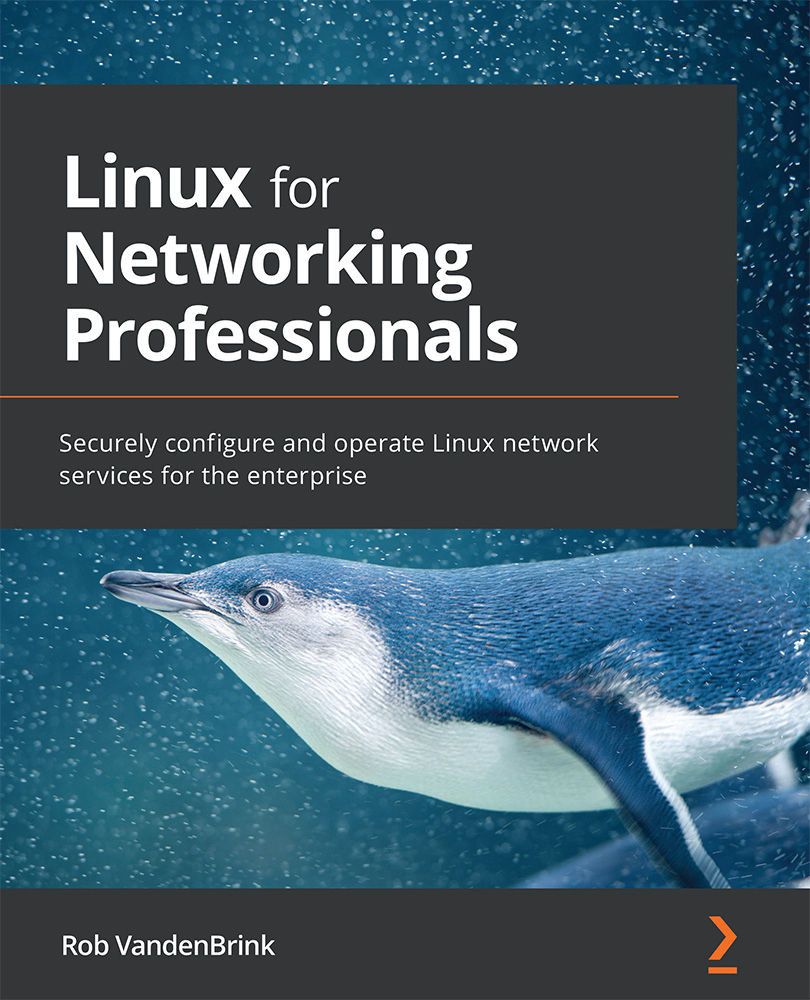
Linux for Networking Professionals
Can$64.99
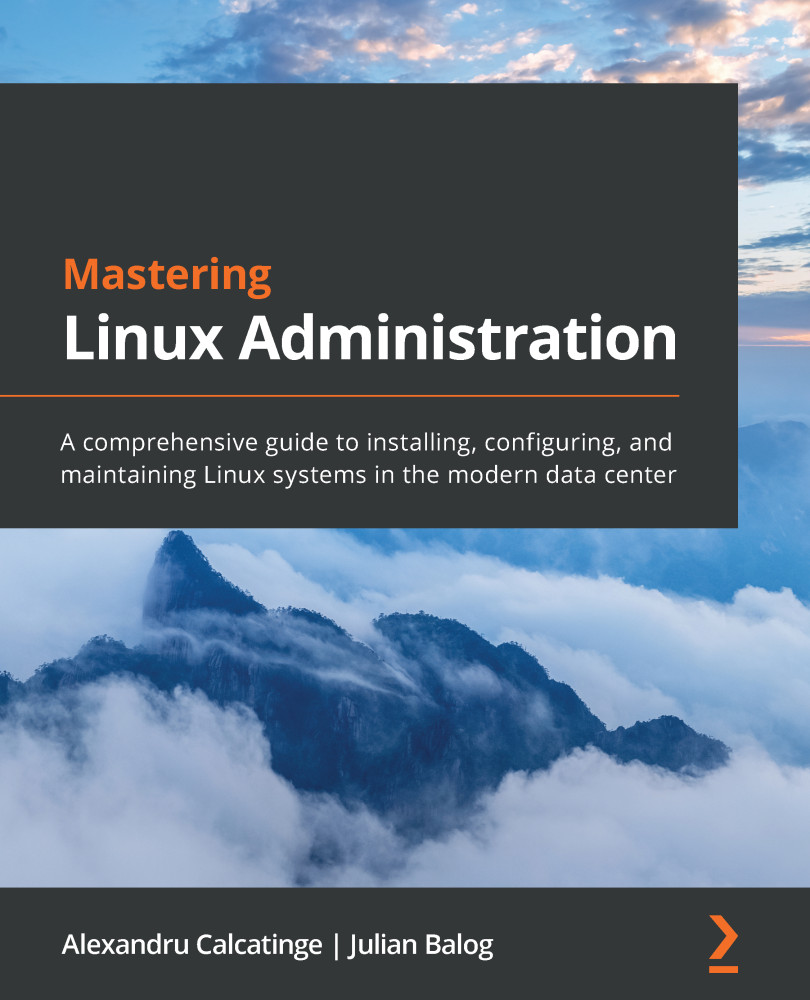
Mastering Linux Administration
Can$58.99
Total Can$ 333.97 Stars icon

Table of Contents

18 Chapters
Level "0" Chevron down icon Chevron up icon
Getting Started Chevron down icon Chevron up icon
Understanding Linux File System Chevron down icon Chevron up icon
Working with Directories and Files Chevron down icon Chevron up icon
Standard I/O & Redirection Chevron down icon Chevron up icon
Users, Groups & Switching User Chevron down icon Chevron up icon
File Attributes and Permissions Chevron down icon Chevron up icon
Editing Files using "vi" editor Chevron down icon Chevron up icon
Regular Expressions Chevron down icon Chevron up icon
Text Processing - Filters & Searching Chevron down icon Chevron up icon
Understanding Links (Hard & Soft/Symbolic) Chevron down icon Chevron up icon
The Process Chevron down icon Chevron up icon
Scheduling Jobs Chevron down icon Chevron up icon
Handy Tools/Utilities Chevron down icon Chevron up icon
Connecting to Linux Systems Chevron down icon Chevron up icon
Customizing Shell Environment Chevron down icon Chevron up icon
Shell Scripting Basics Chevron down icon Chevron up icon
Appendix & Miscellaneous Chevron down icon Chevron up icon
Get free access to Packt library with over 7500+ books and video courses for 7 days!
Start Free Trial

FAQs

How can I download a video package for offline viewing? Chevron down icon Chevron up icon
  1. Login to your account at Packtpub.com.
  2. Click on "My Account" and then click on the "My Videos" tab to access your videos.
  3. Click on the "Download Now" link to start your video download.
How can I extract my video file? Chevron down icon Chevron up icon

All modern operating systems ship with ZIP file extraction built in. If you'd prefer to use a dedicated compression application, we've tested WinRAR / 7-Zip for Windows, Zipeg / iZip / UnRarX for Mac and 7-Zip / PeaZip for Linux. These applications support all extension files.

How can I get help and support around my video package? Chevron down icon Chevron up icon

If your video course doesn't give you what you were expecting, either because of functionality problems or because the content isn't up to scratch, please mail customercare@packt.com with details of the problem. In addition, so that we can best provide the support you need, please include the following information for our support team.

  1. Video
  2. Format watched (HTML, MP4, streaming)
  3. Chapter or section that issue relates to (if relevant)
  4. System being played on
  5. Browser used (if relevant)
  6. Details of support
Why can’t I download my video package? Chevron down icon Chevron up icon

In the even that you are having issues downloading your video package then please follow these instructions:

  1. Disable all your browser plugins and extensions: Some security and download manager extensions can cause issues during the download.
  2. Download the video course using a different browser: We've tested downloads operate correctly in current versions of Chrome, Firefox, Internet Explorer, and Safari.
Modal Close icon
Modal Close icon