Search icon CANCEL
Subscription
0
Cart icon
Your Cart (0 item)
Close icon
You have no products in your basket yet
Arrow left icon
Explore Products
Best Sellers
New Releases
Books
Events
Videos
Audiobooks
Packt Hub
Free Learning
Arrow right icon
timer SALE ENDS IN
0 Days
:
00 Hours
:
00 Minutes
:
00 Seconds
Arrow up icon
GO TO TOP
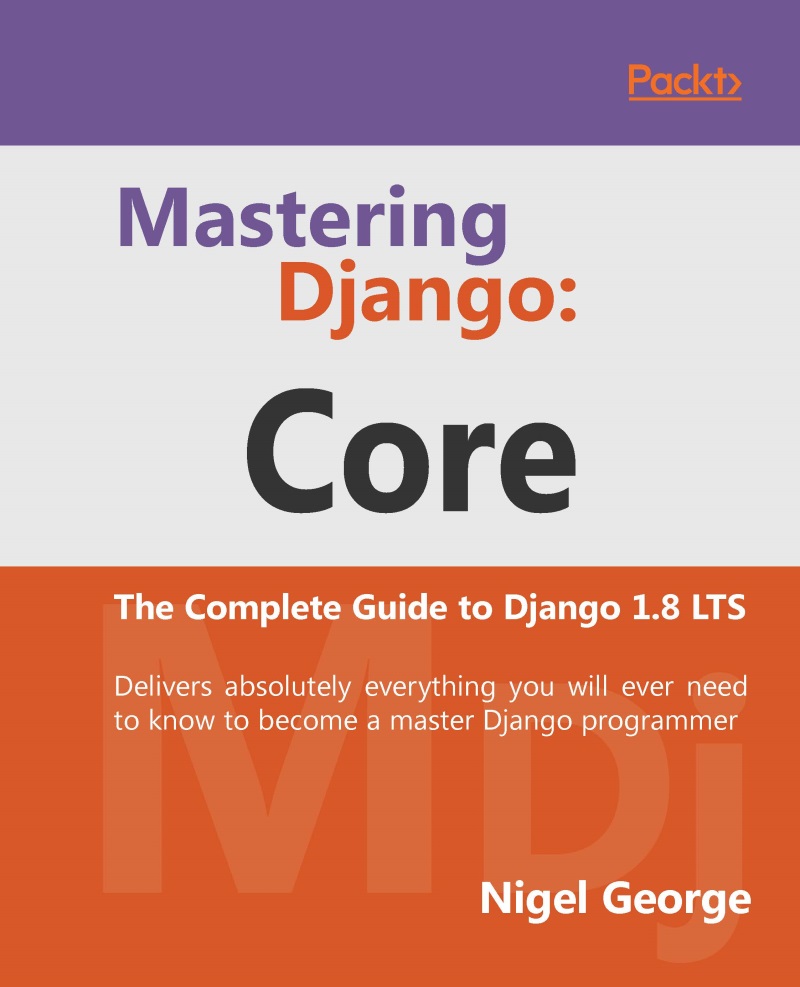
Mastering Django: Core

You're reading from   Mastering Django: Core The Complete Guide to Django 1.8 LTS

Arrow left icon
Product type Paperback
Published in Dec 2016
Publisher
ISBN-13 9781787281141
Length 694 pages
Edition 1st Edition
Languages
Tools
Arrow right icon
Author (1):
Arrow left icon
Nigel George Nigel George
Author Profile Icon Nigel George
Nigel George
Arrow right icon
View More author details
Toc

Table of Contents (29) Chapters Close

Preface 1. Introduction to Django and Getting Started FREE CHAPTER 2. Views and URLconfs 3. Templates 4. Models 5. The Django Admin Site 6. Forms 7. Advanced Views and URLconfs 8. Advanced Templates 9. Advanced Models 10. Generic Views 11. User Authentication in Django 12. Testing in Django 13. Deploying Django 14. Generating Non-HTML Content 15. Django Sessions 16. Djangos Cache Framework 17. Django Middleware 18. Internationalization 19. Security in Django 20. More on Installing Django 21. Advanced Database Management A. Model Definition Reference B. Database API Reference C. Generic View Reference D. Settings E. Built-in Template Tags and Filters F. Request and Response Objects G. Developing Django with Visual Studio

Retrieving objects

To retrieve objects from your database, construct a QuerySet via a Manager on your model class.

A QuerySet represents a collection of objects from your database. It can have zero, one or many filters. Filters narrow down the query results based on the given parameters. In SQL terms, a QuerySet equates to a SELECT statement, and a filter is a limiting clause such as WHERE or LIMIT.

You get a QuerySet by using your model's Manager. Each model has at least one Manager, and it's called objects by default. Access it directly via the model class, like so:

>>> Blog.objects
<django.db.models.manager.Manager object at ...>
>>> b = Blog(name='Foo', tagline='Bar')
>>> b.objects
Traceback:
    ...
AttributeError: "Manager isn't accessible via Blog instances."

Retrieving all objects

The simplest way to retrieve objects from a table is to get all of them. To do this, use the all() method on a Manager:

>&gt...
lock icon The rest of the chapter is locked
CONTINUE READING
83
Tech Concepts
36
Programming languages
73
Tech Tools
Icon Unlimited access to the largest independent learning library in tech of over 8,000 expert-authored tech books and videos.
Icon Innovative learning tools, including AI book assistants, code context explainers, and text-to-speech.
Icon 50+ new titles added per month and exclusive early access to books as they are being written.
Mastering Django: Core
Register for a free Packt account to unlock a world of extra content!
A free Packt account unlocks extra newsletters, articles, discounted offers, and much more. Start advancing your knowledge today.
Unlock this book and the full library FREE for 7 days
Get unlimited access to 7000+ expert-authored eBooks and videos courses covering every tech area you can think of
Renews at $19.99/month. Cancel anytime
Modal Close icon
Modal Close icon