Search icon CANCEL
Subscription
0
Cart icon
Your Cart (0 item)
Close icon
You have no products in your basket yet
Save more on your purchases! discount-offer-chevron-icon
Savings automatically calculated. No voucher code required.
Arrow left icon
Explore Products
Best Sellers
New Releases
Books
Events
Videos
Audiobooks
Packt Hub
Free Learning
Arrow right icon
timer SALE ENDS IN
0 Days
:
00 Hours
:
00 Minutes
:
00 Seconds
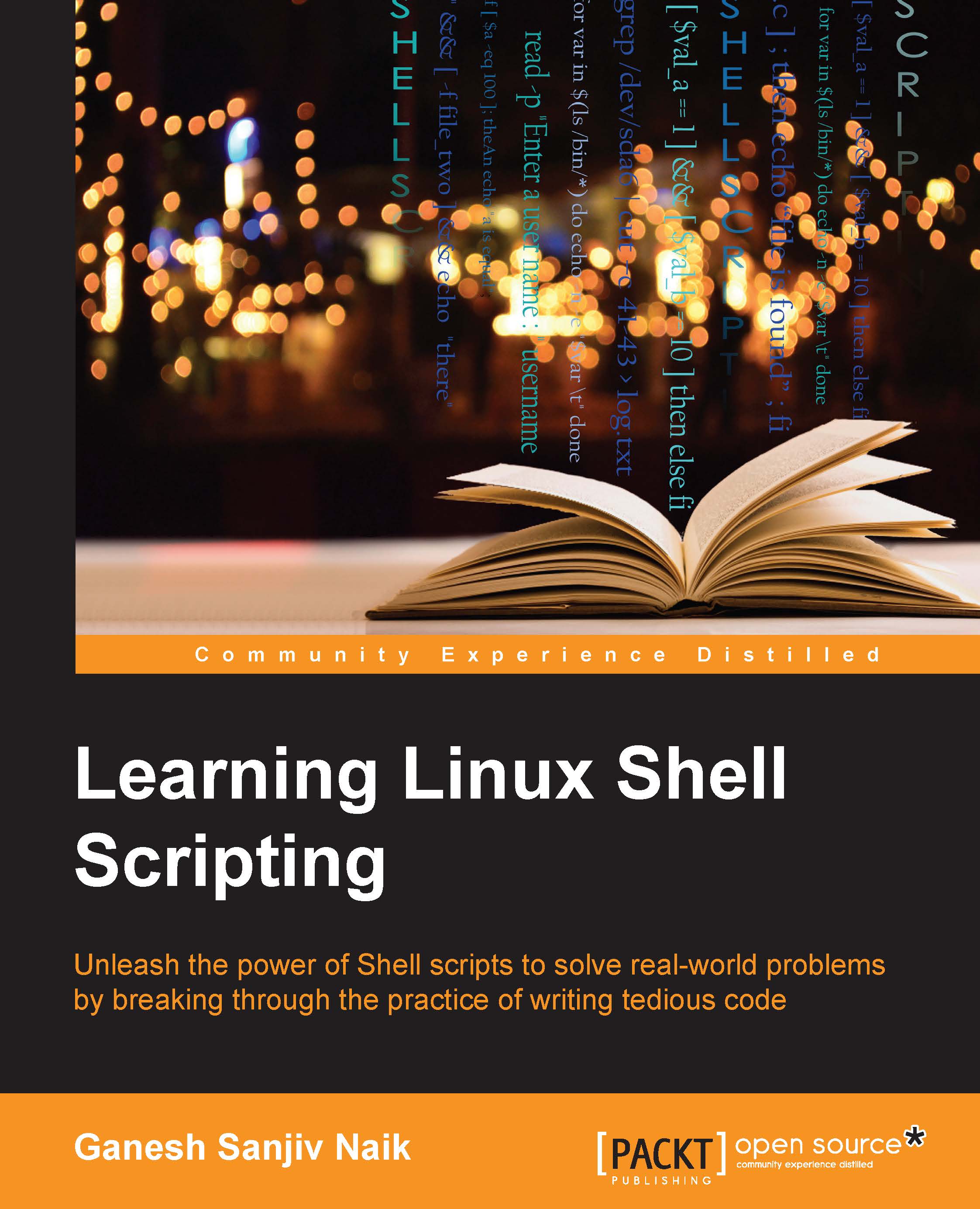
Learning Linux Shell Scripting

Learning Linux Shell Scripting: Unleash the power of shell scripts to solve real-world problems by breaking through the practice of writing tedious code

Arrow left icon
Profile Icon Ganesh Sanjiv Naik
Arrow right icon
Can$53.09 Can$58.99
Full star icon Full star icon Full star icon Full star icon Half star icon 4.8 (6 Ratings)
eBook Dec 2015 306 pages 1st Edition
eBook
Can$53.09 Can$58.99
Paperback
Can$73.99
Subscription
Free Trial
Arrow left icon
Profile Icon Ganesh Sanjiv Naik
Arrow right icon
Can$53.09 Can$58.99
Full star icon Full star icon Full star icon Full star icon Half star icon 4.8 (6 Ratings)
eBook Dec 2015 306 pages 1st Edition
eBook
Can$53.09 Can$58.99
Paperback
Can$73.99
Subscription
Free Trial
eBook
Can$53.09 Can$58.99
Paperback
Can$73.99
Subscription
Free Trial

What do you get with eBook?

Product feature icon Instant access to your Digital eBook purchase
Product feature icon Download this book in EPUB and PDF formats
Product feature icon Access this title in our online reader with advanced features
Product feature icon DRM FREE - Read whenever, wherever and however you want
Product feature icon AI Assistant (beta) to help accelerate your learning
Modal Close icon
Payment Processing...
tick Completed

Billing Address

Table of content icon View table of contents Preview book icon Preview Book

Learning Linux Shell Scripting

Left arrow icon Right arrow icon

Key benefits

  • Learn how to efficiently and effectively build shell scripts and develop advanced applications with this handy book
  • Develop high quality and efficient solutions by writing professional and real-world scripts, and debug scripts by checking and shell tracing
  • A step-by-step tutorial to automate routine tasks by developing scripts from a basic level to very advanced functionality

Description

Linux is the one of the most powerful and universally adopted OSes. Shell is a program that gives the user direct interaction with the operating system. Scripts are collections of commands that are stored in a file. The shell can read this file and act on the commands as if they were typed on the keyboard. Shell scripting is used to automate day-to-day administration, and for testing or product development tasks. This book covers Bash, GNU Bourne Again SHell, preparing you to work in the exciting world of Linux shell scripting. We start with an introduction to the Shell environment and explain basic commands used in Shell. Next we move on to check, kill, and control the execution of processes in Linux OS. Further, we teach you about the filter tools available in Linux and explain standard output and standard errors devices. Then we will ensure you understand Shell’s interpretation of commands and get a firmer grasp so you use them in practice. Next, you’ll experience some real-world essentials such as debugging and perform Shell arithmetic fluently. Then you’ll take a step ahead and learn new and advanced topics in Shell scripting, such as starting up a system and customizing a Linux system. Finally, you’ll get to understand the capabilities of scripting and learn about Grep, Stream Editor, and Awk.

Who is this book for?

This book is ideal for those who are proficient at working with Linux and who want to learn about shell scripting to improve their efficiency and practical skills. By the end of this book, you will be able to confidently use your own shell scripts in the real world.

What you will learn

  • * Familiarize yourself with the various text filtering tools available in Linux
  • * Combine the fundamental text and file processing commands to process data and automate repetitive tasks
  • * Understand expressions and variables and how to use them practically
  • * Automate decision-making and save a lot of time and effort of revisiting code
  • * Get to grips with advanced functionality such as using traps and signals and using dialogs to develop screens
  • * Start up a system and customize a Linux system
  • * Take an in-depth look at regular expressions and pattern matching to understand the capabilities of scripting

Product Details

Country selected
Publication date, Length, Edition, Language, ISBN-13
Publication date : Dec 31, 2015
Length: 306 pages
Edition : 1st
Language : English
ISBN-13 : 9781782175216

What do you get with eBook?

Product feature icon Instant access to your Digital eBook purchase
Product feature icon Download this book in EPUB and PDF formats
Product feature icon Access this title in our online reader with advanced features
Product feature icon DRM FREE - Read whenever, wherever and however you want
Product feature icon AI Assistant (beta) to help accelerate your learning
Modal Close icon
Payment Processing...
tick Completed

Billing Address

Product Details

Publication date : Dec 31, 2015
Length: 306 pages
Edition : 1st
Language : English
ISBN-13 : 9781782175216

Packt Subscriptions

See our plans and pricing
Modal Close icon
$19.99 billed monthly
Feature tick icon Unlimited access to Packt's library of 7,000+ practical books and videos
Feature tick icon Constantly refreshed with 50+ new titles a month
Feature tick icon Exclusive Early access to books as they're written
Feature tick icon Solve problems while you work with advanced search and reference features
Feature tick icon Offline reading on the mobile app
Feature tick icon Simple pricing, no contract
$199.99 billed annually
Feature tick icon Unlimited access to Packt's library of 7,000+ practical books and videos
Feature tick icon Constantly refreshed with 50+ new titles a month
Feature tick icon Exclusive Early access to books as they're written
Feature tick icon Solve problems while you work with advanced search and reference features
Feature tick icon Offline reading on the mobile app
Feature tick icon Choose a DRM-free eBook or Video every month to keep
Feature tick icon PLUS own as many other DRM-free eBooks or Videos as you like for just Can$6 each
Feature tick icon Exclusive print discounts
$279.99 billed in 18 months
Feature tick icon Unlimited access to Packt's library of 7,000+ practical books and videos
Feature tick icon Constantly refreshed with 50+ new titles a month
Feature tick icon Exclusive Early access to books as they're written
Feature tick icon Solve problems while you work with advanced search and reference features
Feature tick icon Offline reading on the mobile app
Feature tick icon Choose a DRM-free eBook or Video every month to keep
Feature tick icon PLUS own as many other DRM-free eBooks or Videos as you like for just Can$6 each
Feature tick icon Exclusive print discounts

Frequently bought together


Stars icon
Total Can$ 195.97
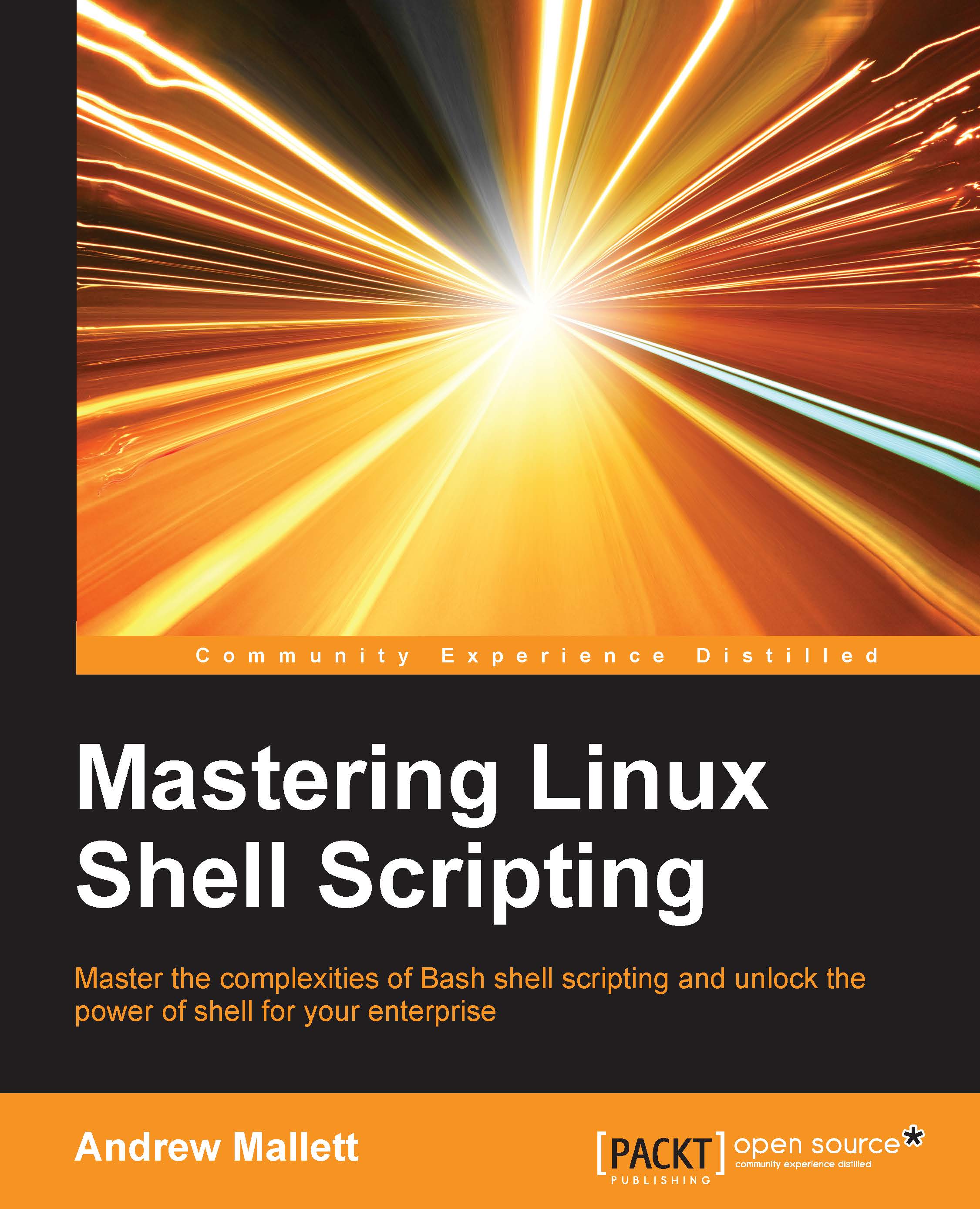
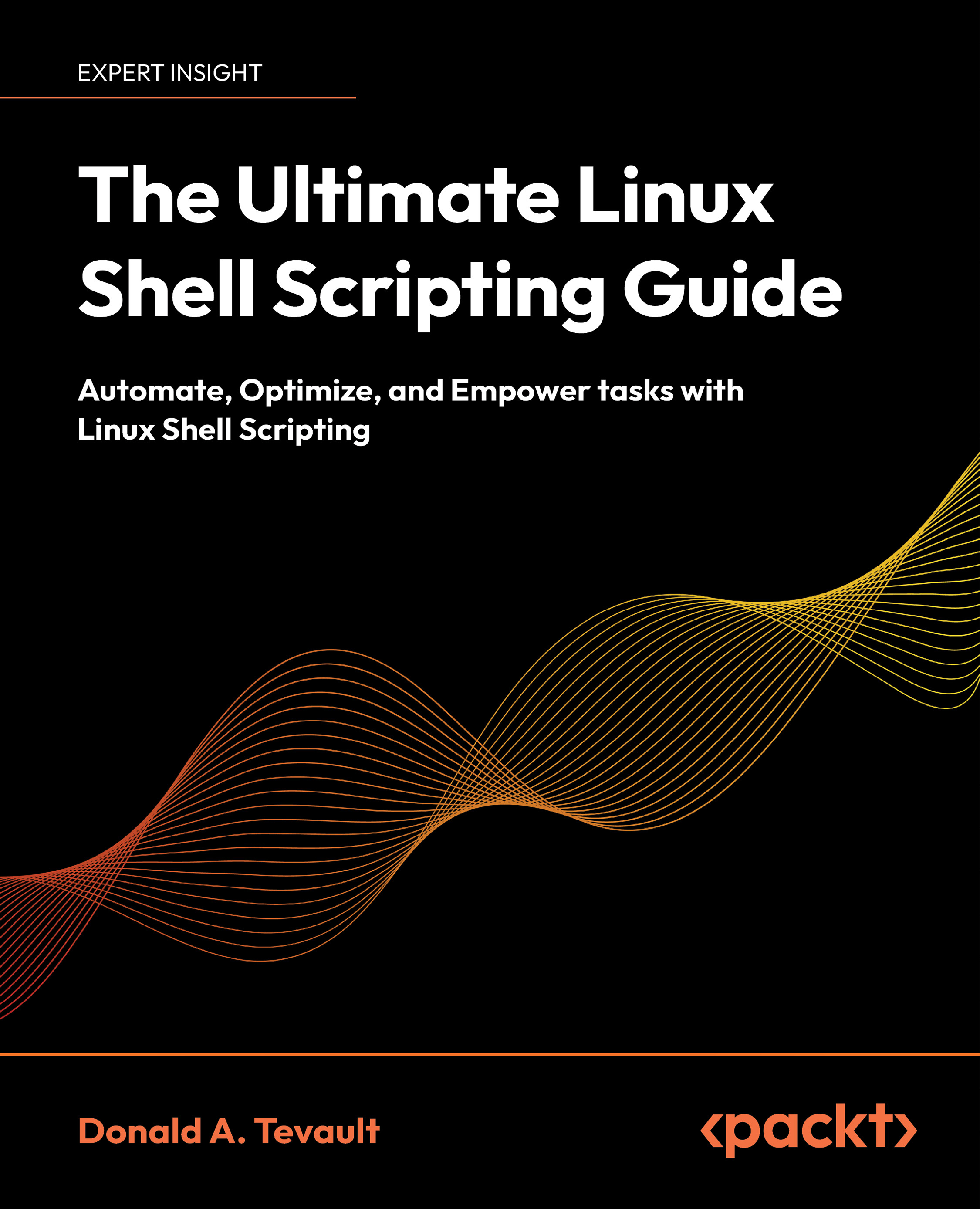
Mastering Linux Shell Scripting
Can$51.99
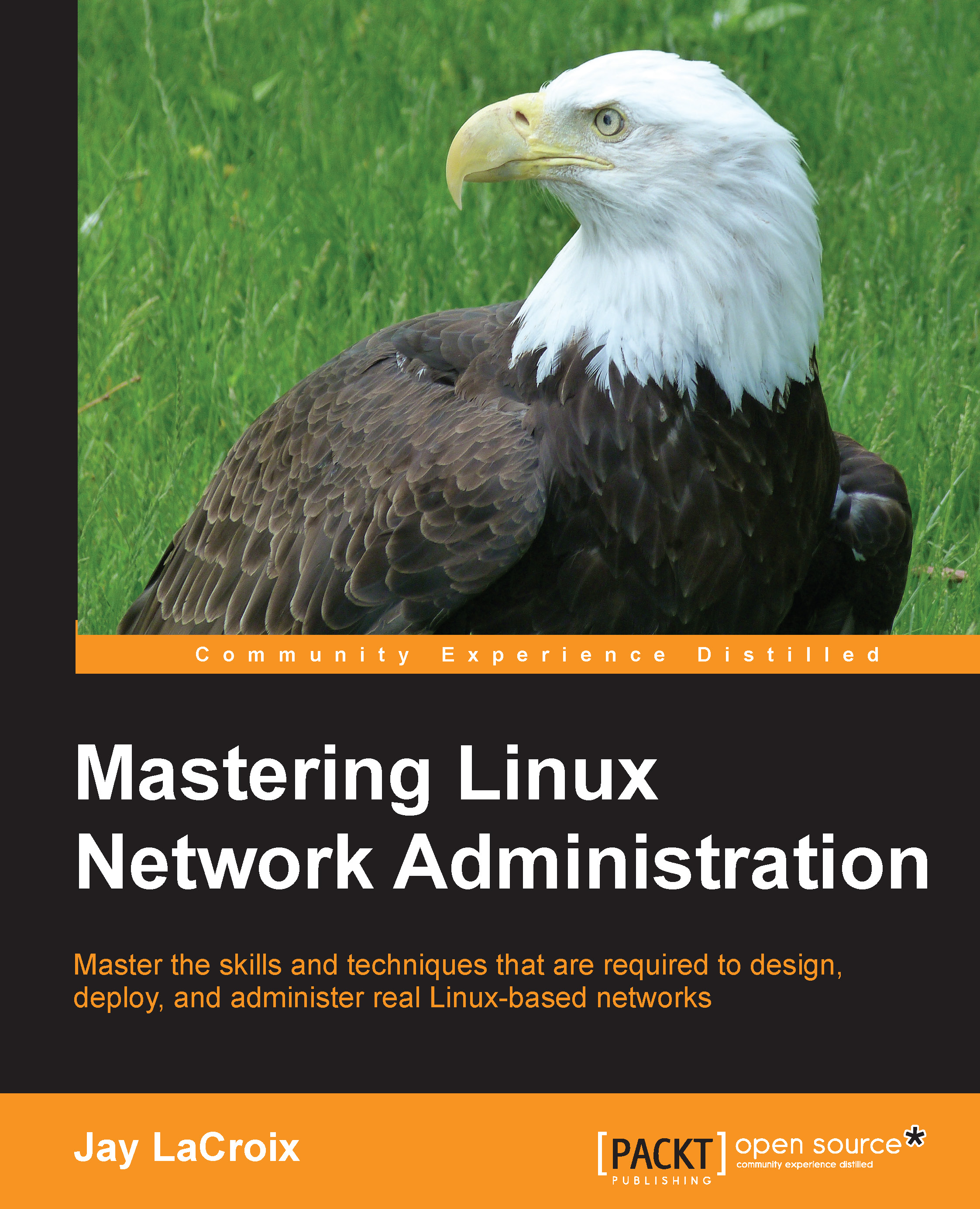
Mastering Linux Network Administration
Can$69.99
Learning Linux Shell Scripting
Can$73.99
Total Can$ 195.97 Stars icon

Table of Contents

13 Chapters
1. Getting Started and Working with Shell Scripting Chevron down icon Chevron up icon
2. Drilling Deep into Process Management, Job Control, and Automation Chevron down icon Chevron up icon
3. Using Text Processing and Filters in Your Scripts Chevron down icon Chevron up icon
4. Working with Commands Chevron down icon Chevron up icon
5. Exploring Expressions and Variables Chevron down icon Chevron up icon
6. Neat Tricks with Shell Scripting Chevron down icon Chevron up icon
7. Performing Arithmetic Operations in Shell Scripts Chevron down icon Chevron up icon
8. Automating Decision Making in Scripts Chevron down icon Chevron up icon
9. Working with Functions Chevron down icon Chevron up icon
10. Using Advanced Functionality in Scripts Chevron down icon Chevron up icon
11. System Startup and Customizing a Linux System Chevron down icon Chevron up icon
12. Pattern Matching and Regular Expressions with sed and awk Chevron down icon Chevron up icon
Index Chevron down icon Chevron up icon

Customer reviews

Top Reviews
Rating distribution
Full star icon Full star icon Full star icon Full star icon Half star icon 4.8
(6 Ratings)
5 star 83.3%
4 star 16.7%
3 star 0%
2 star 0%
1 star 0%
Filter icon Filter
Top Reviews

Filter reviews by


Andras Pasztirak Feb 02, 2016
Full star icon Full star icon Full star icon Full star icon Full star icon 5
One of the better, more comprehensive guides on the topic of shell scripting I've ever seen. It goes through all the necessary basics and dwells into the more advanced topics but in a way that the pacing is great, easy to follow, not jarring. The chapters are built up logically for the most part, the one tiny gripe I'd have is that regular expressions are only brought up in the very last chapter, I feel they should be featured a lot earlier in the book as they are an integral part of scripts and command line work. Still, I don't think that's enough reason to deprive it of 5 stars.I'd highly recommend this ebook for either a complete beginner in shell scripting or someone who has experience in the field but is looking to refresh their memory, perhaps after not touching the shell after a long time.
Amazon Verified review Amazon
Laurent Jan 06, 2016
Full star icon Full star icon Full star icon Full star icon Full star icon 5
This book is well structured about shell scripting used to manage daily tasks on a Linux computer.Of course it is more for people likes terminal.A very good book to grow up your knowledge of this intimacy with the essential tools of shell.
Amazon Verified review Amazon
Andrea Jan 31, 2016
Full star icon Full star icon Full star icon Full star icon Full star icon 5
For sure is not the only book about shell scripting (books on this topic have started since '70 years), but it's really good and with a step by step approach.You start learning some common Unix commands (included some Unix/Linux concepts), the job control, the text filtering features.With all this basis you start build some scripts using variables, flows, conditions.Several tricks are included and also several examples.Finally it's included also a part to build text based window interface with dialog.Considering that shell scripting is still used (also if languages like Perl, Ptyton, Ruby can totally replace them), this book is really useful for Linux/Unix system administrator and people that need to learn on how programming with shell script language.
Amazon Verified review Amazon
CC Dec 03, 2017
Full star icon Full star icon Full star icon Full star icon Full star icon 5
I LOVE this book!!! Ganesh takes the time to explain and give examples on almost everything. Give it a read and you will not regret it. Thank you to Ganesh and all who have contributed to a totally AWESOME book! Please keep writing!!!
Amazon Verified review Amazon
adnan baloch Jan 15, 2016
Full star icon Full star icon Full star icon Full star icon Full star icon 5
This book is borne out of the author's own experiences over the years solving day to day problems in his work. That should give anyone confidence that the examples in this book are as real-world as they can be. Veterans from the DOS days will fondly remember creating batch files to accomplish a myriad of tasks. If you are one of them and switched to an OS like Unix or Linux, this is the book to get. Everything from file permissions, process management, task scheduling, text processing to interactive shell scripting is covered here. Want to backup a folder in the middle of the night and want its status emailed to you? Check. Have a complex operation in mind involving loops, file handling, arrays, functions and message dialogs? The author arms you with the necessary information to achieve that. The final chapters take the readers through understanding the Linux startup process and customizing the system environment as well as using regular expressions for complex pattern matching. Apart from networking, this book is all you need to handle common Linux system admin duties.
Amazon Verified review Amazon
Get free access to Packt library with over 7500+ books and video courses for 7 days!
Start Free Trial

FAQs

How do I buy and download an eBook? Chevron down icon Chevron up icon

Where there is an eBook version of a title available, you can buy it from the book details for that title. Add either the standalone eBook or the eBook and print book bundle to your shopping cart. Your eBook will show in your cart as a product on its own. After completing checkout and payment in the normal way, you will receive your receipt on the screen containing a link to a personalised PDF download file. This link will remain active for 30 days. You can download backup copies of the file by logging in to your account at any time.

If you already have Adobe reader installed, then clicking on the link will download and open the PDF file directly. If you don't, then save the PDF file on your machine and download the Reader to view it.

Please Note: Packt eBooks are non-returnable and non-refundable.

Packt eBook and Licensing When you buy an eBook from Packt Publishing, completing your purchase means you accept the terms of our licence agreement. Please read the full text of the agreement. In it we have tried to balance the need for the ebook to be usable for you the reader with our needs to protect the rights of us as Publishers and of our authors. In summary, the agreement says:

  • You may make copies of your eBook for your own use onto any machine
  • You may not pass copies of the eBook on to anyone else
How can I make a purchase on your website? Chevron down icon Chevron up icon

If you want to purchase a video course, eBook or Bundle (Print+eBook) please follow below steps:

  1. Register on our website using your email address and the password.
  2. Search for the title by name or ISBN using the search option.
  3. Select the title you want to purchase.
  4. Choose the format you wish to purchase the title in; if you order the Print Book, you get a free eBook copy of the same title. 
  5. Proceed with the checkout process (payment to be made using Credit Card, Debit Cart, or PayPal)
Where can I access support around an eBook? Chevron down icon Chevron up icon
  • If you experience a problem with using or installing Adobe Reader, the contact Adobe directly.
  • To view the errata for the book, see www.packtpub.com/support and view the pages for the title you have.
  • To view your account details or to download a new copy of the book go to www.packtpub.com/account
  • To contact us directly if a problem is not resolved, use www.packtpub.com/contact-us
What eBook formats do Packt support? Chevron down icon Chevron up icon

Our eBooks are currently available in a variety of formats such as PDF and ePubs. In the future, this may well change with trends and development in technology, but please note that our PDFs are not Adobe eBook Reader format, which has greater restrictions on security.

You will need to use Adobe Reader v9 or later in order to read Packt's PDF eBooks.

What are the benefits of eBooks? Chevron down icon Chevron up icon
  • You can get the information you need immediately
  • You can easily take them with you on a laptop
  • You can download them an unlimited number of times
  • You can print them out
  • They are copy-paste enabled
  • They are searchable
  • There is no password protection
  • They are lower price than print
  • They save resources and space
What is an eBook? Chevron down icon Chevron up icon

Packt eBooks are a complete electronic version of the print edition, available in PDF and ePub formats. Every piece of content down to the page numbering is the same. Because we save the costs of printing and shipping the book to you, we are able to offer eBooks at a lower cost than print editions.

When you have purchased an eBook, simply login to your account and click on the link in Your Download Area. We recommend you saving the file to your hard drive before opening it.

For optimal viewing of our eBooks, we recommend you download and install the free Adobe Reader version 9.

Modal Close icon
Modal Close icon