Search icon CANCEL
Subscription
0
Cart icon
Your Cart (0 item)
Close icon
You have no products in your basket yet
Save more on your purchases! discount-offer-chevron-icon
Savings automatically calculated. No voucher code required.
Arrow left icon
Explore Products
Best Sellers
New Releases
Books
Events
Videos
Audiobooks
Packt Hub
Free Learning
Arrow right icon
timer SALE ENDS IN
0 Days
:
00 Hours
:
00 Minutes
:
00 Seconds
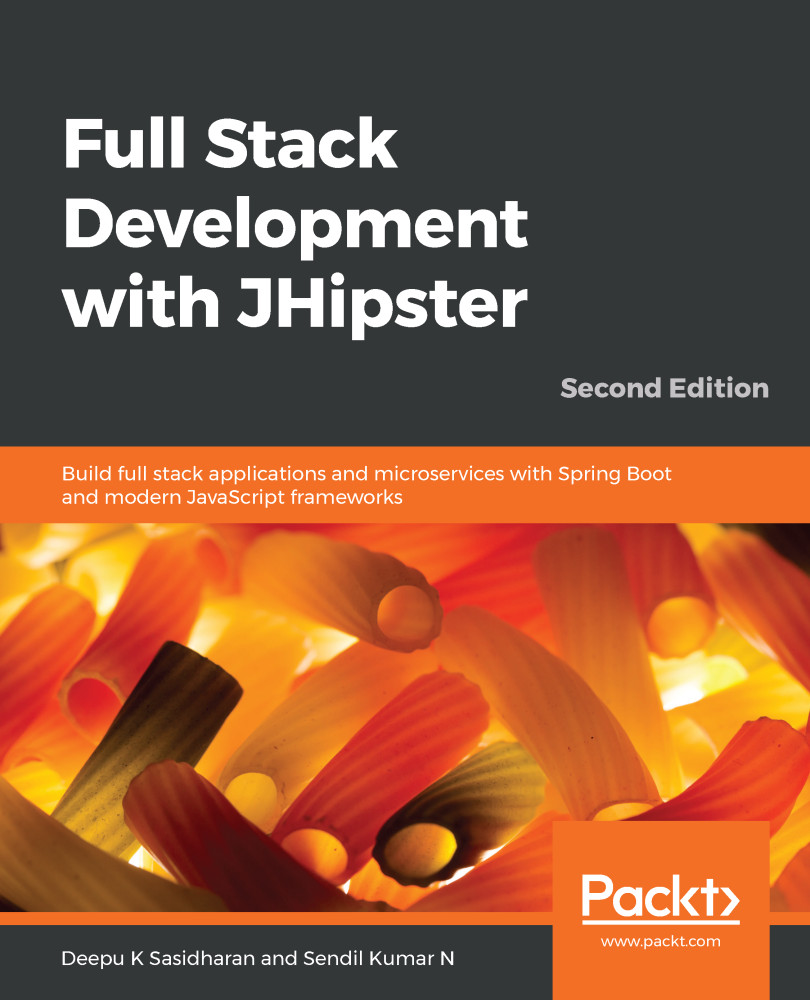
Full Stack Development with JHipster

Full Stack Development with JHipster: Build full stack applications and microservices with Spring Boot and modern JavaScript frameworks , Second Edition

Arrow left icon
Profile Icon Deepu K Sasidharan Profile Icon Sendil Kumar Nellaiyapen
Arrow right icon
Can$42.29 Can$46.99
Full star icon Full star icon Full star icon Half star icon Empty star icon 3.3 (3 Ratings)
eBook Jan 2020 428 pages 2nd Edition
eBook
Can$42.29 Can$46.99
Paperback
Can$58.99
eBook + Subscription
Free Trial
Arrow left icon
Profile Icon Deepu K Sasidharan Profile Icon Sendil Kumar Nellaiyapen
Arrow right icon
Can$42.29 Can$46.99
Full star icon Full star icon Full star icon Half star icon Empty star icon 3.3 (3 Ratings)
eBook Jan 2020 428 pages 2nd Edition
eBook
Can$42.29 Can$46.99
Paperback
Can$58.99
eBook + Subscription
Free Trial
eBook
Can$42.29 Can$46.99
Paperback
Can$58.99
eBook + Subscription
Free Trial

What do you get with eBook?

Product feature icon Instant access to your Digital eBook purchase
Product feature icon Download this book in EPUB and PDF formats
Product feature icon Access this title in our online reader with advanced features
Product feature icon DRM FREE - Read whenever, wherever and however you want
Product feature icon AI Assistant (beta) to help accelerate your learning
Modal Close icon
Payment Processing...
tick Completed

Billing Address

Table of content icon View table of contents Preview book icon Preview Book

Full Stack Development with JHipster

Introduction to Modern Web Application Development

According to the Stack Overflow developer survey 2019 (https://insights.stackoverflow.com/survey/2019#developer-roles), full stack developer is the most popular developer title. The software industry defines a full stack developer as someone who can work on different areas of an application stack. The term stack refers to the different components and tools that make up an application.

In terms of web application development, the stack can be broadly classified into two areas—frontend and backend stack, also known as the client-side and server-side stack. The term frontend generally refers to the part of the code that is responsible for the user interface, and the term backend refers to the part that is responsible for the business logic, database interactions, user authentication, server configuration, and so on. There is also the DevOps part of the application, which includes continuous integration, production deployment, and so on. A full stack Java web application developer is expected to work on both frontend and backend technologies, ranging from writing HTML/JavaScript for the user interface to writing Java class files for business logic and SQL queries for database operations. They are also expected to work on DevOps, ranging from production deployments to setting up continuous integration and continuous delivery (CI/CD) as required.

With an ever-evolving software architecture landscape, the scope of technologies that a full stack web developer is expected to work with has increased dramatically. It is no longer enough that we can write HTML and JavaScript to build a user interface—we are expected to know client-side frameworks, such as Angular, React, and Vue.js. It is also not enough that we are proficient in enterprise Java and SQL—we are expected to know server-side frameworks, such as Spring, Hibernate, Play, and Quarkus.

In this chapter, we will introduce the following topics:

  • Modern full stack web development
  • Web architecture patterns
  • Choosing the right pattern

Modern full stack web development

The life of a full stack developer would be worthy of a whole book by itself, so let's leave that topic for another day.

Instead, let's look at a user story from a full stack Java web application and see what is involved.

Let's use an example of developing a user management module for a typical Java web application. Let's assume that you would be writing unit test cases for all of the code, and so we won't look at it in detail here:

  1. You would start by designing the architecture for the feature. You would decide on the plugins and frameworks to use, patterns to follow, and so on.
  2. You will be modeling the domain model for the feature depending on the database technology used.
  3. Then, you would create server-side code and database queries to persist and fetch data from the database.
  4. Once the data is ready, you would implement server-side code for any business logic.
  5. Then, you would implement an API that can be used to provide data for the presentation over an HTTP connection.
  6. You would write integration tests for the API.
  7. Since the backend is ready, you would start writing frontend code in JavaScript or similar technology.
  8. You would write client-side services to fetch data from the backend API.
  9. You would write client-side components to display the data on a web page.
  10. You would build the page and style it as per the design provided.
  11. You would write some automated end-to-end tests for the web page.
  12. You are not done yet. Once you have tested whether everything works locally, you would create pull requests or check the code into the version control system used.
  1. You would wait for the continuous integration process to verify everything and fix anything that is broken.
  2. Once everything is green and the code is accepted, you would typically start the deployment of this feature to a staging or acceptance environment, either on-premises or to a cloud provider using technologies like Docker and Kubernetes. If you choose the latter, you would be expected to be familiar with the cloud technologies used as well. You would also be upgrading the database schema as necessary and writing migration scripts when required.
  3. Once the feature is accepted, you might be responsible for deploying it into the production environment in a similar way, troubleshooting issues where necessary. In some teams, you might swap the steps with other team members so that you would be deploying a feature developed by your coworker while they deploy yours.
  4. You might also be responsible, along with your coworkers, for making sure that the production environment is up and running, including the database, virtual machines, and so on.

As you can see, it is no easy task. The range of responsibilities spans from making stylesheet updates on the client-side to running database migration scripts on a virtual machine in the production cloud service. If you are not familiar enough with the setup, then this would be a herculean task, and you would soon be lost in the vast ocean of frameworks, technologies, and design patterns out there.

Full stack development is not for the faint-hearted. It takes a lot of time and effort to keep yourself up to date with the various technologies and patterns in multiple disciplines of software development. The following are some of the common problems you might face as a full stack Java developer:

  • Client-side development is not just about writing plain HTML and JavaScript anymore. It is becoming as complex as server-side development, with build tools, transpilers, frameworks, and patterns.
  • There is a new framework almost every week in the JavaScript world, and if you are coming from a Java background, it could be very overwhelming for you.
  • Container technologies such as Docker revolutionized the software industry, but they also introduced a lot of new stuff to learn and keep track of, such as orchestration tools and container management tools.
  • Cloud services are growing day by day. To stay on track, you would have to familiarize yourself with their APIs and related orchestration tools.
  • Java server-side technologies have also undergone a major shift in recent times with the introduction of JVM languages, such as Scala, Groovy, and Kotlin, forcing you to keep yourself up to date with them. On the other side, server-side frameworks are becoming more feature-rich, and therefore more complex.

The most important thing of all is to make sure that all of these work well together when required. This task will need a lot of configuration, some glue code, and endless cups of coffee.

Transpilers are source-to-source compilers. Whereas a traditional compiler compiles from source to binary, a transpiler compiles from one type of source code to another type of source code. TypeScript and CoffeeScript are excellent examples of this; both compile down to JavaScript.

It's very easy to get lost here, and this is where technologies such as JHipster and Spring Boot step in to help. We will look at the details of these technologies in later chapters, but in short, they help by providing the wiring between moving parts so that you only need to concentrate on writing business code. JHipster also helps by providing the abstractions to deploy and manage the application to various cloud providers.

Web architecture patterns

The full stack landscape is further complicated by the different web architecture patterns commonly used these days. The widely used web application architecture patterns today can be broadly classified into two patterns—monolithic architecture and microservice architecture, the latter of which has become mainstream (fashionable) in recent years.
Monolithic web architecture

A monolithic architecture is the most widely used pattern for web applications because of its simplicity to develop and deploy. Though the actual moving parts will differ from application to application, the general pattern remains the same. In general, a monolithic web application can do the following:
  • It can support different clients, such as desktop/mobile browsers and native desktop/mobile applications.
  • It can expose APIs for third-party consumption.
  • It can integrate with other applications over REST/SOAP web services or message queues.
  • It can handle HTTP requests, execute business logic, access databases, and exchange data with other systems.
  • It can run on web application containers, such as Tomcat and JBoss.
  • It can be scaled vertically by increasing the power of the machines it runs on or scaled horizontally by adding additional instances behind load balancers.
REST (short for REpresentational State Transfer) relies on a stateless, client–server, cacheable communications protocol. HTTP is the most commonly used protocol for REST. It is a lightweight architectural style in which RESTful HTTP communication is used to transfer data between a client and a server, or between two systems.

SOAP (short for Simple Object Access Protocol) is a messaging protocol using HTTP and XML. It is widely used in SOAP web services to transfer data between two different systems.

An example of a typical monolithic web application architecture would be as follows: Let's imagine an online hotel reservation system that takes online reservation orders from customers, verifies the room availability, verifies the payment option, makes the reservation, and notifies the hotel. The application consists of several layers and components, including a client-side app—which builds a nice, rich user interface—and several other backend components responsible for managing the reservations, verifying the payment, notifying customers/hotels, and so on.

The application will be deployed as a single monolithic web application archive (WAR) file that runs on a web application container such as Tomcat, and will be scaled horizontally by adding multiple instances behind an Apache web server acting as a load balancer. Take a look at the following diagram:

The advantages of a monolithic web application architecture are as follows:

  • It is simpler to develop, as the technology stack is uniform throughout all layers.
  • It is simpler to test, as the entire application is bundled in a single package, making it easier to run integration and end-to-end tests.
  • It is simpler and faster to deploy, as you only have one package to worry about.
  • It is simpler to scale, as you can multiply the number of instances behind a load balancer to scale it out.
  • It requires a smaller team to maintain the application.
  • The team members share more or less the same skill set.
  • The technical stack is simpler and, most of the time, is easier to learn.
  • Initial development is faster, thereby making the time to market shorter.
  • It requires a simpler infrastructure. Even a simple application container or JVM will be sufficient to run the application.

The disadvantages of a monolithic web application architecture are as follows:

  • Components are tightly coupled together, resulting in unwanted side effects, such as changes to one component causing a regression in another.
  • It becomes complex and huge as time passes, resulting in slow development turnaround. New features will take more time to develop and refactoring existing features will be more difficult because of tight coupling.
  • The entire application needs to be redeployed whenever any change is made.
  • It is less reliable because of tightly coupled modules. A small issue with any service might break the entire application.
  • Newer technology adoption is difficult as the entire application needs to be migrated. Incremental migration is not possible most of the time, which means that many monolithic applications end up having an outdated technology stack after some years.
  • Critical services cannot be scaled individually, resulting in increased resource usage. As a result, the entire application will need to be scaled.
  • Huge monolith applications will have a higher start up time and higher resource usage in terms of CPU and memory.
  • Teams will be more interdependent and it will be challenging to scale the teams.

Microservice architecture

The microservice architecture has gained momentum in recent years and is gaining popularity in large-scale web application development because of its modularity and scalability. Microservice architecture can offer almost all the features of a monolith that we saw in the previous section. Additionally, it offers many more features and flexibility and so is often considered a superior choice for complex, large-scale applications. Unlike the monolithic architecture, it's quite difficult to generalize the microservice architecture as it could vary heavily depending on the use case and implementation. But they do (generally) share some common traits, which are as follows:

  • Microservice components are loosely coupled. Components can be developed, tested, deployed, and scaled independently without disrupting other components.
  • Components need not be developed using the same technology stack. This means that a single component can choose its own technology stack and programming language.
  • They often utilize advanced features such as service discovery, circuit breaking, and load balancing.
  • Microservice components are mostly lightweight and perform a specific functionality. For example, an authentication service will only care about authenticating a user into the system.
  • It often has an extensive monitoring and troubleshooting setup.

An example of a microservice web application architecture would be as follows: Let's imagine a huge online e-commerce system where customers can go through categories of merchandise, list their favorites, add items to a shopping cart, make and track orders, and so on. The system has inventory management, customer management, multiple payment modes, order management, and so on. The application consists of several modules and components, including a UI gateway application, which builds a nice, rich user interface and also handles user authentication and load balancing, and several other backend applications responsible for managing the inventory, verifying the payment, and managing orders. It also has performance monitoring and automatic failover for services.

The application will be deployed as multiple executable WAR files in Docker containers hosted by a cloud provider. Take a look at the following diagram:

The advantages of a microservice web application architecture are as follows:

  • Loosely coupled components resulting in better isolation, which means that they are easier to test and faster to start up.
  • Faster development turnaround and better time to market for new features, and existing features can be easily refactored.
  • Services can be deployed independently, making the application more reliable and making patching easier.
  • Issues, such as a memory leak in one of the services, are isolated and will not bring down the entire application.
  • Technology adoption is easier, as components can be independently upgraded with incremental migration, making it possible to have a different stack for each component.
  • More complex and efficient scaling models can be established. Critical services can be scaled more effectively. Infrastructure is used more efficiently.
  • Individual components will start up faster, making it possible to parallelize and improve overall startup for large systems.
  • Teams will be less dependent on each other. This is best suited for agile teams.

The disadvantages of a microservice web application architecture are as follows:

  • It is more complex in terms of the overall stack as different components might have different technology stacks, forcing the team to invest more time in keeping up with them.
  • It is difficult to perform end-to-end tests and integration tests as there are more moving parts in the stack.
  • The entire application is more complex to deploy as there are complexities with containers, orchestration, and virtualization involved.
  • Scaling is more efficient, but it is also more complex, as it would require advanced features, such as service discovery and DNS routing.
  • It requires a larger team to maintain the application, as there are more components and more technologies involved.
  • Team members share varying skill sets based on the component they work on, making replacements and knowledge sharing harder.
  • Applications with many microservices and different teams managing different services creates more organizational challenges.
  • The technical stack is complex and, most of the time, it is harder to learn.
  • Initial development time will be higher, making the time to market longer.
  • It requires a complex infrastructure. Most often, it will require containers (Docker), orchestration (Kubernetes), and multiple JVM or app containers to run on.
  • To effectively manage distributed systems, you need to set up monitoring, distributed tracing, service discovery, and so on. These are not easy to set up and require additional components to be run which will produce overhead and additional costs.

Choosing the right pattern

When starting a new project these days, it is always difficult to choose an architecture pattern. There are so many factors to take into account, and it is easy to get confused with all the hype surrounding different patterns and technologies (see the blog post on Hype Driven Development (HDD)) at https://blog.daftcode.pl/hype-driven-development-3469fc2e9b22). The following are some general guidelines on when to choose a monolithic web application architecture over a microservice architecture and vice versa.

When to choose a monolithic architecture

The following list can be used as a general guide when choosing a monolithic architecture. This is not a definitive list, but it gives you an idea of when to go with a monolithic architecture over a microservice architecture:

  • When the application scope is small and well defined, and you are sure that the application will not grow tremendously in terms of features—for example, a blog, a simple online shopping website, or a simple CRUD application
  • When the team size is small, say fewer than eight people (this isn't a hard limit, but one that's based on the practicality of the team size)
  • When the average skill set of the team is either novice or intermediate
  • When the initial time to market is critical
  • When you do not want to spend too much on infrastructure, monitoring, and so on
  • When your user base is rather small and you do not expect it to grow—for example, an enterprise app targeting a specific set of users

In most practical use cases, a monolithic architecture would suffice. Read the next section to see when you should consider a microservice architecture over a monolithic architecture.

When to choose a microservice architecture

The following list can be used as a general guide to choosing a microservice architecture. This is not a definitive list, but gives you an idea of when to go with a microservice architecture over a monolithic architecture. Note that, unlike choosing a monolithic architecture, the decision here is more complex and may involve consideration of many of the following points:

  • When the application scope is large and well defined and you are sure that the application will grow tremendously in terms of features—for example, an online e-commerce store, a social media service, a video streaming service with a large user base (yes, I'm thinking of Netflix), or an API provider
  • When the team size is large and there are enough members to effectively develop individual components independently
  • When the average skill set of the team is good and team members are confident about advanced microservice patterns
  • When the initial time to market is not critical as the microservice architecture will take more time to get going initially
  • When you are ready to spend more on infrastructure, monitoring, and so on, in order to improve the product quality
  • When your user base is huge and you expect it to grow—for example, a social media application targeting users all over the world

Though a monolithic architecture would suffice in most cases, and you should choose it for simpler use cases, investing upfront in a microservice architecture will reap long-term benefits when the application scope is large and you know it will grow further. There is no silver bullet and there are always trade-offs.

For more on these architecture patterns, you can refer to a nice blog post at https://articles.microservices.com/monolithic-vs-microservices-architecture-5c4848858f59.

Summary

So far, we've learned what full stack development is and compared two of the most prominent architecture patterns. We also learned about the advantages and disadvantages of monolithic and microservice architecture, which helps us to choose the right pattern for our use case.

In the next chapter, we will take a deep dive into the JHipster platform and look at all the options it provides. We will also learn how to install JHipster and set up our tools and development environment.

Left arrow icon Right arrow icon
Download code icon Download Code

Key benefits

  • Build full stack applications with modern JavaScript frameworks such as Angular, React, and Vue.js
  • Explore the JHipster microservices stack, which includes Spring Cloud, Netflix OSS, and the Elastic Stack
  • Learn advanced local and cloud deployment strategies using Docker and Kubernetes

Description

JHipster is an open source development platform that allows you to easily create web apps and microservices from scratch without spending time on wiring and integrating different technologies. Updated to include JHipster 6, Java 11, Spring Boot 2.1, Vue.js, and Istio, this second edition of Full Stack Development with JHipster will help you build full stack applications and microservices seamlessly. You'll start by understanding JHipster and its associated tools, along with the essentials of full stack development, before building a monolithic web app. You'll then learn the JHipster Domain Language (JDL) with entity modeling using JDL-Studio. With this book, you'll create production-ready web apps using Spring Boot, Spring Framework, Angular, and Bootstrap, and run tests and set up continuous integration pipelines with Jenkins. As you advance, you'll learn how to convert your monoliths to microservices and how to package your application for production with various deployment options, including Heroku and Google Cloud. You'll also learn about Docker and Kubernetes, along with an introduction to the Istio service mesh. Finally, you'll build your client-side with React and Vue.js and discover JHipster's best practices. By the end of the book, you'll be able to leverage the best tools available to build modern web apps.

Who is this book for?

This book is for full stack developers who want to build web applications and microservices speedily without writing a lot of boilerplate code. If you’re a backend developer looking to learn full stack development with JavaScript frameworks and libraries such as Angular, React, and Vue.js, you’ll find this book useful. Experience in building Java web applications is required. Some exposure to the Spring Framework would be beneficial but not necessary to get the most out of this book.

What you will learn

  • Create full stack apps from scratch using the latest features of JHipster 6 and Spring Boot 2.1
  • Build business logic by creating and developing entity models using JDL
  • Understand how to convert a monolithic architecture into a full-fledged microservices architecture
  • Build and package your apps for production using Docker
  • Deploy your application to Google Cloud with Kubernetes
  • Create continuous integration/continuous delivery pipelines with Jenkins
  • Create applications using Angular, React, and Vue.js client-side frameworks

Product Details

Country selected
Publication date, Length, Edition, Language, ISBN-13
Publication date : Jan 23, 2020
Length: 428 pages
Edition : 2nd
Language : English
ISBN-13 : 9781838820244
Languages :
Tools :

What do you get with eBook?

Product feature icon Instant access to your Digital eBook purchase
Product feature icon Download this book in EPUB and PDF formats
Product feature icon Access this title in our online reader with advanced features
Product feature icon DRM FREE - Read whenever, wherever and however you want
Product feature icon AI Assistant (beta) to help accelerate your learning
Modal Close icon
Payment Processing...
tick Completed

Billing Address

Product Details

Publication date : Jan 23, 2020
Length: 428 pages
Edition : 2nd
Language : English
ISBN-13 : 9781838820244
Languages :
Tools :

Packt Subscriptions

See our plans and pricing
Modal Close icon
$19.99 billed monthly
Feature tick icon Unlimited access to Packt's library of 7,000+ practical books and videos
Feature tick icon Constantly refreshed with 50+ new titles a month
Feature tick icon Exclusive Early access to books as they're written
Feature tick icon Solve problems while you work with advanced search and reference features
Feature tick icon Offline reading on the mobile app
Feature tick icon Simple pricing, no contract
$199.99 billed annually
Feature tick icon Unlimited access to Packt's library of 7,000+ practical books and videos
Feature tick icon Constantly refreshed with 50+ new titles a month
Feature tick icon Exclusive Early access to books as they're written
Feature tick icon Solve problems while you work with advanced search and reference features
Feature tick icon Offline reading on the mobile app
Feature tick icon Choose a DRM-free eBook or Video every month to keep
Feature tick icon PLUS own as many other DRM-free eBooks or Videos as you like for just Can$6 each
Feature tick icon Exclusive print discounts
$279.99 billed in 18 months
Feature tick icon Unlimited access to Packt's library of 7,000+ practical books and videos
Feature tick icon Constantly refreshed with 50+ new titles a month
Feature tick icon Exclusive Early access to books as they're written
Feature tick icon Solve problems while you work with advanced search and reference features
Feature tick icon Offline reading on the mobile app
Feature tick icon Choose a DRM-free eBook or Video every month to keep
Feature tick icon PLUS own as many other DRM-free eBooks or Videos as you like for just Can$6 each
Feature tick icon Exclusive print discounts

Frequently bought together


Stars icon
Total Can$ 190.97
Full Stack Development with JHipster
Can$58.99
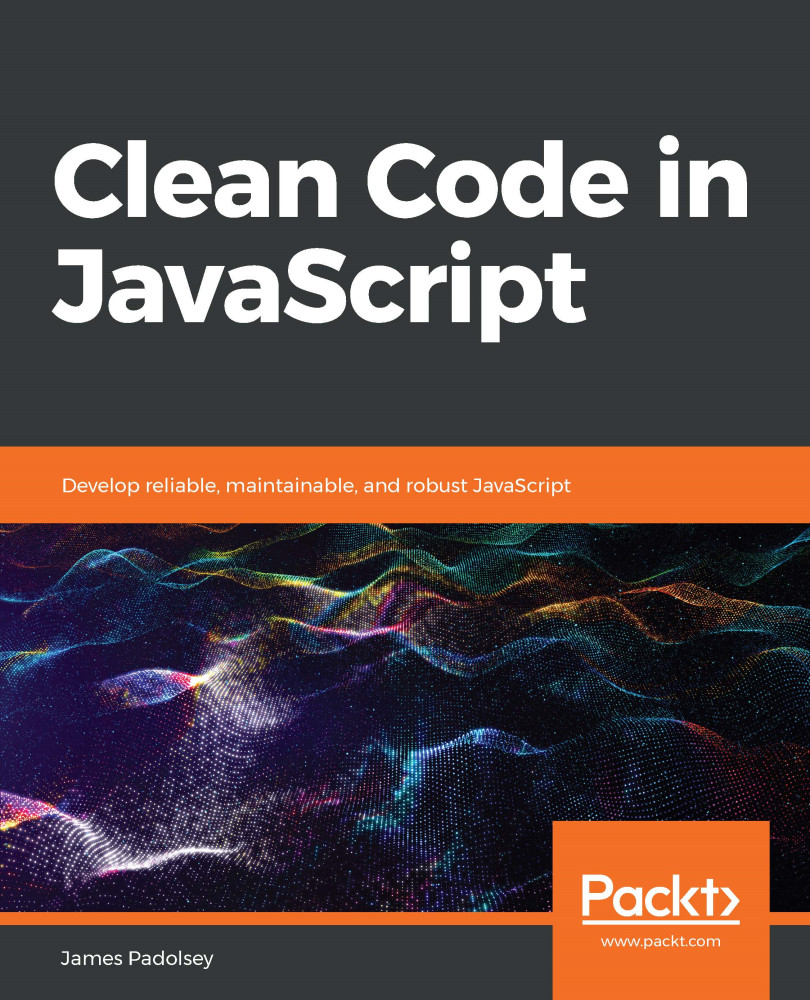
Clean Code in JavaScript
Can$51.99
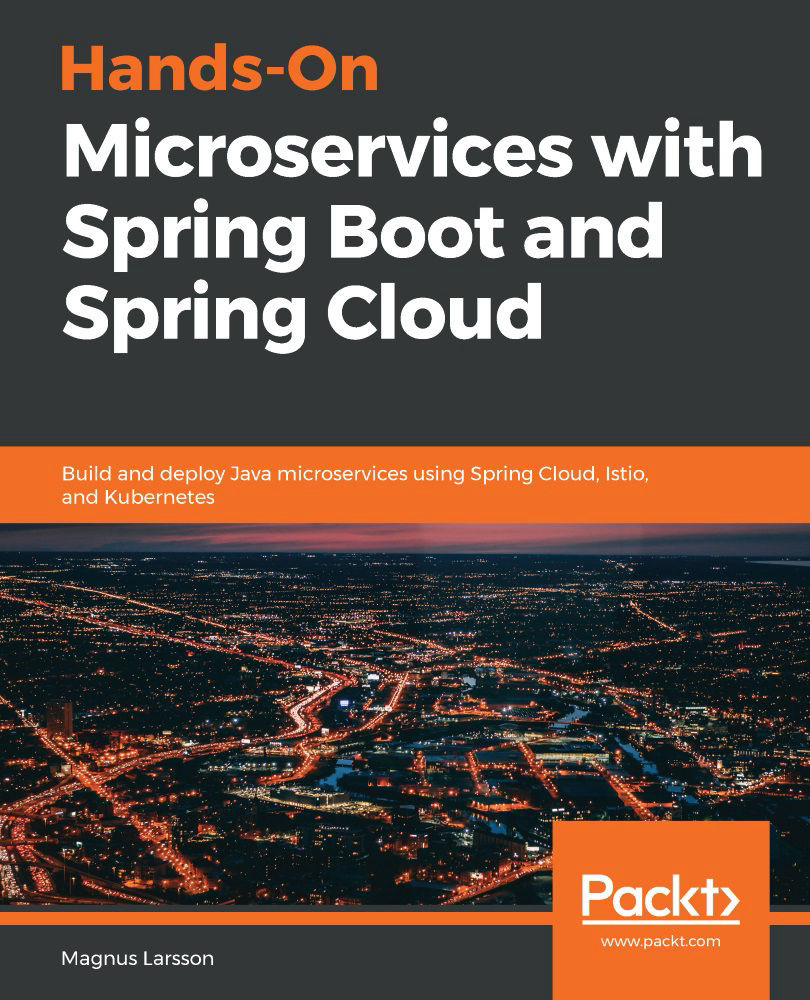
Hands-On Microservices with Spring Boot and Spring Cloud
Can$79.99
Total Can$ 190.97 Stars icon

Table of Contents

22 Chapters
Section 1: Getting Started with the JHipster Platform Chevron down icon Chevron up icon
Introduction to Modern Web Application Development Chevron down icon Chevron up icon
Getting Started with JHipster Chevron down icon Chevron up icon
Section 2: Building and Customizing Web Applications with JHipster Chevron down icon Chevron up icon
Building Monolithic Web Applications with JHipster Chevron down icon Chevron up icon
Entity Modeling with JHipster Domain Language Chevron down icon Chevron up icon
Customization and Further Development Chevron down icon Chevron up icon
Section 3: Continuous Integration and Testing Chevron down icon Chevron up icon
Testing and Continuous Integration Chevron down icon Chevron up icon
Going into Production Chevron down icon Chevron up icon
Section 4: Converting Monoliths to Microservice Architecture Chevron down icon Chevron up icon
Microservice Server-Side Technologies Chevron down icon Chevron up icon
Building Microservices with JHipster Chevron down icon Chevron up icon
Working with Microservices Chevron down icon Chevron up icon
Section 5: Deployment of Microservices Chevron down icon Chevron up icon
Deploying with Docker Compose Chevron down icon Chevron up icon
Deploying to the Cloud with Kubernetes Chevron down icon Chevron up icon
Section 6: React and Vue.js for the Client Side Chevron down icon Chevron up icon
Using React for the Client-Side Chevron down icon Chevron up icon
Using Vue.js for the Client-Side Chevron down icon Chevron up icon
Best Practices with JHipster Chevron down icon Chevron up icon
Other Books You May Enjoy Chevron down icon Chevron up icon

Customer reviews

Rating distribution
Full star icon Full star icon Full star icon Half star icon Empty star icon 3.3
(3 Ratings)
5 star 33.3%
4 star 33.3%
3 star 0%
2 star 0%
1 star 33.3%
Santosh Telwane Jul 09, 2021
Full star icon Full star icon Full star icon Full star icon Full star icon 5
jHipster framework well explained. A must if u want to customize jHipster generated code.
Amazon Verified review Amazon
Amazon Customer Sep 22, 2021
Full star icon Full star icon Full star icon Full star icon Empty star icon 4
Helps you understand the tool better and gives a good head start by explaining the choices that were made while building JHipsterNote: This is not an alternative to Official Documentation. It is to be read along side the docs.Security section should have been explained better.Scenario like multi tenancy, would’ve made it gold.
Amazon Verified review Amazon
Maksim Sep 25, 2021
Full star icon Empty star icon Empty star icon Empty star icon Empty star icon 1
It's more like missing documentation, not the book. Nothing in it described to a usable level. Waste of money and trees.
Amazon Verified review Amazon
Get free access to Packt library with over 7500+ books and video courses for 7 days!
Start Free Trial

FAQs

How do I buy and download an eBook? Chevron down icon Chevron up icon

Where there is an eBook version of a title available, you can buy it from the book details for that title. Add either the standalone eBook or the eBook and print book bundle to your shopping cart. Your eBook will show in your cart as a product on its own. After completing checkout and payment in the normal way, you will receive your receipt on the screen containing a link to a personalised PDF download file. This link will remain active for 30 days. You can download backup copies of the file by logging in to your account at any time.

If you already have Adobe reader installed, then clicking on the link will download and open the PDF file directly. If you don't, then save the PDF file on your machine and download the Reader to view it.

Please Note: Packt eBooks are non-returnable and non-refundable.

Packt eBook and Licensing When you buy an eBook from Packt Publishing, completing your purchase means you accept the terms of our licence agreement. Please read the full text of the agreement. In it we have tried to balance the need for the ebook to be usable for you the reader with our needs to protect the rights of us as Publishers and of our authors. In summary, the agreement says:

  • You may make copies of your eBook for your own use onto any machine
  • You may not pass copies of the eBook on to anyone else
How can I make a purchase on your website? Chevron down icon Chevron up icon

If you want to purchase a video course, eBook or Bundle (Print+eBook) please follow below steps:

  1. Register on our website using your email address and the password.
  2. Search for the title by name or ISBN using the search option.
  3. Select the title you want to purchase.
  4. Choose the format you wish to purchase the title in; if you order the Print Book, you get a free eBook copy of the same title. 
  5. Proceed with the checkout process (payment to be made using Credit Card, Debit Cart, or PayPal)
Where can I access support around an eBook? Chevron down icon Chevron up icon
  • If you experience a problem with using or installing Adobe Reader, the contact Adobe directly.
  • To view the errata for the book, see www.packtpub.com/support and view the pages for the title you have.
  • To view your account details or to download a new copy of the book go to www.packtpub.com/account
  • To contact us directly if a problem is not resolved, use www.packtpub.com/contact-us
What eBook formats do Packt support? Chevron down icon Chevron up icon

Our eBooks are currently available in a variety of formats such as PDF and ePubs. In the future, this may well change with trends and development in technology, but please note that our PDFs are not Adobe eBook Reader format, which has greater restrictions on security.

You will need to use Adobe Reader v9 or later in order to read Packt's PDF eBooks.

What are the benefits of eBooks? Chevron down icon Chevron up icon
  • You can get the information you need immediately
  • You can easily take them with you on a laptop
  • You can download them an unlimited number of times
  • You can print them out
  • They are copy-paste enabled
  • They are searchable
  • There is no password protection
  • They are lower price than print
  • They save resources and space
What is an eBook? Chevron down icon Chevron up icon

Packt eBooks are a complete electronic version of the print edition, available in PDF and ePub formats. Every piece of content down to the page numbering is the same. Because we save the costs of printing and shipping the book to you, we are able to offer eBooks at a lower cost than print editions.

When you have purchased an eBook, simply login to your account and click on the link in Your Download Area. We recommend you saving the file to your hard drive before opening it.

For optimal viewing of our eBooks, we recommend you download and install the free Adobe Reader version 9.

Modal Close icon
Modal Close icon