Search icon CANCEL
Subscription
0
Cart icon
Your Cart (0 item)
Close icon
You have no products in your basket yet
Arrow left icon
Explore Products
Best Sellers
New Releases
Books
Events
Videos
Audiobooks
Packt Hub
Free Learning
Arrow right icon
timer SALE ENDS IN
0 Days
:
00 Hours
:
00 Minutes
:
00 Seconds
Arrow up icon
GO TO TOP
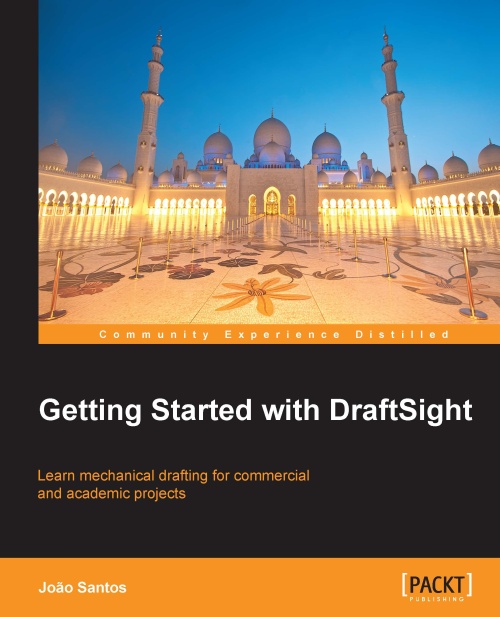
Getting Started with DraftSight

You're reading from   Getting Started with DraftSight Learning how to use the free DraftSight CAD program for 2D computer-aided design has never been easier thanks to this Beginner's Guide. Covers everything from installation to executing and printing a real-world mechanical design project.

Arrow left icon
Product type Paperback
Published in Aug 2013
Publisher Packt
ISBN-13 9781782160243
Length 180 pages
Edition 1st Edition
Concepts
Arrow right icon
Author (1):
Arrow left icon
JOAO ANTONIO C DOS SANTOS JOAO ANTONIO C DOS SANTOS
Author Profile Icon JOAO ANTONIO C DOS SANTOS
JOAO ANTONIO C DOS SANTOS
Arrow right icon
View More author details
Toc

Table of Contents (18) Chapters Close

Getting Started with DraftSight
Credits
About the Author
About the Reviewers
www.PacktPub.com
Preface
1. Introduction to DraftSight FREE CHAPTER 2. Drawing with Precision 3. Starting to Create Projects 4. Structuring Projects and Following Standards 5. Inquiring Projects and Modifying Properties 6. Creating Complex Projects 7. Creating and Applying Components 8. Applying Fills and Patterns 9. Documenting Projects 10. Printing Efficiently 11. Advanced Tools Index

Chapter 6. Creating Complex Projects

This chapter includes several commands and concepts that allow us to create more complex projects such as text, polylines, tables, ellipses, and other entities. Many other additional editing commands are also presented.

The following topics are covered in this chapter:

  • Creating and managing text styles

  • Creating single-line and multiline text

  • Creating polylines without previous lines and arcs

  • Converting continuous lines and arcs into polylines

  • Creating polylines from boundaries of closed areas

  • Creating multiple equally-spaced copies

  • Creating ellipses

  • Creating rings and revision clouds

  • Creating tables and table styles

  • Welding entities

  • Modifying the length of entities

  • Breaking entities and exploding complex entities

lock icon The rest of the chapter is locked
CONTINUE READING
83
Tech Concepts
36
Programming languages
73
Tech Tools
Icon Unlimited access to the largest independent learning library in tech of over 8,000 expert-authored tech books and videos.
Icon Innovative learning tools, including AI book assistants, code context explainers, and text-to-speech.
Icon 50+ new titles added per month and exclusive early access to books as they are being written.
Getting Started with DraftSight
Register for a free Packt account to unlock a world of extra content!
A free Packt account unlocks extra newsletters, articles, discounted offers, and much more. Start advancing your knowledge today.
Unlock this book and the full library FREE for 7 days
Get unlimited access to 7000+ expert-authored eBooks and videos courses covering every tech area you can think of
Renews at €18.99/month. Cancel anytime
Modal Close icon
Modal Close icon