Search icon CANCEL
Subscription
0
Cart icon
Your Cart (0 item)
Close icon
You have no products in your basket yet
Save more on your purchases! discount-offer-chevron-icon
Savings automatically calculated. No voucher code required.
Arrow left icon
Explore Products
Best Sellers
New Releases
Books
Events
Videos
Audiobooks
Packt Hub
Free Learning
Arrow right icon
timer SALE ENDS IN
0 Days
:
00 Hours
:
00 Minutes
:
00 Seconds
Arrow up icon
GO TO TOP
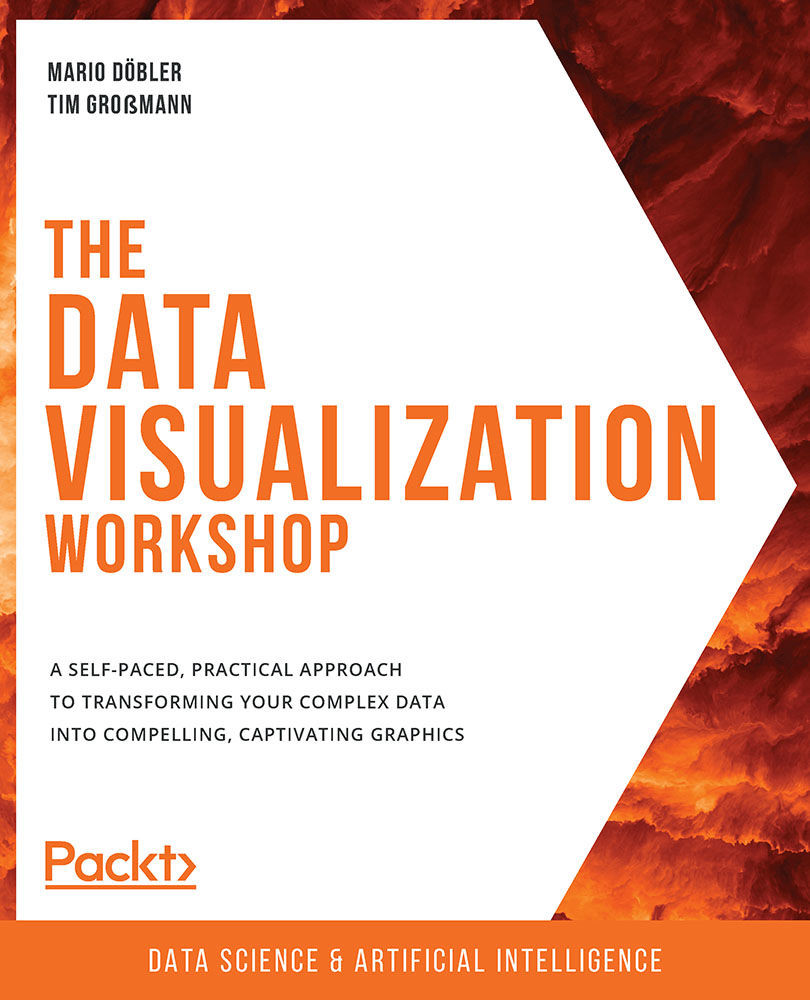
The Data Visualization Workshop

You're reading from   The Data Visualization Workshop A self-paced, practical approach to transforming your complex data into compelling, captivating graphics

Arrow left icon
Product type Paperback
Published in Jul 2020
Publisher Packt
ISBN-13 9781800568846
Length 536 pages
Edition 1st Edition
Languages
Tools
Arrow right icon
Authors (7):
Arrow left icon
Mario Döbler Mario Döbler
Author Profile Icon Mario Döbler
Mario Döbler
Tim Großmann Tim Großmann
Author Profile Icon Tim Großmann
Tim Großmann
Rohan Chikorde Rohan Chikorde
Author Profile Icon Rohan Chikorde
Rohan Chikorde
Joshua Görner Joshua Görner
Author Profile Icon Joshua Görner
Joshua Görner
Anshu Kumar Anshu Kumar
Author Profile Icon Anshu Kumar
Anshu Kumar
Piotr Malak Piotr Malak
Author Profile Icon Piotr Malak
Piotr Malak
Ankit Verma Ankit Verma
Author Profile Icon Ankit Verma
Ankit Verma
+3 more Show less
Arrow right icon
View More author details
Toc

Basic Plotting

As mentioned before, the plotting interface of Bokeh gives us a higher-level abstraction, which allows us to quickly visualize data points on a grid.

To create a new plot, we have to define our imports to load the necessary dependencies:

# importing the necessary dependencies
import pandas as pd
from bokeh.plotting import figure, show
from bokeh.io import output_notebook
output_notebook()

Before we can create a plot, we need to import the dataset. In the examples in this chapter, we will work with a computer hardware dataset. It can be imported by using pandas' read_csv method.

# loading the Dataset with pandas
dataset = pd.read_csv('../../Datasets/computer_hardware.csv')

The basic flow when using the plotting interface is comparable to that of Matplotlib. We first create a figure. This figure is then used as a container to define elements and call methods on:

# adding an index column to use it for the x-axis
dataset['index&apos...
lock icon The rest of the chapter is locked
CONTINUE READING
83
Tech Concepts
36
Programming languages
73
Tech Tools
Icon Unlimited access to the largest independent learning library in tech of over 8,000 expert-authored tech books and videos.
Icon Innovative learning tools, including AI book assistants, code context explainers, and text-to-speech.
Icon 50+ new titles added per month and exclusive early access to books as they are being written.
The Data Visualization Workshop
Register for a free Packt account to unlock a world of extra content!
A free Packt account unlocks extra newsletters, articles, discounted offers, and much more. Start advancing your knowledge today.
Unlock this book and the full library FREE for 7 days
Get unlimited access to 7000+ expert-authored eBooks and videos courses covering every tech area you can think of
Renews at $19.99/month. Cancel anytime
Modal Close icon
Modal Close icon