Search icon CANCEL
Subscription
0
Cart icon
Your Cart (0 item)
Close icon
You have no products in your basket yet
Save more on your purchases! discount-offer-chevron-icon
Savings automatically calculated. No voucher code required.
Arrow left icon
Explore Products
Best Sellers
New Releases
Books
Videos
Audiobooks
Learning Hub
Newsletter Hub
Free Learning
Arrow right icon
timer SALE ENDS IN
0 Days
:
00 Hours
:
00 Minutes
:
00 Seconds
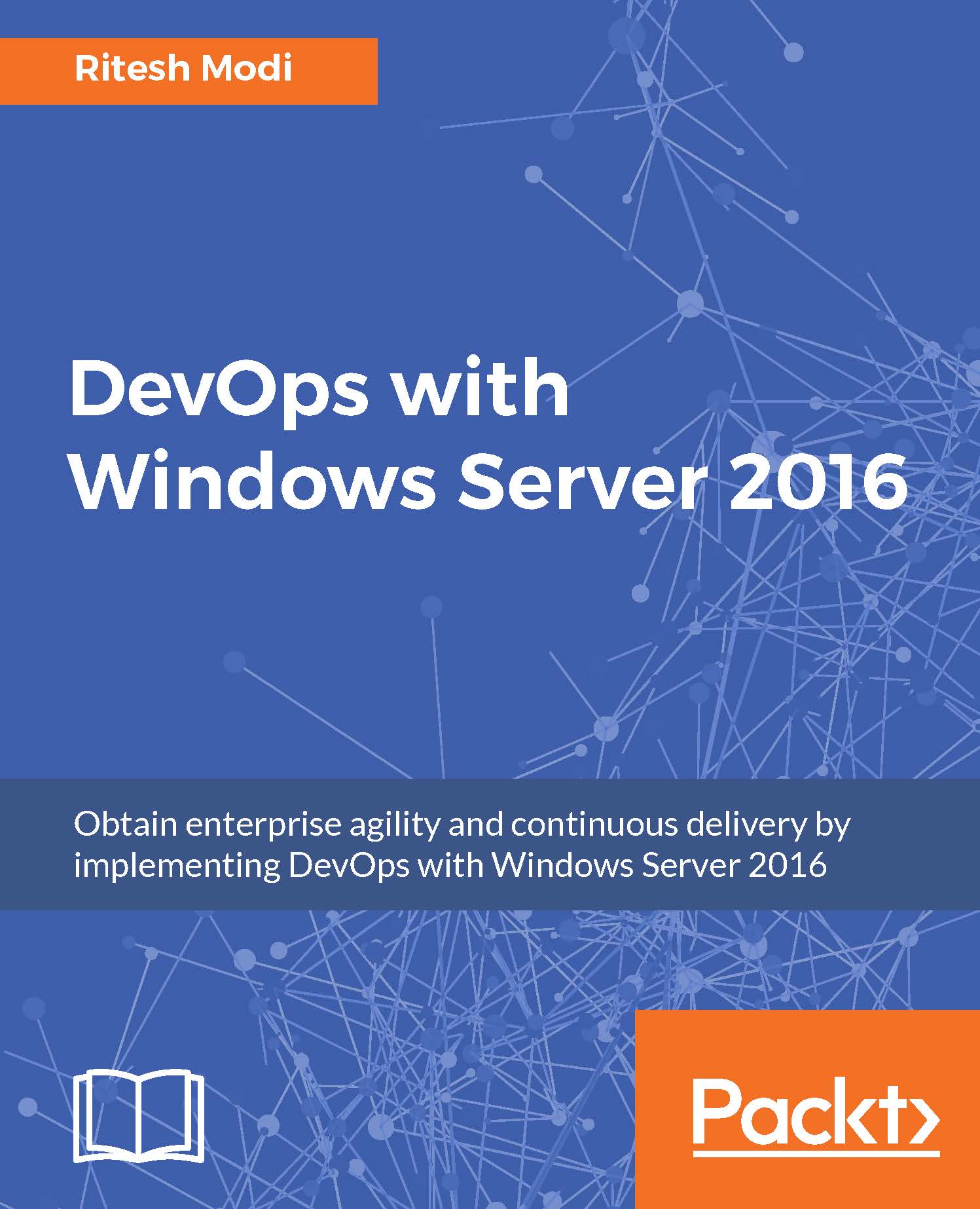
DevOps with Windows Server 2016

DevOps with Windows Server 2016: Obtain enterprise agility and continuous delivery by implementing DevOps with Windows Server 2016
eBook
$9.99 $51.99
Paperback
$65.99
Subscription
Free Trial
Renews at $19.99p/m

What do you get with eBook?

Product feature icon Instant access to your Digital eBook purchase
Product feature icon Download this book in EPUB and PDF formats
Product feature icon Access this title in our online reader with advanced features
Product feature icon DRM FREE - Read whenever, wherever and however you want
Modal Close icon
Payment Processing...
tick Completed

Billing Address

Table of content icon View table of contents Preview book icon Preview Book

DevOps with Windows Server 2016

Chapter 2. DevOps Tools and Technologies

In the previous chapter, we looked at the problems faced by organizations in delivering software services to customers. We understood the meaning of DevOps and the way it addresses the challenges of software delivery. We went through the principles on which DevOps is based and discussed the practices through which DevOps achieves its end goal.

This book is about the practical implementation of DevOps through technology. Technology is an enabler for DevOps. Technology helps DevOps in the following ways:

  • Enables faster collaboration and communication among teams, making them more efficient and effective.
  • Helps in faster, better, and automated process implementation.
  • Consistent and predictable automated delivery. Brings higher cadence and confidence in the delivery process.
  • Feedback backed up by telemetry.
  • Agile deployments.

This chapter and the following two chapters will introduce core platforms and technologies instrumental in enabling and implementing...

Cloud technology

Cloud is ubiquitous. It is used throughout this book. Cloud is used in this book for hosting all environments, implementation of DevOps practices, and deployment of applications.

Cloud is a relatively new paradigm in infrastructure provisioning, application deployment, and hosting space. The only options prior to the advent of cloud was either self-hosted on on-premises data centers or using services from a hosting service provider. However, cloud is changing the way enterprises look at their strategy in relation to infrastructure and application development, deployment, and hosting. In fact, the change is so enormous that it has found its way into every aspect of an organization's software development processes, tools, and practices.

Cloud computing refers to the practice of deploying applications and services on the Internet with a cloud provider. A cloud provider provides multiple types of services on cloud. They are divided into three categories based on their level...

Windows Server 2016

Windows Server 2016 has come a long way. All the way from Windows NT to Windows 2000 and 2003, then Windows 2008 (R2) and 2012 (R2), and now Windows Server 2016. Windows NT was the first popular Windows server among enterprises. However, the true enterprise servers were Windows 2000 and Windows 2003. The popularity of Windows Server 2003 was unprecedented and it was widely adopted. With Windows Server 2008 and 2008 R2, the idea of the data center took priority and enterprises with their own data center adopted it. Even the Windows Server 2008 series was quite popular among enterprises. In 2010, the Microsoft Cloud, Azure, was launched.

The first steps towards a cloud operating system were Windows Server 2012 and 2012 R2. They had the blueprints and technology to be seamlessly provisioned on Azure. Now, when Azure and cloud are gaining enormous popularity, Windows Server 2016 is released as a true cloud operating system. The evolution of Windows Server is shown in Figure...

Application platform

Windows Server 2016 comes with multiple options for deploying and hosting applications. It provides the following:

  • Windows Server 2016
  • Nano Server
  • Windows and Docker Containers
  • Hyper-V Containers
  • Nested virtual machines

Windows Server as a hosting platform

Windows Server 2016 can be used for hosting applications and consuming server functionalities. It provides the services necessary to make applications secure, scalable, and highly available. It also provides services like virtualization, directory services, certificate services, web server, databases that help in building enterprise scale applications and services.

Nano servers

Windows Server provides a new option to host applications and services called Nano servers. This is a new lightweight, scaled-down Windows Server containing only the kernel and drivers necessary to run as an operating system. They are also known as headless servers. They do not have any graphical user interface and the only way to interact and manage...

Visual Studio Team Services

Now it's time to focus on another revolutionary online service - Visual Studio Team Services - that seamlessly enables continuous integration, continuous deployment, and continuous delivery. In fact, it would be more appropriate to call it a suite of services available under a single name. VSTS is a PaaS provided by Microsoft and hosted on cloud. The same service is available as (Team Foundation Server (TFS) on on-premises data centers. All examples used in this book use VSTS.

According to Microsoft, VSTS is a cloud-based collaboration platform that helps teams share code, track work, and shipping software. It was previously known as Visual Studio Online (VSO) and recently been renamed as VSTS. It is an enterprise software development tool and service that enables organizations to provide automation facilities to their end-to-end application lifecycle management process, from planning, to deployment, to getting real-time feedback from software systems users...

Cloud technology


Cloud is ubiquitous. It is used throughout this book. Cloud is used in this book for hosting all environments, implementation of DevOps practices, and deployment of applications.

Cloud is a relatively new paradigm in infrastructure provisioning, application deployment, and hosting space. The only options prior to the advent of cloud was either self-hosted on on-premises data centers or using services from a hosting service provider. However, cloud is changing the way enterprises look at their strategy in relation to infrastructure and application development, deployment, and hosting. In fact, the change is so enormous that it has found its way into every aspect of an organization's software development processes, tools, and practices.

Cloud computing refers to the practice of deploying applications and services on the Internet with a cloud provider. A cloud provider provides multiple types of services on cloud. They are divided into three categories based on their level of...

Windows Server 2016


Windows Server 2016 has come a long way. All the way from Windows NT to Windows 2000 and 2003, then Windows 2008 (R2) and 2012 (R2), and now Windows Server 2016. Windows NT was the first popular Windows server among enterprises. However, the true enterprise servers were Windows 2000 and Windows 2003. The popularity of Windows Server 2003 was unprecedented and it was widely adopted. With Windows Server 2008 and 2008 R2, the idea of the data center took priority and enterprises with their own data center adopted it. Even the Windows Server 2008 series was quite popular among enterprises. In 2010, the Microsoft Cloud, Azure, was launched.

The first steps towards a cloud operating system were Windows Server 2012 and 2012 R2. They had the blueprints and technology to be seamlessly provisioned on Azure. Now, when Azure and cloud are gaining enormous popularity, Windows Server 2016 is released as a true cloud operating system. The evolution of Windows Server is shown in Figure...

Left arrow icon Right arrow icon
Download code icon Download Code

Key benefits

  • This practical learning guide will improve your application lifecycle management and help you manage environments efficiently
  • Showcase through a sample application ways to apply DevOps principles and practices in the real world
  • Implement DevOps using latest technologies in Windows Server 2016 such as Windows Container, Docker, and Nano Servers

Description

Delivering applications swiftly is one of the major challenges faced in fast-paced business environments. Windows Server 2016 DevOps is the solution to these challenges as it helps organizations to respond faster in order to handle the competitive pressures by replacing error-prone manual tasks using automation. This book is a practical description and implementation of DevOps principles and practices using the features provided by Windows Server 2016 and VSTS vNext. It jumps straight into explaining the relevant tools and technologies needed to implement DevOps principles and practices. It implements all major DevOps practices and principles and takes readers through it from envisioning a project up to operations and further. It uses the latest and upcoming concepts and technologies from Microsoft and open source such as Docker, Windows Container, Nano Server, DSC, Pester, and VSTS vNext. By the end of this book, you will be well aware of the DevOps principles and practices and will have implemented all these principles practically for a sample application using the latest technologies on the Microsoft platform. You will be ready to start implementing DevOps within your project/engagement.

Who is this book for?

This book is for .NET developers and system administrators who have a basic knowledge of Windows Server 2016 and are now eager to implement DevOps at work using Windows Server 2016. Knowledge of Powershell, Azure, and containers will help.

What you will learn

  • * Take a deep dive into the fundamentals, principles, and practices of DevOps
  • * Achieve an end-to-end DevOps implementation
  • * Execute source control management using GITHUB and VSTS vNext
  • * Automate the provisioning and configuration of infrastructure
  • * Build and release pipeline
  • * Measure the success of DevOps through application instrumentation and monitoring

Product Details

Country selected
Publication date, Length, Edition, Language, ISBN-13
Publication date : Mar 24, 2017
Length: 558 pages
Edition : 1st
Language : English
ISBN-13 : 9781786463340
Vendor :
Microsoft
Languages :
Concepts :

What do you get with eBook?

Product feature icon Instant access to your Digital eBook purchase
Product feature icon Download this book in EPUB and PDF formats
Product feature icon Access this title in our online reader with advanced features
Product feature icon DRM FREE - Read whenever, wherever and however you want
Modal Close icon
Payment Processing...
tick Completed

Billing Address

Product Details

Publication date : Mar 24, 2017
Length: 558 pages
Edition : 1st
Language : English
ISBN-13 : 9781786463340
Vendor :
Microsoft
Languages :
Concepts :

Packt Subscriptions

See our plans and pricing
Modal Close icon
$19.99 billed monthly
Feature tick icon Unlimited access to Packt's library of 7,000+ practical books and videos
Feature tick icon Constantly refreshed with 50+ new titles a month
Feature tick icon Exclusive Early access to books as they're written
Feature tick icon Solve problems while you work with advanced search and reference features
Feature tick icon Offline reading on the mobile app
Feature tick icon Simple pricing, no contract
$199.99 billed annually
Feature tick icon Unlimited access to Packt's library of 7,000+ practical books and videos
Feature tick icon Constantly refreshed with 50+ new titles a month
Feature tick icon Exclusive Early access to books as they're written
Feature tick icon Solve problems while you work with advanced search and reference features
Feature tick icon Offline reading on the mobile app
Feature tick icon Choose a DRM-free eBook or Video every month to keep
Feature tick icon PLUS own as many other DRM-free eBooks or Videos as you like for just $5 each
Feature tick icon Exclusive print discounts
$279.99 billed in 18 months
Feature tick icon Unlimited access to Packt's library of 7,000+ practical books and videos
Feature tick icon Constantly refreshed with 50+ new titles a month
Feature tick icon Exclusive Early access to books as they're written
Feature tick icon Solve problems while you work with advanced search and reference features
Feature tick icon Offline reading on the mobile app
Feature tick icon Choose a DRM-free eBook or Video every month to keep
Feature tick icon PLUS own as many other DRM-free eBooks or Videos as you like for just $5 each
Feature tick icon Exclusive print discounts

Frequently bought together


Stars icon
Total $ 197.97
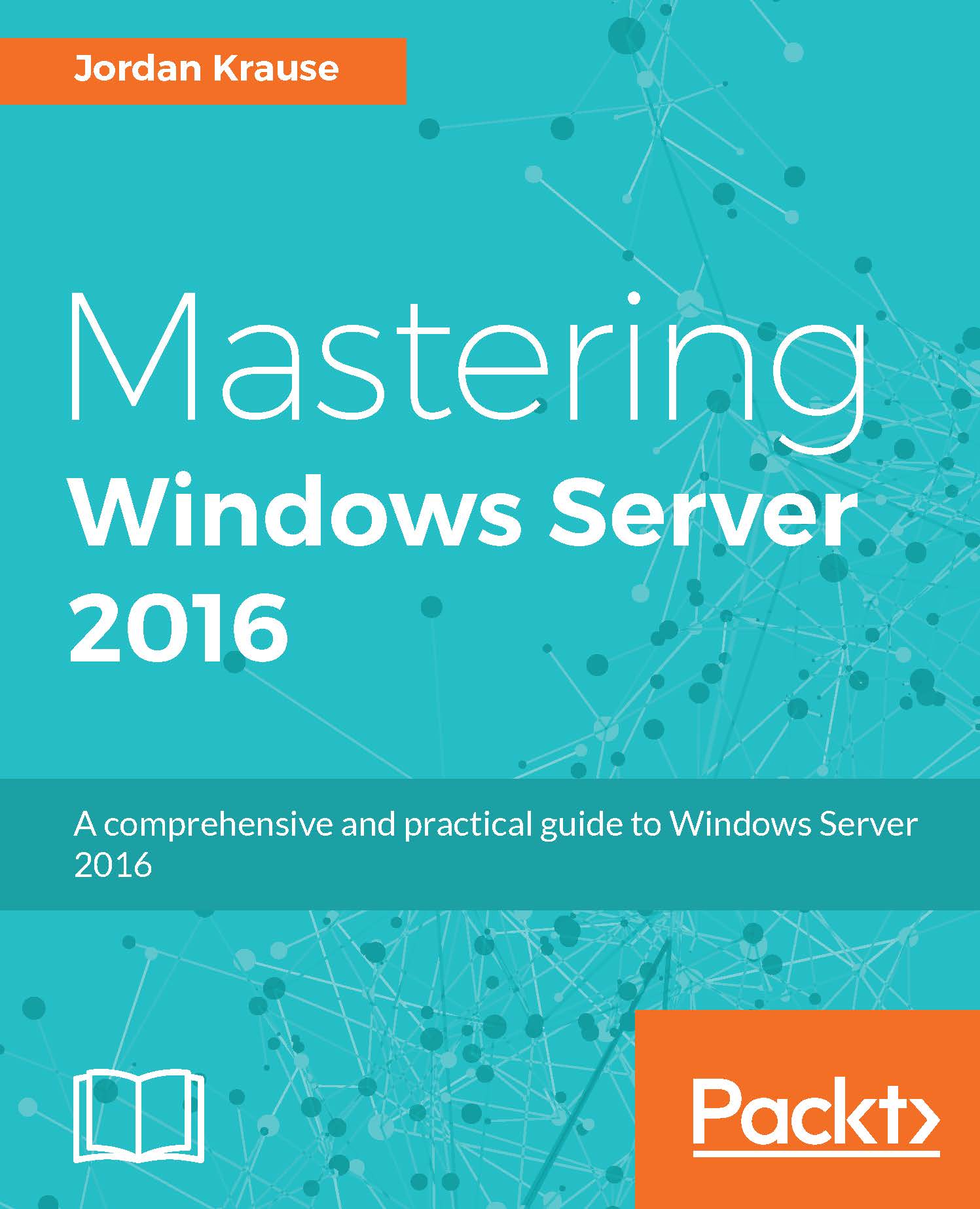
Mastering Windows Server 2016
$65.99
DevOps with Windows Server 2016
$65.99
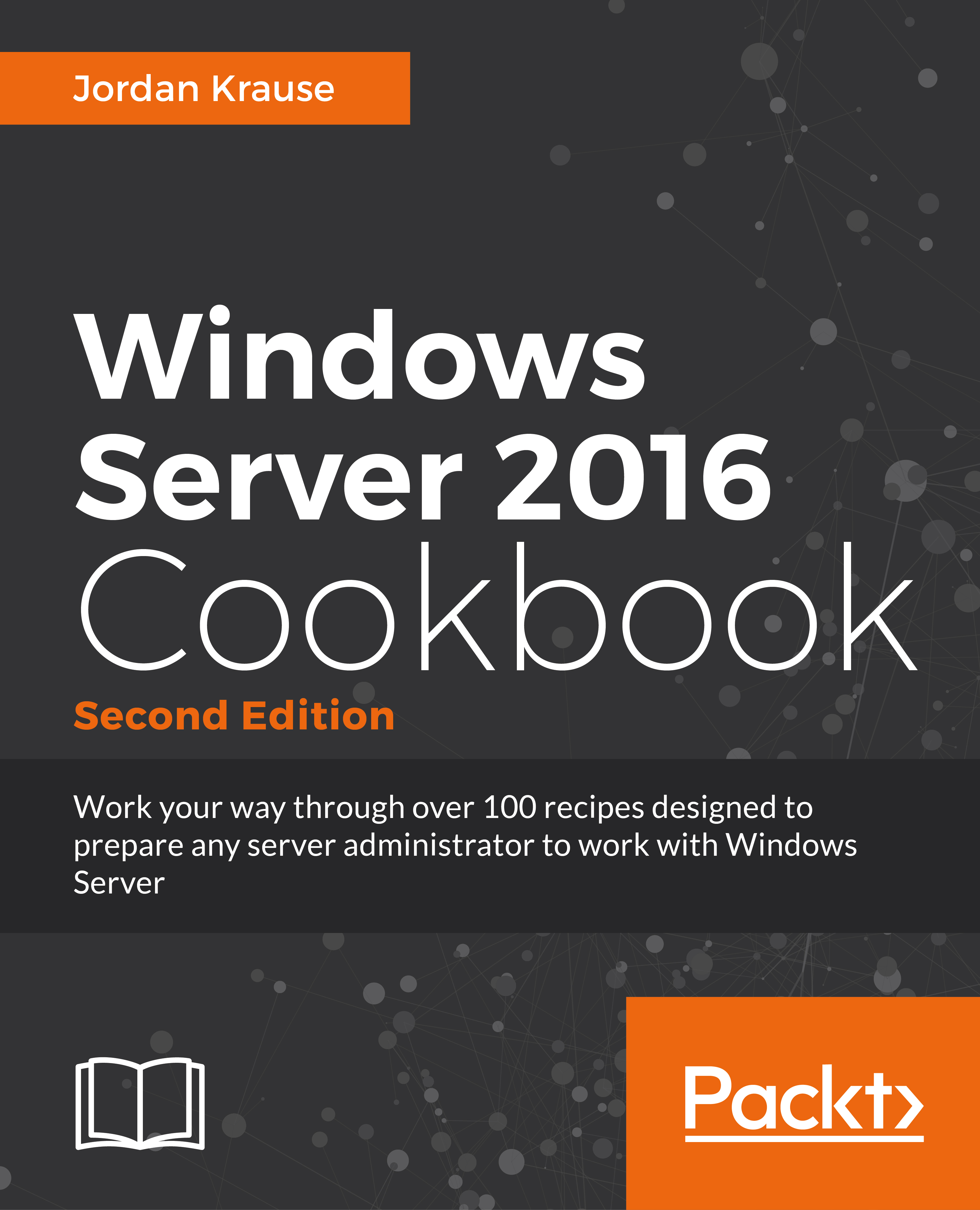
Windows Server 2016 Cookbook
$65.99
Total $ 197.97 Stars icon

Table of Contents

11 Chapters
1. Introducing DevOps Chevron down icon Chevron up icon
2. DevOps Tools and Technologies Chevron down icon Chevron up icon
3. DevOps Automation Primer Chevron down icon Chevron up icon
4. Nano, Containers, and Docker Primer Chevron down icon Chevron up icon
5. Building a Sample Application Chevron down icon Chevron up icon
6. Source Code Control Chevron down icon Chevron up icon
7. Configuration Management Chevron down icon Chevron up icon
8. Configuration Management and Operational Validation Chevron down icon Chevron up icon
9. Continuous Integration Chevron down icon Chevron up icon
10. Continuous Delivery and Deployment Chevron down icon Chevron up icon
11. Monitoring and Measuring Chevron down icon Chevron up icon

Customer reviews

Rating distribution
Full star icon Full star icon Full star icon Full star icon Full star icon 5
(1 Ratings)
5 star 100%
4 star 0%
3 star 0%
2 star 0%
1 star 0%
RAJIV LODHA Nov 19, 2017
Full star icon Full star icon Full star icon Full star icon Full star icon 5
excellent
Amazon Verified review Amazon
Get free access to Packt library with over 7500+ books and video courses for 7 days!
Start Free Trial

FAQs

How do I buy and download an eBook? Chevron down icon Chevron up icon

Where there is an eBook version of a title available, you can buy it from the book details for that title. Add either the standalone eBook or the eBook and print book bundle to your shopping cart. Your eBook will show in your cart as a product on its own. After completing checkout and payment in the normal way, you will receive your receipt on the screen containing a link to a personalised PDF download file. This link will remain active for 30 days. You can download backup copies of the file by logging in to your account at any time.

If you already have Adobe reader installed, then clicking on the link will download and open the PDF file directly. If you don't, then save the PDF file on your machine and download the Reader to view it.

Please Note: Packt eBooks are non-returnable and non-refundable.

Packt eBook and Licensing When you buy an eBook from Packt Publishing, completing your purchase means you accept the terms of our licence agreement. Please read the full text of the agreement. In it we have tried to balance the need for the ebook to be usable for you the reader with our needs to protect the rights of us as Publishers and of our authors. In summary, the agreement says:

  • You may make copies of your eBook for your own use onto any machine
  • You may not pass copies of the eBook on to anyone else
How can I make a purchase on your website? Chevron down icon Chevron up icon

If you want to purchase a video course, eBook or Bundle (Print+eBook) please follow below steps:

  1. Register on our website using your email address and the password.
  2. Search for the title by name or ISBN using the search option.
  3. Select the title you want to purchase.
  4. Choose the format you wish to purchase the title in; if you order the Print Book, you get a free eBook copy of the same title. 
  5. Proceed with the checkout process (payment to be made using Credit Card, Debit Cart, or PayPal)
Where can I access support around an eBook? Chevron down icon Chevron up icon
  • If you experience a problem with using or installing Adobe Reader, the contact Adobe directly.
  • To view the errata for the book, see www.packtpub.com/support and view the pages for the title you have.
  • To view your account details or to download a new copy of the book go to www.packtpub.com/account
  • To contact us directly if a problem is not resolved, use www.packtpub.com/contact-us
What eBook formats do Packt support? Chevron down icon Chevron up icon

Our eBooks are currently available in a variety of formats such as PDF and ePubs. In the future, this may well change with trends and development in technology, but please note that our PDFs are not Adobe eBook Reader format, which has greater restrictions on security.

You will need to use Adobe Reader v9 or later in order to read Packt's PDF eBooks.

What are the benefits of eBooks? Chevron down icon Chevron up icon
  • You can get the information you need immediately
  • You can easily take them with you on a laptop
  • You can download them an unlimited number of times
  • You can print them out
  • They are copy-paste enabled
  • They are searchable
  • There is no password protection
  • They are lower price than print
  • They save resources and space
What is an eBook? Chevron down icon Chevron up icon

Packt eBooks are a complete electronic version of the print edition, available in PDF and ePub formats. Every piece of content down to the page numbering is the same. Because we save the costs of printing and shipping the book to you, we are able to offer eBooks at a lower cost than print editions.

When you have purchased an eBook, simply login to your account and click on the link in Your Download Area. We recommend you saving the file to your hard drive before opening it.

For optimal viewing of our eBooks, we recommend you download and install the free Adobe Reader version 9.

Modal Close icon
Modal Close icon