Search icon CANCEL
Subscription
0
Cart icon
Your Cart (0 item)
Close icon
You have no products in your basket yet
Arrow left icon
Explore Products
Best Sellers
New Releases
Books
Events
Videos
Audiobooks
Packt Hub
Free Learning
Arrow right icon
timer SALE ENDS IN
0 Days
:
00 Hours
:
00 Minutes
:
00 Seconds
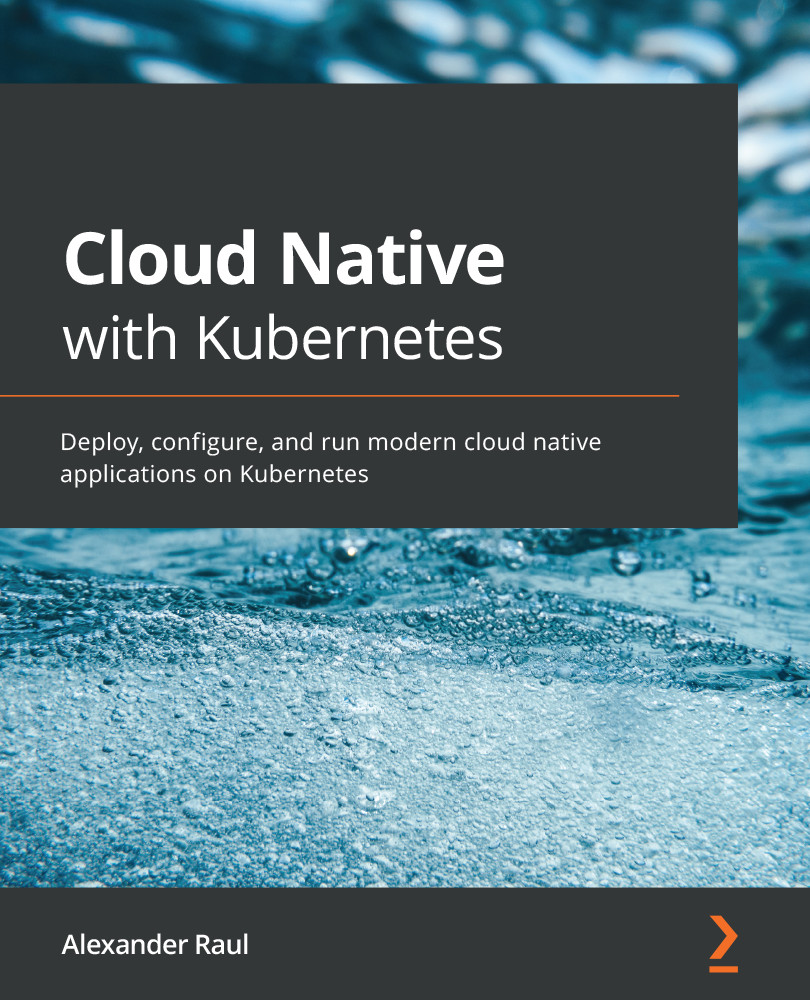
Cloud Native with Kubernetes

Cloud Native with Kubernetes: Deploy, configure, and run modern cloud native applications on Kubernetes

Arrow left icon
Profile Icon Alexander Raul
Arrow right icon
$27.89 $30.99
Full star icon Full star icon Full star icon Full star icon Half star icon 4.9 (7 Ratings)
eBook Jan 2021 446 pages 1st Edition
eBook
$27.89 $30.99
Paperback
$45.99
eBook + Subscription
$29.99 Monthly
Arrow left icon
Profile Icon Alexander Raul
Arrow right icon
$27.89 $30.99
Full star icon Full star icon Full star icon Full star icon Half star icon 4.9 (7 Ratings)
eBook Jan 2021 446 pages 1st Edition
eBook
$27.89 $30.99
Paperback
$45.99
eBook + Subscription
$29.99 Monthly
eBook
$27.89 $30.99
Paperback
$45.99
eBook + Subscription
$29.99 Monthly

What do you get with eBook?

Product feature icon Instant access to your Digital eBook purchase
Product feature icon Download this book in EPUB and PDF formats
Product feature icon Access this title in our online reader with advanced features
Product feature icon DRM FREE - Read whenever, wherever and however you want
Product feature icon AI Assistant (beta) to help accelerate your learning
Modal Close icon
Payment Processing...
tick Completed

Billing Address

Table of content icon View table of contents Preview book icon Preview Book

Cloud Native with Kubernetes

Chapter 1: Communicating with Kubernetes

This chapter contains an explanation of container orchestration, including its benefits, use cases, and popular implementations. We'll also review Kubernetes briefly, including a layout of the architectural components, and a primer on authorization, authentication, and general communication with Kubernetes. By the end of this chapter, you'll know how to authenticate and communicate with the Kubernetes API.

In this chapter, we will cover the following topics:

  • A container orchestration primer
  • Kubernetes' architecture
  • Authentication and authorization on Kubernetes
  • Using kubectl and YAML files

Technical requirements

In order to run the commands detailed in this chapter, you will need a computer running Linux, macOS, or Windows. This chapter will teach you how to install the kubectl command-line tool that you will use in all later chapters.

The code used in this chapter can be found in the book's GitHub repository at the following link:

https://github.com/PacktPublishing/Cloud-Native-with-Kubernetes/tree/master/Chapter1

Introducing container orchestration

We cannot talk about Kubernetes without an introduction of its purpose. Kubernetes is a container orchestration framework, so let's review what that means in the context of this book.

What is container orchestration?

Container orchestration is a popular pattern for running modern applications both in the cloud and the data center. By using containers – preconfigured application units with bundled dependencies – as a base, developers can run many instances of an application in parallel.

Benefits of container orchestration

There are quite a few benefits that container orchestration offers, but we will highlight the main ones. First, it allows developers to easily build high-availability applications. By having multiple instances of an application running, a container orchestration system can be configured in a way that means it will automatically replace any failed instances of the application with new ones.

This can be extended to the cloud by having those multiple instances of the application spread across physical data centers, so if one data center goes down, other instances of the application will remain, and prevent downtime.

Second, container orchestration allows for highly scalable applications. Since new instances of the application can be created and destroyed easily, the orchestration tool can auto-scale up and down to meet demand. Either in a cloud or data center environment, new Virtual Machines (VMs) or physical machines can be added to the orchestration tool to give it a bigger pool of compute to manage. This process can be completely automated in a cloud setting to allow for completely hands-free scaling, both at the micro and macro level.

Popular orchestration tools

There are several highly popular container orchestration tools available in the ecosystem:

  • Docker Swarm: Docker Swarm was created by the team behind the Docker container engine. It is easier to set up and run compared to Kubernetes, but somewhat less flexible.
  • Apache Mesos: Apache Mesos is a lower-level orchestration tool that manages compute, memory, and storage, in both data center and cloud environments. By default, Mesos does not manage containers, but Marathon – a framework that runs on top of Mesos – is a fully fledged container orchestration tool. It is even possible to run Kubernetes on top of Mesos.
  • Kubernetes: As of 2020, much of the work in container orchestration has consolidated around Kubernetes (koo-bur-net-ees), often shortened to k8s. Kubernetes is an open source container orchestration tool that was originally created by Google, with learnings from internal orchestration tools Borg and Omega, which had been in use at Google for years. Since Kubernetes became open source, it has risen in popularity to become the de facto way to run and orchestrate containers in an enterprise environment. There are a few reasons for this, including that Kubernetes is a mature product that has an extremely large open source community. It is also simpler to operate than Mesos, and more flexible than Docker Swarm.

The most important thing to take away from this comparison is that although there are multiple relevant options for container orchestration and some are indeed better in certain ways, Kubernetes has emerged as the de facto standard. With this in mind, let's take a look at how Kubernetes works.

Kubernetes' architecture

Kubernetes is an orchestration tool that can run on cloud VMs, on VMs running in your data center, or on bare metal servers. In general, Kubernetes runs on a set of nodes, each of which can each be a VM or a physical machine.

Kubernetes node types

Kubernetes nodes can be many different things – from a VM, to a bare metal host, to a Raspberry Pi. Kubernetes nodes are split into two distinct categories: first, the master nodes, which run the Kubernetes control plane applications; second, the worker nodes, which run the applications that you deploy onto Kubernetes.

In general, for high availability, a production deployment of Kubernetes should have a minimum of three master nodes and three worker nodes, though most large deployments have many more workers than masters.

The Kubernetes control plane

The Kubernetes control plane is a suite of applications and services that run on the master nodes. There are several highly specialized services at play that form the core of Kubernetes functionality. They are as follows:

  • kube-apiserver: This is the Kubernetes API server. This application handles instructions sent to Kubernetes.
  • kube-scheduler: This is the Kubernetes scheduler. This component handles the work of deciding which nodes to place workloads on, which can become quite complex.
  • kube-controller-manager: This is the Kubernetes controller manager. This component provides a high-level control loop that ensures that the desired configuration of the cluster and applications running on it is implemented.
  • etcd: This is a distributed key-value store that contains the cluster configuration.

Generally, all of these components take the form of system services that run on every master node. They can be started manually if you wanted to bootstrap your cluster entirely by hand, but through the use of a cluster creation library or cloud provider-managed service such as Elastic Kubernetes Service (EKS), this will usually be done automatically in a production setting.

The Kubernetes API server

The Kubernetes API server is a component that accepts HTTPS requests, typically on port 443. It presents a certificate, which can be self-signed, as well as authentication and authorization mechanisms, which we will cover later in this chapter.

When a configuration request is made to the Kubernetes API server, it will check the current cluster configuration in etcd and change it if necessary.

The Kubernetes API is generally a RESTful API, with endpoints for each Kubernetes resource type, along with an API version that is passed in the query path; for instance, /api/v1.

For the purposes of extending Kubernetes (see Chapter 13, Extending Kubernetes with CRDs), the API also has a set of dynamic endpoints based on API groups, which can expose the same RESTful API functionality to custom resources.

The Kubernetes scheduler

The Kubernetes scheduler decides where instances of a workload should be run. By default, this decision is influenced by workload resource requirements and node status. You can also influence the scheduler via placement controls that are configurable in Kubernetes (see Chapter 8, Pod Placement Controls). These controls can act on node labels, which other pods are already running on a node, and many other possibilities.

The Kubernetes controller manager

The Kubernetes controller manager is a component that runs several controllers. Controllers run control loops that ensure that the actual state of the cluster matches that stored in the configuration. By default, these include the following:

  • The node controller, which ensures that nodes are up and running
  • The replication controller, which ensures that each workload is scaled properly
  • The endpoints controller, which handles communication and routing configuration for each workload (see Chapter 5, Services and Ingress – Communicating with the Outside World)
  • Service account and token controllers, which handle the creation of API access tokens and default accounts

etcd

etcd is a distributed key-value store that houses the configuration of the cluster in a highly available way. An etcd replica runs on each master node and uses the Raft consensus algorithm, which ensures that a quorum is maintained before allowing any changes to the keys or values.

The Kubernetes worker nodes

Each Kubernetes worker node contains components that allow it to communicate with the control plane and handle networking.

First, there is the kubelet, which makes sure that containers are running on the node as dictated by the cluster configuration. Second, kube-proxy provides a network proxy layer to workloads running on each node. And finally, the container runtime is used to run the workloads on each node.

kubelet

The kubelet is an agent that runs on every node (including master nodes, though it has a different configuration in that context). Its main purpose is to receive a list of PodSpecs (more on those later) and ensure that the containers prescribed by them are running on the node. The kubelet gets these PodSpecs through a few different possible mechanisms, but the main way is by querying the Kubernetes API server. Alternately, the kubelet can be started with a file path, which it will monitor for a list of PodSpecs, an HTTP endpoint to monitor, or its own HTTP endpoint to receive requests on.

kube-proxy

kube-proxy is a network proxy that runs on every node. Its main purpose is to do TCP, UDP, and SCTP forwarding (either via stream or round-robin) to workloads running on its node. kube-proxy supports the Kubernetes Service construct, which we will discuss in Chapter 5, Services and Ingress – Communicating with the Outside World.

The container runtime

The container runtime runs on each node and is the component that actually runs your workloads. Kubernetes supports CRI-O, Docker, containerd, rktlet, and any valid Container Runtime Interface (CRI) runtime. As of Kubernetes v1.14, the RuntimeClass feature has been moved from alpha to beta and allows for workload-specific runtime selection.

Addons

In addition to the core cluster components, a typical Kubernetes installation includes addons, which are additional components that provide cluster functionality.

For example, Container Network Interface (CNI) plugins such as Calico, Flannel, or Weave provide overlay network functionality that adheres to Kubernetes' networking requirements.

CoreDNS, on the other hand, is a popular addon for in-cluster DNS and service discovery. There are also tools such as Kubernetes Dashboard, which provides a GUI for viewing and interacting with your cluster.

At this point, you should have a high-level idea of the major components of Kubernetes. Next, we will review how a user interacts with Kubernetes to control those components.

Authentication and authorization on Kubernetes

Namespaces are an extremely important concept in Kubernetes, and since they can affect API access as well as authorization, we'll cover them now.

Namespaces

A namespace in Kubernetes is a construct that allows you to group Kubernetes resources in your cluster. They are a method of separation with many possible uses. For instance, you could have a namespace in your cluster for each environment – dev, staging, and production.

By default, Kubernetes will create the default namespace, the kube-system namespace, and the kube-public namespace. Resources created without a specified namespace will be created in the default namespace. kube-system contains the cluster services such as etcd, the scheduler, and any resource created by Kubernetes itself and not users. kube-public is readable by all users by default and can be used for public resources.

Users

There are two types of users in Kubernetes – regular users and service accounts.

Regular users are generally managed by a service outside the cluster, whether they be private keys, usernames and passwords, or some form of user store. Service accounts however are managed by Kubernetes and restricted to specific namespaces. To create a service account, the Kubernetes API may automatically make one, or they can be made manually through calls to the Kubernetes API.

There are three possible types of requests to the Kubernetes API – those associated with a regular user, those associated with a service account, and anonymous requests.

Authentication methods

In order to authenticate requests, Kubernetes provides several different options: HTTP basic authentication, client certificates, bearer tokens, and proxy-based authentication.

To use HTTP authentication, the requestor sends requests with an Authorization header that will have the value bearer "token value".

In order to specify which tokens are valid, a CSV file can be provided to the API server application when it starts using the --token-auth-file=filename parameter. A new beta feature (as of the writing of this book), called Bootstrap Tokens, allows for the dynamic swapping and changing of tokens while the API server is running, without restarting it.

Basic username/password authentication is also possible via the Authorization token, by using the header value Basic base64encoded(username:password).

Kubernetes' certificate infrastructure for TLS and security

In order to use client certificates (X.509 certificates), the API server must be started using the --client-ca-file=filename parameter. This file needs to contain one or more Certificate Authorities (CAs) that will be used when validating certificates passed with API requests.

In addition to the CA, a Certificate Signing Request (CSR) must be created for each user. At this point, user groups can be included, which we will discuss in the Authorization options section.

For instance, you can use the following:

openssl req -new -key myuser.pem -out myusercsr.pem -subj "/CN=myuser/0=dev/0=staging"

This will create a CSR for the user myuser who is part of groups named dev and staging.

Once the CA and CSR are created, the actual client and server certificates can be created using openssl, easyrsa, cfssl, or any certificate generation tool. TLS certificates for the Kubernetes API can also be created at this point.

Since our aim is to get you started running workloads on Kubernetes as soon as possible, we will leave all the various possible certificate configurations out of this book – but both the Kubernetes documentation and the article Kubernetes The Hard Way have some great tutorials on setting up a cluster from scratch. In the majority of production settings, you will not be doing these steps manually.

Authorization options

Kubernetes provides several authorization methods: nodes, webhooks, RBAC, and ABAC. In this book, we will focus on RBAC and ABAC as they are the ones used most often for user authorization. If you extend your cluster with other services and/or custom features, the other authorization modes may become more important.

RBAC

RBAC stands for Role-Based Access Control and is a common pattern for authorization. In Kubernetes specifically, the roles and users of RBAC are implemented using four Kubernetes resources: Role, ClusterRole, RoleBinding, and ClusterRoleBinding. To enable RBAC mode, the API server can be started with the --authorization-mode=RBAC parameter.

Role and ClusterRole resources specify a set of permissions, but do not assign those permissions to any specific users. Permissions are specified using resources and verbs. Here is a sample YAML file specifying a Role. Don't worry too much about the first few lines of the YAML file – we'll get to those soon. Focus on the resources and verbs lines to see how the actions can be applied to resources:

Read-only-role.yaml

apiVersion: rbac.authorization.k8s.io/v1
kind: Role
metadata:
  namespace: default
  name: read-only-role
rules:
- apiGroups: [""]
  resources: ["pods"]
  verbs: ["get", "list"]

The only difference between a Role and ClusterRole is that a Role is restricted to a particular namespace (in this case, the default namespace), while a ClusterRole can affect access to all resources of that type in the cluster, as well as cluster-scoped resources such as nodes.

RoleBinding and ClusterRoleBinding are resources that associate a Role or ClusterRole with a user or a list of users. The following file represents a RoleBinding resource to connect our read-only-role with a user, readonlyuser:

Read-only-rb.yaml

apiVersion: rbac.authorization.k8s.io/v1namespace.
kind: RoleBinding
metadata:
  name: read-only
  namespace: default
subjects:
- kind: User
  name: readonlyuser
  apiGroup: rbac.authorization.k8s.io
roleRef:
  kind: Role
  name: read-only-role
  apiGroup: rbac.authorization.k8s.io

The subjects key contains a list of all entities to associate a role with; in this case, the user alex. roleRef contains the name of the role to associate, and the type (either Role or ClusterRole).

ABAC

ABAC stands for Attribute-Based Access Control. ABAC works using policies instead of roles. The API server is started in ABAC mode with a file called an authorization policy file, which contains a list of JSON objects called policy objects. To enable ABAC mode, the API server can be started with the --authorization-mode=ABAC and --authorization-policy-file=filename parameters.

In the policy file, each policy object contains information about a single policy: firstly, which subjects it corresponds to, which can be either users or groups, and secondly, which resources can be accessed via the policy. Additionally, a Boolean readonly value can be included to limit the policy to list, get, and watch operations.

A secondary type of policy is associated not with a resource, but with types of non-resource requests, such as calls to the /version endpoint.

When a request to the API is made in ABAC mode, the API server will check the user and any group it is a part of against the list in the policy file, and see if any policies match the resource or endpoint that the user is trying to access. On a match, the API server will authorize the request.

You should have a good understanding now of how the Kubernetes API handles authentication and authorization. The good news is that while you can directly access the API, Kubernetes provides an excellent command-line tool to simply authenticate and make Kubernetes API requests.

Using kubectl and YAML

kubectl is the officially supported command-line tool for accessing the Kubernetes API. It can be installed on Linux, macOS, or Windows.

Setting up kubectl and kubeconfig

To install the newest release of kubectl, you can use the installation instructions at https://kubernetes.io/docs/tasks/tools/install-kubectl/.

Once kubectl is installed, it needs to be set up to authenticate with one or more clusters. This is done using the kubeconfig file, which looks like this:

Example-kubeconfig

apiVersion: v1
kind: Config
preferences: {}
clusters:
- cluster:
    certificate-authority: fake-ca-file
    server: https://1.2.3.4
  name: development
users:
- name: alex
  user:
    password: mypass
    username: alex
contexts:
- context:
    cluster: development
    namespace: frontend
    user: developer
  name: development

This file is written in YAML and is very similar to other Kubernetes resource specifications that we will get to shortly – except that this file lives only on your local machine.

There are three sections to a Kubeconfig YAML file: clusters, users, and contexts:

  • The clusters section is a list of clusters that you will be able to access via kubectl, including the CA filename and server API endpoint.
  • The users section lists users that you will be able to authorize with, including any user certificates or username/password combinations for authentication.
  • Finally, the contexts section lists combinations of a cluster, a namespace, and a user that combine to make a context. Using the kubectl config use-context command, you can easily switch between contexts, which allows easy switching between cluster, user, and namespace combinations.

Imperative versus declarative commands

There are two paradigms for talking to the Kubernetes API: imperative and declarative. Imperative commands allow you to dictate to Kubernetes "what to do" – that is, "spin up two copies of Ubuntu," "scale this application to five copies," and so on.

Declarative commands, on the other hand, allow you to write a file with a specification of what should be running on the cluster, and have the Kubernetes API ensure that the configuration matches the cluster configuration, updating it if necessary.

Though imperative commands allow you to quickly get started with Kubernetes, it is far better to write some YAML and use a declarative configuration when running production workloads, or workloads of any complexity. The reason for this is that it makes it easier to track changes, for instance via a GitHub repo, or introduce Git-driven Continous Integration/Continuous Delivery (CI/CD) to your cluster.

Some basic kubectl commands

kubectl provides many convenient commands for checking the current state of your cluster, querying resources, and creating new ones. kubectl is structured so most commands can access resources in the same way.

First, let's learn how to see Kubernetes resources in your cluster. You can do this by using kubectl get resource_type where resource_type is the full name of the Kubernetes resource, or alternately, a shorter alias. A full list of aliases (and kubectl commands) can be found in the kubectl documentation at https://kubernetes.io/docs/reference/kubectl/overview.

We already know about nodes, so let's start with that. To find which nodes exist in a cluster, we can use kubectl get nodes or the alias kubectl get no.

kubectl's get commands return a list of Kubernetes resources that are currently in the cluster. We can run this command with any Kubernetes resource type. To add additional information to the list, you can add the wide output flag: kubectl get nodes -o wide.

Listing resources isn't enough, of course – we need to be able to see the details of a particular resource. For this, we use the describe command, which works similarly to get, except that we can optionally pass the name of a specific resource. If this last parameter is omitted, Kubernetes will return the details of all resources of that type, which will probably result in a lot of scrolling in your terminal.

For example, kubectl describe nodes will return details for all nodes in the cluster, while kubectl describe nodes node1 will return a description of the node named node1.

As you've probably noticed, these commands are all in the imperative style, which makes sense since we're just fetching information about existing resources, not creating new ones. To create a Kubernetes resource, we can use the following:

  • kubectl create -f /path/to/file.yaml, which is an imperative command
  • kubectl apply -f /path/to/file.yaml, which is declarative

Both commands take a path to a file, which can be either YAML or JSON – or you can just use stdin. You can also pass in the path to a folder instead of a file, which will create or apply all YAML or JSON files in that folder. create works imperatively, so it will create a new resource, but if you run it again with the same file, the command will fail since the resource already exists. apply works declaratively, so if you run it the first time it will create the resource, and subsequent runs will update the running resource in Kubernetes with any changes. You can use the --dry-run flag to see the output of the create or apply commands (that is, what resources will be created, or any errors if they exist).

To update existing resources imperatively, use the edit command like so: kubectl edit resource_type resource_name – just like with our describe command. This will open up the default terminal editor with the YAML of the existing resource, regardless of whether you created it imperatively or declaratively. You can edit this and save as usual, which will trigger an automatic update of the resource in Kubernetes.

To update existing resources declaratively, you can edit your local YAML resource file that you used to create the resource in the first place, then run kubectl apply -f /path/to/file.yaml. Deleting resources is best accomplished via the imperative command kubectl delete resource_type resource_name.

The last command we'll talk about in this section is kubectl cluster-info, which will show the IP addresses where the major Kubernetes cluster services are running.

Writing Kubernetes resource YAML files

For communicating with the Kubernetes API declaratively, formats of both YAML and JSON are allowed. For the purposes of this book, we will stick to YAML since it is a bit cleaner and takes up less space on the page. A typical Kubernetes resource YAML file looks like this:

resource.yaml

apiVersion: v1
kind: Pod
metadata:
  name: my-pod
spec:
  containers:
  - name: ubuntu
    image: ubuntu:trusty
    command: ["echo"]
    args: ["Hello Readers"]

A valid Kubernetes YAML file has four top-level keys at a minimum. They are apiVersion, kind, metadata, and spec.

apiVersion dictates which version of the Kubernetes API will be used to create the resource. kind specifies what type of resource the YAML file is referencing. metadata provides a location to name the resource, as well as adding annotations and name-spacing information (more on that later). And finally, the spec key will contain all the resource-specific information that Kubernetes needs to create the resource in your cluster.

Don't worry about kind and spec quite yet – we'll get to what a Pod is in Chapter 3, Running Application Containers on Kubernetes.

Summary

In this chapter, we learned the background behind container orchestration, an architectural overview of a Kubernetes cluster, how a cluster authenticates and authorizes API calls, and how to communicate with the API via imperative and declarative patterns using kubectl, the officially supported command-line tool for Kubernetes.

In the next chapter, we'll learn several ways to get started with a test cluster, and master harnessing the kubectl commands you've learned so far.

Questions

  1. What is container orchestration?
  2. What are the constituent parts of the Kubernetes control plane, and what do they do?
  3. How would you start the Kubernetes API server in ABAC authorization mode?
  4. Why is it important to have more than one master node for a production Kubernetes cluster?
  5. What is the difference between kubectl apply and kubectl create?
  6. How would you switch between contexts using kubectl?
  7. What are the downsides of creating a Kubernetes resource declaratively and then editing it imperatively?

Further reading

Left arrow icon Right arrow icon
Download code icon Download Code

Key benefits

  • Build and run efficient cloud-native applications on Kubernetes using industry best practices
  • Operate Kubernetes in a production environment, troubleshoot clusters, and address security concerns
  • Deploy cutting-edge Kubernetes patterns such as service mesh and serverless to your cluster

Description

Kubernetes is a modern cloud native container orchestration tool and one of the most popular open source projects worldwide. In addition to the technology being powerful and highly flexible, Kubernetes engineers are in high demand across the industry. This book is a comprehensive guide to deploying, securing, and operating modern cloud native applications on Kubernetes. From the fundamentals to Kubernetes best practices, the book covers essential aspects of configuring applications. You’ll even explore real-world techniques for running clusters in production, tips for setting up observability for cluster resources, and valuable troubleshooting techniques. Finally, you’ll learn how to extend and customize Kubernetes, as well as gaining tips for deploying service meshes, serverless tooling, and more on your cluster. By the end of this Kubernetes book, you’ll be equipped with the tools you need to confidently run and extend modern applications on Kubernetes.

Who is this book for?

This book is for developers, architects, DevOps engineers, or anyone interested in developing and managing cloud-native applications. Those already running cloud applications and looking for a better way to manage their platform or others interested in a career change given the recent popularity of Kubernetes will also find this book helpful. Some familiarity with cloud computing, containers and DevOps is required, but no prior knowledge of building production applications using Kubernetes is needed to get started with this book.

What you will learn

  • Set up Kubernetes and configure its authentication
  • Deploy your applications to Kubernetes
  • Configure and provide storage to Kubernetes applications
  • Expose Kubernetes applications outside the cluster
  • Control where and how applications are run on Kubernetes
  • Set up observability for Kubernetes
  • Build a continuous integration and continuous deployment (CI/CD) pipeline for Kubernetes
  • Extend Kubernetes with service meshes, serverless, and more

Product Details

Country selected
Publication date, Length, Edition, Language, ISBN-13
Publication date : Jan 04, 2021
Length: 446 pages
Edition : 1st
Language : English
ISBN-13 : 9781838820008
Vendor :
Google
Concepts :
Tools :

What do you get with eBook?

Product feature icon Instant access to your Digital eBook purchase
Product feature icon Download this book in EPUB and PDF formats
Product feature icon Access this title in our online reader with advanced features
Product feature icon DRM FREE - Read whenever, wherever and however you want
Product feature icon AI Assistant (beta) to help accelerate your learning
Modal Close icon
Payment Processing...
tick Completed

Billing Address

Product Details

Publication date : Jan 04, 2021
Length: 446 pages
Edition : 1st
Language : English
ISBN-13 : 9781838820008
Vendor :
Google
Concepts :
Tools :

Packt Subscriptions

See our plans and pricing
Modal Close icon
$19.99 billed monthly
Feature tick icon Unlimited access to Packt's library of 7,000+ practical books and videos
Feature tick icon Constantly refreshed with 50+ new titles a month
Feature tick icon Exclusive Early access to books as they're written
Feature tick icon Solve problems while you work with advanced search and reference features
Feature tick icon Offline reading on the mobile app
Feature tick icon Simple pricing, no contract
$199.99 billed annually
Feature tick icon Unlimited access to Packt's library of 7,000+ practical books and videos
Feature tick icon Constantly refreshed with 50+ new titles a month
Feature tick icon Exclusive Early access to books as they're written
Feature tick icon Solve problems while you work with advanced search and reference features
Feature tick icon Offline reading on the mobile app
Feature tick icon Choose a DRM-free eBook or Video every month to keep
Feature tick icon PLUS own as many other DRM-free eBooks or Videos as you like for just $5 each
Feature tick icon Exclusive print discounts
$279.99 billed in 18 months
Feature tick icon Unlimited access to Packt's library of 7,000+ practical books and videos
Feature tick icon Constantly refreshed with 50+ new titles a month
Feature tick icon Exclusive Early access to books as they're written
Feature tick icon Solve problems while you work with advanced search and reference features
Feature tick icon Offline reading on the mobile app
Feature tick icon Choose a DRM-free eBook or Video every month to keep
Feature tick icon PLUS own as many other DRM-free eBooks or Videos as you like for just $5 each
Feature tick icon Exclusive print discounts

Frequently bought together


Stars icon
Total $ 170.97
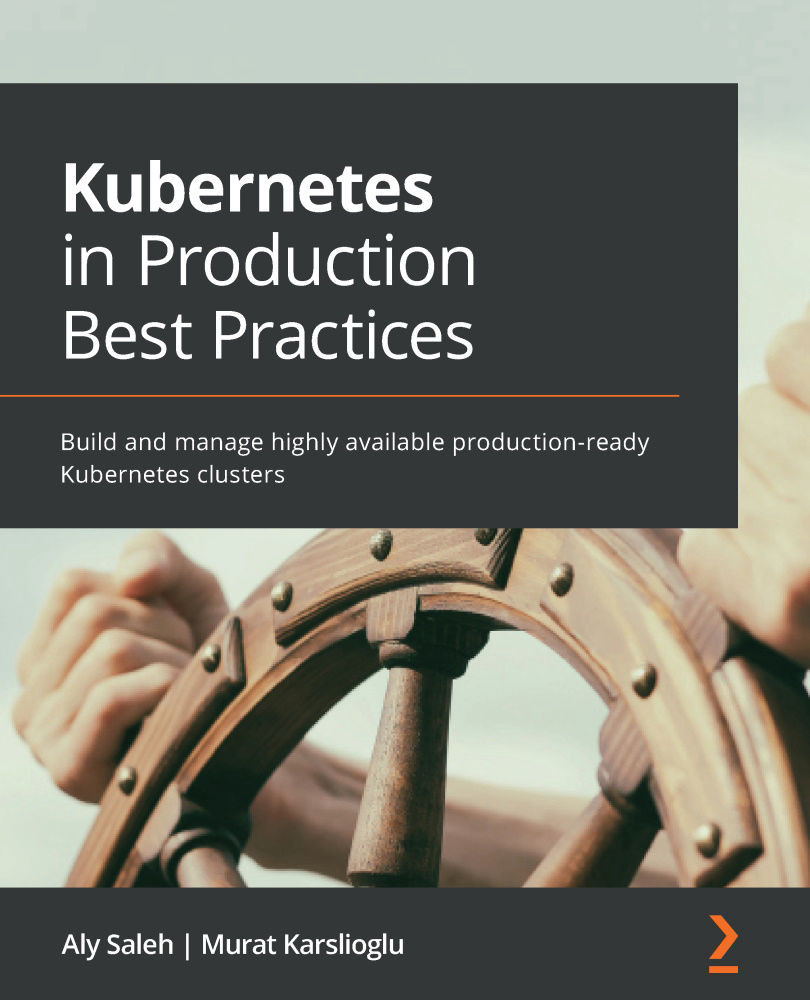
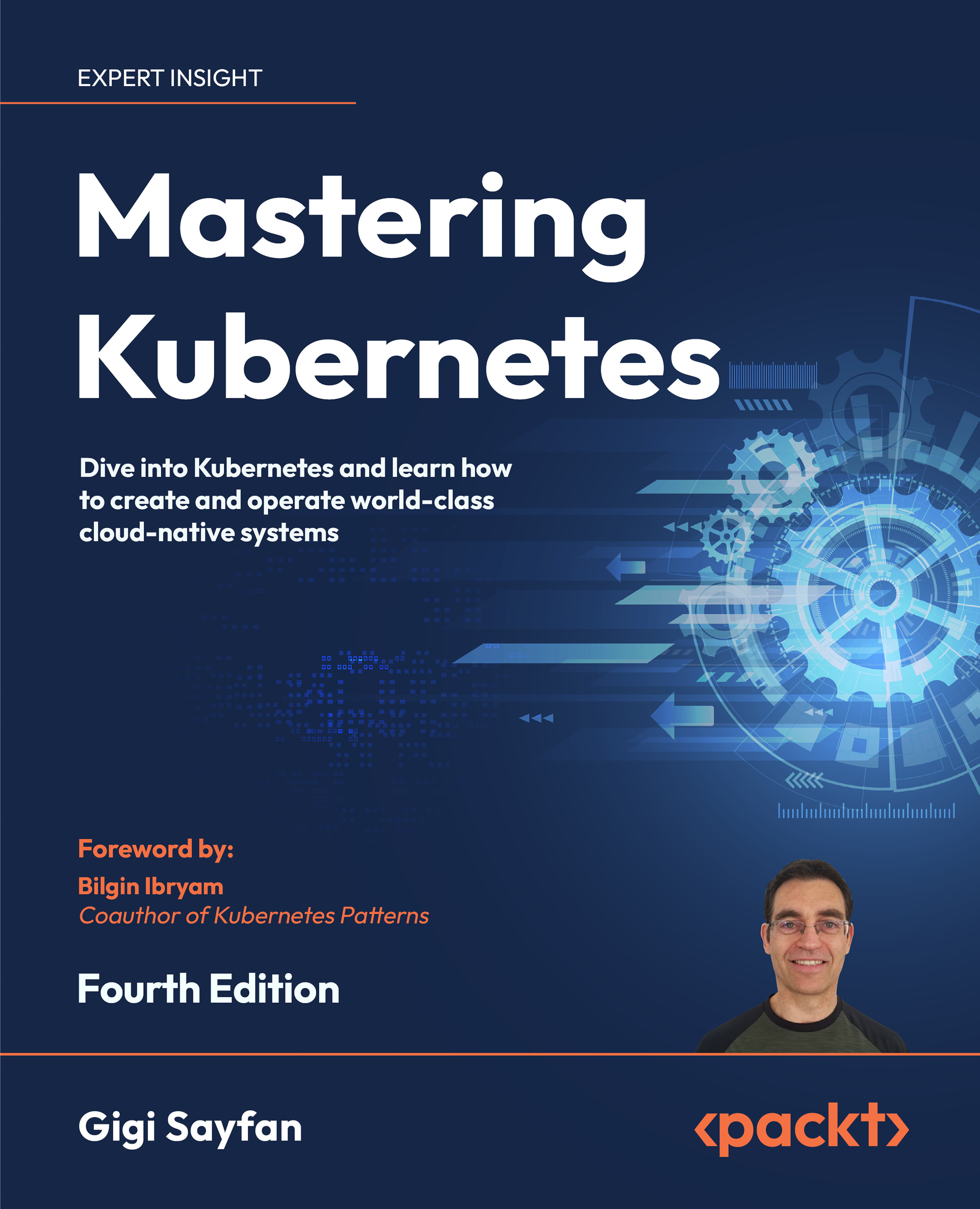
Kubernetes in Production Best Practices
$40.99
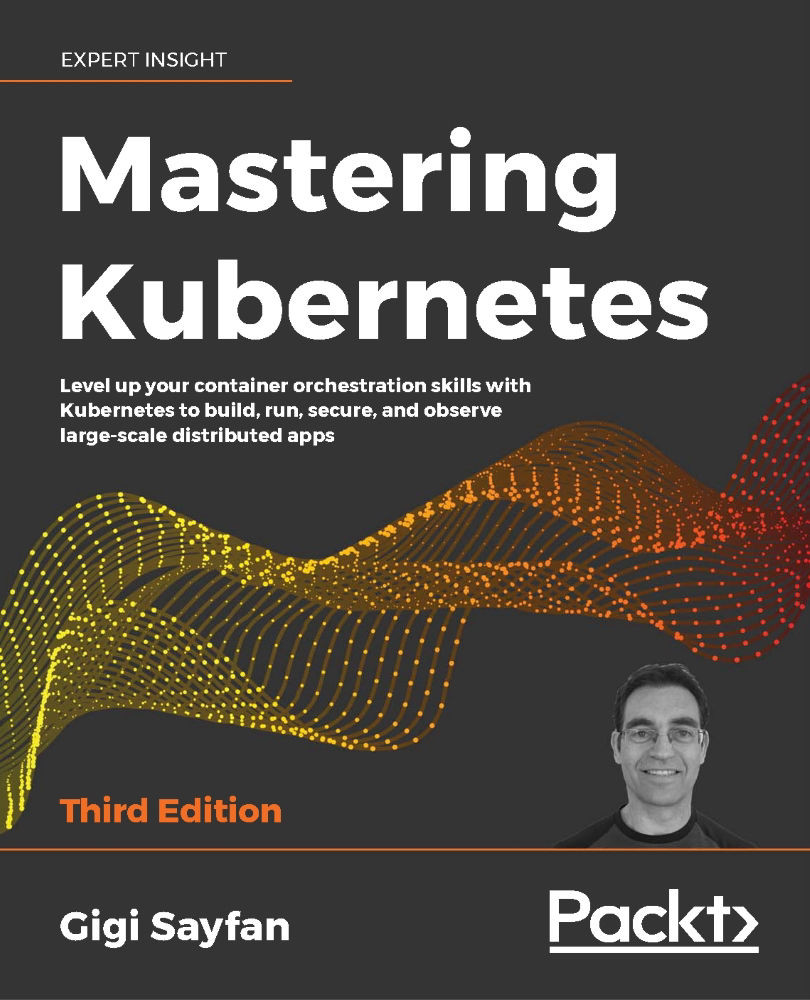
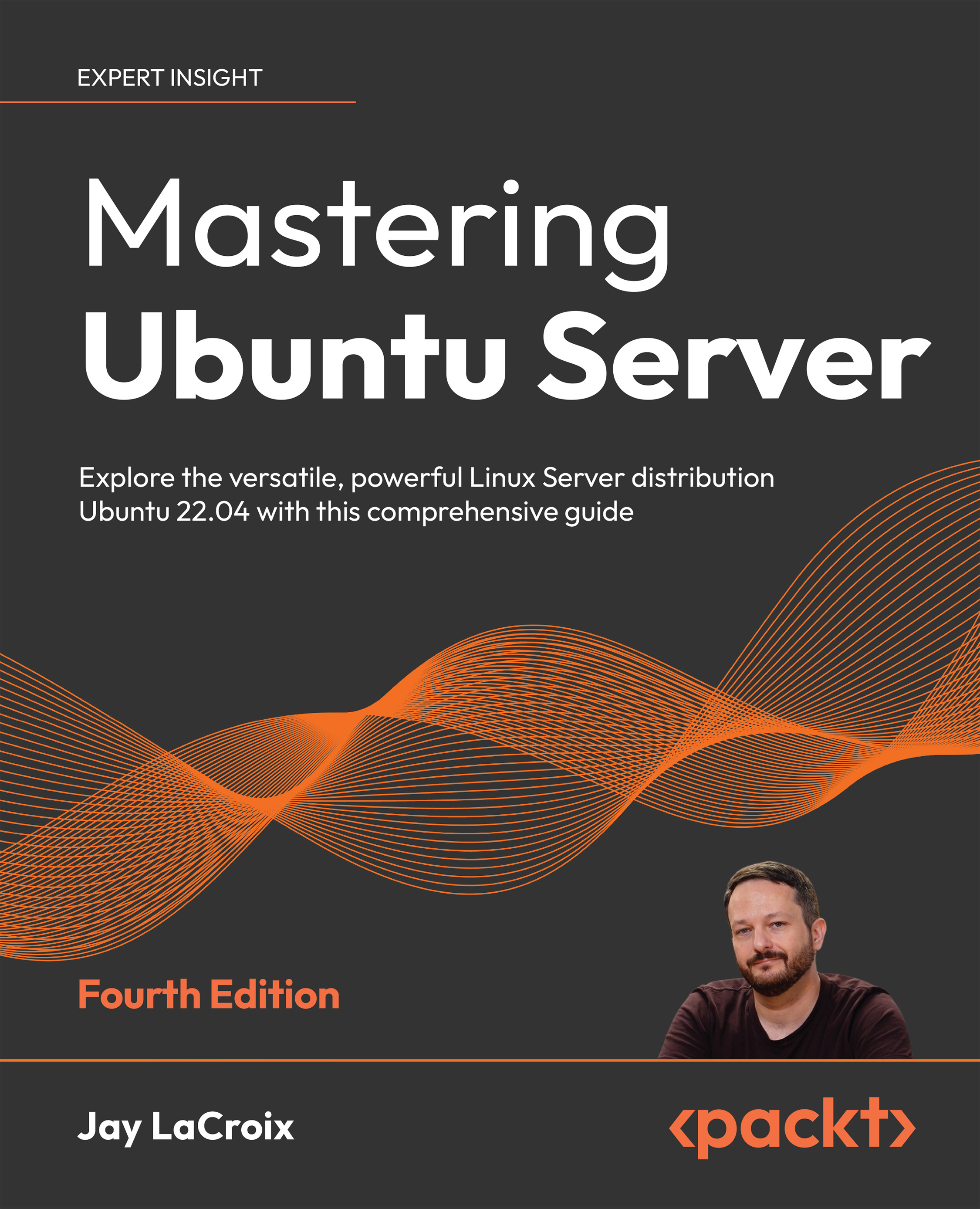
Mastering Kubernetes
$83.99
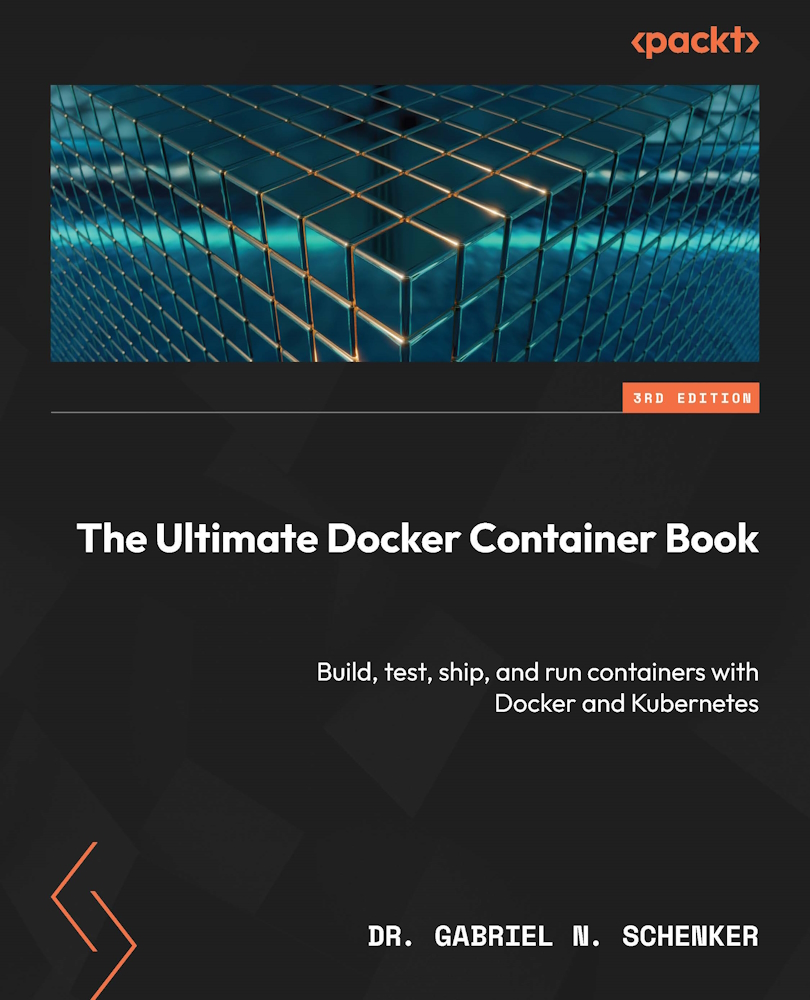
Cloud Native with Kubernetes
$45.99
Total $ 170.97 Stars icon

Table of Contents

21 Chapters
Section 1: Setting Up Kubernetes Chevron down icon Chevron up icon
Chapter 1: Communicating with Kubernetes Chevron down icon Chevron up icon
Chapter 2: Setting Up Your Kubernetes Cluster Chevron down icon Chevron up icon
Chapter 3: Running Application Containers on Kubernetes Chevron down icon Chevron up icon
Section 2: Configuring and Deploying Applications on Kubernetes Chevron down icon Chevron up icon
Chapter 4: Scaling and Deploying Your Application Chevron down icon Chevron up icon
Chapter 5: Services and Ingress – Communicating with the Outside World Chevron down icon Chevron up icon
Chapter 6: Kubernetes Application Configuration Chevron down icon Chevron up icon
Chapter 7: Storage on Kubernetes Chevron down icon Chevron up icon
Chapter 8: Pod Placement Controls Chevron down icon Chevron up icon
Section 3: Running Kubernetes in Production Chevron down icon Chevron up icon
Chapter 9: Observability on Kubernetes Chevron down icon Chevron up icon
Chapter 10: Troubleshooting Kubernetes Chevron down icon Chevron up icon
Chapter 11: Template Code Generation and CI/CD on Kubernetes Chevron down icon Chevron up icon
Chapter 12: Kubernetes Security and Compliance Chevron down icon Chevron up icon
Section 4: Extending Kubernetes Chevron down icon Chevron up icon
Chapter 13: Extending Kubernetes with CRDs Chevron down icon Chevron up icon
Chapter 14: Service Meshes and Serverless Chevron down icon Chevron up icon
Chapter 15: Stateful Workloads on Kubernetes Chevron down icon Chevron up icon
Assessments Chevron down icon Chevron up icon
Other Books You May Enjoy Chevron down icon Chevron up icon

Customer reviews

Top Reviews
Rating distribution
Full star icon Full star icon Full star icon Full star icon Half star icon 4.9
(7 Ratings)
5 star 85.7%
4 star 14.3%
3 star 0%
2 star 0%
1 star 0%
Filter icon Filter
Top Reviews

Filter reviews by


alexsm86 Aug 02, 2022
Full star icon Full star icon Full star icon Full star icon Full star icon 5
Interesting and informative. Definitely recommend.
Amazon Verified review Amazon
samy kamkar Mar 24, 2021
Full star icon Full star icon Full star icon Full star icon Full star icon 5
Great book. Got me started from level zero on Kubernetes, and even digs into details that are particularly interesting to me like runtime security.
Amazon Verified review Amazon
D Mar 31, 2021
Full star icon Full star icon Full star icon Full star icon Full star icon 5
This book goes into everything from Kubernetes fundamentals to best practices and modern patterns in production. A very in-depth resource for anyone that is interested in using Kubernetes!
Amazon Verified review Amazon
Dustin Apr 13, 2021
Full star icon Full star icon Full star icon Full star icon Full star icon 5
I wish this book were around a few years ago when I was first using Kubernetes. The first part of this book organizes the firehose of information when first learning Kubernetes while providing invaluable debugging examples of kubelet, unhealthy nodes, container errors, and service communication failures. The second part of the book covers helpful considerations for devs deploying their applications in a Kubernetes cluster. The last part then dives into Istio. This book has something to offer for anyone regardless of their Kubernetes experience. The first part will be my go-to recommendation for folks new to Kubernetes.
Amazon Verified review Amazon
Walter Lee Jan 15, 2021
Full star icon Full star icon Full star icon Full star icon Full star icon 5
Summary: A very “COMPLETE and WIDE” k8s book with many examples/tutorials on many Kubernetes “Parts/Add-ons”, e.g. Rook/Ceph, Falco, Jaeger, EFK, Prometheus, Grafana, Helm, Kustomize, AWS Codebuild, FluxCD, CRDs/Operators for cloud-controller-manager, cluster-autoscaler, Sidecar proxies (Nginx and Envoy), Istio, Serverless (Knative and OpenFaaS), Stateful workloads (Minio, Cockroach DB, RabbitMQ). It is very wide in terms of coverage. However, do not expect very DEEP in some of the topics due to pages limitations. It will be a good starting point to learn all the basics and know many of the important parts/add-ons commonly used in a production k8s env.There are 4 sections. The first two are basics to me (CKA already), but will be good for any beginners. I like more in section 3 and 4 with their examples/detail steps. I read more seriously starting from chap 8 till the end.I like the following topics:1/ ch 8 – node/pod affinity and anti-affinity2/ ch 9 – observability on k8s: Metrics/Logging/Tracing/Alerts. You will learn how to install/use Prometheus, Grafana, Jaeger (and its CRD operator) and alerts manager.3/ ch 10 – troubleshooting k8s: good discussions/case studies, e.g. placement failures, service not responding, etc.…4/ ch 11 – CI/CD with Helm/Kustomize, in and out of cluster CI/CD, e.g. AWS Codebuild, FluxCD.5/ ch 12 – k8s security and compliance: review CVEs, admission controllers, PSP, Network Policies (my favorite), Falco install/config/rules/use cases.6/ ch 13 – extend k8s with CRDs: k8s operators, cloud-controller-manager, cluster-autoscaler (this is also called Vertical Auto Scaler), intro to CNCF.7/ ch 14 – sidecar proxies, service meshes, serverless: Nginx/Envoy (important proxies!), Istio, Knative and OpenFaaS.8/ ch 15 – Stateful workloads on k8s: Minio, Cockroach DB, RabbitMQ. It will help you understand the important points running stateful workloads and then you can apply the same concepts in others, e.g. Couchbase DB, MySQL, etc. in your env.Suggestions:1/ can add more graphs all over the book, e.g. Istio components, e.g. Pilot, Citadel, Gallery, etc. See Istio official page for Architecture diagrams. Similar suggestions for EFK, Jaeger, etc. so new readers can understand the set up better.2/ p.244 has a bug in the yaml file and I filed a PR#1 already in their code github.3/ p.191 has a typo - should be "millicpu"4/ p.203 missing a "-c" in the command k logs <pod name> -c <container name>5/ p.267 has a typo - should be "ls" instead of "Ls"
Amazon Verified review Amazon
Get free access to Packt library with over 7500+ books and video courses for 7 days!
Start Free Trial

FAQs

How do I buy and download an eBook? Chevron down icon Chevron up icon

Where there is an eBook version of a title available, you can buy it from the book details for that title. Add either the standalone eBook or the eBook and print book bundle to your shopping cart. Your eBook will show in your cart as a product on its own. After completing checkout and payment in the normal way, you will receive your receipt on the screen containing a link to a personalised PDF download file. This link will remain active for 30 days. You can download backup copies of the file by logging in to your account at any time.

If you already have Adobe reader installed, then clicking on the link will download and open the PDF file directly. If you don't, then save the PDF file on your machine and download the Reader to view it.

Please Note: Packt eBooks are non-returnable and non-refundable.

Packt eBook and Licensing When you buy an eBook from Packt Publishing, completing your purchase means you accept the terms of our licence agreement. Please read the full text of the agreement. In it we have tried to balance the need for the ebook to be usable for you the reader with our needs to protect the rights of us as Publishers and of our authors. In summary, the agreement says:

  • You may make copies of your eBook for your own use onto any machine
  • You may not pass copies of the eBook on to anyone else
How can I make a purchase on your website? Chevron down icon Chevron up icon

If you want to purchase a video course, eBook or Bundle (Print+eBook) please follow below steps:

  1. Register on our website using your email address and the password.
  2. Search for the title by name or ISBN using the search option.
  3. Select the title you want to purchase.
  4. Choose the format you wish to purchase the title in; if you order the Print Book, you get a free eBook copy of the same title. 
  5. Proceed with the checkout process (payment to be made using Credit Card, Debit Cart, or PayPal)
Where can I access support around an eBook? Chevron down icon Chevron up icon
  • If you experience a problem with using or installing Adobe Reader, the contact Adobe directly.
  • To view the errata for the book, see www.packtpub.com/support and view the pages for the title you have.
  • To view your account details or to download a new copy of the book go to www.packtpub.com/account
  • To contact us directly if a problem is not resolved, use www.packtpub.com/contact-us
What eBook formats do Packt support? Chevron down icon Chevron up icon

Our eBooks are currently available in a variety of formats such as PDF and ePubs. In the future, this may well change with trends and development in technology, but please note that our PDFs are not Adobe eBook Reader format, which has greater restrictions on security.

You will need to use Adobe Reader v9 or later in order to read Packt's PDF eBooks.

What are the benefits of eBooks? Chevron down icon Chevron up icon
  • You can get the information you need immediately
  • You can easily take them with you on a laptop
  • You can download them an unlimited number of times
  • You can print them out
  • They are copy-paste enabled
  • They are searchable
  • There is no password protection
  • They are lower price than print
  • They save resources and space
What is an eBook? Chevron down icon Chevron up icon

Packt eBooks are a complete electronic version of the print edition, available in PDF and ePub formats. Every piece of content down to the page numbering is the same. Because we save the costs of printing and shipping the book to you, we are able to offer eBooks at a lower cost than print editions.

When you have purchased an eBook, simply login to your account and click on the link in Your Download Area. We recommend you saving the file to your hard drive before opening it.

For optimal viewing of our eBooks, we recommend you download and install the free Adobe Reader version 9.

Modal Close icon
Modal Close icon