Search icon CANCEL
Subscription
0
Cart icon
Your Cart (0 item)
Close icon
You have no products in your basket yet
Save more on your purchases! discount-offer-chevron-icon
Savings automatically calculated. No voucher code required.
Arrow left icon
Explore Products
Best Sellers
New Releases
Books
Videos
Audiobooks
Learning Hub
Newsletter Hub
Free Learning
Arrow right icon
timer SALE ENDS IN
0 Days
:
00 Hours
:
00 Minutes
:
00 Seconds
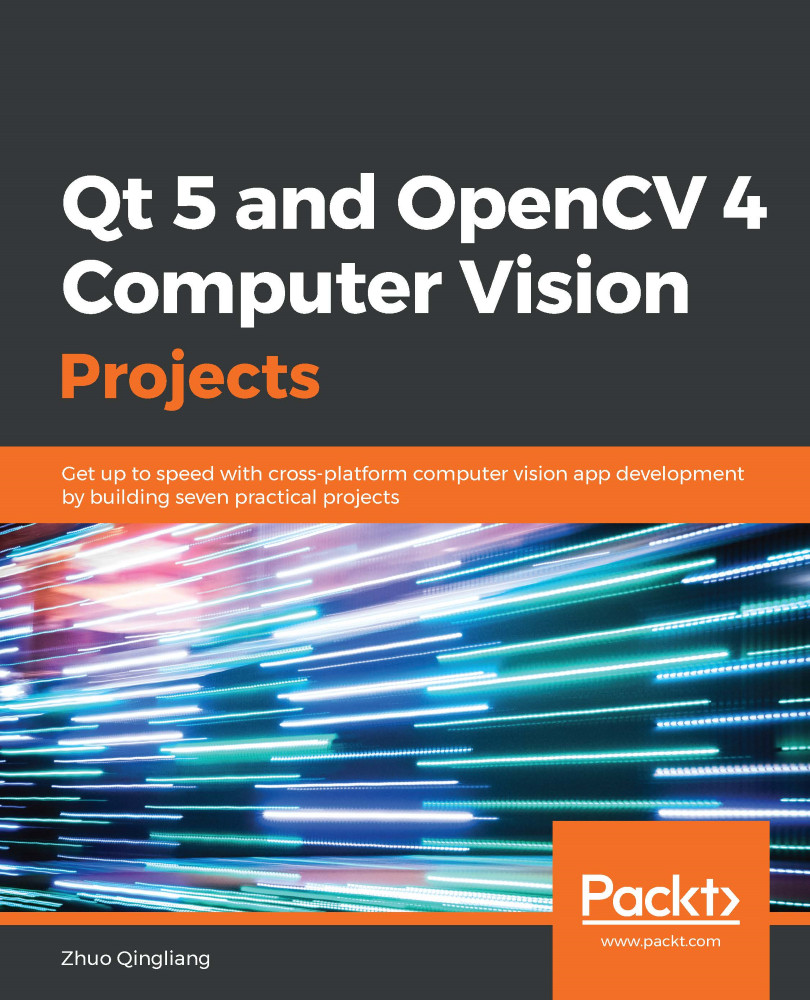
Qt 5 and OpenCV 4 Computer Vision Projects
Qt 5 and OpenCV 4 Computer Vision Projects: Get up to speed with cross-platform computer vision app development by building seven practical projects
Arrow left icon
Profile Icon Zhuo Qingliang
Arrow right icon
€18.99 per month
Full star icon Full star icon Full star icon Full star icon Full star icon 5 (1 Ratings)
Paperback Jun 2019 348 pages 1st Edition
eBook
€8.98 €26.99
Paperback
€32.99
Subscription
Free Trial
Renews at €18.99p/m
Arrow left icon
Profile Icon Zhuo Qingliang
Arrow right icon
€18.99 per month
Full star icon Full star icon Full star icon Full star icon Full star icon 5 (1 Ratings)
Paperback Jun 2019 348 pages 1st Edition
eBook
€8.98 €26.99
Paperback
€32.99
Subscription
Free Trial
Renews at €18.99p/m
eBook
€8.98 €26.99
Paperback
€32.99
Subscription
Free Trial
Renews at €18.99p/m

What do you get with a Packt Subscription?

Free for first 7 days. $19.99 p/m after that. Cancel any time!
Product feature icon Unlimited ad-free access to the largest independent learning library in tech. Access this title and thousands more!
Product feature icon 50+ new titles added per month, including many first-to-market concepts and exclusive early access to books as they are being written.
Product feature icon Innovative learning tools, including AI book assistants, code context explainers, and text-to-speech.
Product feature icon Thousands of reference materials covering every tech concept you need to stay up to date.
Subscribe now
View plans & pricing
Table of content icon View table of contents Preview book icon Preview Book

Qt 5 and OpenCV 4 Computer Vision Projects

Editing Images Like a Pro

In Chapter 1, Building an Image Viewer, we built a simple application for image viewing with Qt from scratch. With that application, we can view an image from the local disk, zoom the view in or out, and navigate in the opening directory. In this chapter, we will continue with that application and add some features to allow users to edit the opening image. To achieve this goal, we will get the OpenCV library we mentioned at the beginning of this book involved. To make the application extensible, we will develop most of these editing features as plugins using the plugin mechanism of Qt.

The following topics will be covered in this chapter:

  • Converting images between Qt and OpenCV
  • Extending an application through Qt's plugin mechanism
  • Modifying images using image processing algorithms provided by OpenCV
...

Technical requirements

Users are required to have the ImageViewer application, which we built in the previous chapter, running correctly. Our development in this chapter will be based on that application.

Also, some basic knowledge of OpenCV is required as a prerequisite. We will be using the latest version of OpenCV, that is, version 4.0, which was released in December 2018, when this book was being written. Since the new version is not yet included in the software repositories of many operator systems, such as Debian, Ubuntu, or Fedora, we will build it from the source. Please don't worry about this—we will cover the installation instructions briefly, later in this chapter.

All of the code for this chapter can be found in this book's GitHub repository at https://github.com/PacktPublishing/Qt-5-and-OpenCV-4-Computer-Vision-Projects/tree/master/Chapter-02.

Check...

The ImageEditor application

In this chapter, we will build an application that can be used to edit images, so we will name it ImageEditor. To edit an image with a GUI application, the first step is opening and viewing the image with that application, which is what we did in the previous chapter. Therefore, I decided to make a copy of the ImageViewer application and rename it ImageEditor, before adding the image editing features to it.

Let's start by copying the sources:

    $ mkdir Chapter-02
$ cp -r Chapter-01/ImageViewer/ Chapter-02/ImageEditor
$ ls Chapter-02
ImageEditor
$ cd Chapter-02/ImageEditor
$ make clean
$ rm -f ImageViewer

With these commands, we copy the ImageViewer directory under the Chapter-01 directory to Chapter-02/ImageEditor. Then, we can enter that directory, run make clean to clean all intermediate files that were generated in the compiling...

Blurring images using OpenCV

In the preceding section, we set up our editor application. In this section, we will add a simple feature of image editing—an action (both on the menu and the toolbar) to blur the image.

We will do this in two steps:

  1. First, we will set up the UI and add the action, and then connect the action to a dummy slot.
  2. Then, we will rewrite the dummy slot to blur the image, which will get the OpenCV library involved.

Adding the blur action

Most of the actions we will add in this chapter will be used to edit an image, so we should categorize them in a new menu and toolbar. First, we will declare three members, that is, the edit menu, the edit toolbar, and the blur action, in the private section of...

Adding features using Qt's plugin mechanism

In the previous section, we added a new menu and toolbar named Edit to our application and added an action to both of them to blur the opening image. Let's recall the progress of adding this feature.

First, we added the menu and toolbar, and then the action. After the action was added, we connected a new slot to the action. In the slot, we got the opening image as an instance of QPixmap and converted it into a QImage object, and then a Mat object. The crucial editing work began here—we used OpenCV to modify the Mat instance to get the editing work done. Then, we converted Mat back into QImage and QPixmap accordingly to show the edited image.

Now, if we want to add another editing feature to our app, what should we do? Of course, just repeating the preceding process of adding the blurring action is fine, but it's...

Editing images like a pro

In the preceding section, we looked at how we can add image editing features as plugins for our application. By doing this, we don't need to take care of the user interface, opening and closing the images, and the hotkeys. Instead, we have to add a new editing feature, which we do by writing a subclass of the EditorPluginInterface interface and implementing its pure virtual functions, and then compile it into a plugin file (a shared library file) and copy it into the plugin directory of our application. In this section, we will talk about image editing using OpenCV.

First, let's start with sharpening images.

Sharpening images

Image sharpening is a common feature that is implemented by many...

Summary

In this chapter, we remade the desktop application for image viewing that we built in Chapter 1, Building an Image Viewer, to make an image editor application. Then, we added a simple editing feature to blur images. At the same time, we learned about how to install and set up OpenCV for Qt applications, the data structures related to image processing both in Qt and OpenCV, and how to process images using OpenCV.

Afterward, we learned about the plugin mechanism of the Qt library and abstracted out a way to add editing features to our applications in a more flexible and convenient way as plugins. As an example of this, we wrote our first plugin to erode images.

Then, we moved our attention to the OpenCV library to discuss how to edit images like a prowe made numerous plugins to edit images, to sharpen images, to make cartoon effects, to rotate, to execute affine...

Questions

Try out these questions to test your knowledge of this chapter:

  1. How do we know if an OpenCV function supports in-place operation or not?
  2. How can we add a hotkey for each action we added as a plugin?
  3. How can we add a new action to discard all the changes to the current image in our application?
  4. How can we resize images using OpenCV?
Left arrow icon Right arrow icon
Download code icon Download Code

Key benefits

  • Gain practical insights into code for all projects covered in this book
  • Understand modern computer vision concepts such as character recognition, image processing and modification
  • Learn to use a graphics processing unit (GPU) and its parallel processing power for filtering images quickly

Description

OpenCV and Qt have proven to be a winning combination for developing cross-platform computer vision applications. By leveraging their power, you can create robust applications with both an intuitive graphical user interface (GUI) and high-performance capabilities. This book will help you learn through a variety of real-world projects on image processing, face and text recognition, object detection, and high-performance computing. You’ll be able to progressively build on your skills by working on projects of increasing complexity. You’ll begin by creating an image viewer application, building a user interface from scratch by adding menus, performing actions based on key-presses, and applying other functions. As you progress, the book will guide you through using OpenCV image processing and modification functions to edit an image with filters and transformation features. In addition to this, you’ll explore the complex motion analysis and facial landmark detection algorithms, which you can use to build security and face detection applications. Finally, you’ll learn to use pretrained deep learning models in OpenCV and GPUs to filter images quickly. By the end of this book, you will have learned how to effectively develop full-fledged computer vision applications with OpenCV and Qt.

Who is this book for?

This book is for engineers and developers who are familiar with both Qt and OpenCV frameworks and are capable of creating simple projects using them, but want to build their skills to create professional-level projects using them. Familiarity with the C++ language is a must to follow the example source codes in this book.

What you will learn

  • Create an image viewer with all the basic requirements
  • Construct an image editor to filter or transform images
  • Develop a security app to detect movement and secure homes
  • Build an app to detect facial landmarks and apply masks to faces
  • Create an app to extract text from scanned documents and photos
  • Train and use cascade classifiers and DL models for object detection
  • Build an app to measure the distance between detected objects
  • Implement high-speed image filters on GPU with Open Graphics Library (OpenGL)

Product Details

Country selected
Publication date, Length, Edition, Language, ISBN-13
Publication date : Jun 21, 2019
Length: 348 pages
Edition : 1st
Language : English
ISBN-13 : 9781789532586
Category :
Languages :
Tools :

What do you get with a Packt Subscription?

Free for first 7 days. $19.99 p/m after that. Cancel any time!
Product feature icon Unlimited ad-free access to the largest independent learning library in tech. Access this title and thousands more!
Product feature icon 50+ new titles added per month, including many first-to-market concepts and exclusive early access to books as they are being written.
Product feature icon Innovative learning tools, including AI book assistants, code context explainers, and text-to-speech.
Product feature icon Thousands of reference materials covering every tech concept you need to stay up to date.
Subscribe now
View plans & pricing

Product Details

Publication date : Jun 21, 2019
Length: 348 pages
Edition : 1st
Language : English
ISBN-13 : 9781789532586
Category :
Languages :
Tools :

Packt Subscriptions

See our plans and pricing
Modal Close icon
€18.99 billed monthly
Feature tick icon Unlimited access to Packt's library of 7,000+ practical books and videos
Feature tick icon Constantly refreshed with 50+ new titles a month
Feature tick icon Exclusive Early access to books as they're written
Feature tick icon Solve problems while you work with advanced search and reference features
Feature tick icon Offline reading on the mobile app
Feature tick icon Simple pricing, no contract
€189.99 billed annually
Feature tick icon Unlimited access to Packt's library of 7,000+ practical books and videos
Feature tick icon Constantly refreshed with 50+ new titles a month
Feature tick icon Exclusive Early access to books as they're written
Feature tick icon Solve problems while you work with advanced search and reference features
Feature tick icon Offline reading on the mobile app
Feature tick icon Choose a DRM-free eBook or Video every month to keep
Feature tick icon PLUS own as many other DRM-free eBooks or Videos as you like for just €5 each
Feature tick icon Exclusive print discounts
€264.99 billed in 18 months
Feature tick icon Unlimited access to Packt's library of 7,000+ practical books and videos
Feature tick icon Constantly refreshed with 50+ new titles a month
Feature tick icon Exclusive Early access to books as they're written
Feature tick icon Solve problems while you work with advanced search and reference features
Feature tick icon Offline reading on the mobile app
Feature tick icon Choose a DRM-free eBook or Video every month to keep
Feature tick icon PLUS own as many other DRM-free eBooks or Videos as you like for just €5 each
Feature tick icon Exclusive print discounts

Frequently bought together


Stars icon
Total 102.97
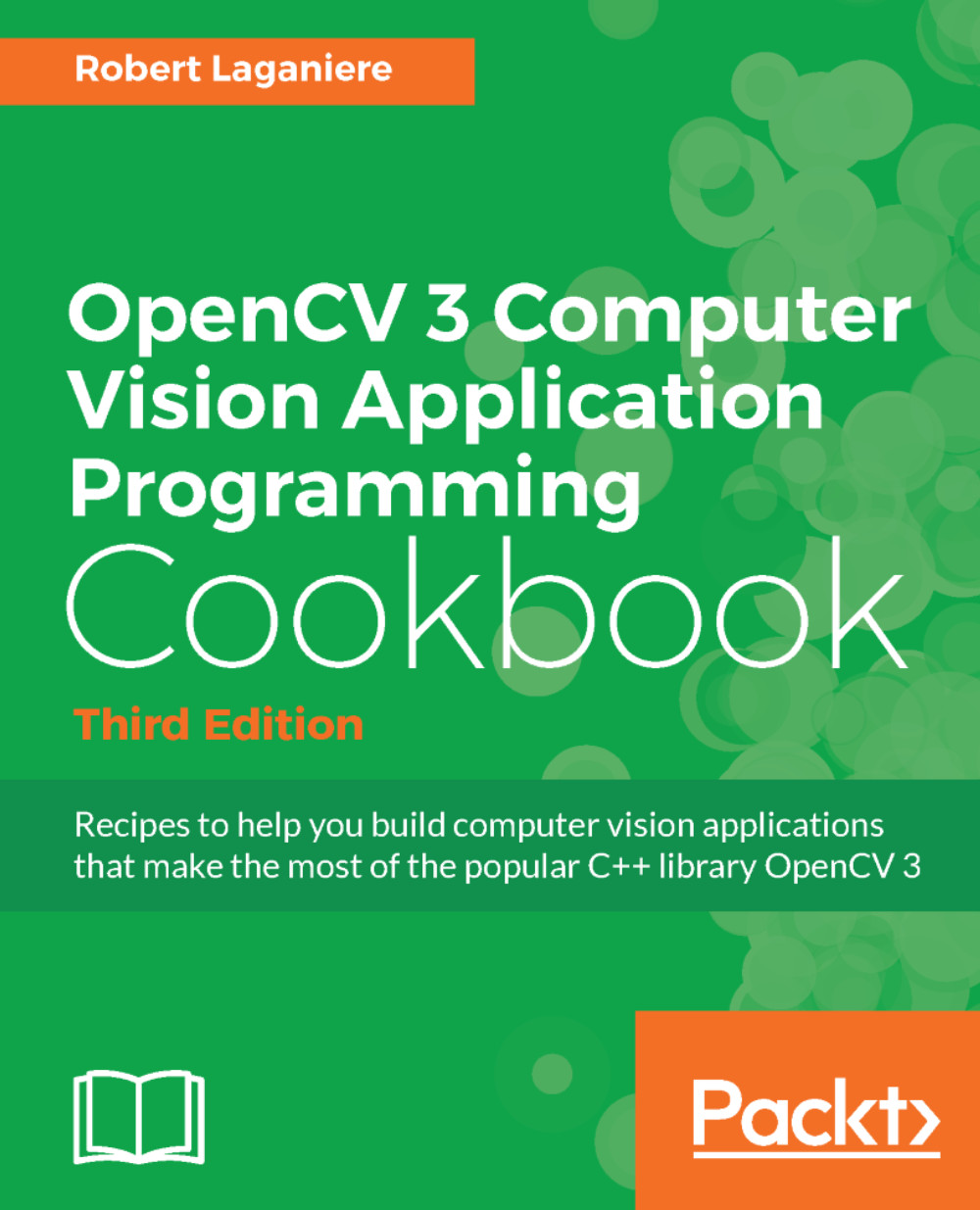
OpenCV 3 Computer Vision Application Programming Cookbook
€32.99
Qt 5 and OpenCV 4 Computer Vision Projects
€32.99
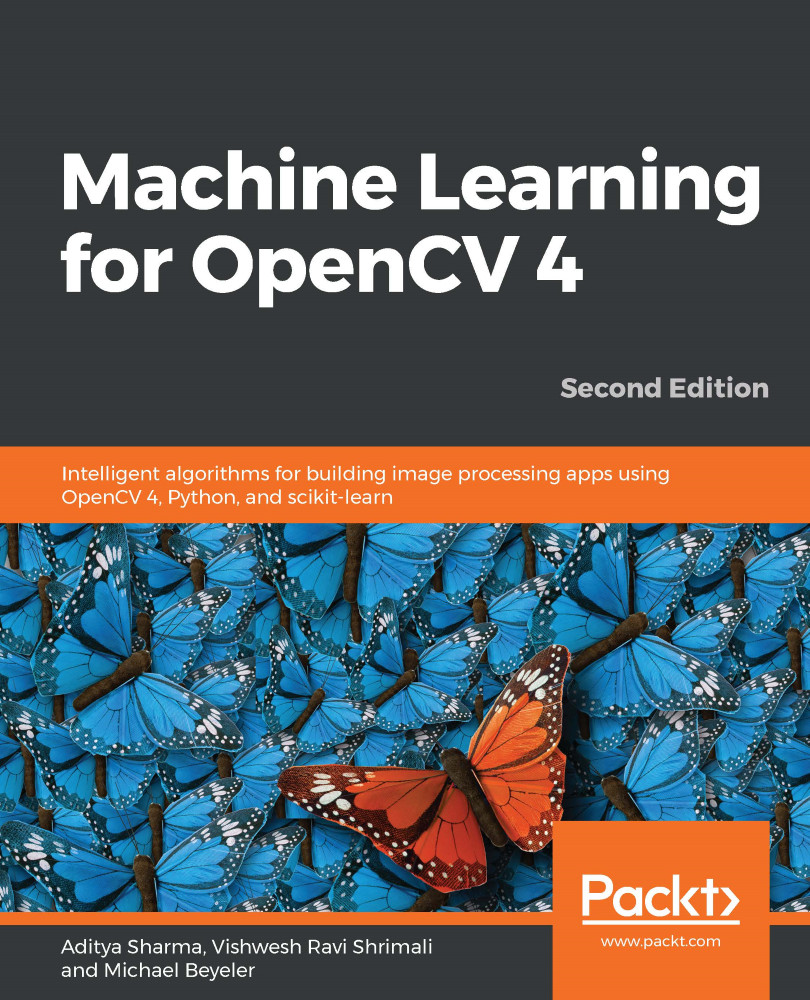
Machine Learning for OpenCV 4
€36.99
Total 102.97 Stars icon

Table of Contents

10 Chapters
Building an Image Viewer Chevron down icon Chevron up icon
Editing Images Like a Pro Chevron down icon Chevron up icon
Home Security Applications Chevron down icon Chevron up icon
Fun with Faces Chevron down icon Chevron up icon
Optical Character Recognition Chevron down icon Chevron up icon
Object Detection in Real Time Chevron down icon Chevron up icon
Real-Time Car Detection and Distance Measurement Chevron down icon Chevron up icon
Using OpenGL for the High-Speed Filtering of Images Chevron down icon Chevron up icon
Assessments Chevron down icon Chevron up icon
Other Books You May Enjoy Chevron down icon Chevron up icon

Customer reviews

Rating distribution
Full star icon Full star icon Full star icon Full star icon Full star icon 5
(1 Ratings)
5 star 100%
4 star 0%
3 star 0%
2 star 0%
1 star 0%
Robert Feb 26, 2022
Full star icon Full star icon Full star icon Full star icon Full star icon 5
The chapters build on each other, the books author does anexcellent job of laying out the material. Each chapter tells youwhere you can get the needed code in order to follow the examples in the book.I am learning a lot from this book.Good Job !!!
Amazon Verified review Amazon
Get free access to Packt library with over 7500+ books and video courses for 7 days!
Start Free Trial

FAQs

What is included in a Packt subscription? Chevron down icon Chevron up icon

A subscription provides you with full access to view all Packt and licnesed content online, this includes exclusive access to Early Access titles. Depending on the tier chosen you can also earn credits and discounts to use for owning content

How can I cancel my subscription? Chevron down icon Chevron up icon

To cancel your subscription with us simply go to the account page - found in the top right of the page or at https://subscription.packtpub.com/my-account/subscription - From here you will see the ‘cancel subscription’ button in the grey box with your subscription information in.

What are credits? Chevron down icon Chevron up icon

Credits can be earned from reading 40 section of any title within the payment cycle - a month starting from the day of subscription payment. You also earn a Credit every month if you subscribe to our annual or 18 month plans. Credits can be used to buy books DRM free, the same way that you would pay for a book. Your credits can be found in the subscription homepage - subscription.packtpub.com - clicking on ‘the my’ library dropdown and selecting ‘credits’.

What happens if an Early Access Course is cancelled? Chevron down icon Chevron up icon

Projects are rarely cancelled, but sometimes it's unavoidable. If an Early Access course is cancelled or excessively delayed, you can exchange your purchase for another course. For further details, please contact us here.

Where can I send feedback about an Early Access title? Chevron down icon Chevron up icon

If you have any feedback about the product you're reading, or Early Access in general, then please fill out a contact form here and we'll make sure the feedback gets to the right team. 

Can I download the code files for Early Access titles? Chevron down icon Chevron up icon

We try to ensure that all books in Early Access have code available to use, download, and fork on GitHub. This helps us be more agile in the development of the book, and helps keep the often changing code base of new versions and new technologies as up to date as possible. Unfortunately, however, there will be rare cases when it is not possible for us to have downloadable code samples available until publication.

When we publish the book, the code files will also be available to download from the Packt website.

How accurate is the publication date? Chevron down icon Chevron up icon

The publication date is as accurate as we can be at any point in the project. Unfortunately, delays can happen. Often those delays are out of our control, such as changes to the technology code base or delays in the tech release. We do our best to give you an accurate estimate of the publication date at any given time, and as more chapters are delivered, the more accurate the delivery date will become.

How will I know when new chapters are ready? Chevron down icon Chevron up icon

We'll let you know every time there has been an update to a course that you've bought in Early Access. You'll get an email to let you know there has been a new chapter, or a change to a previous chapter. The new chapters are automatically added to your account, so you can also check back there any time you're ready and download or read them online.

I am a Packt subscriber, do I get Early Access? Chevron down icon Chevron up icon

Yes, all Early Access content is fully available through your subscription. You will need to have a paid for or active trial subscription in order to access all titles.

How is Early Access delivered? Chevron down icon Chevron up icon

Early Access is currently only available as a PDF or through our online reader. As we make changes or add new chapters, the files in your Packt account will be updated so you can download them again or view them online immediately.

How do I buy Early Access content? Chevron down icon Chevron up icon

Early Access is a way of us getting our content to you quicker, but the method of buying the Early Access course is still the same. Just find the course you want to buy, go through the check-out steps, and you’ll get a confirmation email from us with information and a link to the relevant Early Access courses.

What is Early Access? Chevron down icon Chevron up icon

Keeping up to date with the latest technology is difficult; new versions, new frameworks, new techniques. This feature gives you a head-start to our content, as it's being created. With Early Access you'll receive each chapter as it's written, and get regular updates throughout the product's development, as well as the final course as soon as it's ready.We created Early Access as a means of giving you the information you need, as soon as it's available. As we go through the process of developing a course, 99% of it can be ready but we can't publish until that last 1% falls in to place. Early Access helps to unlock the potential of our content early, to help you start your learning when you need it most. You not only get access to every chapter as it's delivered, edited, and updated, but you'll also get the finalized, DRM-free product to download in any format you want when it's published. As a member of Packt, you'll also be eligible for our exclusive offers, including a free course every day, and discounts on new and popular titles.

Modal Close icon
Modal Close icon