




















































Search icon CANCEL
Subscription
0
Cart icon
Your Cart (0 item)
Close icon
You have no products in your basket yet
Save more on your purchases! discount-offer-chevron-icon
Savings automatically calculated. No voucher code required.
Arrow left icon
Explore Products
Best Sellers
New Releases
Books
Events
Videos
Audiobooks
Packt Hub
Free Learning
Arrow right icon
timer SALE ENDS IN
0 Days
:
00 Hours
:
00 Minutes
:
00 Seconds
Arrow up icon
GO TO TOP
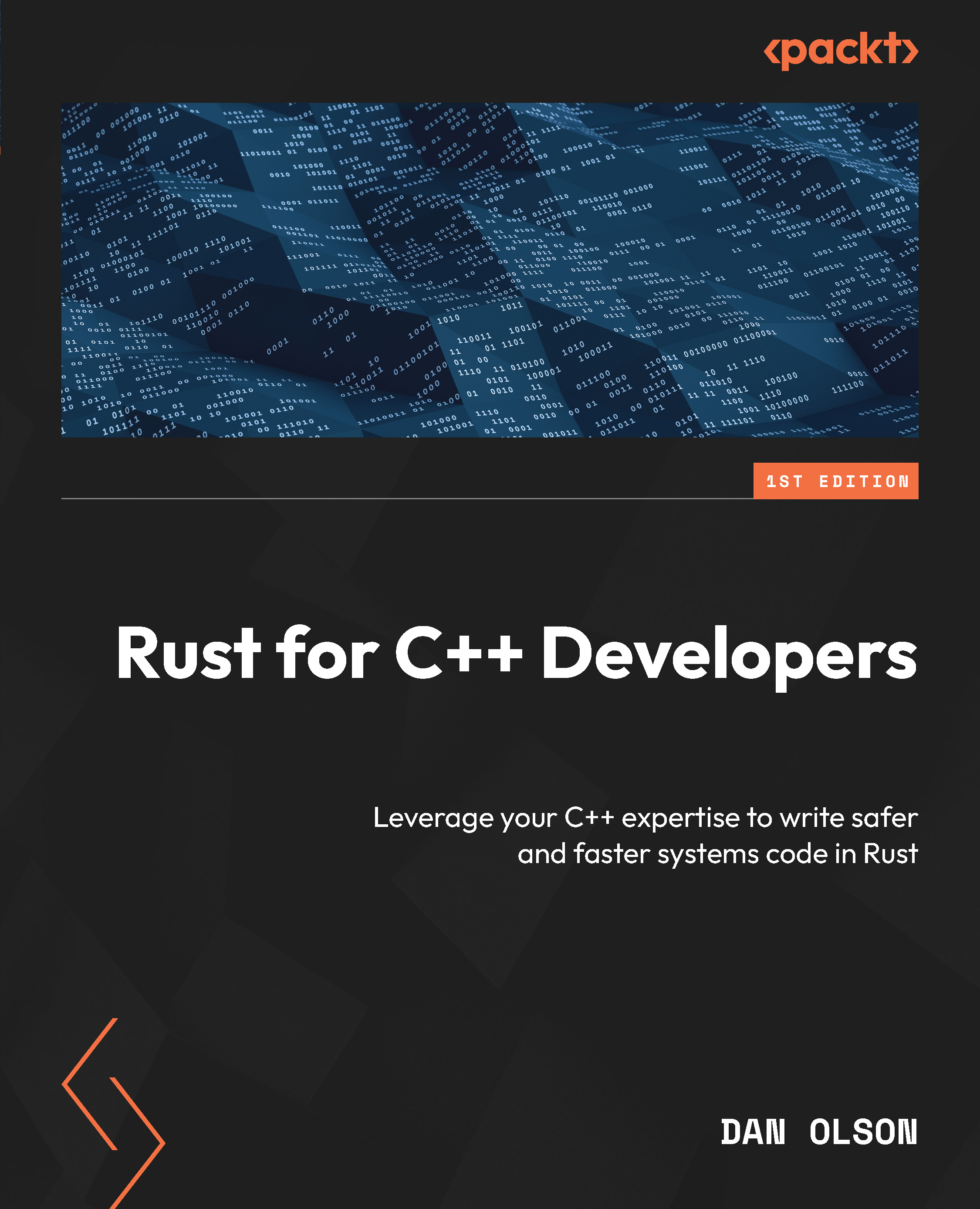
Rust for C++ Developers

You're reading from   Rust for C++ Developers Leverage your C++ expertise to write safer and faster systems code in Rust

Arrow left icon
Product type Paperback
Published in Mar 2026
Publisher Packt
ISBN-13 9781836206514
Length 318 pages
Edition 1st Edition
Languages
Arrow right icon
Author (1):
Arrow left icon
Dan Olson Dan Olson
Author Profile Icon Dan Olson
Dan Olson
Arrow right icon
View More author details
Toc

Table of Contents (20) Chapters Close

Preface 1. Part 1: Understanding Rust Basics
2. Chapter 1: Why Choose Rust? FREE CHAPTER 3. Chapter 2: Working with Rust Syntax 4. Chapter 3: The Rust Safety Model 5. Chapter 4: Managing Rust Projects with Cargo 6. Part 2: Exploring the Rust Standard Library
7. Chapter 5: Data Structures 8. Chapter 6: Reading and Writing Files 9. Chapter 7: Understanding Iterators 10. Chapter 8: Object-Oriented Programming 11. Chapter 9: Working with C++ in Rust 12. Part 3: Moving into Advanced Rust
13. Chapter 10: Optimization in Rust 14. Chapter 11: Multithreading in Rust 15. Chapter 12: Metaprogramming with Macros 16. Chapter 13: Continuing with Rust 17. Chapter 15: Unlock Your Exclusive Benefits 18. Index
Appendix: Setting Up The Development Environment

Setting up Visual Studio Code for Rust development

Coming from C++, it's likely that you're already comfortable with a specific editor or IDE. If it's a popular editor, there's a great chance that Rust will work well with it. Rust provides tooling that implements the popular Language Server Protocol (LSP), an editor-independent way of providing language refactoring and analysis features. Because of this, it can be used with all editors that implement LSP.

For those without a strong editor preference already, we'll walk through setting up Visual Studio Code for Rust development here. Visual Studio Code is a free, high-quality editor that works well with both Rust and other languages, but it's far from the only choice available.

Installing Visual Studio Code

Visual Studio Code can be installed by visiting the editor's main website at https://code.visualstudio.com/. As with the Rust website, the server will detect your operating system and...

lock icon The rest of the chapter is locked
CONTINUE READING
83
Tech Concepts
36
Programming languages
73
Tech Tools
Icon Unlimited access to the largest independent learning library in tech of over 8,000 expert-authored tech books and videos.
Icon Innovative learning tools, including AI book assistants, code context explainers, and text-to-speech.
Icon 50+ new titles added per month and exclusive early access to books as they are being written.
Rust for C++ Developers
Register for a free Packt account to unlock a world of extra content!
A free Packt account unlocks extra newsletters, articles, discounted offers, and much more. Start advancing your knowledge today.
Unlock this book and the full library FREE for 7 days
Get unlimited access to 7000+ expert-authored eBooks and videos courses covering every tech area you can think of
Renews at ₹800/month. Cancel anytime
Modal Close icon
Modal Close icon









