Search icon CANCEL
Subscription
0
Cart icon
Your Cart (0 item)
Close icon
You have no products in your basket yet
Save more on your purchases! discount-offer-chevron-icon
Savings automatically calculated. No voucher code required.
Arrow left icon
Explore Products
Best Sellers
New Releases
Books
Events
Videos
Audiobooks
Packt Hub
Free Learning
Arrow right icon
timer SALE ENDS IN
0 Days
:
00 Hours
:
00 Minutes
:
00 Seconds
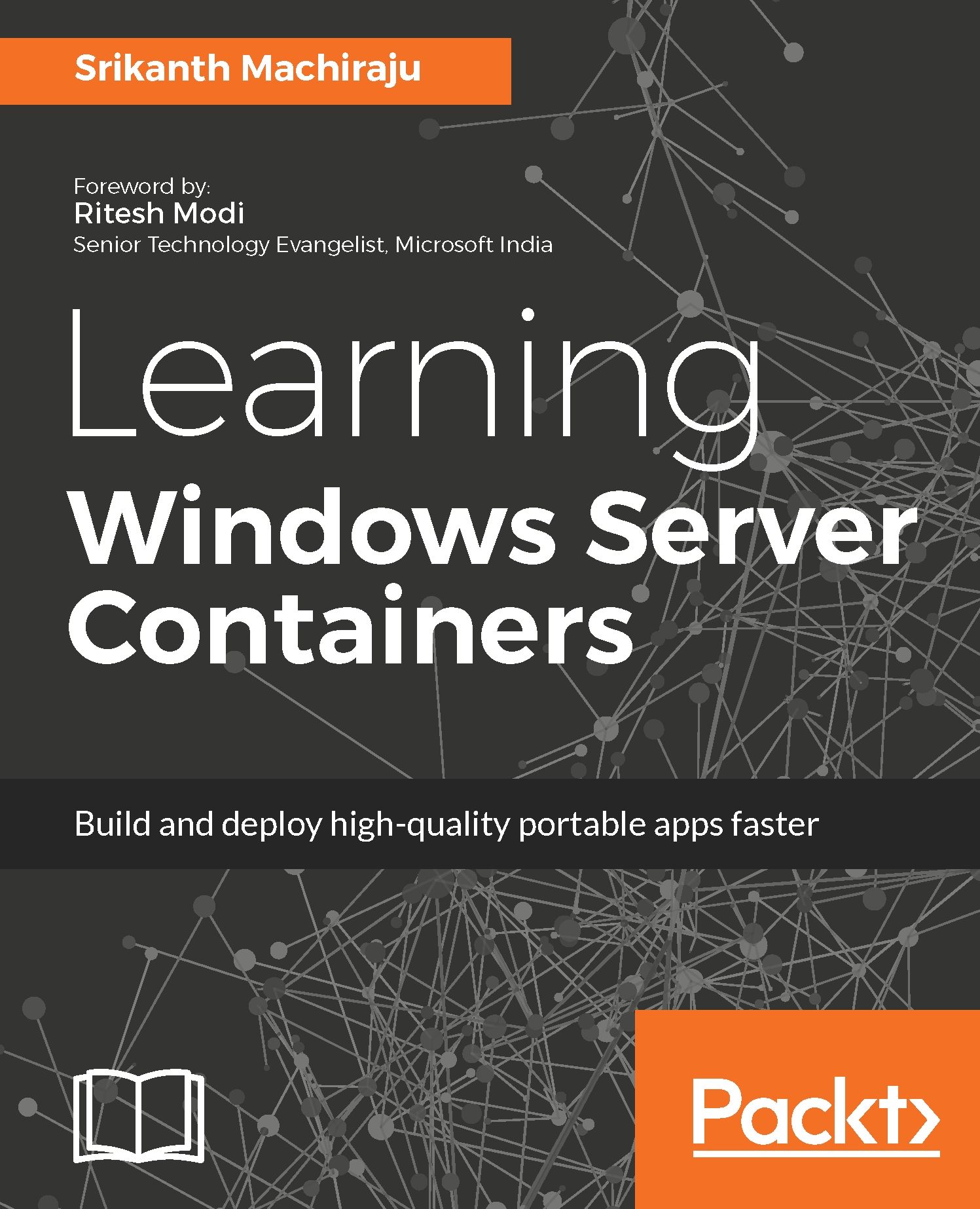
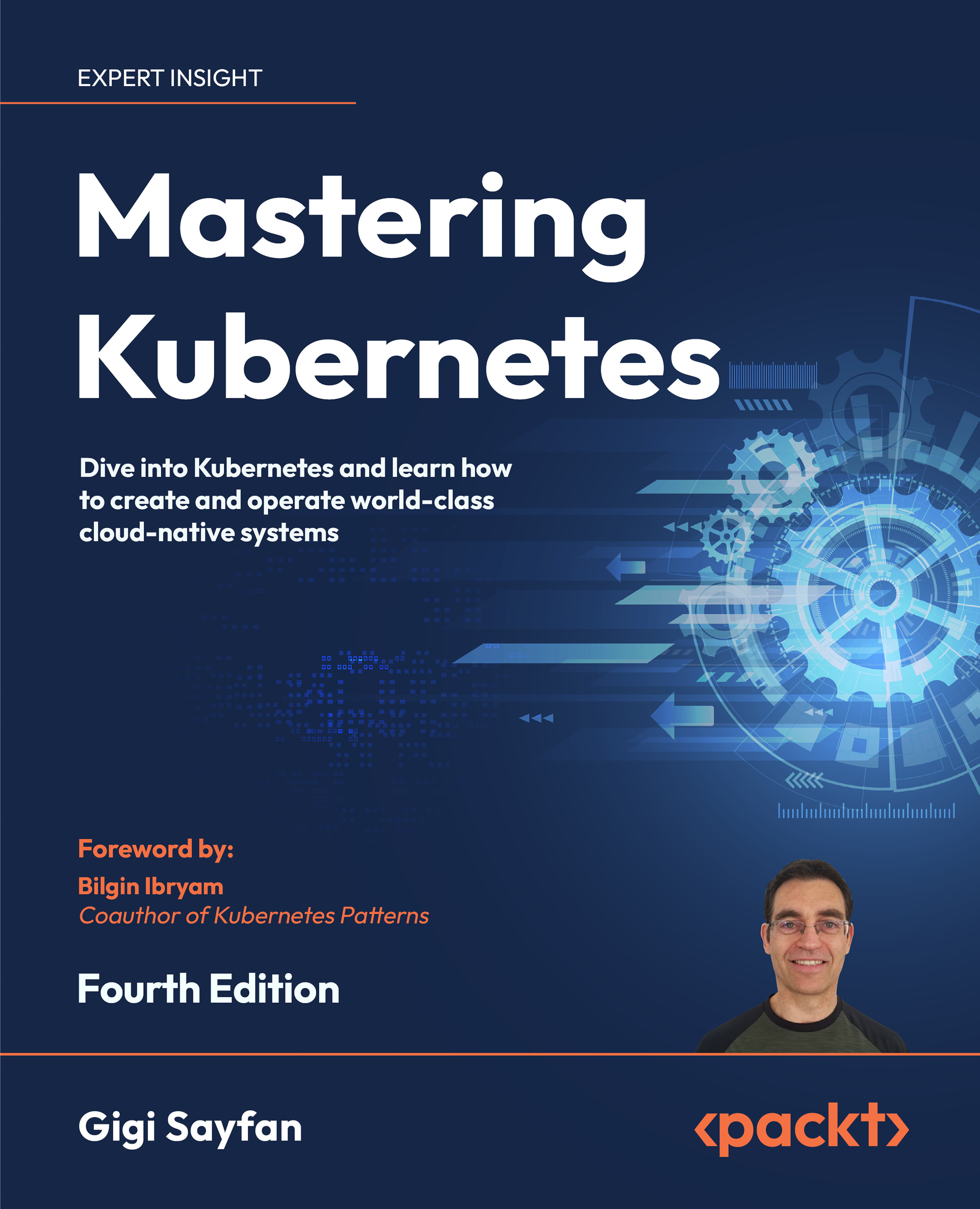
Learning Windows Server Containers

Learning Windows Server Containers: Build and deploy high-quality portable apps faster
Arrow left icon
Profile Icon Srikanth Machiraju
Arrow right icon
₹999.99 ₹3455.99
Full star icon Full star icon Full star icon Empty star icon Empty star icon 3 (2 Ratings)
eBook Apr 2017 404 pages 1st Edition
eBook
₹999.99 ₹3455.99
Paperback
₹4319.99
Subscription
Free Trial
Renews at ₹800p/m
Arrow left icon
Profile Icon Srikanth Machiraju
Arrow right icon
₹999.99 ₹3455.99
Full star icon Full star icon Full star icon Empty star icon Empty star icon 3 (2 Ratings)
eBook Apr 2017 404 pages 1st Edition
eBook
₹999.99 ₹3455.99
Paperback
₹4319.99
Subscription
Free Trial
Renews at ₹800p/m
eBook
₹999.99 ₹3455.99
Paperback
₹4319.99
Subscription
Free Trial
Renews at ₹800p/m

What do you get with eBook?

Product feature icon Instant access to your Digital eBook purchase
Product feature icon Download this book in EPUB and PDF formats
Product feature icon Access this title in our online reader with advanced features
Product feature icon DRM FREE - Read whenever, wherever and however you want
Modal Close icon
Payment Processing...
tick Completed

Billing Address

Table of content icon View table of contents Preview book icon Preview Book

Learning Windows Server Containers

Left arrow icon Right arrow icon
Download code icon Download Code

Key benefits

  • •Discover the secret to building highly portable apps that run on any machine with Windows Server 2016 anywhere, from laptops, desktop servers, and public or private clouds, without any changes to the code
  • •Build your company cost-effective, container-based apps that support large-scale, virtual cloud environments
  • •The most up-to-date help on the market, offering developers expert guidance in building and shipping high-quality apps, and also helping admins create infrastructure that's simple to maintain

Description

Windows Server Containers are independent, isolated, manageable and portable application environments which are light weight and shippable. Decomposing your application into smaller manageable components or MicroServices helps in building scalable and distributed application environments. Windows Server Containers have a significant impact on application developers, development operations (DevOps) and infrastructure management teams. Applications can be built, shipped and deployed in a fast-paced manner on an easily manageable and updatable environment. Learning Windows Server Containers teaches you to build simple to advanced production grade container based application using Asp.Net Core, Visual Studio, Azure, Docker and PowerShell technologies. The book teaches you to build and deploy simple web applications as Windows and Hyper-V containers on Windows 10 and Windows Server 2016 on Azure. You will learn to build on top of Windows Container Base OS Images, integrate with existing images from Docker Hub, create custom images and publish to Hub. You will also learn to work with storage containers built using Volumes and SQL Server as container, create and configure custom networks, integrate with Redis Cache containers, configure continuous integration and deployment pipelines using VSTS and Git Repository. Further you can also learn to manage resources for a container, setting up monitoring and diagnostics, deploy composite container environments using Docker Compose on Windows and manage container clusters using Docker Swarm. The last chapter of the book focuses on building applications using Microsoft’s new and thinnest server platform – Nano Servers.

Who is this book for?

This book is for application developers with a basic programming knowledge of C#, ASP.NET, and PowerShell. IT Administrators or DevOps engineers with basic PowerShell experience can benefit by extending their learning to use PowerShell to manage containers on Windows environments and use additional management tools.

What you will learn

  • • Build and deploy ASP.NET web applications as Windows Containers on Windows 10 (Desktop) and Azure using Visual Studio 2015, Docker, and PowerShell
  • • Build and manage custom images using Windows Server Core base OS image and Docker CLI, publish images to Docker, tag images, author Docker files, and so on
  • • Create enterprise-scale, production-grade container environments using Redis Cache containers and SQL Server containers with storage volumes, set up custom container networks, continuous integration, and deployment pipelines using VSTS, Azure, and Git
  • • Deploy a composite container environment using Docker Compose on Windows
  • • Learn to build applications using Microsoft's thinnest server platform - Nano Servers. Build custom Nano Server images and Nano Containers using Windows PowerShell and configure using PowerShell Core, DSC

Product Details

Country selected
Publication date, Length, Edition, Language, ISBN-13
Publication date : Apr 28, 2017
Length: 404 pages
Edition : 1st
Language : English
ISBN-13 : 9781785885044
Vendor :
Microsoft

What do you get with eBook?

Product feature icon Instant access to your Digital eBook purchase
Product feature icon Download this book in EPUB and PDF formats
Product feature icon Access this title in our online reader with advanced features
Product feature icon DRM FREE - Read whenever, wherever and however you want
Modal Close icon
Payment Processing...
tick Completed

Billing Address

Product Details

Publication date : Apr 28, 2017
Length: 404 pages
Edition : 1st
Language : English
ISBN-13 : 9781785885044
Vendor :
Microsoft

Packt Subscriptions

See our plans and pricing
Modal Close icon
₹800 billed monthly
Feature tick icon Unlimited access to Packt's library of 7,000+ practical books and videos
Feature tick icon Constantly refreshed with 50+ new titles a month
Feature tick icon Exclusive Early access to books as they're written
Feature tick icon Solve problems while you work with advanced search and reference features
Feature tick icon Offline reading on the mobile app
Feature tick icon Simple pricing, no contract
₹4500 billed annually
Feature tick icon Unlimited access to Packt's library of 7,000+ practical books and videos
Feature tick icon Constantly refreshed with 50+ new titles a month
Feature tick icon Exclusive Early access to books as they're written
Feature tick icon Solve problems while you work with advanced search and reference features
Feature tick icon Offline reading on the mobile app
Feature tick icon Choose a DRM-free eBook or Video every month to keep
Feature tick icon PLUS own as many other DRM-free eBooks or Videos as you like for just ₹400 each
Feature tick icon Exclusive print discounts
₹5000 billed in 18 months
Feature tick icon Unlimited access to Packt's library of 7,000+ practical books and videos
Feature tick icon Constantly refreshed with 50+ new titles a month
Feature tick icon Exclusive Early access to books as they're written
Feature tick icon Solve problems while you work with advanced search and reference features
Feature tick icon Offline reading on the mobile app
Feature tick icon Choose a DRM-free eBook or Video every month to keep
Feature tick icon PLUS own as many other DRM-free eBooks or Videos as you like for just ₹400 each
Feature tick icon Exclusive print discounts

Frequently bought together


Stars icon
Total 14,374.97
Learning Windows Server Containers
₹4319.99
DevOps with Windows Server 2016
₹5138.99
Mastering Windows Server 2016
₹4915.99
Total 14,374.97 Stars icon

Table of Contents

12 Chapters
Exploring Virtualization Chevron down icon Chevron up icon
Deploying First Container Chevron down icon Chevron up icon
Working with Container Images Chevron down icon Chevron up icon
Developing Container Applications Chevron down icon Chevron up icon
Deploying Container Applications Chevron down icon Chevron up icon
Storage Volumes Chevron down icon Chevron up icon
Redis Cache Containers Chevron down icon Chevron up icon
Container Network Chevron down icon Chevron up icon
Continuous Integration and Delivery Chevron down icon Chevron up icon
Manage Resource Allocation and REST API Chevron down icon Chevron up icon
Composite Containers and Clustering Chevron down icon Chevron up icon
Nano Server Chevron down icon Chevron up icon

Customer reviews

Rating distribution
Full star icon Full star icon Full star icon Empty star icon Empty star icon 3
(2 Ratings)
5 star 50%
4 star 0%
3 star 0%
2 star 0%
1 star 50%
Rohit Sep 25, 2017
Full star icon Full star icon Full star icon Full star icon Full star icon 5
This book helped me get a jump start on containers on Windows. The samples were very easy and helpful to get me started. However, as the Docker versions have changed, I had to review the latest changes on the Docker site. However the concepts were explained very well supported by the samples, which I could use and try it myself. Strongly recommend for anyone to learn containers on Windows platform.
Amazon Verified review Amazon
Andrei Tudor Sep 06, 2017
Full star icon Empty star icon Empty star icon Empty star icon Empty star icon 1
What can I say! Most of examples or samples don't work or look messy.I think the author learned Windows Containers while working on this book!It's a shame, especially from price tag perspective!
Amazon Verified review Amazon
Get free access to Packt library with over 7500+ books and video courses for 7 days!
Start Free Trial

FAQs

How do I buy and download an eBook? Chevron down icon Chevron up icon

Where there is an eBook version of a title available, you can buy it from the book details for that title. Add either the standalone eBook or the eBook and print book bundle to your shopping cart. Your eBook will show in your cart as a product on its own. After completing checkout and payment in the normal way, you will receive your receipt on the screen containing a link to a personalised PDF download file. This link will remain active for 30 days. You can download backup copies of the file by logging in to your account at any time.

If you already have Adobe reader installed, then clicking on the link will download and open the PDF file directly. If you don't, then save the PDF file on your machine and download the Reader to view it.

Please Note: Packt eBooks are non-returnable and non-refundable.

Packt eBook and Licensing When you buy an eBook from Packt Publishing, completing your purchase means you accept the terms of our licence agreement. Please read the full text of the agreement. In it we have tried to balance the need for the ebook to be usable for you the reader with our needs to protect the rights of us as Publishers and of our authors. In summary, the agreement says:

  • You may make copies of your eBook for your own use onto any machine
  • You may not pass copies of the eBook on to anyone else
How can I make a purchase on your website? Chevron down icon Chevron up icon

If you want to purchase a video course, eBook or Bundle (Print+eBook) please follow below steps:

  1. Register on our website using your email address and the password.
  2. Search for the title by name or ISBN using the search option.
  3. Select the title you want to purchase.
  4. Choose the format you wish to purchase the title in; if you order the Print Book, you get a free eBook copy of the same title. 
  5. Proceed with the checkout process (payment to be made using Credit Card, Debit Cart, or PayPal)
Where can I access support around an eBook? Chevron down icon Chevron up icon
  • If you experience a problem with using or installing Adobe Reader, the contact Adobe directly.
  • To view the errata for the book, see www.packtpub.com/support and view the pages for the title you have.
  • To view your account details or to download a new copy of the book go to www.packtpub.com/account
  • To contact us directly if a problem is not resolved, use www.packtpub.com/contact-us
What eBook formats do Packt support? Chevron down icon Chevron up icon

Our eBooks are currently available in a variety of formats such as PDF and ePubs. In the future, this may well change with trends and development in technology, but please note that our PDFs are not Adobe eBook Reader format, which has greater restrictions on security.

You will need to use Adobe Reader v9 or later in order to read Packt's PDF eBooks.

What are the benefits of eBooks? Chevron down icon Chevron up icon
  • You can get the information you need immediately
  • You can easily take them with you on a laptop
  • You can download them an unlimited number of times
  • You can print them out
  • They are copy-paste enabled
  • They are searchable
  • There is no password protection
  • They are lower price than print
  • They save resources and space
What is an eBook? Chevron down icon Chevron up icon

Packt eBooks are a complete electronic version of the print edition, available in PDF and ePub formats. Every piece of content down to the page numbering is the same. Because we save the costs of printing and shipping the book to you, we are able to offer eBooks at a lower cost than print editions.

When you have purchased an eBook, simply login to your account and click on the link in Your Download Area. We recommend you saving the file to your hard drive before opening it.

For optimal viewing of our eBooks, we recommend you download and install the free Adobe Reader version 9.

Modal Close icon
Modal Close icon