




















































Search icon CANCEL
Subscription
0
Cart icon
Your Cart (0 item)
Close icon
You have no products in your basket yet
Save more on your purchases! discount-offer-chevron-icon
Savings automatically calculated. No voucher code required.
Arrow left icon
Explore Products
Best Sellers
New Releases
Books
Videos
Audiobooks
Learning Hub
Newsletter Hub
Free Learning
Arrow right icon
timer SALE ENDS IN
0 Days
:
00 Hours
:
00 Minutes
:
00 Seconds
Arrow up icon
GO TO TOP
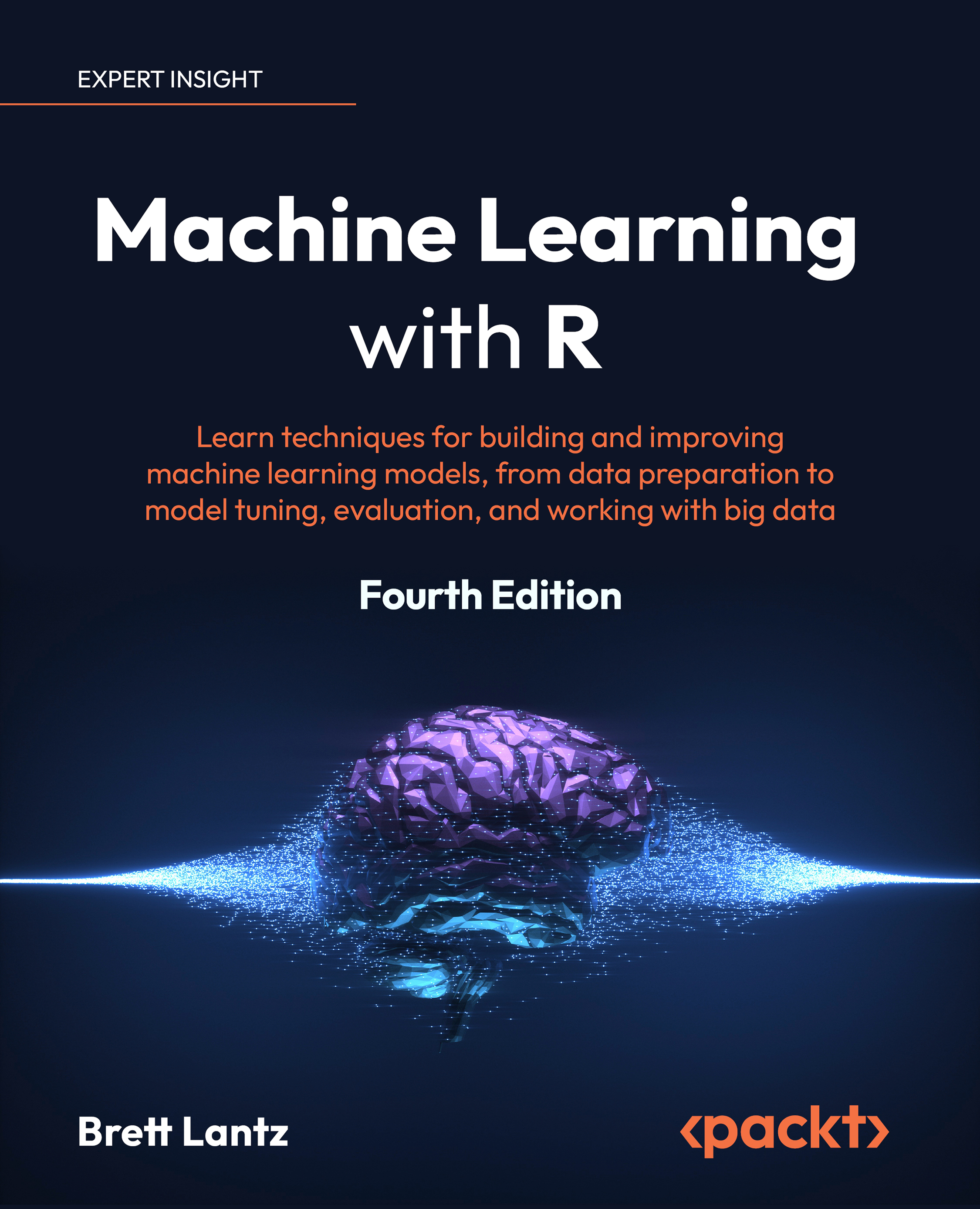
Machine Learning with R

You're reading from   Machine Learning with R Learn techniques for building and improving machine learning models, from data preparation to model tuning, evaluation, and working with big data

Arrow left icon
Product type Paperback
Published in May 2023
Publisher Packt
ISBN-13 9781801071321
Length 762 pages
Edition 4th Edition
Languages
Tools
Concepts
Arrow right icon
Author (1):
Arrow left icon
Brett Lantz Brett Lantz
Author Profile Icon Brett Lantz
Brett Lantz
Arrow right icon
View More author details
Toc

Table of Contents (19) Chapters Close

Preface 1. Thinking Computationally 2. Abstraction in Detail FREE CHAPTER 3. Algorithmic Thinking and Complexity 4. Understanding the Machine 5. Data Structures 6. Reusing Your Code and Modularity 7. Outlining the Challenge 8. Building a Simple Command-Line Interface 9. Reading Data from Different Formats 10. Finding Information in Text 11. Clustering Data 12. Reflecting on What We Have Built 13. The Problems of Scale 14. Dealing with GPUs and Specialized Hardware 15. Profiling Your Code 16. Unlock Your Exclusive Benefits 17. Other Books You May Enjoy 18. Index

Summary

In this chapter, we discussed various issues that one might encounter when building a command-line interface for an application. The most important part is parsing options and positional arguments provided by the user, implemented here using the Boost program options library. This library parses the argv array passed to the application, the environment variables, and configuration files (although we don’t use this functionality here). We also covered setting up logging (using the spdlog library), error handling, signal handling, and formatting the results to be printed to the terminal, or otherwise.

There are many ways to design a command-line interface, and there is a lot that can be done using such an interface. It is important that you have a sensible, predictable, and functional interface even if you are the only one who will use it. The addition of help and usage information will be invaluable and save vast amounts of time if you forget what options are needed...


lock icon The rest of the chapter is locked
Visually different images
CONTINUE READING
83
Tech Concepts
36
Programming languages
73
Tech Tools
Icon Unlimited access to the largest independent learning library in tech of over 8,000 expert-authored tech books and videos.
Icon Innovative learning tools, including AI book assistants, code context explainers, and text-to-speech.
Icon 50+ new titles added per month and exclusive early access to books as they are being written.
Machine Learning with R
Register for a free Packt account to unlock a world of extra content!
A free Packt account unlocks extra newsletters, articles, discounted offers, and much more. Start advancing your knowledge today.
Unlock this book and the full library FREE for 7 days
Get unlimited access to 7000+ expert-authored eBooks and videos courses covering every tech area you can think of
Renews at $19.99/month. Cancel anytime
Modal Close icon
Modal Close icon









