




















































Search icon CANCEL
Subscription
0
Cart icon
Your Cart (0 item)
Close icon
You have no products in your basket yet
Save more on your purchases! discount-offer-chevron-icon
Savings automatically calculated. No voucher code required.
Arrow left icon
Explore Products
Best Sellers
New Releases
Books
Videos
Audiobooks
Learning Hub
Newsletter Hub
Free Learning
Arrow right icon
timer SALE ENDS IN
0 Days
:
00 Hours
:
00 Minutes
:
00 Seconds
Arrow up icon
GO TO TOP
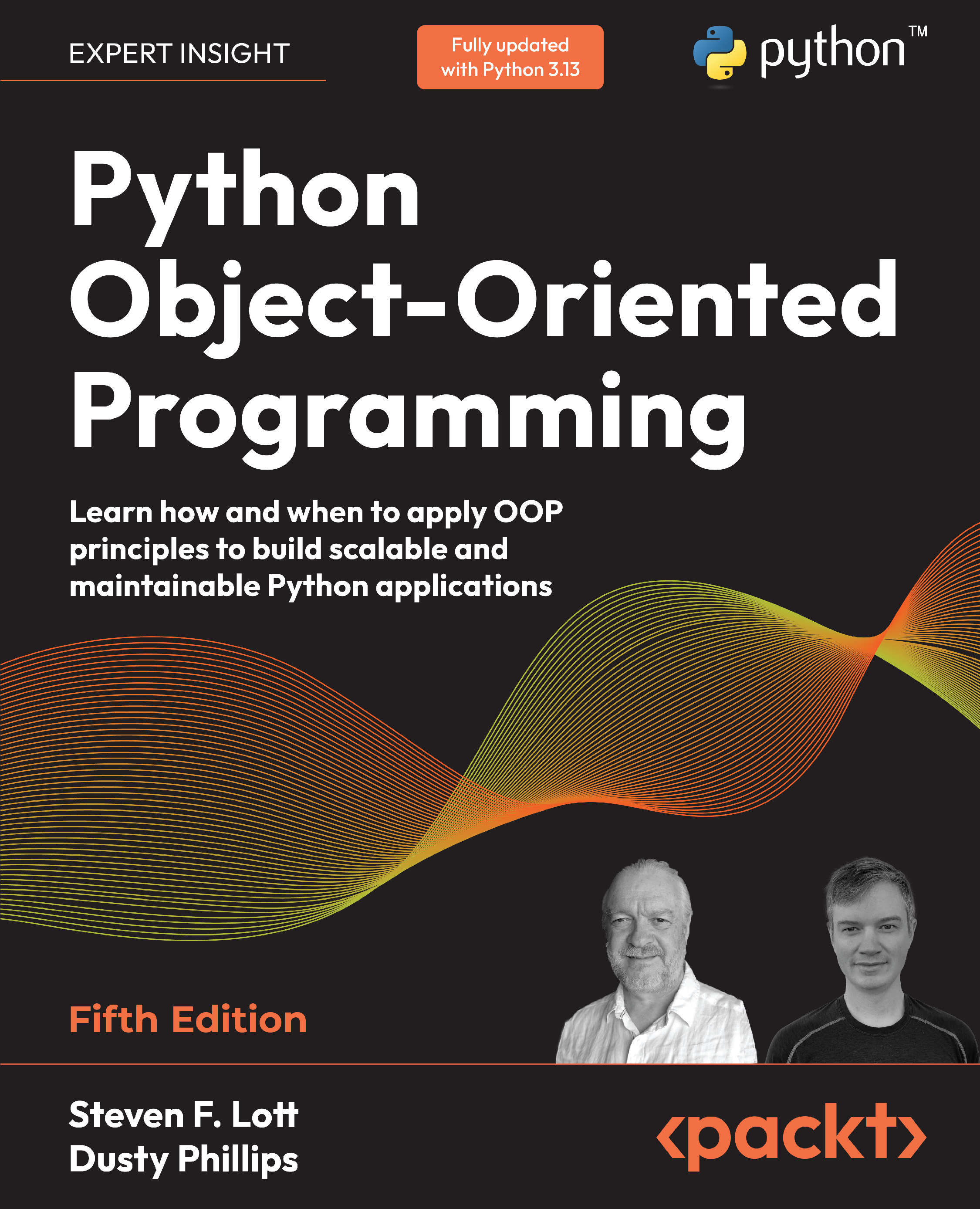
Python Object-Oriented Programming

You're reading from   Python Object-Oriented Programming Learn how and when to apply OOP principles to build scalable and maintainable Python applications

Arrow left icon
Product type Paperback
Published in Nov 2025
Publisher Packt
ISBN-13 9781836642596
Length 542 pages
Edition 5th Edition
Languages
Tools
Arrow right icon
Authors (2):
Arrow left icon
Steven F. Lott Steven F. Lott
Author Profile Icon Steven F. Lott
Steven F. Lott
Dusty Phillips Dusty Phillips
Author Profile Icon Dusty Phillips
Dusty Phillips
Arrow right icon
View More author details
Toc

Table of Contents (17) Chapters Close

Preface 1. Chapter 1 Object-Oriented Design 2. Chapter 2 Objects in Python FREE CHAPTER 3. Chapter 3 When Objects Are Alike 4. Chapter 4 Expecting the Unexpected 5. Chapter 5 When to Use Object-Oriented Programming 6. Chapter 6 Abstract Base Classes and Operator Overloading 7. Chapter 7 Python Type Hints 8. Chapter 8 Python Data Structures 9. Chapter 9 The Intersection of Object-Oriented and Functional Programming 10. Chapter 10 The Iterator Pattern 11. Chapter 11 Common Design Patterns 12. Chapter 12 Advanced Design Patterns 13. Chapter 13 Testing Object-Oriented Programs 14. Chapter 14 Concurrency 15. Other Books You May Enjoy 16. Index

2.6 Modules and packages

Now we know how to create classes and instantiate objects. You don’t need to write too many classes (or non-object-oriented code, for that matter) before you start to lose track of them. For small programs, we generally put all our classes into one file and add a little script at the end of the file to start them interacting. However, as our projects grow, it can become difficult to find the one class that needs to be edited among the many classes we’ve defined. This is where modules come in. Modules are Python files, nothing more. The single file in our small program is a module. Two Python files are two modules. If we have two files in the same folder, we can load a class from one module for use in the other module.

The Python module name is the file path’s stem; the name without the .py suffix. A file with the name model.py is a module named model. Module files are found by searching paths that includes the local directory...

CONTINUE READING
83
Tech Concepts
36
Programming languages
73
Tech Tools
Icon Unlimited access to the largest independent learning library in tech of over 8,000 expert-authored tech books and videos.
Icon Innovative learning tools, including AI book assistants, code context explainers, and text-to-speech.
Icon 50+ new titles added per month and exclusive early access to books as they are being written.
Python Object-Oriented Programming
You have been reading a chapter from
Python Object-Oriented Programming - Fifth Edition
Published in: Nov 2025
Publisher: Packt
ISBN-13: 9781836642596
Register for a free Packt account to unlock a world of extra content!
A free Packt account unlocks extra newsletters, articles, discounted offers, and much more. Start advancing your knowledge today.
Unlock this book and the full library FREE for 7 days
Get unlimited access to 7000+ expert-authored eBooks and videos courses covering every tech area you can think of
Renews at €18.99/month. Cancel anytime
Modal Close icon
Modal Close icon










