Search icon CANCEL
Subscription
0
Cart icon
Your Cart (0 item)
Close icon
You have no products in your basket yet
Save more on your purchases! discount-offer-chevron-icon
Savings automatically calculated. No voucher code required.
Arrow left icon
Explore Products
Best Sellers
New Releases
Books
Videos
Audiobooks
Learning Hub
Newsletter Hub
Free Learning
Arrow right icon
timer SALE ENDS IN
0 Days
:
00 Hours
:
00 Minutes
:
00 Seconds
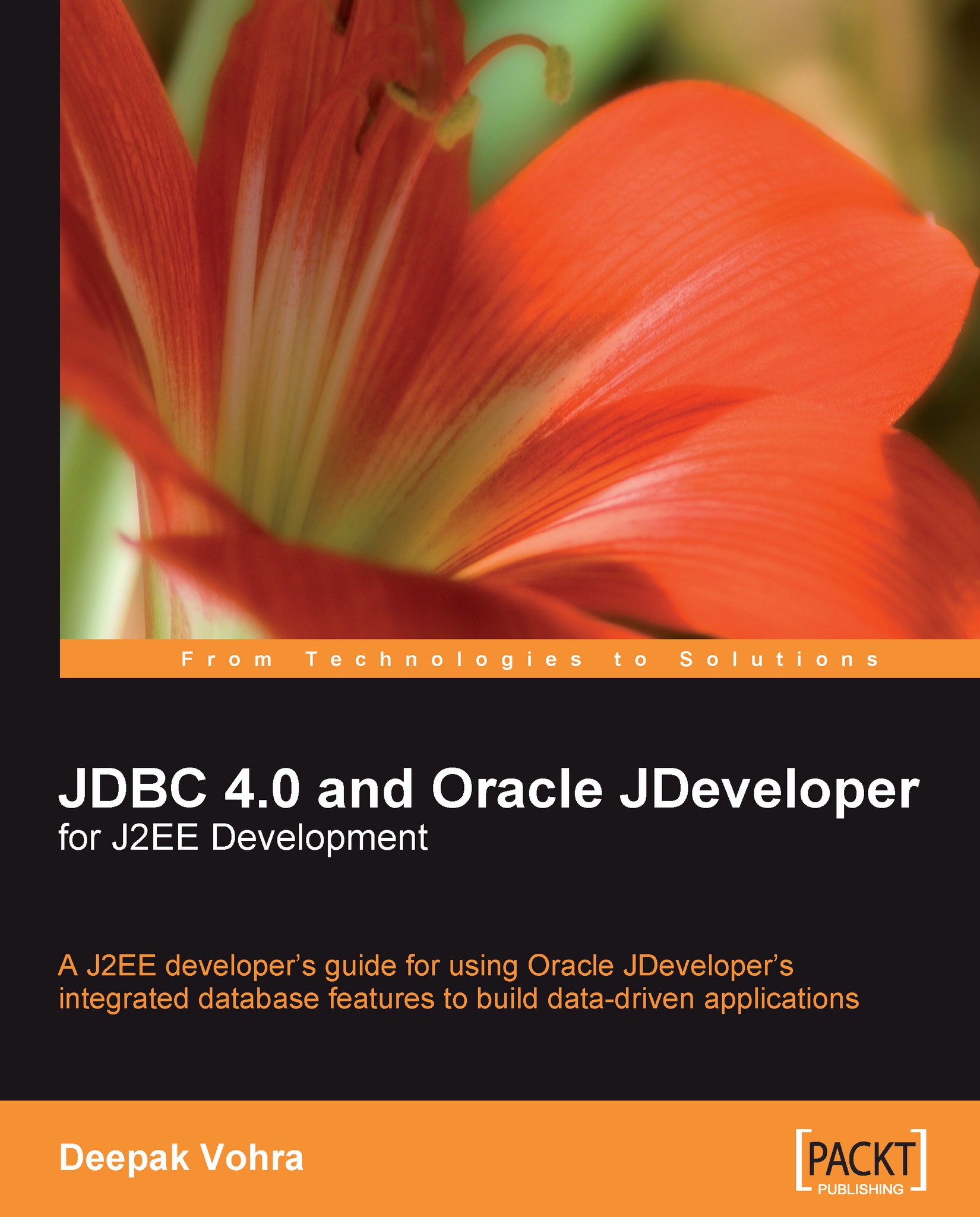
JDBC 4.0 and Oracle JDeveloper for J2EE Development

JDBC 4.0 and Oracle JDeveloper for J2EE Development:

eBook
$26.09 $28.99
Paperback
$48.99
Subscription
Free Trial
Renews at $19.99p/m

What do you get with Print?

Product feature icon Instant access to your digital copy whilst your Print order is Shipped
Product feature icon Paperback book shipped to your preferred address
Product feature icon Redeem a companion digital copy on all Print orders
Product feature icon Access this title in our online reader with advanced features
Product feature icon DRM FREE - Read whenever, wherever and however you want
Modal Close icon
Payment Processing...
tick Completed

Shipping Address

Billing Address

Shipping Methods
Table of content icon View table of contents Preview book icon Preview Book

JDBC 4.0 and Oracle JDeveloper for J2EE Development

Chapter 2. Configuring JDBC in Oracle JDeveloper

Oracle JDeveloper is a free Integrated Development Environment (IDE) for modeling, developing, debugging, optimizing, and deploying Java applications. JDeveloper 10g is used to develop J2EE applications comprising the JSPs, EJBs, Struts, Servlets, and the Java classes that may require accessing a database table in the Oracle 10g Database, or a third-party database. Unlike Eclipse, which requires a plugin, JDeveloper has a built-in provision to establish a JDBC connection with a database. JDeveloper is the only Java IDE with an embedded application server, the Oracle Containers for J2EE (OC4J). This database-based web application may run in JDeveloper without requiring a third-party application server. However, JDeveloper also supports third-party application servers. Starting with JDeveloper 11, application developers may point the IDE to an application server instance (or OC4J instance), including third-party application servers that they...

Connection Pooling and DataSource


The javax.sql package provides the API for server-side database access. The main interfaces in the javax.sql package are DataSource, ConnectionPoolDataSource, and PooledConnection. The DataSource interface represents a factory for connections to a database. In Chapters 1 and 2, we obtained a Connection object using the DriverManager class. DataSource is an alternative and a preferred method of obtaining a JDBC connection. An object that implements the DataSource interface is typically registered with a Java Naming and Directory API-based naming service. DataSource interface implementation is driver-vendor specific. The DataSource interface has three types of implementations:

  • Basic implementation: In basic implementation there is 1:1 correspondence between a client's Connection object and the connection with the database. This implies that for every Connection object, there is a connection with the database. With the basic implementation, the overhead of...

Setting the Environment


Before getting started, we have to install the JDeveloper 10.1.3 IDE and the MySQL 5.0 database. Download JDeveloper from: http://www.oracle.com/technology/software/products/jdev/index.html. Download the MySQL Connector/J 5.1, the MySQL JDBC driver that supports JDBC 4.0 specification. To install JDeveloper extract the JDeveloper ZIP file to a directory. Log in to the MySQL database and set the database to test. Create a database table, Catalog, which we will use in a web application. The SQL script to create the database table is listed below:

CREATE TABLE Catalog(CatalogId VARCHAR(25)
PRIMARY KEY, Journal VARCHAR(25), Publisher VARCHAR(25),
Edition VARCHAR(25), Title Varchar(45), Author Varchar(25));
INSERT INTO Catalog VALUES('catalog1', 'Oracle Magazine',
'Oracle Publishing', 'Nov-Dec 2004', 'Database Resource Manager', 'Kimberly Floss');
INSERT INTO Catalog VALUES('catalog2', 'Oracle Magazine', 'Oracle Publishing', 'Nov-Dec 2004', 'From ADF UIX to JSF', 'Jonas...

JDBC Configuration Errors


You might get errors while configuring a JDBC connection. If you are using MySQL, and the connection URL is incorrect, or the MySQL database is not running, the following error message is generated:

Communications link failure

If you are using Oracle database, some possible connection configuration errors are listed below:

IO exception: The Network Adapter could not establish the connection
IO exception: Connection refused

The The Network Adapter could not establish the connection exception is caused by one or more of the following configuration errors:

  1. 1. The database host name, port number, or database instance name is wrong.

  2. 2. The database TNSListener has not been started. The TNSListener may be started with the lsnrctl utility.

C:\>lsnrctl start

The Connection refused exception is caused by one or more of the following configuration errors:

  1. 1. The database SID specified is incorrect.

  2. 2. The database instance has not been started. To start the database instance...

Creating a Managed Data Source


In the previous section, a JDBC connection was obtained in the Connections navigator. A corresponding JNDI managed data source becomes available for the Connections navigator connection. A data source object is configured with a JNDI Name binding in the OC4J server integrated with JDeveloper. A data source may also be configured in the Embedded OC4J Server Preferences window directly, or may be configured declaratively by modifying the data-sources.xml file. We will discuss each of these methods for creating a data source. A data source may be configured at the Global level or the Current Workspace level. A Global data source is available to all applications while a Current Workspace data source is available only in the current workspace. To create a new Global data source, select Tools | Embedded OC4J Preferences and select the Global | Data Sources node, and click on the New button.

Before we are able to configure a managed data source, we need to configure...

Connecting to a Database from a Web Application


If a Java application is used to connect to a database, a JDBC connection may be obtained using the getConnection() method of the DriverManager class. If a JDBC connection is to be obtained in a web application, a data source with a JNDI naming service binding must be configured in an application server, such as the OC4J embedded in JDeveloper IDE. The data source object configured in data-sources.xml may be used in a Servlet or JSP in JDeveloper. In this section, we will connect to MySQL database using the managed data source we configured in the previous section. First, we need to create a project in JDeveloper with File | New. In the New Gallery window, select General | Applications in Categories and Application in Items and click on OK. Specify the Application Name in the Create Application window and click on the OK button. Specify the Project Name in the Create Project window and click on the OK button. A new project is added to the...

JDBC 4.0 Version


The OC4J embedded in JDeveloper 10g does not support JDBC 4.0. When support gets added for JDBC 4.0, JDBC 4.0's features may be added to the JSP web application that we have developed in the previous section. Provision to set client info properties on the Connection object is a new feature in JDBC 4.0. Client info properties may be set using the setClientInfoProperty() method of the Connection object. Set client info properties ApplicationName, ClientUser, and ClientHostname as follows:

connection.setClientInfo("ApplicationName","DataDirectApp");
connection.setClientInfo("ClientUser","DataDirect");
connection.setClientInfo("ClientHostname","DataDirectHost");

If the database supports statement caching, we can set statement pooling to true. To find out whether the database supports statement pooling create a DatabaseMetaData object. Using the supportsStatementPooling() method test if the database supports statement pooling. If the database supports statement pooling check...

Summary


JDeveloper IDE provides a built-in Connections navigator to configure a connection with any relational database for which a JDBC driver is available. A connection configured in the Connections navigator is also available as a data source. In this chapter, we have configured a JDBC connection in JDeveloper with MySQL database using the MySQL Connector/J 5.1 JDBC 4.0 driver. We also created a managed data source in the OC4J embedded in JDeveloper and used the data source in a web application. Subsequently, we discussed the JDBC 4.0 version of the web application.

Left arrow icon Right arrow icon

What you will learn

  • In this book you will learn about the following: JDBC 4.0 specifications—including the new features Configuring JDBC in Oracle JDeveloper IDE Creating, modifying, and querying a database with the JSTL SQL Tag Library Configuring JDBC in JBoss application server, WebLogic server, and WebSphere application server Mapping an XML document to a database table and vice versa Modifying a database table from an XML document and creating an XSQL Page to run an SQL Query and generate XML Implementing Oracle Web RowSet to fetch the disconnected data Creating Excel spreadsheets, PDFs, and Excel reports using JasperReports and the Apache POI HSSF library Creating JSF Data Tables, JSF Panel Grids, and business components from Oracle databases with JDeveloper Creating and managing database tables using Hibernate
Estimated delivery fee Deliver to United States

Economy delivery 10 - 13 business days

Free $6.95

Premium delivery 6 - 9 business days

$21.95
(Includes tracking information)

Product Details

Country selected
Publication date, Length, Edition, Language, ISBN-13
Publication date : Apr 30, 2008
Length: 448 pages
Edition :
Language : English
ISBN-13 : 9781847194305
Vendor :
Oracle
Category :
Languages :
Tools :

What do you get with Print?

Product feature icon Instant access to your digital copy whilst your Print order is Shipped
Product feature icon Paperback book shipped to your preferred address
Product feature icon Redeem a companion digital copy on all Print orders
Product feature icon Access this title in our online reader with advanced features
Product feature icon DRM FREE - Read whenever, wherever and however you want
Modal Close icon
Payment Processing...
tick Completed

Shipping Address

Billing Address

Shipping Methods
Estimated delivery fee Deliver to United States

Economy delivery 10 - 13 business days

Free $6.95

Premium delivery 6 - 9 business days

$21.95
(Includes tracking information)

Product Details

Publication date : Apr 30, 2008
Length: 448 pages
Edition :
Language : English
ISBN-13 : 9781847194305
Vendor :
Oracle
Category :
Languages :
Tools :

Packt Subscriptions

See our plans and pricing
Modal Close icon
$19.99 billed monthly
Feature tick icon Unlimited access to Packt's library of 7,000+ practical books and videos
Feature tick icon Constantly refreshed with 50+ new titles a month
Feature tick icon Exclusive Early access to books as they're written
Feature tick icon Solve problems while you work with advanced search and reference features
Feature tick icon Offline reading on the mobile app
Feature tick icon Simple pricing, no contract
$199.99 billed annually
Feature tick icon Unlimited access to Packt's library of 7,000+ practical books and videos
Feature tick icon Constantly refreshed with 50+ new titles a month
Feature tick icon Exclusive Early access to books as they're written
Feature tick icon Solve problems while you work with advanced search and reference features
Feature tick icon Offline reading on the mobile app
Feature tick icon Choose a DRM-free eBook or Video every month to keep
Feature tick icon PLUS own as many other DRM-free eBooks or Videos as you like for just $5 each
Feature tick icon Exclusive print discounts
$279.99 billed in 18 months
Feature tick icon Unlimited access to Packt's library of 7,000+ practical books and videos
Feature tick icon Constantly refreshed with 50+ new titles a month
Feature tick icon Exclusive Early access to books as they're written
Feature tick icon Solve problems while you work with advanced search and reference features
Feature tick icon Offline reading on the mobile app
Feature tick icon Choose a DRM-free eBook or Video every month to keep
Feature tick icon PLUS own as many other DRM-free eBooks or Videos as you like for just $5 each
Feature tick icon Exclusive print discounts

Frequently bought together


Stars icon
Total $ 142.97
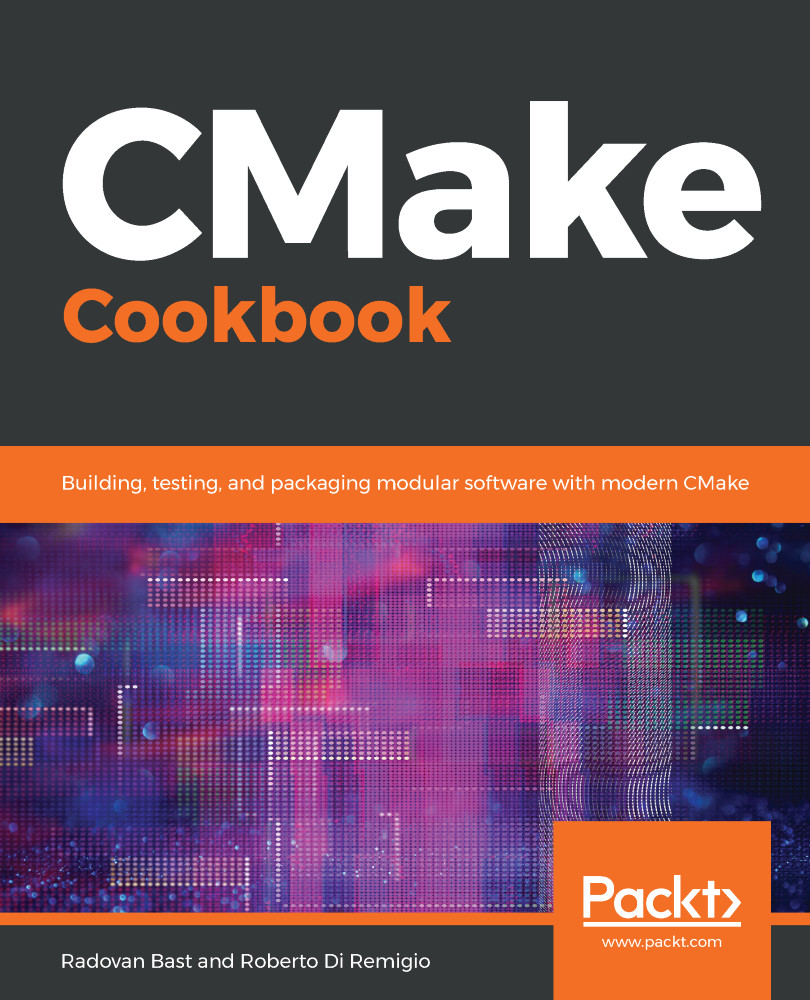
CMake Cookbook
$60.99
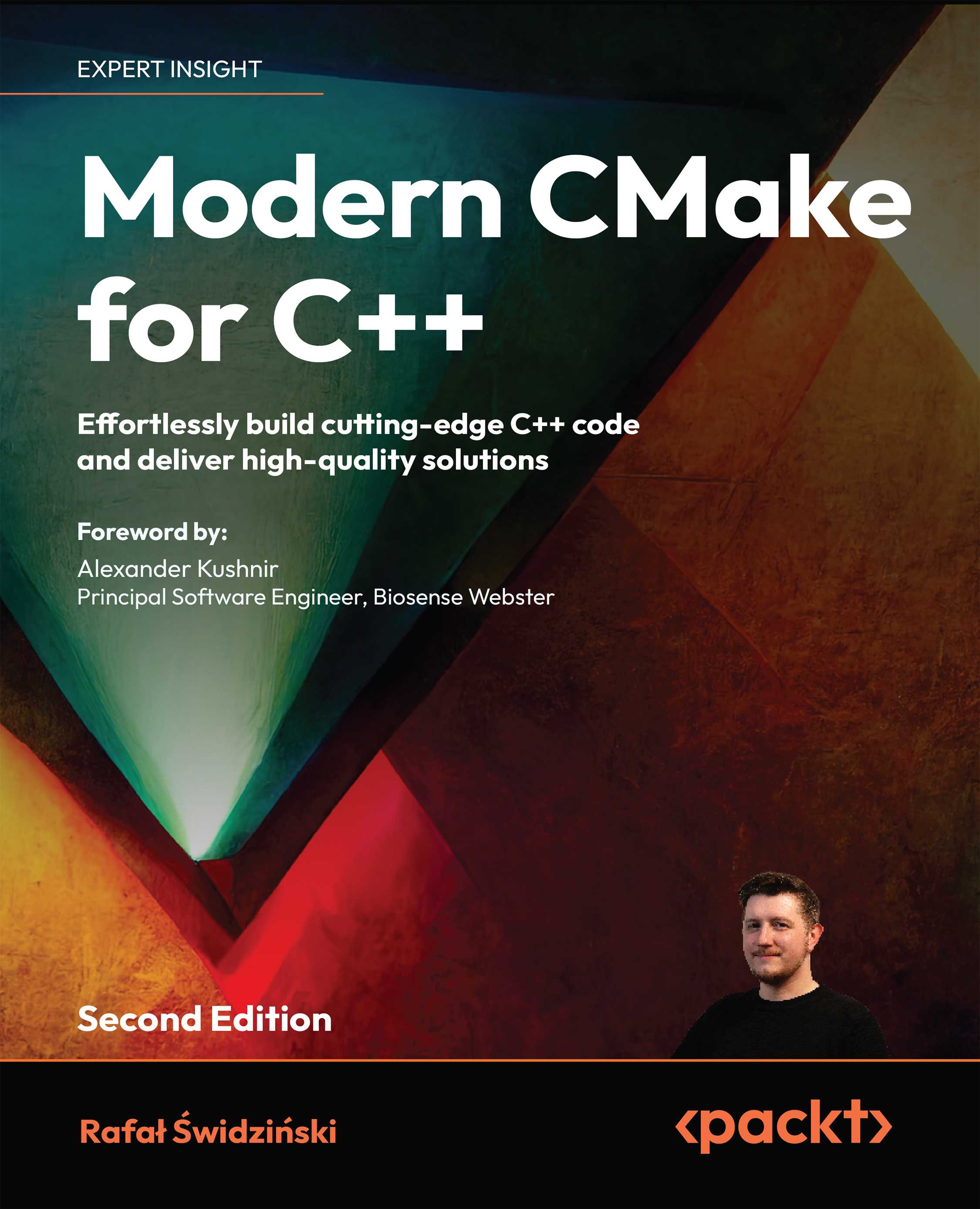
Understanding Software
$32.99
JDBC 4.0 and Oracle JDeveloper for J2EE Development
$48.99
Total $ 142.97 Stars icon

Table of Contents

15 Chapters
JDBC 4.0 Chevron down icon Chevron up icon
Configuring JDBC in Oracle JDeveloper Chevron down icon Chevron up icon
Connecting to a Database with JSTL SQL Tag Library Chevron down icon Chevron up icon
Configuring JDBC in JBoss Application Server Chevron down icon Chevron up icon
Configuring JDBC in WebLogic Server Chevron down icon Chevron up icon
Configuring JDBC in WebSphere Application Server Chevron down icon Chevron up icon
XML SQL Utility Chevron down icon Chevron up icon
XSQL Chevron down icon Chevron up icon
Oracle Web RowSet Chevron down icon Chevron up icon
Creating a JSF Data Table Chevron down icon Chevron up icon
Creating a JSF Panel Grid Chevron down icon Chevron up icon
Creating a Report with JasperReports Chevron down icon Chevron up icon
Creating a Spreadsheet with Apache POI Chevron down icon Chevron up icon
Creating Oracle ADF Business Components Chevron down icon Chevron up icon
Hibernate Chevron down icon Chevron up icon

Customer reviews

Rating distribution
Full star icon Full star icon Full star icon Empty star icon Empty star icon 3
(2 Ratings)
5 star 0%
4 star 50%
3 star 0%
2 star 50%
1 star 0%
Edwin Biemond Dec 01, 2008
Full star icon Full star icon Full star icon Full star icon Empty star icon 4
I thought this book would be all about the JDBC hardcore programming and the 4.0 features. But I was very wrong, it's all about the frameworksthat uses the jdbc driver. The best thing this book is very actual with the new JDeveloper 11g which uses the jdbc 4 library as default and besides this, the book has also a chapter about the WebLogic Application server ( And Jboss, WebSphere). JDBC plays an important role in J2EE Web Applications and this books gives a nice overview / quickstart in JDeveloper of all the important java frameworks which uses the jdbc driver. Like XSQL, Jasper Reports to generate csv,excel and pdf, Apache POI for generating excel and ADF Business Components & Hibernate as persistence frameworks. This book is gives the Oracle Java Developer a jumpstart to the important jdbc frameworks with JDeveloper as IDE.
Amazon Verified review Amazon
Bob Sep 01, 2009
Full star icon Full star icon Empty star icon Empty star icon Empty star icon 2
This book did not leave up to my expectations. This book is written mostly based on JDeveloper 10g. JDeveloper 11g is quiet different in many ways. Navigation paths in this book are from 10g and some are no longer valid with 11g.
Amazon Verified review Amazon
Get free access to Packt library with over 7500+ books and video courses for 7 days!
Start Free Trial

FAQs

What is the digital copy I get with my Print order? Chevron down icon Chevron up icon

When you buy any Print edition of our Books, you can redeem (for free) the eBook edition of the Print Book you’ve purchased. This gives you instant access to your book when you make an order via PDF, EPUB or our online Reader experience.

What is the delivery time and cost of print book? Chevron down icon Chevron up icon

Shipping Details

USA:

'

Economy: Delivery to most addresses in the US within 10-15 business days

Premium: Trackable Delivery to most addresses in the US within 3-8 business days

UK:

Economy: Delivery to most addresses in the U.K. within 7-9 business days.
Shipments are not trackable

Premium: Trackable delivery to most addresses in the U.K. within 3-4 business days!
Add one extra business day for deliveries to Northern Ireland and Scottish Highlands and islands


EU:

Premium: Trackable delivery to most EU destinations within 4-9 business days.

Australia:

Economy: Can deliver to P. O. Boxes and private residences.
Trackable service with delivery to addresses in Australia only.
Delivery time ranges from 7-9 business days for VIC and 8-10 business days for Interstate metro
Delivery time is up to 15 business days for remote areas of WA, NT & QLD.

Premium: Delivery to addresses in Australia only
Trackable delivery to most P. O. Boxes and private residences in Australia within 4-5 days based on the distance to a destination following dispatch.

India:

Premium: Delivery to most Indian addresses within 5-6 business days

Rest of the World:

Premium: Countries in the American continent: Trackable delivery to most countries within 4-7 business days

Asia:

Premium: Delivery to most Asian addresses within 5-9 business days

Disclaimer:
All orders received before 5 PM U.K time would start printing from the next business day. So the estimated delivery times start from the next day as well. Orders received after 5 PM U.K time (in our internal systems) on a business day or anytime on the weekend will begin printing the second to next business day. For example, an order placed at 11 AM today will begin printing tomorrow, whereas an order placed at 9 PM tonight will begin printing the day after tomorrow.


Unfortunately, due to several restrictions, we are unable to ship to the following countries:

  1. Afghanistan
  2. American Samoa
  3. Belarus
  4. Brunei Darussalam
  5. Central African Republic
  6. The Democratic Republic of Congo
  7. Eritrea
  8. Guinea-bissau
  9. Iran
  10. Lebanon
  11. Libiya Arab Jamahriya
  12. Somalia
  13. Sudan
  14. Russian Federation
  15. Syrian Arab Republic
  16. Ukraine
  17. Venezuela
What is custom duty/charge? Chevron down icon Chevron up icon

Customs duty are charges levied on goods when they cross international borders. It is a tax that is imposed on imported goods. These duties are charged by special authorities and bodies created by local governments and are meant to protect local industries, economies, and businesses.

Do I have to pay customs charges for the print book order? Chevron down icon Chevron up icon

The orders shipped to the countries that are listed under EU27 will not bear custom charges. They are paid by Packt as part of the order.

List of EU27 countries: www.gov.uk/eu-eea:

A custom duty or localized taxes may be applicable on the shipment and would be charged by the recipient country outside of the EU27 which should be paid by the customer and these duties are not included in the shipping charges been charged on the order.

How do I know my custom duty charges? Chevron down icon Chevron up icon

The amount of duty payable varies greatly depending on the imported goods, the country of origin and several other factors like the total invoice amount or dimensions like weight, and other such criteria applicable in your country.

For example:

  • If you live in Mexico, and the declared value of your ordered items is over $ 50, for you to receive a package, you will have to pay additional import tax of 19% which will be $ 9.50 to the courier service.
  • Whereas if you live in Turkey, and the declared value of your ordered items is over € 22, for you to receive a package, you will have to pay additional import tax of 18% which will be € 3.96 to the courier service.
How can I cancel my order? Chevron down icon Chevron up icon

Cancellation Policy for Published Printed Books:

You can cancel any order within 1 hour of placing the order. Simply contact customercare@packt.com with your order details or payment transaction id. If your order has already started the shipment process, we will do our best to stop it. However, if it is already on the way to you then when you receive it, you can contact us at customercare@packt.com using the returns and refund process.

Please understand that Packt Publishing cannot provide refunds or cancel any order except for the cases described in our Return Policy (i.e. Packt Publishing agrees to replace your printed book because it arrives damaged or material defect in book), Packt Publishing will not accept returns.

What is your returns and refunds policy? Chevron down icon Chevron up icon

Return Policy:

We want you to be happy with your purchase from Packtpub.com. We will not hassle you with returning print books to us. If the print book you receive from us is incorrect, damaged, doesn't work or is unacceptably late, please contact Customer Relations Team on customercare@packt.com with the order number and issue details as explained below:

  1. If you ordered (eBook, Video or Print Book) incorrectly or accidentally, please contact Customer Relations Team on customercare@packt.com within one hour of placing the order and we will replace/refund you the item cost.
  2. Sadly, if your eBook or Video file is faulty or a fault occurs during the eBook or Video being made available to you, i.e. during download then you should contact Customer Relations Team within 14 days of purchase on customercare@packt.com who will be able to resolve this issue for you.
  3. You will have a choice of replacement or refund of the problem items.(damaged, defective or incorrect)
  4. Once Customer Care Team confirms that you will be refunded, you should receive the refund within 10 to 12 working days.
  5. If you are only requesting a refund of one book from a multiple order, then we will refund you the appropriate single item.
  6. Where the items were shipped under a free shipping offer, there will be no shipping costs to refund.

On the off chance your printed book arrives damaged, with book material defect, contact our Customer Relation Team on customercare@packt.com within 14 days of receipt of the book with appropriate evidence of damage and we will work with you to secure a replacement copy, if necessary. Please note that each printed book you order from us is individually made by Packt's professional book-printing partner which is on a print-on-demand basis.

What tax is charged? Chevron down icon Chevron up icon

Currently, no tax is charged on the purchase of any print book (subject to change based on the laws and regulations). A localized VAT fee is charged only to our European and UK customers on eBooks, Video and subscriptions that they buy. GST is charged to Indian customers for eBooks and video purchases.

What payment methods can I use? Chevron down icon Chevron up icon

You can pay with the following card types:

  1. Visa Debit
  2. Visa Credit
  3. MasterCard
  4. PayPal
What is the delivery time and cost of print books? Chevron down icon Chevron up icon

Shipping Details

USA:

'

Economy: Delivery to most addresses in the US within 10-15 business days

Premium: Trackable Delivery to most addresses in the US within 3-8 business days

UK:

Economy: Delivery to most addresses in the U.K. within 7-9 business days.
Shipments are not trackable

Premium: Trackable delivery to most addresses in the U.K. within 3-4 business days!
Add one extra business day for deliveries to Northern Ireland and Scottish Highlands and islands

EU:

Premium: Trackable delivery to most EU destinations within 4-9 business days.

Australia:

Economy: Can deliver to P. O. Boxes and private residences.
Trackable service with delivery to addresses in Australia only.
Delivery time ranges from 7-9 business days for VIC and 8-10 business days for Interstate metro
Delivery time is up to 15 business days for remote areas of WA, NT & QLD.

Premium: Delivery to addresses in Australia only
Trackable delivery to most P. O. Boxes and private residences in Australia within 4-5 days based on the distance to a destination following dispatch.

India:

Premium: Delivery to most Indian addresses within 5-6 business days

Rest of the World:

Premium: Countries in the American continent: Trackable delivery to most countries within 4-7 business days

Asia:

Premium: Delivery to most Asian addresses within 5-9 business days

Disclaimer:
All orders received before 5 PM U.K time would start printing from the next business day. So the estimated delivery times start from the next day as well. Orders received after 5 PM U.K time (in our internal systems) on a business day or anytime on the weekend will begin printing the second to next business day. For example, an order placed at 11 AM today will begin printing tomorrow, whereas an order placed at 9 PM tonight will begin printing the day after tomorrow.


Unfortunately, due to several restrictions, we are unable to ship to the following countries:

  1. Afghanistan
  2. American Samoa
  3. Belarus
  4. Brunei Darussalam
  5. Central African Republic
  6. The Democratic Republic of Congo
  7. Eritrea
  8. Guinea-bissau
  9. Iran
  10. Lebanon
  11. Libiya Arab Jamahriya
  12. Somalia
  13. Sudan
  14. Russian Federation
  15. Syrian Arab Republic
  16. Ukraine
  17. Venezuela
Modal Close icon
Modal Close icon