Search icon CANCEL
Subscription
0
Cart icon
Your Cart (0 item)
Close icon
You have no products in your basket yet
Save more on your purchases! discount-offer-chevron-icon
Savings automatically calculated. No voucher code required.
Arrow left icon
Explore Products
Best Sellers
New Releases
Books
Videos
Audiobooks
Learning Hub
Newsletter Hub
Free Learning
Arrow right icon
timer SALE ENDS IN
0 Days
:
00 Hours
:
00 Minutes
:
00 Seconds
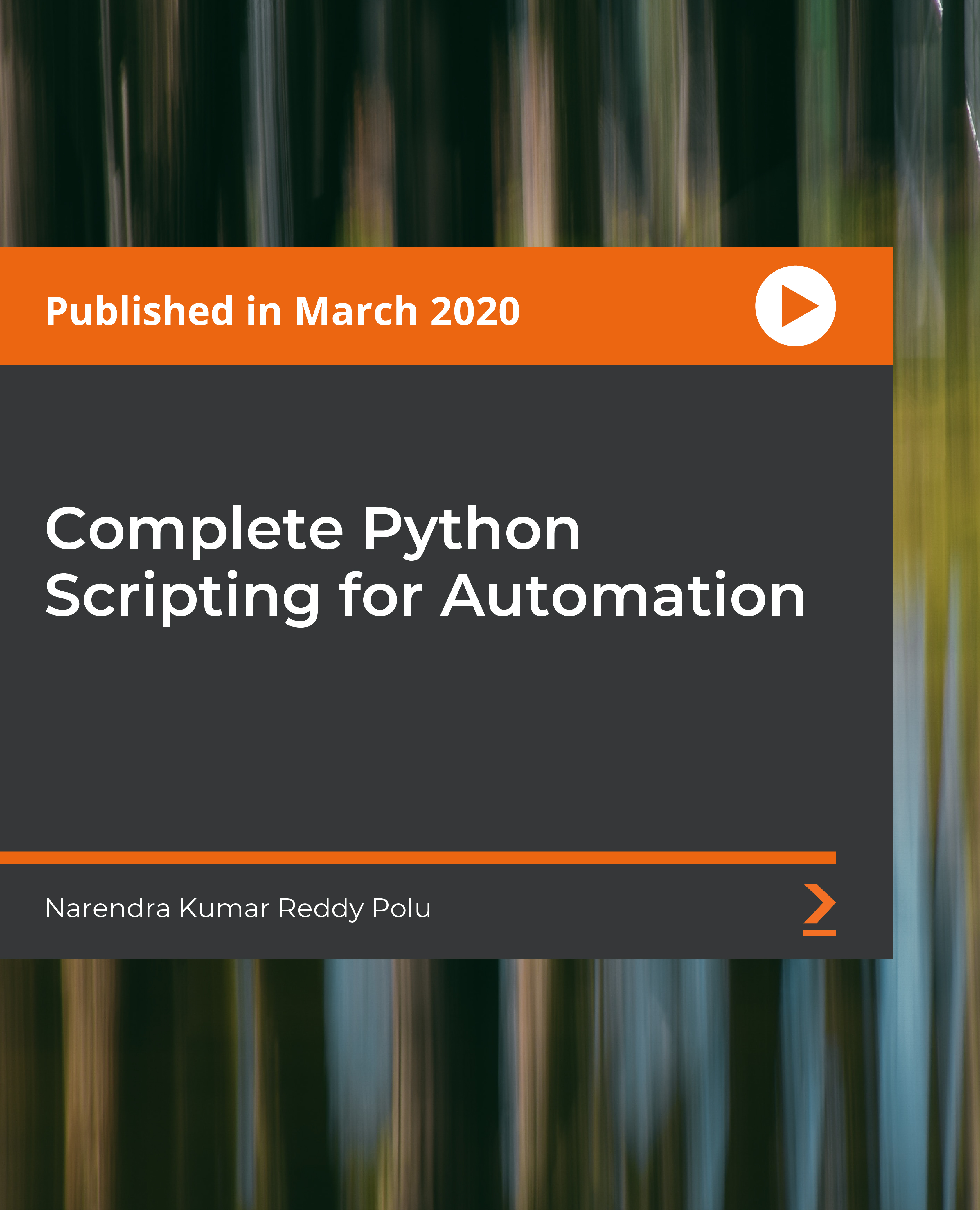
Complete Python Scripting for Automation

Complete Python Scripting for Automation: Get up to speed with automating repetitive tasks with Python

Arrow left icon
Profile Icon VRTechnologies
Arrow right icon
$19.99
Video Mar 2020 24hrs 39mins 1st Edition
Video
$19.99
Subscription
Free Trial
Renews at $19.99p/m
Arrow left icon
Profile Icon VRTechnologies
Arrow right icon
$19.99
Video Mar 2020 24hrs 39mins 1st Edition
Video
$19.99
Subscription
Free Trial
Renews at $19.99p/m
Video
$19.99
Subscription
Free Trial
Renews at $19.99p/m

What do you get with a video?

Product feature icon Download this video in MP4 format
Product feature icon Access this title in our online reader with advanced features
Product feature icon DRM FREE - Read whenever, wherever and however you want
OR
Modal Close icon
Payment Processing...
tick Completed

Billing Address

Key benefits

  • Understand how to use Atom Editor to run a Python script
  • Get to grips with arithmetic and assignment operators

Description

Over the last few years, Python has gained immense popularity. The demand for the programming language in the job market has particularly increased and being well-versed with it can help you enter some of the most exciting industries, including data science, artificial intelligence (AI), web applications, server-side automation, and home automation. This course will make it easy for you to learn Python, with an emphasis on server-side automation. You will not only get to grips with core Python but also focus on advanced Python. Gradually, the course will take you through writing a Python script to print the OS name. You’ll also learn how to pass elements into a program using *args. To build on your knowledge further, you’ll understand the technique of transferring a file from a local server to a remote server and vice versa using paramiko. By the end of this course, you will have learned how to automate a wide variety of tasks with the help of Python scripting. All codes and supporting files are available at- https://github.com/PacktPublishing/Complete-Python-Scripting-for-Automation

Who is this book for?

This course is for anyone who is just getting started with programming and is looking to learn Python from scratch.

What you will learn

  • Understand how to use Python scripting for automation
  • Get hands-on with core Python and advanced Python
  • Delve into the OS module and its various functions such as os.name and os.error

Product Details

Country selected
Publication date, Length, Edition, Language, ISBN-13
Last updated date : May 13, 2025
Publication date : Mar 30, 2020
Length: 24hrs 39mins
Edition : 1st
Language : English
ISBN-13 : 9781800203181
Languages :

What do you get with a video?

Product feature icon Download this video in MP4 format
Product feature icon Access this title in our online reader with advanced features
Product feature icon DRM FREE - Read whenever, wherever and however you want
OR
Modal Close icon
Payment Processing...
tick Completed

Billing Address

Product Details

Last updated date : May 13, 2025
Publication date : Mar 30, 2020
Length: 24hrs 39mins
Edition : 1st
Language : English
ISBN-13 : 9781800203181
Languages :

Packt Subscriptions

See our plans and pricing
Modal Close icon
$19.99 billed monthly
Feature tick icon Unlimited access to Packt's library of 7,000+ practical books and videos
Feature tick icon Constantly refreshed with 50+ new titles a month
Feature tick icon Exclusive Early access to books as they're written
Feature tick icon Solve problems while you work with advanced search and reference features
Feature tick icon Offline reading on the mobile app
Feature tick icon Simple pricing, no contract
$199.99 billed annually
Feature tick icon Unlimited access to Packt's library of 7,000+ practical books and videos
Feature tick icon Constantly refreshed with 50+ new titles a month
Feature tick icon Exclusive Early access to books as they're written
Feature tick icon Solve problems while you work with advanced search and reference features
Feature tick icon Offline reading on the mobile app
Feature tick icon Choose a DRM-free eBook or Video every month to keep
Feature tick icon PLUS own as many other DRM-free eBooks or Videos as you like for just $5 each
Feature tick icon Exclusive print discounts
$279.99 billed in 18 months
Feature tick icon Unlimited access to Packt's library of 7,000+ practical books and videos
Feature tick icon Constantly refreshed with 50+ new titles a month
Feature tick icon Exclusive Early access to books as they're written
Feature tick icon Solve problems while you work with advanced search and reference features
Feature tick icon Offline reading on the mobile app
Feature tick icon Choose a DRM-free eBook or Video every month to keep
Feature tick icon PLUS own as many other DRM-free eBooks or Videos as you like for just $5 each
Feature tick icon Exclusive print discounts

Frequently bought together


Stars icon
Total $ 158.97
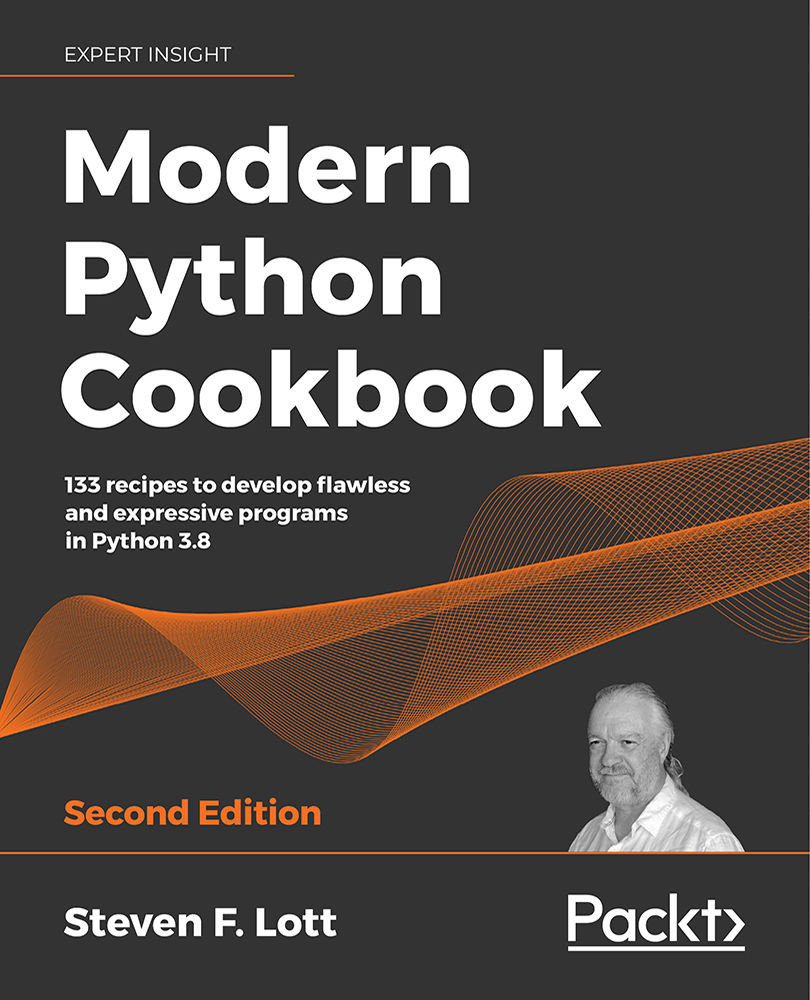
Modern Python Cookbook
$94.99
Complete Python Scripting for Automation
$19.99
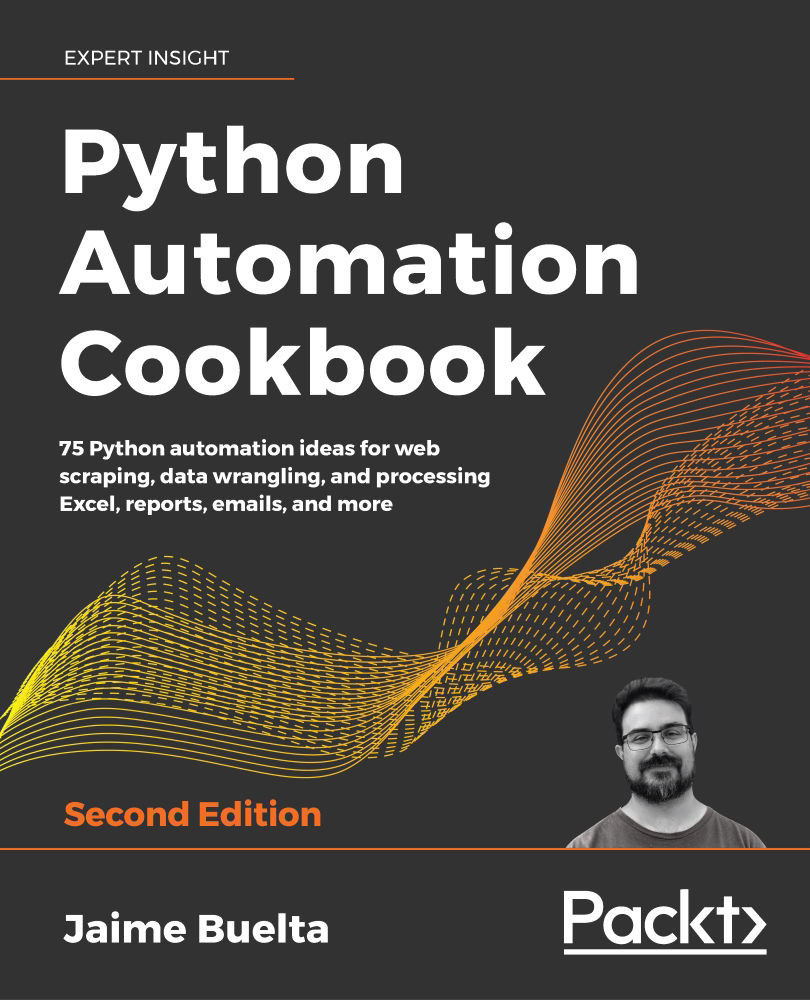
Python Automation Cookbook
$43.99
Total $ 158.97 Stars icon

Table of Contents

23 Chapters
Introduction Chevron down icon Chevron up icon
Basics of print, indentation, comments and special characters Chevron down icon Chevron up icon
Basics of variables and Data Types Chevron down icon Chevron up icon
Complete String Operations Chevron down icon Chevron up icon
Data Structures of Python Chevron down icon Chevron up icon
Operators of Python Chevron down icon Chevron up icon
Conditional statements Chevron down icon Chevron up icon
Working with Python Modules Chevron down icon Chevron up icon
sys module Chevron down icon Chevron up icon
OS Module Chevron down icon Chevron up icon
Loops - for and while loops with break, continue and pass Chevron down icon Chevron up icon
datetime module to work with dates and times Chevron down icon Chevron up icon
subprocess Module: To execute any Operating System Commands with python Chevron down icon Chevron up icon
Working with text files Chevron down icon Chevron up icon
Working with csv Chevron down icon Chevron up icon
Working with files like json Chevron down icon Chevron up icon
Exception Handling Chevron down icon Chevron up icon
Functions Chevron down icon Chevron up icon
Regular expression with re module Chevron down icon Chevron up icon
Paramiko module to work with remote servers using python Chevron down icon Chevron up icon
Shutil module Chevron down icon Chevron up icon
OOPS for Real Time Chevron down icon Chevron up icon
Windows Subsystem for Linux Chevron down icon Chevron up icon
Get free access to Packt library with over 7500+ books and video courses for 7 days!
Start Free Trial

FAQs

How can I download a video package for offline viewing? Chevron down icon Chevron up icon
  1. Login to your account at Packtpub.com.
  2. Click on "My Account" and then click on the "My Videos" tab to access your videos.
  3. Click on the "Download Now" link to start your video download.
How can I extract my video file? Chevron down icon Chevron up icon

All modern operating systems ship with ZIP file extraction built in. If you'd prefer to use a dedicated compression application, we've tested WinRAR / 7-Zip for Windows, Zipeg / iZip / UnRarX for Mac and 7-Zip / PeaZip for Linux. These applications support all extension files.

How can I get help and support around my video package? Chevron down icon Chevron up icon

If your video course doesn't give you what you were expecting, either because of functionality problems or because the content isn't up to scratch, please mail customercare@packt.com with details of the problem. In addition, so that we can best provide the support you need, please include the following information for our support team.

  1. Video
  2. Format watched (HTML, MP4, streaming)
  3. Chapter or section that issue relates to (if relevant)
  4. System being played on
  5. Browser used (if relevant)
  6. Details of support
Why can’t I download my video package? Chevron down icon Chevron up icon

In the even that you are having issues downloading your video package then please follow these instructions:

  1. Disable all your browser plugins and extensions: Some security and download manager extensions can cause issues during the download.
  2. Download the video course using a different browser: We've tested downloads operate correctly in current versions of Chrome, Firefox, Internet Explorer, and Safari.
Modal Close icon
Modal Close icon