Search icon CANCEL
Subscription
0
Cart icon
Your Cart (0 item)
Close icon
You have no products in your basket yet
Save more on your purchases! discount-offer-chevron-icon
Savings automatically calculated. No voucher code required.
Arrow left icon
Explore Products
Best Sellers
New Releases
Books
Events
Videos
Audiobooks
Packt Hub
Free Learning
Arrow right icon
timer SALE ENDS IN
0 Days
:
00 Hours
:
00 Minutes
:
00 Seconds
Arrow up icon
GO TO TOP
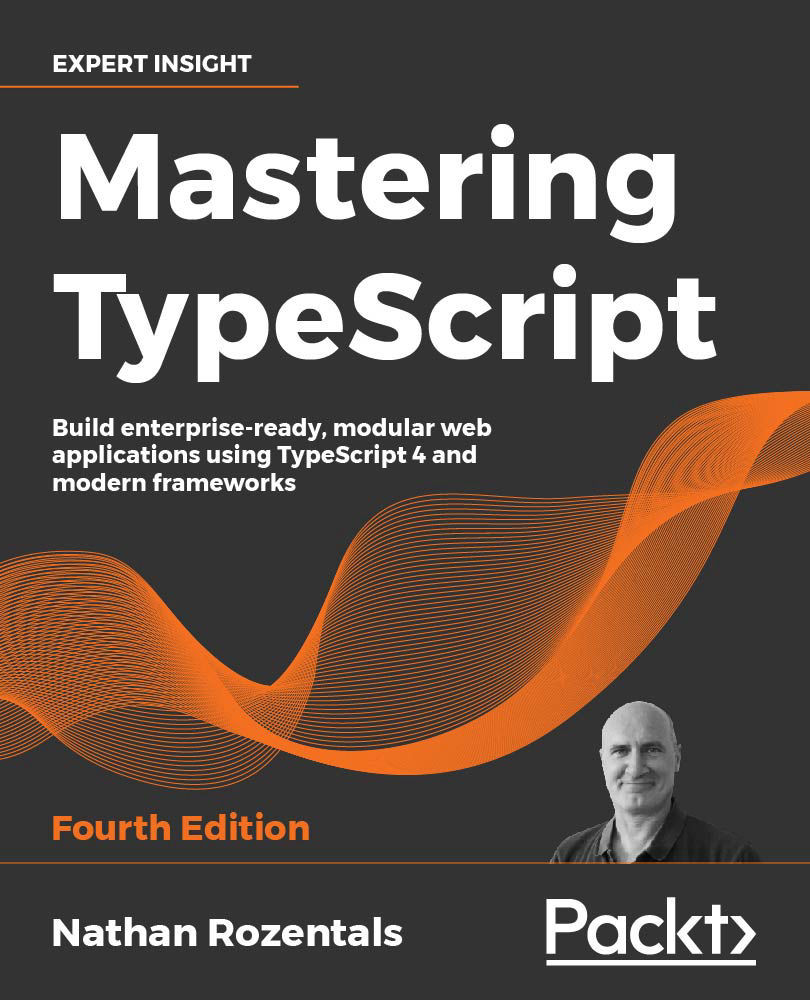
Mastering TypeScript

You're reading from   Mastering TypeScript Build enterprise-ready, modular web applications using TypeScript 4 and modern frameworks

Arrow left icon
Product type Paperback
Published in Apr 2021
Publisher Packt
ISBN-13 9781800564732
Length 538 pages
Edition 4th Edition
Languages
Arrow right icon
Author (1):
Arrow left icon
Nathan Rozentals Nathan Rozentals
Author Profile Icon Nathan Rozentals
Nathan Rozentals
Arrow right icon
View More author details
Toc

Table of Contents (19) Chapters Close

Preface 1. Up and Running Quickly 2. Exploring the Type System FREE CHAPTER 3. Interfaces, Classes, Inheritance, and Modules 4. Generics and Advanced Type Inference 5. Asynchronous Language Features 6. Decorators 7. Integration with JavaScript 8. Strict Compiler Options 9. Using Observables to Transform Data 10. Test-Driven Development 11. Angular 12. React 13. Vue 14. Node and Express 15. An AWS Serverless API 16. Micro Front-ends 17. Other Books You May Enjoy
18. Index

Angular setup

Angular uses a command-line tool known as the Angular CLI to facilitate the creation of Angular applications and components. The Angular CLI can be installed using npm as follows:

npm install -g @angular/cli

Here we are installing the package @angular/cli globally using npm. Once installed, the Angular CLI provides a utility named ng, which can be used to create an Angular application as follows:

ng new angular-app

Here, we are invoking the Angular CLI and specifying that we wish to create a new angular application named angular-app. The Angular CLI will ask a few questions when creating an application, such as whether we would like to enforce strict type checking, whether to include Angular routing, and which stylesheet format we would like to use. In this sample application, we chose Yes for strict type checking, Yes for Angular routing, and SCSS for the stylesheet format.

Once the Angular CLI has completed, let's switch to the newly created...

lock icon The rest of the chapter is locked
CONTINUE READING
83
Tech Concepts
36
Programming languages
73
Tech Tools
Icon Unlimited access to the largest independent learning library in tech of over 8,000 expert-authored tech books and videos.
Icon Innovative learning tools, including AI book assistants, code context explainers, and text-to-speech.
Icon 50+ new titles added per month and exclusive early access to books as they are being written.
Mastering TypeScript
Register for a free Packt account to unlock a world of extra content!
A free Packt account unlocks extra newsletters, articles, discounted offers, and much more. Start advancing your knowledge today.
Unlock this book and the full library FREE for 7 days
Get unlimited access to 7000+ expert-authored eBooks and videos courses covering every tech area you can think of
Renews at $19.99/month. Cancel anytime
Modal Close icon
Modal Close icon