Search icon CANCEL
Subscription
0
Cart icon
Your Cart (0 item)
Close icon
You have no products in your basket yet
Save more on your purchases! discount-offer-chevron-icon
Savings automatically calculated. No voucher code required.
Arrow left icon
Explore Products
Best Sellers
New Releases
Books
Videos
Audiobooks
Learning Hub
Newsletter Hub
Free Learning
Arrow right icon
timer SALE ENDS IN
0 Days
:
00 Hours
:
00 Minutes
:
00 Seconds
Arrow up icon
GO TO TOP
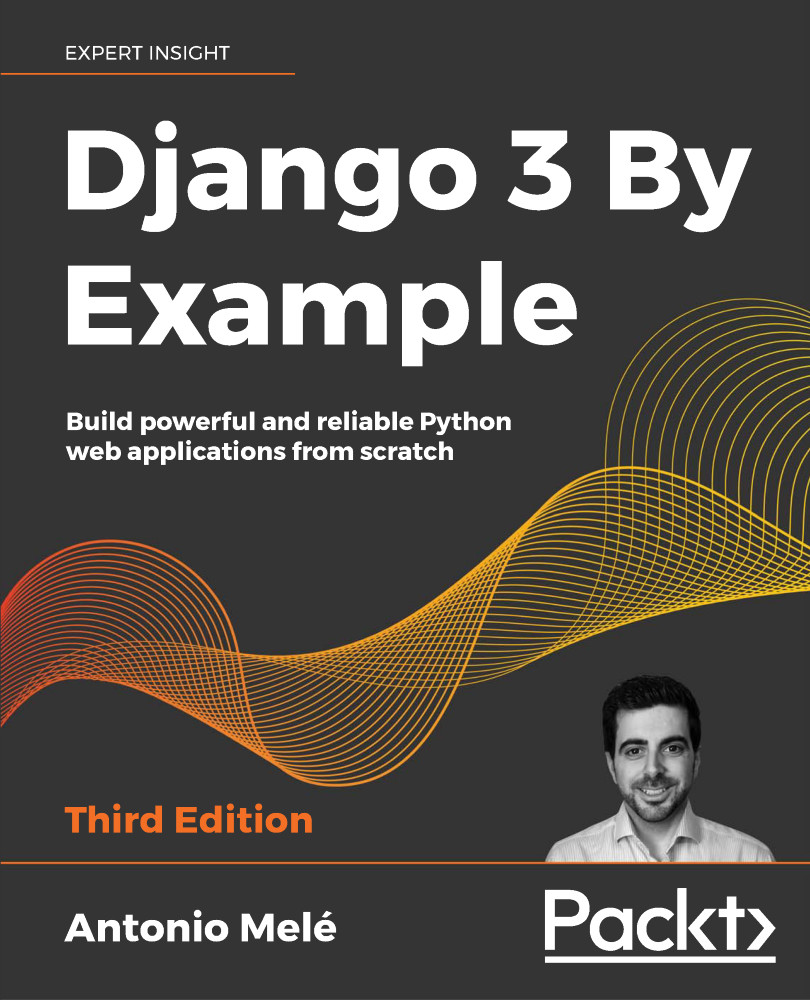
Django 3 By Example

You're reading from   Django 3 By Example Build powerful and reliable Python web applications from scratch

Arrow left icon
Product type Paperback
Published in Mar 2020
Publisher Packt
ISBN-13 9781838981952
Length 568 pages
Edition 3rd Edition
Languages
Tools
Concepts
Arrow right icon
Author (1):
Arrow left icon
Antonio Melé Antonio Melé
Author Profile Icon Antonio Melé
Antonio Melé
Arrow right icon
View More author details
Toc

Table of Contents (17) Chapters Close

Preface 1. Building a Blog Application 2. Enhancing Your Blog with Advanced Features FREE CHAPTER 3. Extending Your Blog Application 4. Building a Social Website 5. Sharing Content on Your Website 6. Tracking User Actions 7. Building an Online Shop 8. Managing Payments and Orders 9. Extending Your Shop 10. Building an E-Learning Platform 11. Rendering and Caching Content 12. Building an API 13. Building a Chat Server 14. Going Live 15. Other Books You May Enjoy
16. Index

Building list and detail views

Now that you have knowledge of how to use the ORM, you are ready to build the views of the blog application. A Django view is just a Python function that receives a web request and returns a web response. All the logic to return the desired response goes inside the view.

First, you will create your application views, then you will define a URL pattern for each view, and finally, you will create HTML templates to render the data generated by the views. Each view will render a template, passing variables to it, and will return an HTTP response with the rendered output.

Creating list and detail views

Let's start by creating a view to display the list of posts. Edit the views.py file of your blog application and make it look like this:

from django.shortcuts import render, get_object_or_404
from .models import Post
def post_list(request):
    posts = Post.published.all()
    return render(request,
                 'blog...
lock icon The rest of the chapter is locked
CONTINUE READING
83
Tech Concepts
36
Programming languages
73
Tech Tools
Icon Unlimited access to the largest independent learning library in tech of over 8,000 expert-authored tech books and videos.
Icon Innovative learning tools, including AI book assistants, code context explainers, and text-to-speech.
Icon 50+ new titles added per month and exclusive early access to books as they are being written.
Django 3 By Example
Register for a free Packt account to unlock a world of extra content!
A free Packt account unlocks extra newsletters, articles, discounted offers, and much more. Start advancing your knowledge today.
Unlock this book and the full library FREE for 7 days
Get unlimited access to 7000+ expert-authored eBooks and videos courses covering every tech area you can think of
Renews at $19.99/month. Cancel anytime
Modal Close icon
Modal Close icon