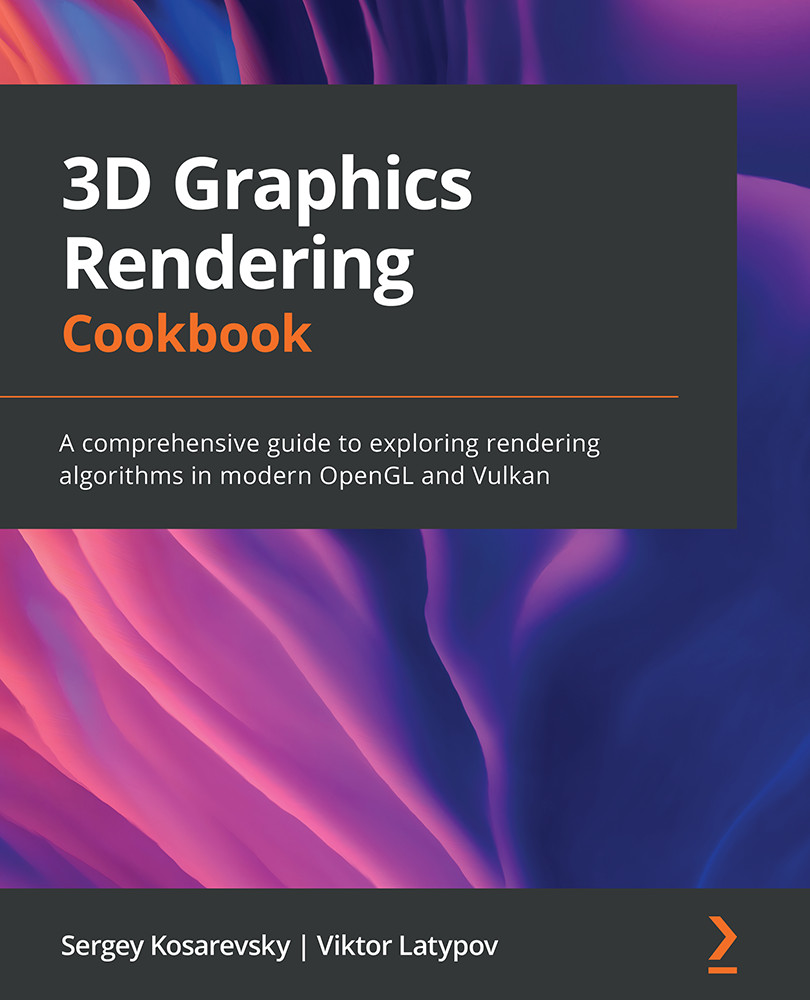
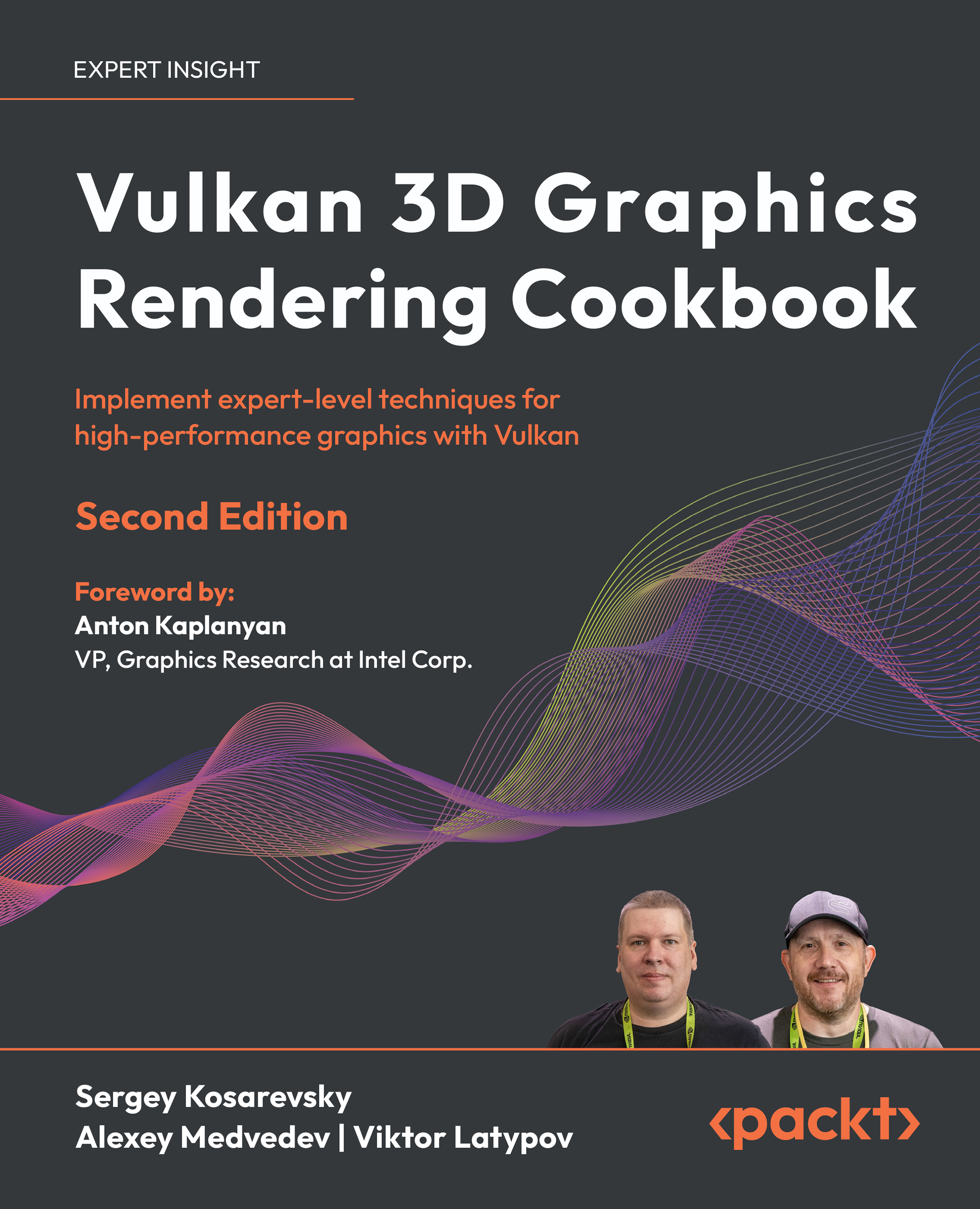
Learn to integrate modern rendering techniques into a single performant 3D rendering engine
Leverage Vulkan to render 3D content, use AZDO in OpenGL applications, and understand modern real-time rendering methods
Implement a physically based rendering pipeline from scratch in Vulkan and OpenGL
Description
OpenGL is a popular cross-language, cross-platform application programming interface (API) used for rendering 2D and 3D graphics, while Vulkan is a low-overhead, cross-platform 3D graphics API that targets high-performance applications. 3D Graphics Rendering Cookbook helps you learn about modern graphics rendering algorithms and techniques using C++ programming along with OpenGL and Vulkan APIs.
The book begins by setting up a development environment and takes you through the steps involved in building a 3D rendering engine with the help of basic, yet self-contained, recipes. Each recipe will enable you to incrementally add features to your codebase and show you how to integrate different 3D rendering techniques and algorithms into one large project. You'll also get to grips with core techniques such as physically based rendering, image-based rendering, and CPU/GPU geometry culling, to name a few. As you advance, you'll explore common techniques and solutions that will help you to work with large datasets for 2D and 3D rendering. Finally, you'll discover how to apply optimization techniques to build performant and feature-rich graphics applications.
By the end of this 3D rendering book, you'll have gained an improved understanding of best practices used in modern graphics APIs and be able to create fast and versatile 3D rendering frameworks.
Who is this book for?
This book is for 3D graphics developers who are familiar with the mathematical fundamentals of 3D rendering and want to gain expertise in writing fast rendering engines with advanced techniques using C++ libraries and APIs. A solid understanding of C++ and basic linear algebra, as well as experience in creating custom 3D applications without using premade rendering engines is required.
What you will learn
Improve the performance of legacy OpenGL applications
Manage a substantial amount of content in real-time 3D rendering engines
Discover how to debug and profile graphics applications
Understand how to use the Approaching Zero Driver Overhead (AZDO) philosophy in OpenGL
Integrate various rendering techniques into a single application
Find out how to develop Vulkan applications
Implement a physically based rendering pipeline from scratch
Integrate a physics library with your rendering engine
I do agree with previous reviews that when explaining code do not hide code with macros. Probably the intention is good but not pedagogical. I hope authors or packt pub update this content.
Subscriber review
KevinJun 22, 2025
1
Good information about Vulkan but the use of macros and helper functions is pointless. Why hide code when you are explaining code in your book.
Subscriber review
About the authors
Sergey Kosarevsky
Sergey Kosarevsky
Sergey Kosarevsky is a former rendering lead at Ubisoft RedLynx. He currently leads Vulkan development at Meta. He worked in the mobile industry at SPB Software, Yandex, Layar and Blippar, TWNKLS, and DAQRI, where he designed and implemented real-time rendering technology. He has more than 20 years of software development experience and more than 12 years of mobile and embedded 3D graphics experience. In his Ph.D. thesis, Sergey employed computer vision to solve mechanical engineering problems. He is also a co-author of several books on 3D graphics and mobile software development in C++, including “3D Graphics Rendering Cookbook”.
Viktor Latypov is a software engineer specializing in embedded C/C++, 3D graphics, and computer vision. With more than 15 years of software development experience and a Ph.D. in applied mathematics, he has implemented a number of real-time renderers for medical and automotive applications over the last 10 years. Together with Sergey, he has co-authored two books on mobile software development in C++.
Where there is an eBook version of a title available, you can buy it from the book details for that title. Add either the standalone eBook or the eBook and print book bundle to your shopping cart. Your eBook will show in your cart as a product on its own. After completing checkout and payment in the normal way, you will receive your receipt on the screen containing a link to a personalised PDF download file. This link will remain active for 30 days. You can download backup copies of the file by logging in to your account at any time.
If you already have Adobe reader installed, then clicking on the link will download and open the PDF file directly. If you don't, then save the PDF file on your machine and download the Reader to view it.
Please Note: Packt eBooks are non-returnable and non-refundable.
Packt eBook and Licensing When you buy an eBook from Packt Publishing, completing your purchase means you accept the terms of our licence agreement. Please read the full text of the agreement. In it we have tried to balance the need for the ebook to be usable for you the reader with our needs to protect the rights of us as Publishers and of our authors. In summary, the agreement says:
You may make copies of your eBook for your own use onto any machine
You may not pass copies of the eBook on to anyone else
How can I make a purchase on your website?
If you want to purchase a video course, eBook or Bundle (Print+eBook) please follow below steps:
Register on our website using your email address and the password.
Search for the title by name or ISBN using the search option.
Select the title you want to purchase.
Choose the format you wish to purchase the title in; if you order the Print Book, you get a free eBook copy of the same title.
Proceed with the checkout process (payment to be made using Credit Card, Debit Cart, or PayPal)
Where can I access support around an eBook?
If you experience a problem with using or installing Adobe Reader, the contact Adobe directly.
To view the errata for the book, see www.packtpub.com/support and view the pages for the title you have.
To view your account details or to download a new copy of the book go to www.packtpub.com/account
Our eBooks are currently available in a variety of formats such as PDF and ePubs. In the future, this may well change with trends and development in technology, but please note that our PDFs are not Adobe eBook Reader format, which has greater restrictions on security.
You will need to use Adobe Reader v9 or later in order to read Packt's PDF eBooks.
What are the benefits of eBooks?
You can get the information you need immediately
You can easily take them with you on a laptop
You can download them an unlimited number of times
You can print them out
They are copy-paste enabled
They are searchable
There is no password protection
They are lower price than print
They save resources and space
What is an eBook?
Packt eBooks are a complete electronic version of the print edition, available in PDF and ePub formats. Every piece of content down to the page numbering is the same. Because we save the costs of printing and shipping the book to you, we are able to offer eBooks at a lower cost than print editions.
When you have purchased an eBook, simply login to your account and click on the link in Your Download Area. We recommend you saving the file to your hard drive before opening it.
For optimal viewing of our eBooks, we recommend you download and install the free Adobe Reader version 9.


 United States

 Great Britain
 India
India
 Germany
 France
 Canada
 Russia
 Spain
Spain
 Brazil
 Australia
 Singapore
 Canary Islands
 Hungary
 Ukraine
 Luxembourg
 Estonia
 Lithuania
 South Korea
 Turkey
 Switzerland
 Colombia
 Taiwan
 Chile
Chile
 Norway
 Ecuador
 Indonesia
 New Zealand
 Cyprus
 Denmark
 Finland
 Poland
 Malta
Malta
 Czechia
 Austria
 Sweden
 Italy
Italy
 Egypt
Egypt
 Belgium
 Portugal
 Slovenia
 Ireland
 Romania
 Greece
 Argentina
 Netherlands
 Bulgaria
 Latvia
 South Africa
 Malaysia
 Japan
Japan
 Slovakia
 Philippines
 Mexico
 Thailand