




















































Search icon CANCEL
Subscription
0
Cart icon
Your Cart (0 item)
Close icon
You have no products in your basket yet
Save more on your purchases! discount-offer-chevron-icon
Savings automatically calculated. No voucher code required.
Arrow left icon
Explore Products
Best Sellers
New Releases
Books
Videos
Audiobooks
Learning Hub
Newsletter Hub
Free Learning
Arrow right icon
timer SALE ENDS IN
0 Days
:
00 Hours
:
00 Minutes
:
00 Seconds
Arrow up icon
GO TO TOP
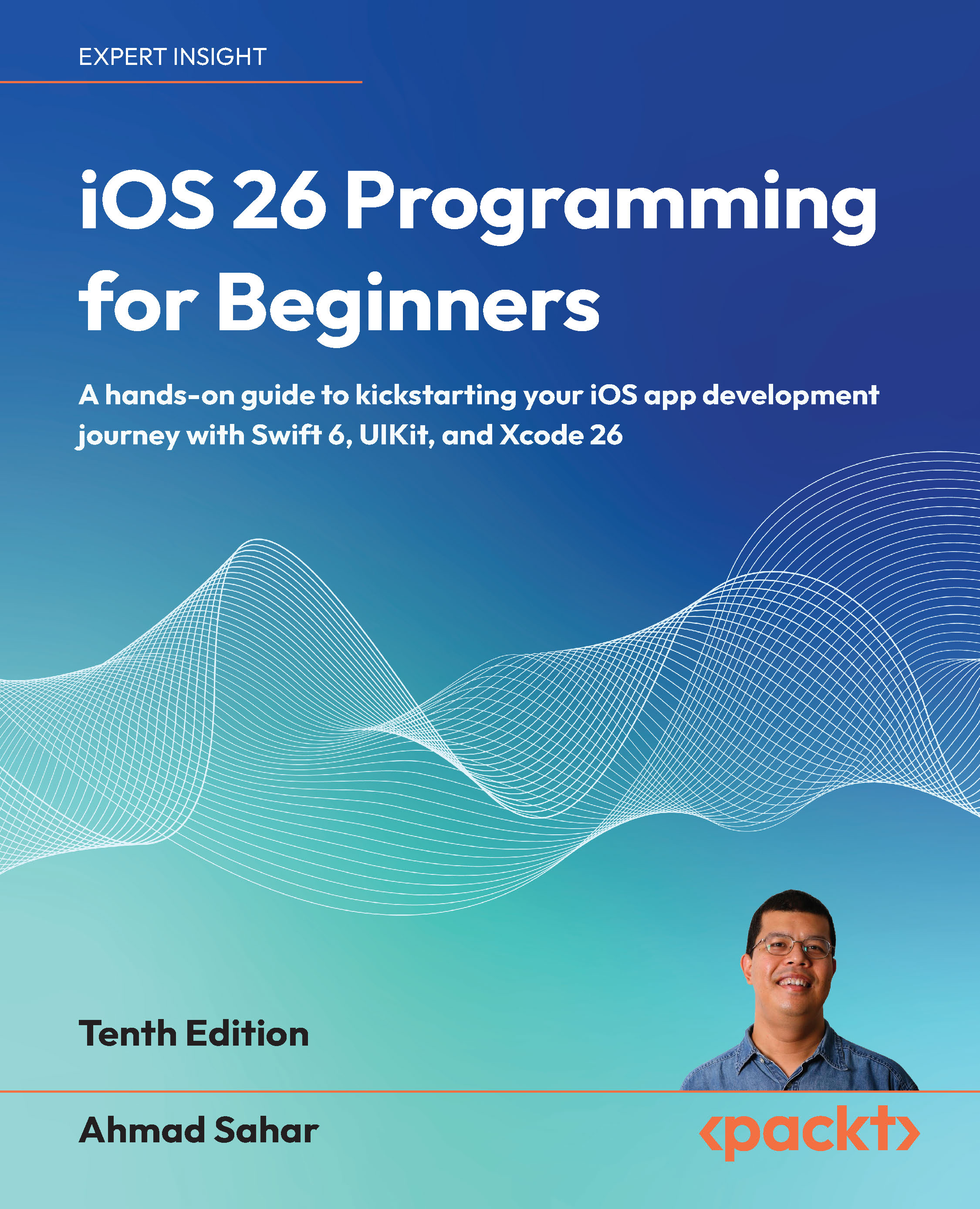
iOS 26 Programming for Beginners

You're reading from   iOS 26 Programming for Beginners A hands-on guide to kickstarting your iOS app development journey with Swift 6, UIKit, and Xcode 26

Arrow left icon
Product type Paperback
Published in Nov 2025
Publisher Packt
ISBN-13 9781806023936
Length 634 pages
Edition 10th Edition
Languages
Tools
Arrow right icon
Author (1):
Arrow left icon
Ahmad Sahar Ahmad Sahar
Author Profile Icon Ahmad Sahar
Ahmad Sahar
Arrow right icon
View More author details
Toc

Table of Contents (35) Chapters Close

Preface 1. Swift
2. Hello, Xcode FREE CHAPTER 3. Simple Values and Types 4. Conditionals and Optionals 5. Range Operators and Loops 6. Collection Types 7. Functions and Closures 8. Classes, Structures, and Enumerations 9. Protocols, Extensions, and Error Handling 10. Swift Concurrency 11. Design
12. Set Up the User Interface 13. Build the User Interface 14. Complete the User Interface 15. Modify App Screens 16. Code
17. MVC and Table Views 18. Get Data into Table Views 19. Pass Data Between View Controllers 20. Core Location and MapKit 21. JSON Files 22. Custom Views 23. Camera and Photo Library 24. Search 25. Collection Views 26. Features
27. Adopt Liquid Glass 28. Icon Composer 29. Apple Intelligence 30. Foundation Models 31. Test and Submit Your App to the App Store 32. Unlock Your Exclusive Benefits 33. Other Books You May Enjoy
34. Index

Useful terms in iOS development

As you begin your journey into iOS app development using UIkit, you will encounter special terms and definitions. Here are some of the most used terms and definitions. Just read through them for now. Even though you may not understand everything yet, things will become clearer as you go along:

  • View: A view is an instance of the UIView class or one of its subclasses. Anything you see on your screen (buttons, text fields, labels, and so on) is a view. You will use views to build your UI.

Classes are covered in Chapter 7, Classes, Structures, and Enumerations.

  • Stack view: A stack view is an instance of the UIStackView class, which is a subclass of UIView. It is used to group views together in a horizontal or vertical stack. This makes them easier to position on the screen using Auto Layout, which is discussed later in this section.
  • View controller: A view controller is an instance of the UIViewController...
lock icon The rest of the chapter is locked
Visually different images
CONTINUE READING
83
Tech Concepts
36
Programming languages
73
Tech Tools
Icon Unlimited access to the largest independent learning library in tech of over 8,000 expert-authored tech books and videos.
Icon Innovative learning tools, including AI book assistants, code context explainers, and text-to-speech.
Icon 50+ new titles added per month and exclusive early access to books as they are being written.
iOS 26 Programming for Beginners
Register for a free Packt account to unlock a world of extra content!
A free Packt account unlocks extra newsletters, articles, discounted offers, and much more. Start advancing your knowledge today.
Unlock this book and the full library FREE for 7 days
Get unlimited access to 7000+ expert-authored eBooks and videos courses covering every tech area you can think of
Renews at €18.99/month. Cancel anytime
Modal Close icon
Modal Close icon
